The 5 essential sections for your free homeschool planner
Avoid common homeschool planner spreadsheet failures by understanding the 5 essential sections for effective planning.
The most common failure of a homeschool planner spreadsheet is relying on manual data entry for every single assignment and event, which quickly becomes overwhelming. This usually happens because the initial setup doesn't account for recurring tasks or the need to quickly add new items without disrupting the entire schedule.
A truly useful homeschool planner spreadsheet template free should minimize this friction, allowing you to focus on teaching, not data management. You want a system that adapts to your family's rhythm, not one that dictates it. Many free templates offer a basic structure, but they often lack the dynamic features needed for long-term success.
Building a Dynamic Homeschool Planner
Instead of a static list, think of your planner as a dynamic tool. This means incorporating elements that automate where possible and simplify where not. A well-designed sheet will help you track assignments, manage schedules, record grades, and even plan field trips, all within a single, organized environment. The goal is to create a central hub for all your homeschooling activities.
Consider your daily flow. Do you have subjects that repeat every day? What about weekly activities like library visits or co-op classes? Identifying these patterns is the first step to building a planner that saves you time. A template that allows for easy duplication of lesson plans or recurring events will be a lifesaver.
Key Components of an Effective Homeschool Planner
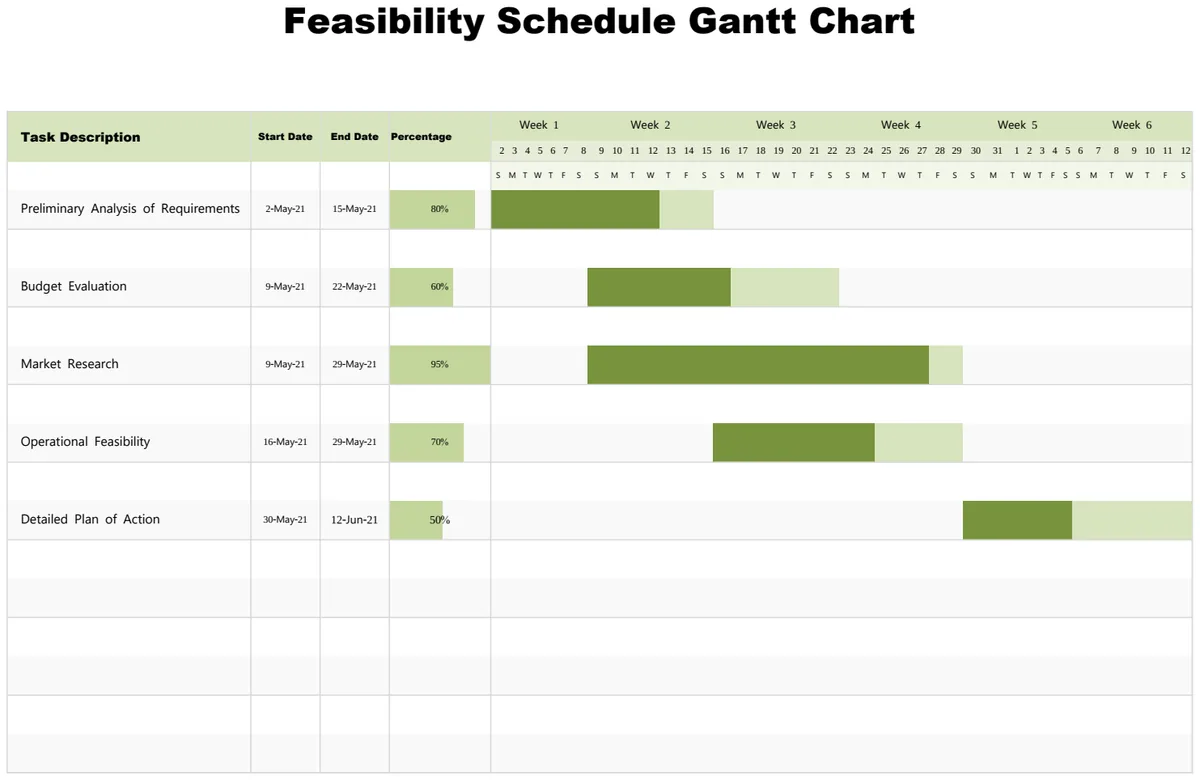
A functional homeschool planner spreadsheet typically includes several core sections. You'll need a place to log daily or weekly assignments, a calendar view for important dates and events, and a system for tracking student progress. Beyond that, consider adding sections for:
- Subject-Specific Tracking: If you teach multiple subjects, having dedicated columns or sheets for each can prevent confusion.
- Resource Management: A section to list curriculum, books, and other materials needed for each subject.
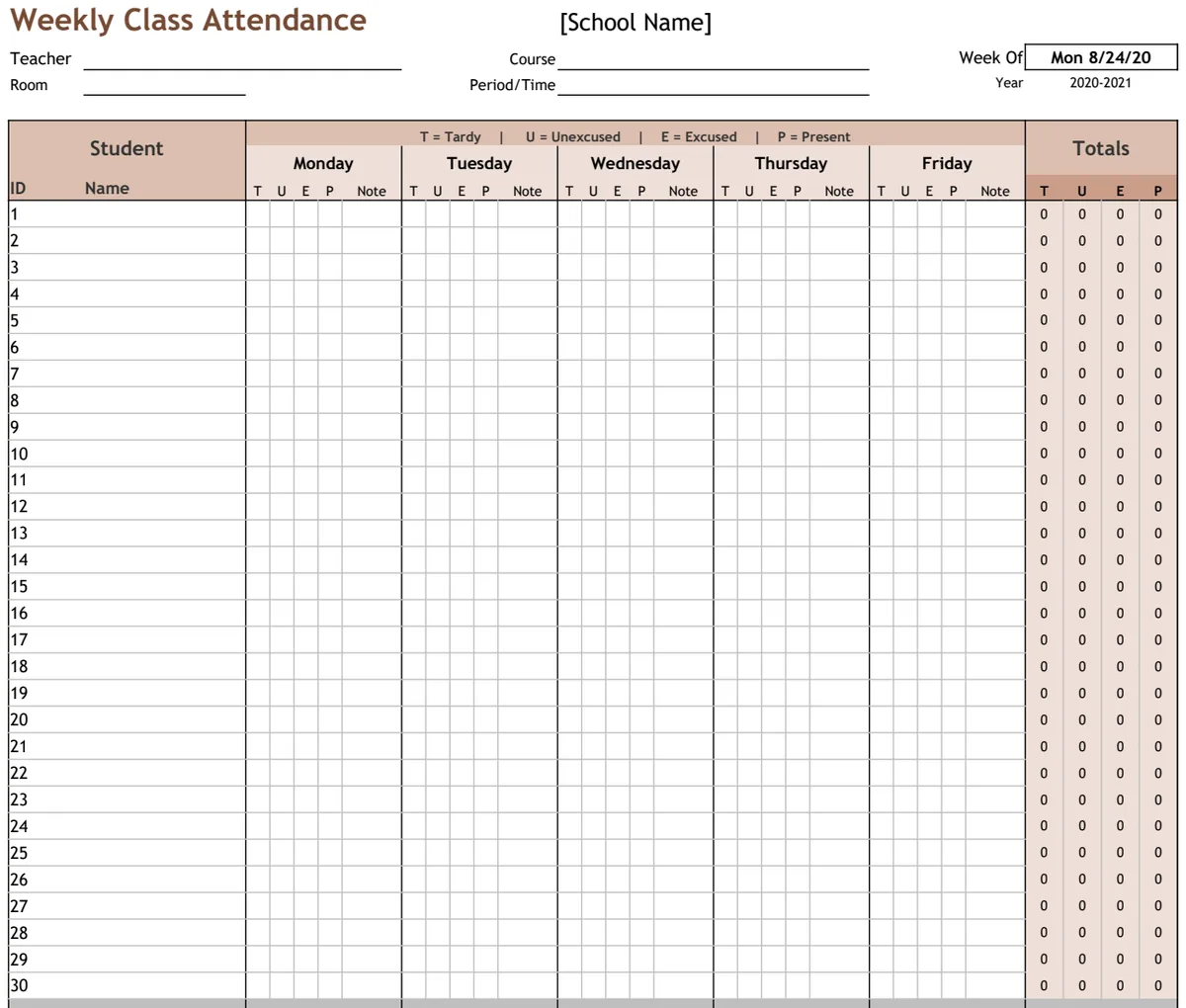
- Attendance and Grading: A simple way to mark attendance and enter grades for assignments and tests.
- Field Trip and Activity Log: To document educational outings and their learning objectives.
- Reading Lists: For tracking books read by each child.
- Goal Setting: A place to outline academic or personal goals for each student.
Automating Your Schedule with Formulas
Formulas are your best friend in creating an efficient spreadsheet. Instead of manually calculating dates or summing grades, let the spreadsheet do the work. For instance, you can use TODAY() to automatically highlight the current day on a calendar. To manage recurring assignments, you might set up a system where entering an assignment for "Monday" automatically populates it for the next four Mondays.
For grading, a simple SUM() or AVERAGE() formula can quickly calculate scores. If you're tracking progress towards a goal, formulas like COUNTIF() can show how many assignments have been completed. If you have a list of subjects and want to see which ones are assigned on a particular day, FILTER() can dynamically pull that information. For example, if your subjects are in column A and days in column B, a formula like =FILTER(A2:A100, B2:B100="Monday") would list all subjects assigned on Monday.
Structuring Your Data for Clarity
Column headers are critical. Be specific. Instead of "Date," use "Assignment Date." Instead of "Grade," use "Assignment Score" or "Test Grade." This clarity prevents misinterpretation.
Here’s an example of how you might structure a basic assignment log:
- Date Assigned: The date the assignment is given.
- Due Date: The date the assignment is expected.
- Subject: The academic subject (e.g., Math, Science, History).
- Assignment Title: A brief description of the task.
- Student Name: To track assignments for individual children.
- Status: (e.g., Not Started, In Progress, Completed, Graded). This could be a dropdown list.
- Score: The numerical or letter grade received.
- Notes: Any relevant comments about the assignment or student performance.
Avoiding Common Pitfalls
Many users fall into the trap of over-complication. A spreadsheet should simplify your life, not add to your workload.
- Too Many Tabs: While breaking down by subject or student can be helpful, an excessive number of tabs can make navigation difficult. Try to consolidate where possible, perhaps using filters or separate sections on a single sheet.
- Unnecessary Formatting: Overuse of colors, fonts, and borders can make a sheet look cluttered and slow down performance. Stick to clean, readable formatting.
- Lack of Backup: Always save a backup of your planner. Whether it's a weekly save or before making major changes, having a copy can prevent data loss.
- Ignoring Dynamic Features: Manually updating dates or re-typing recurring tasks is a recipe for burnout. Explore formulas and features that automate these processes.
When to Consider a Pre-Built Template
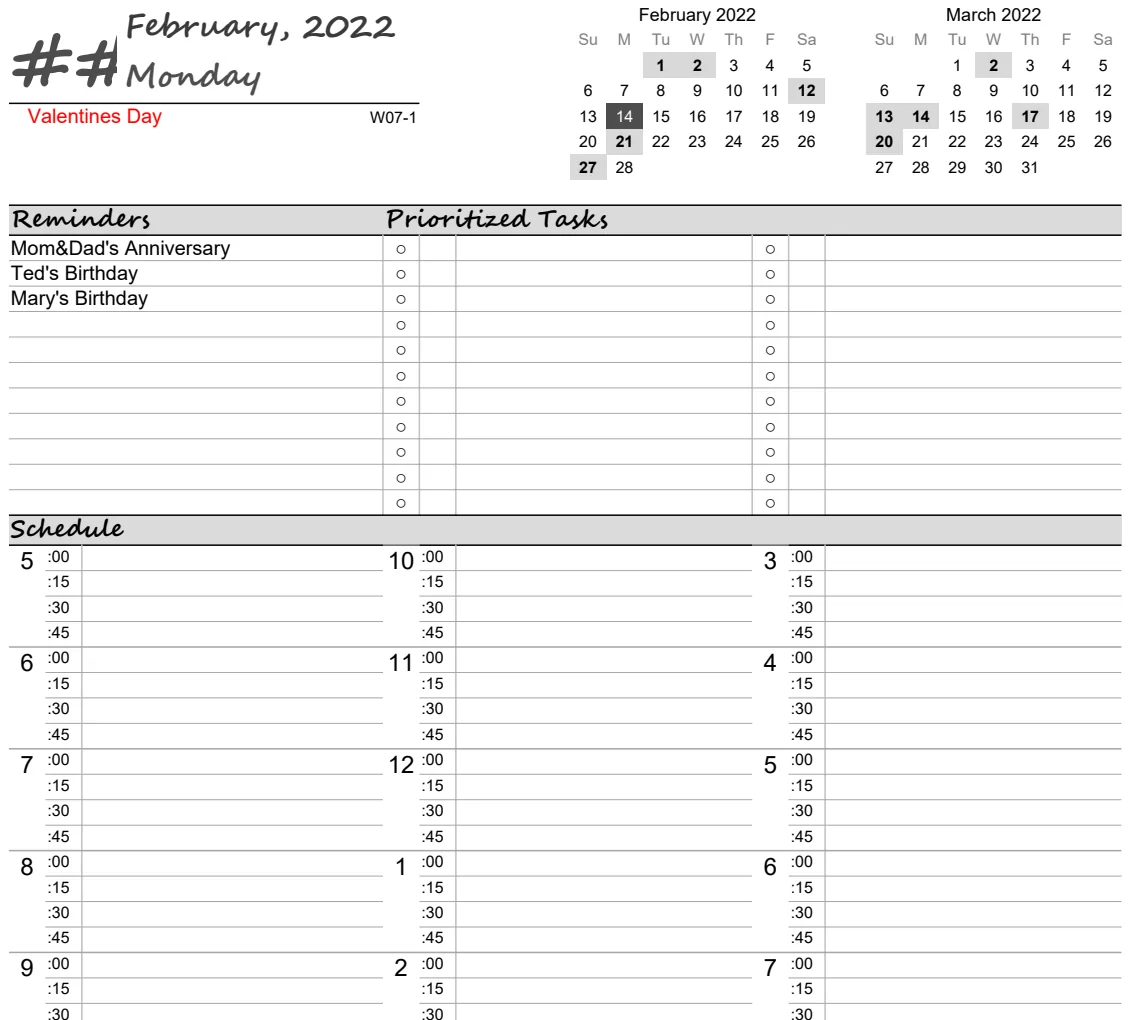
If you're starting from scratch and feeling overwhelmed, a well-designed template can provide a solid foundation. You can save significant time by adapting an existing structure rather than building one from the ground up. For example, if you primarily need a daily or weekly overview for print, the Printable Daily Planner V2 offers a clear layout that's easy to customize.
If your focus is more on long-term scheduling and planning across multiple weeks with automated date progression, the Weekly Planner is a strong contender. It's designed to handle the repetitive task of date management, freeing you up to focus on curriculum and lesson planning. Searching for a homeschool planner spreadsheet template free is a smart way to begin, but remember that the best template is one you'll actually use.
Can I use a general-purpose planner for homeschooling?
Absolutely. Many general-purpose planner templates can be adapted. The key is to ensure it has enough flexibility for subject-specific entries and progress tracking. You might need to add custom columns for subjects, grades, or assignment statuses. The Weekly Planner Landscape template, for instance, provides a multi-week view that could be repurposed for tracking weekly subject blocks or project deadlines.
How do I handle multiple children in one spreadsheet?
The simplest approach is to add a "Student Name" column to your assignment log and use filters to view assignments for a specific child. Alternatively, you could create separate sections or tabs for each child, especially if their learning paths diverge significantly. If you're looking for a homeschool planner spreadsheet template free that supports multiple children, ensure it has robust filtering or easy duplication features.
What if I need to track grades differently for each child?
This is where conditional formatting and formulas become essential. You can set up different grading scales or calculation methods for each child within the same sheet. For example, you might use an IF() statement to apply a specific grading formula based on the student's name. This keeps all your data in one place while accommodating individual needs.
How can I find a good homeschool planner spreadsheet template free that is truly free?
Many excellent resources offer free templates, but quality varies. Look for templates that are well-organized, use clear formulas, and offer a logical structure for assignments, schedules, and progress tracking. Websites like OpenWorksheet offer a variety of templates, and while some are premium, many are available for free and can be adapted for homeschooling needs. The $9 one-time fee for unlimited downloads at OpenWorksheet is a valuable option if you find yourself needing multiple templates or extensive customization.