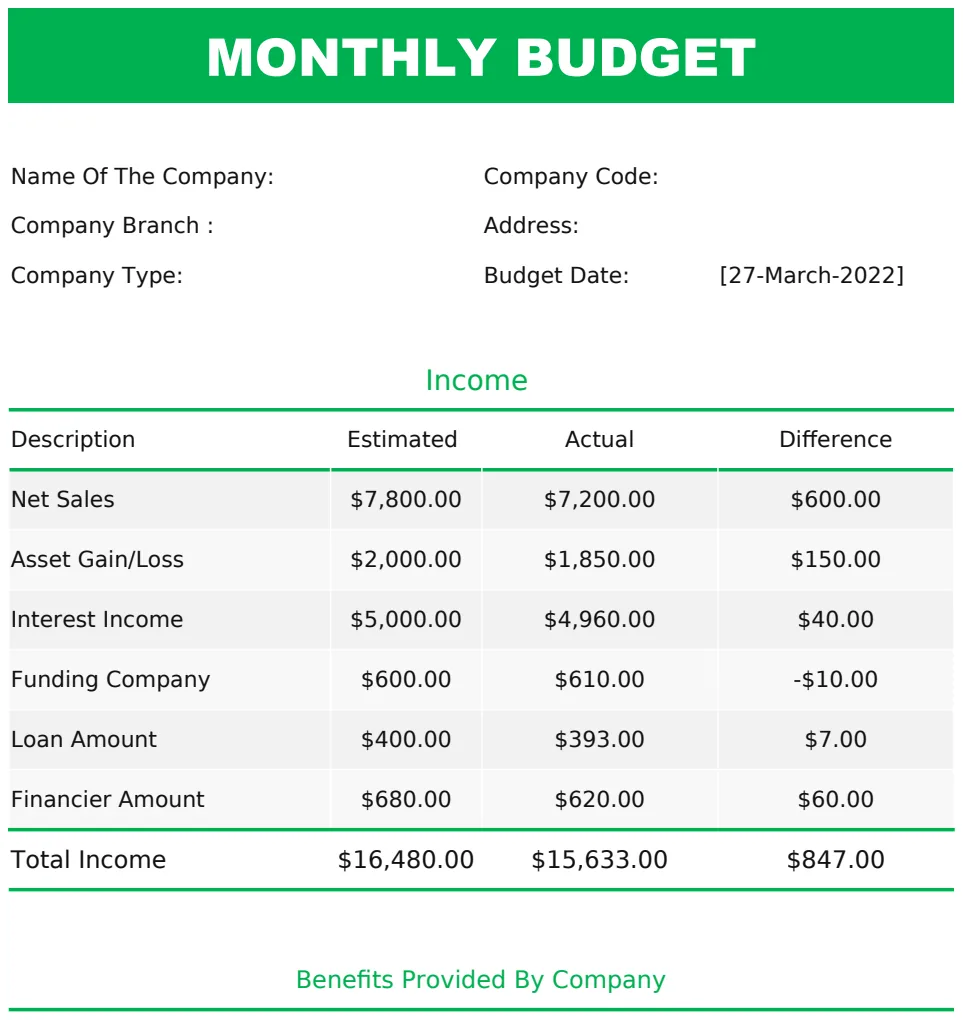
Track your photography business profits with this free template
Manage your photography business finances with this free spreadsheet template for tracking income and expenses.
By the end of this, you'll have a functional spreadsheet that tracks your photography client income, expenses, and profitability, helping you understand your business's financial health at a glance. You can use this to manage your bookkeeping without needing complex accounting software, making it a practical, free solution for many freelancers. This is what you get when you're looking for a photography business spreadsheet template free.
Setting up a simple spreadsheet for your photography business doesn't require advanced Excel skills. You can build a system that tracks your bookings, income, and expenses, giving you a clear picture of where your money is going and coming from. This approach is far more effective than relying on scattered invoices or memory.
Tracking Client Bookings and Income
Your primary goal is to know how much money you're making and from whom. A dedicated sheet for bookings can capture essential details for each client. You'll want columns like:
- Client Name: Who hired you.
- Date of Shoot: When the service was performed.
- Service Type: e.g., Wedding, Portrait, Commercial, Event.
- Booking Date: When the client officially booked.
- Deposit Amount: Any upfront payment received.
- Final Payment Amount: The remaining balance.
- Total Income: The sum of deposit and final payment.
- Payment Due Date: When the final payment is expected.
- Payment Received Date: When the final payment cleared.
- Status: e.g., Booked, Deposit Paid, Final Payment Due, Completed, Cancelled.
This structure allows you to quickly see upcoming shoots, outstanding payments, and total revenue generated over any period. For instance, you can use a simple filter on the "Status" column to show only "Deposit Paid" clients who still owe money.
Managing Business Expenses
Just as important as tracking income is tracking expenses. These are the costs of running your photography business. A separate sheet, or a section on your main income sheet, can detail these outlays. Consider these columns:
- Expense Date: When the purchase was made.
- Expense Category: e.g., Gear, Software, Marketing, Travel, Insurance, Studio Rent, Education.
- Description: Specifics about the purchase (e.g., "New camera lens," "Adobe Creative Cloud subscription," "Website hosting fee").
- Amount: The cost of the expense.
- Payment Method: How you paid (e.g., Credit Card, Bank Transfer, Cash).
- Receipt Number/Link: A reference to your proof of purchase.
Categorizing expenses is crucial for tax purposes and for understanding where your budget is being spent. If you find yourself spending a lot on marketing, you might re-evaluate your strategies or look for more cost-effective options.
Calculating Profitability
Combining your income and expense data lets you calculate your net profit. You can do this on a summary sheet or by adding formulas to your main income and expense sheets. For example, on your income sheet, you might have a cell that sums the "Total Income" column using =SUM(IncomeSheet!G:G) (assuming income is in column G). Similarly, on your expense sheet, you'd sum the "Amount" column: =SUM(ExpenseSheet!D:D) (assuming amount is in column D).
Your net profit for a period is then simply: Total Income - Total Expenses. You can set up a small summary area on your main dashboard sheet to pull these totals automatically. This gives you a real-time view of your business's financial performance.
Using Formulas for Automation
Spreadsheets become powerful when you use formulas. Beyond simple sums, you can use functions like SUMIFS to calculate income or expenses for specific categories or clients. For example, to find the total income from "Wedding" shoots in a year, you could use:
=SUMIFS(IncomeSheet!G:G, IncomeSheet!C:C, "Wedding", IncomeSheet!B:B, ">="&DATE(2023,1,1), IncomeSheet!B:B, "<="&DATE(2023,12,31))
This formula sums column G (Total Income) where column C (Service Type) is "Wedding" and the shoot date (column B) falls within 2023.
Another useful function is XLOOKUP. If you have a separate sheet with your pricing for different services, you could use XLOOKUP to pull the default price into your booking sheet once you select a service type.
Building a Dashboard for Quick Insights
A dashboard sheet can pull key figures from your income and expense sheets into one place for easy viewing. This might include:
- Total Income (Year-to-Date)
- Total Expenses (Year-to-Date)
- Net Profit (Year-to-Date)
- Income by Service Type (using a Pivot Table or `SUMIFS`)
- Top 5 Expenses by Category
- Number of Clients Booked This Month
This dashboard transforms raw data into actionable insights. Seeing your net profit trend over time helps you make informed decisions about pricing, marketing, and operational adjustments.
Avoiding Common Mistakes
Many photographers trying to manage their finances with a spreadsheet make a few recurring errors.
- Inconsistent Data Entry: Not filling out every required field for each transaction. This skews your reports.
- Not Categorizing Expenses: Lumping all costs into one "Business Expenses" bucket. This makes it hard to identify cost centers.
- Ignoring Small Expenses: Thinking that small, frequent purchases don't add up. They absolutely do, and can significantly impact your profit.
- Not Reconciling: Failing to regularly compare your spreadsheet to bank statements or credit card statements. This can hide errors or missed entries.
- Over-Reliance on Free Templates Without Customization: Downloading a generic photography business spreadsheet template free and expecting it to fit your unique workflow perfectly. You'll likely need to adapt it.
When to Consider More Advanced Tools
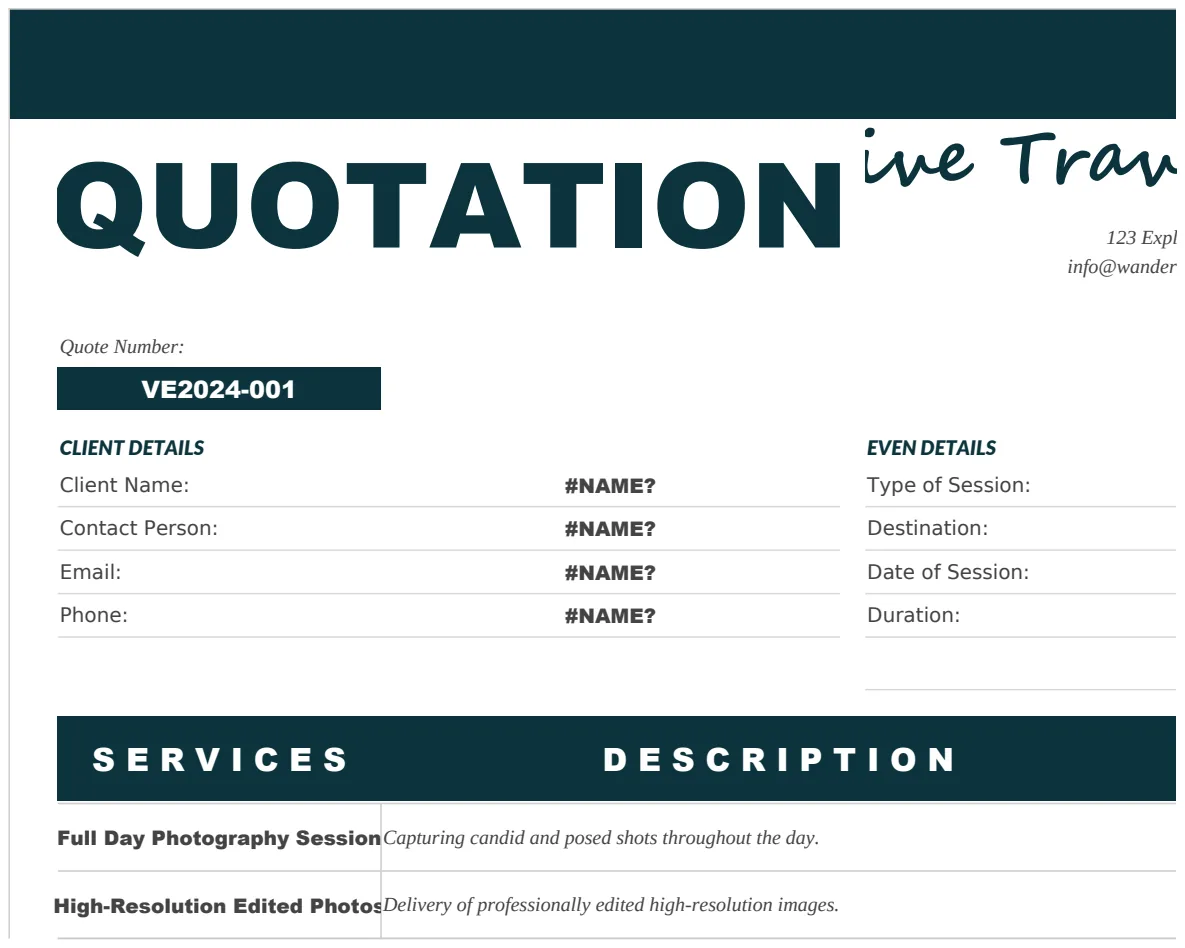
While a well-structured spreadsheet can serve as an excellent photography business spreadsheet template free, there comes a point where dedicated software might be more beneficial. If you're juggling a high volume of clients, complex invoicing needs, or require features like mileage tracking or time billing, accounting software or specialized CRM tools might save you time and reduce errors. For creating professional invoices and quotations, you might find templates helpful. For example, the Photography Quotation Sample can help you standardize your pricing presentations.
However, for many small operations, especially those just starting out, a custom spreadsheet remains a powerful and cost-effective solution. It offers flexibility that off-the-shelf software often lacks, allowing you to tailor it precisely to your business's needs. If your business planning is also a focus, a Simple Business Plan Template can complement your financial tracking.
Can I use this for tax purposes?
Yes, a detailed and accurate spreadsheet can be a strong foundation for tax preparation. Ensure you meticulously categorize all income and deductible expenses. It's always wise to consult with a tax professional to confirm your records meet all necessary requirements and to understand which expenses are fully deductible for your specific business situation.
How do I handle different tax rates?
If you charge sales tax or VAT on your services, you'll want to add a column for "Tax Collected" on your income sheet. You can then sum this column separately to track your tax liability. Your expense sheet should ideally track expenses before any tax you paid on them, unless it's a non-recoverable tax.
What if I have multiple types of photography services?
Your "Service Type" column is key here. You can then use SUMIFS or Pivot Tables to analyze income and expense trends for each specific service (e.g., weddings vs. commercial shoots vs. family portraits). This helps you identify which services are most profitable and which might need price adjustments or more marketing focus.