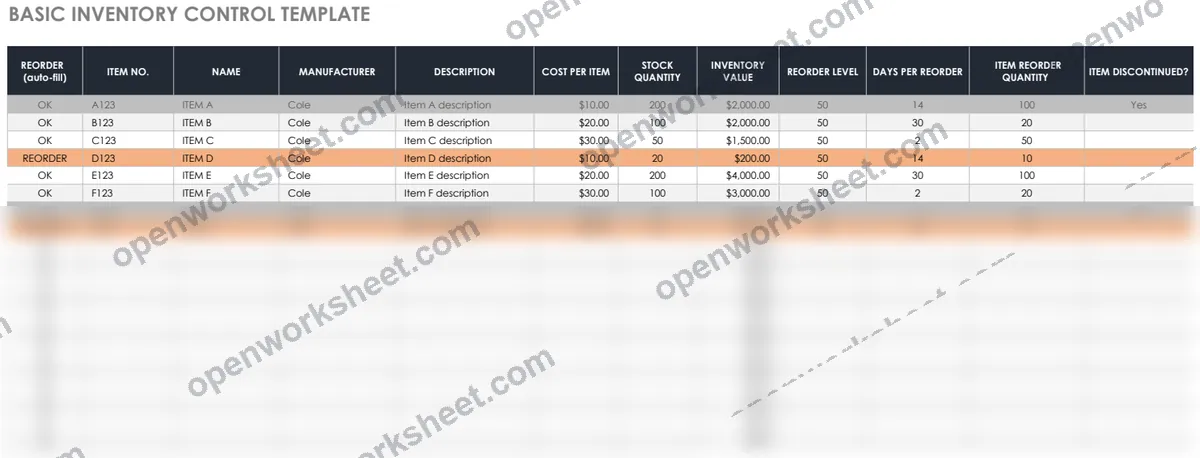
Basic Inventory Control
Track inventory levels and auto-flag items for reordering when stock falls below thresholds.
This template helps you manage stock by recording item numbers, names, manufacturers, and descriptions in an organized inventory sheet. Automatic formulas compare current quantity against reorder points and flag items as 'REORDER' when stock runs low, eliminating manual monitoring and preventing stockouts.
Perfect for small businesses, retail operations, warehouses, and anyone managing multiple SKUs. Reduces the risk of running out of critical items and streamlines the procurement process by highlighting exactly what needs to be ordered.
What's inside
- Auto-flag items needing reorder with IF formulas
- Item number and SKU tracking
- Manufacturer and description fields
- Stock level vs. reorder point comparison
- Simple visual alerts (REORDER/OK status)
Download this and everything else
.xlsx · 2 sheets
$29$9once for thousands of templates. No subscription.
- Limited-time offer, normally $29
- One payment, no subscription
- 14-day refund
More in Inventory & Operations
 Inventory & Operations
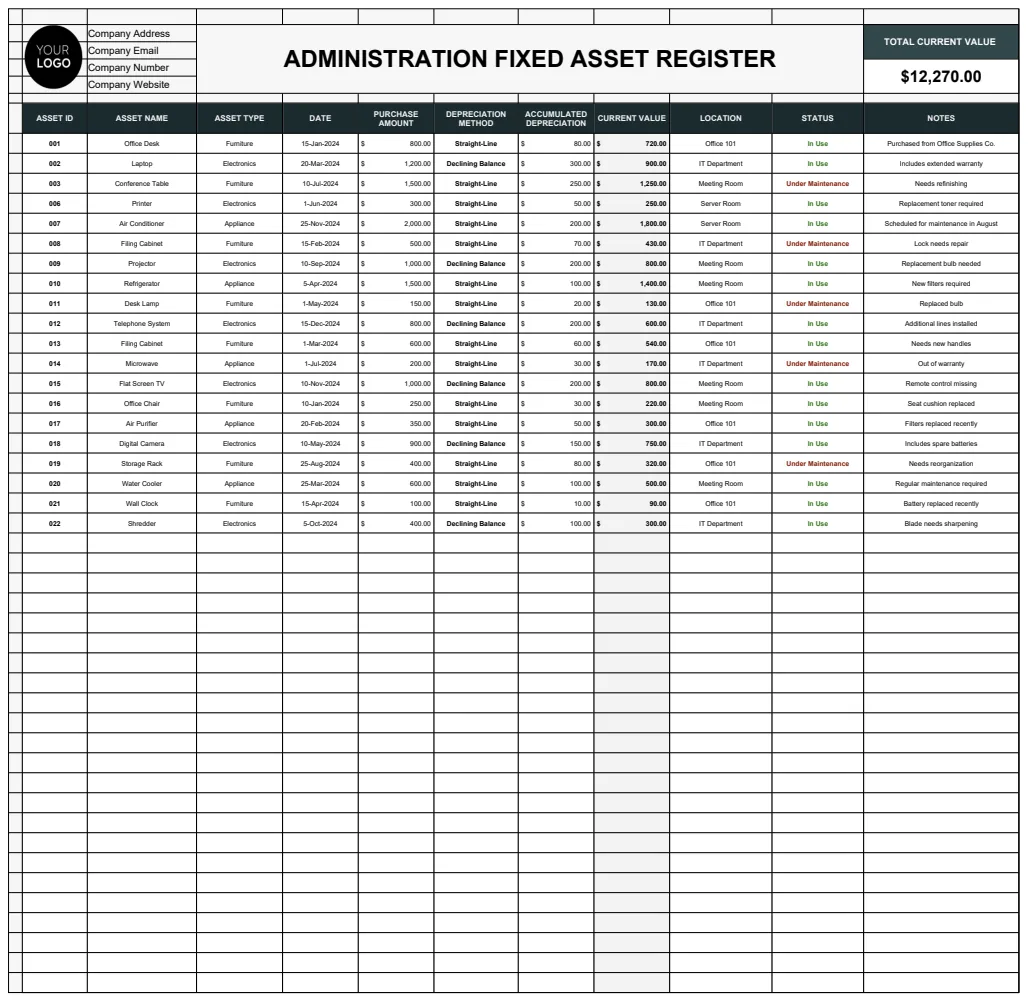
Administration Fixed Asset Register Template
Track and manage company fixed assets with depreciation calculations and current valuations.
- Depreciation calculation (Straight-Line and Declining Balance methods)
- Asset status tracking (In Use, Under Maintenance, Disposed)
- Multiple asset type categories
 Inventory & Operations
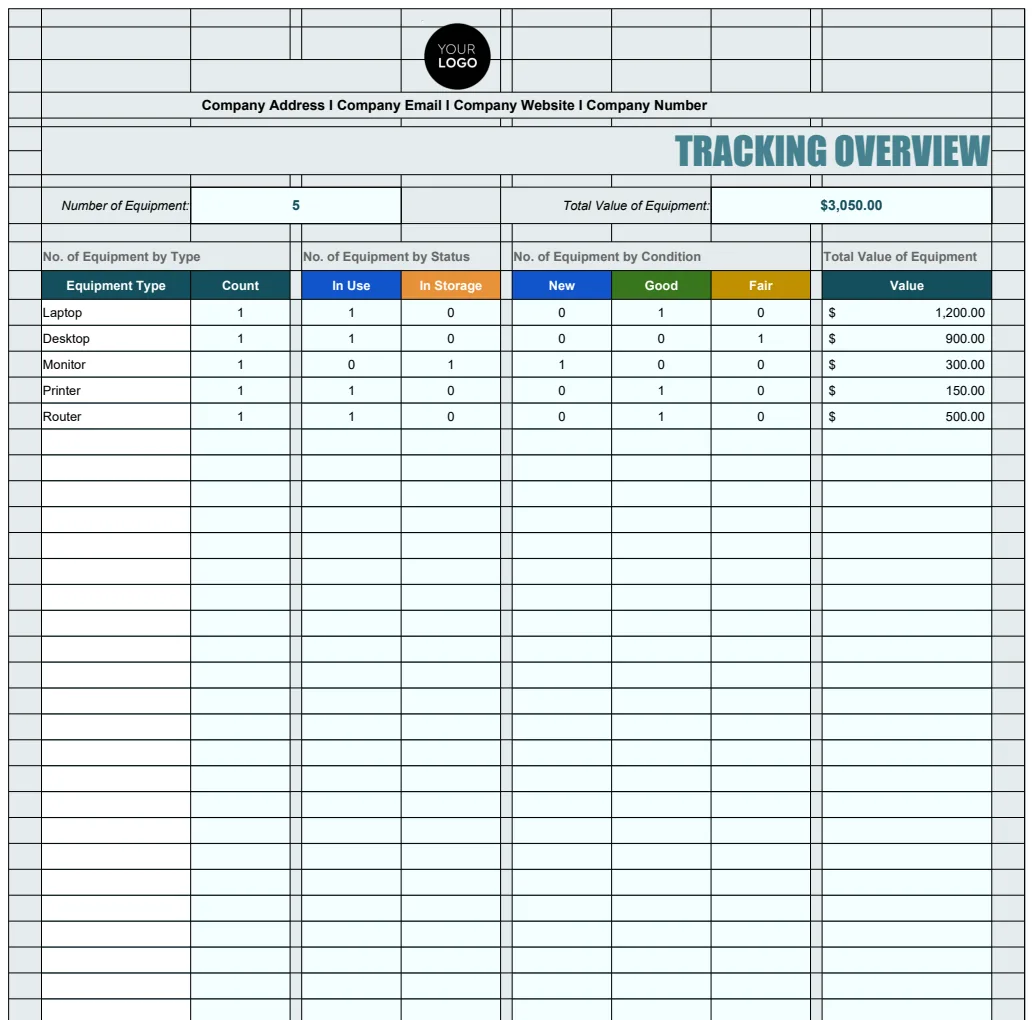
Administration IT Equipment Tracking Template
Comprehensive IT equipment inventory management system with tracking of assets, warranty dates, assignment details, and equipment status.
- Overview dashboard with equipment count summary
- Automated equipment numbering with formula-based IDs
- Warranty expiry date tracking
 Inventory & Operations
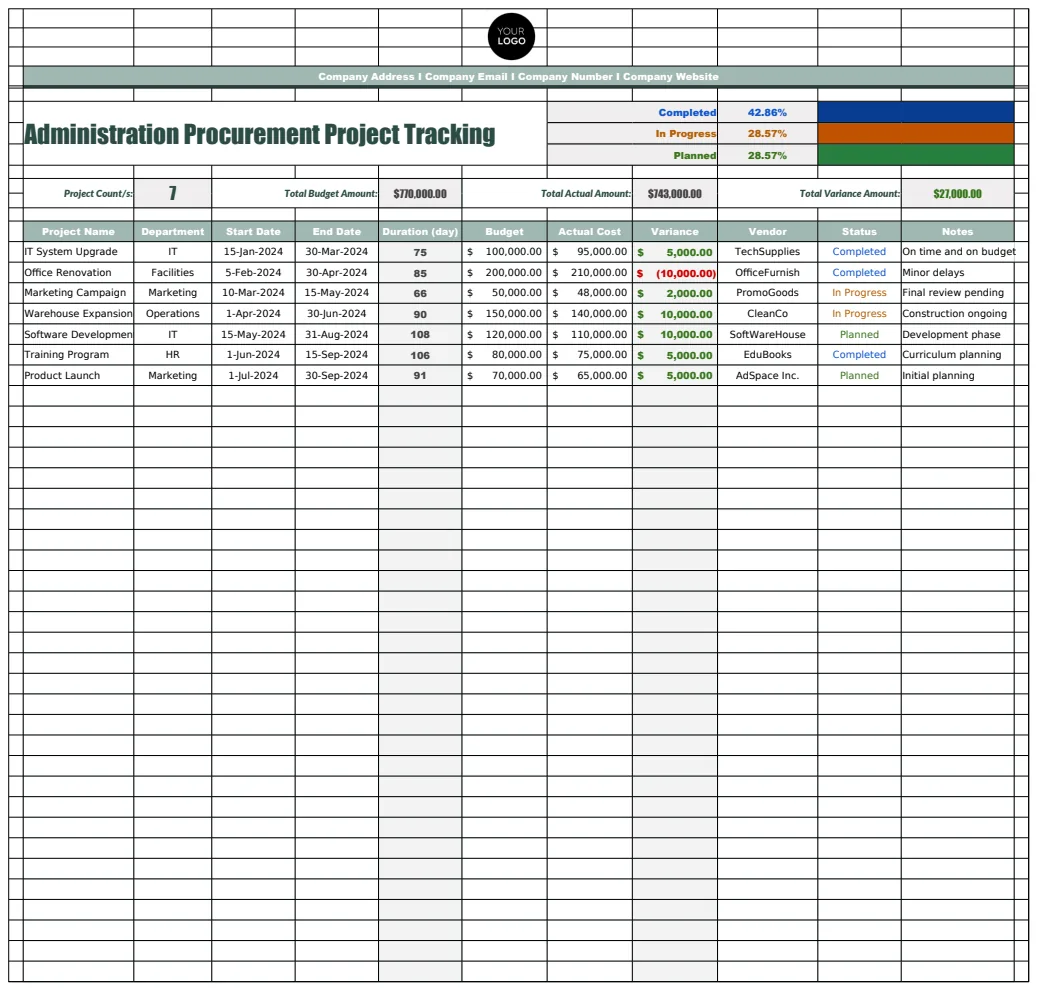
Administration Procurement Project Tracking Template
A comprehensive procurement management system that tracks vendors, projects, and company information for streamlined administration and procurement oversight.
- Vendor database with contact information
- Project status tracking (Completed, In Progress)
- Company information management
 Inventory & Operations
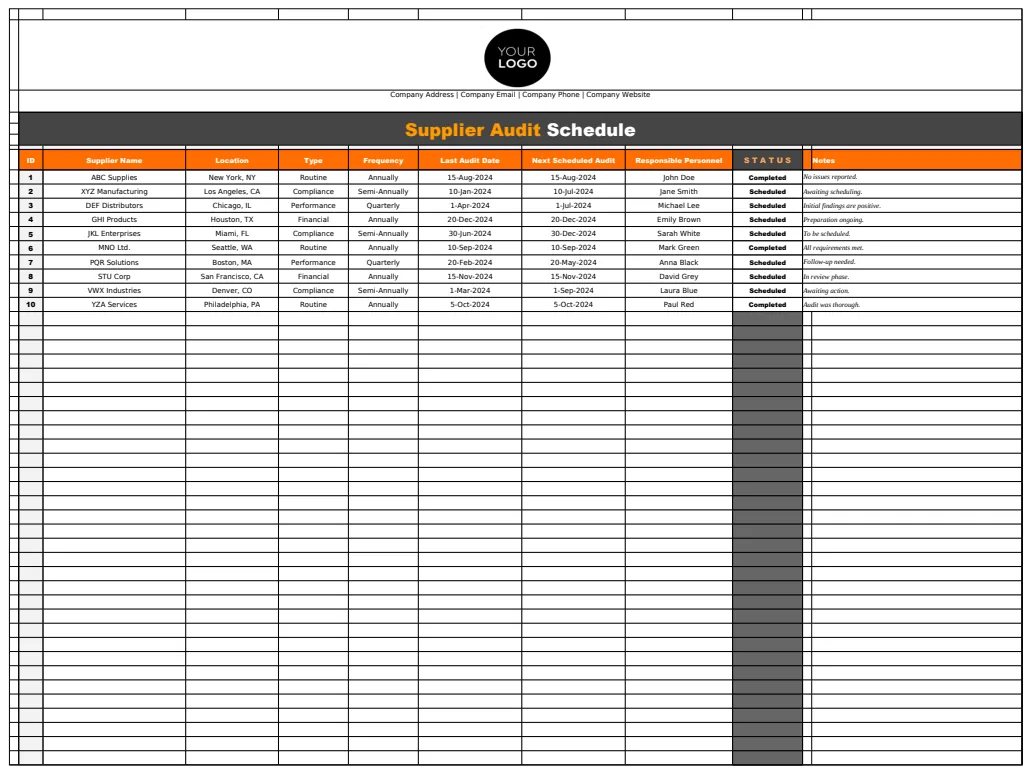
Administration Supplier Audit Schedule Template
A comprehensive supplier audit scheduling template to manage supplier evaluations, track audit types, and maintain supplier contact information.
- Multi-sheet organization for schedules, supplier lists, and audit definitions
- Supplier contact database with responsible person tracking
- Audit frequency and type tracking