Business Expenses Budget
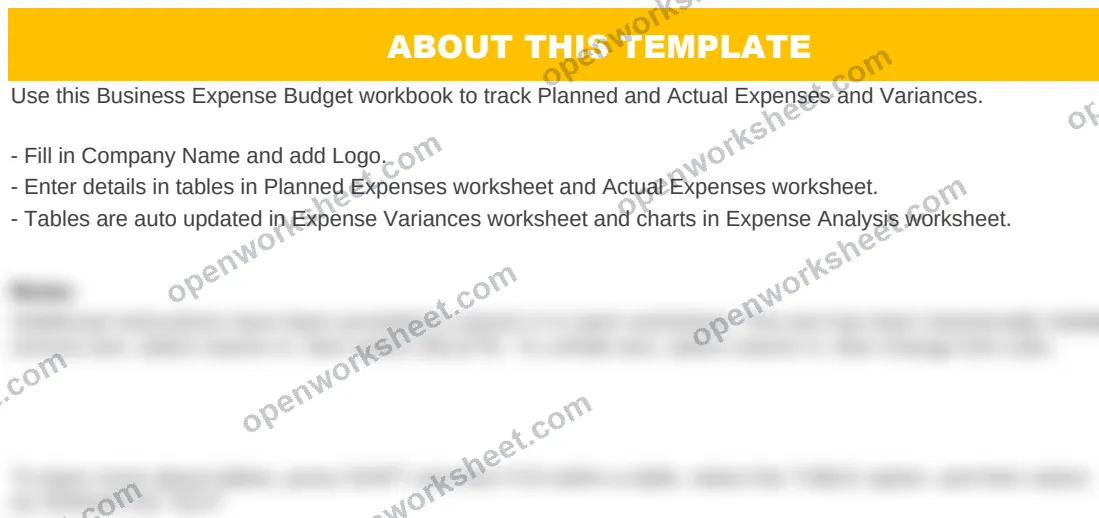
Track planned vs. actual spending with monthly variance analysis and expense summaries.
This business expense budget template lets you plan monthly spending across categories (employee costs, office expenses, etc.) and compare actual expenses against forecasts. It automatically calculates variances and shows where spending deviates from budget, helping you control costs and identify overspending quickly.
Designed for finance teams and business owners who need monthly budget oversight, it includes dedicated sheets for planned expenses, actual results, variance tracking, and an expense analysis dashboard. Built-in formulas flag budget gaps so you can adjust spending or forecasts in real time.
What's inside
- Monthly planned vs. actual expense comparison
- Automatic variance calculations
- Expense category summaries
- Annual totals by department
- Built-in formulas (INDEX, MATCH, SUM)
- Variance percentage tracking
Download this template
.xlsx · 5 sheets · includes charts
$9/monthDownload up to 10 templates a month from a library of thousands. Cancel anytime.
- 10 downloads every month
- Cancel anytime
- 14-day refund policy
More in Budgeting & Expense Management
 Budgeting & Expense Management
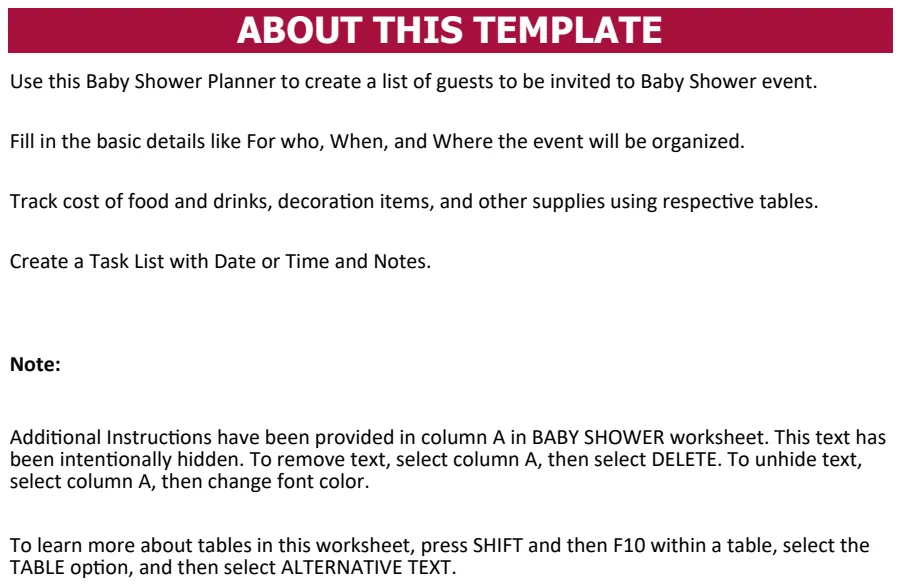
Baby Shower Planner
Organize guests, food, decorations, and tasks with costs for a memorable baby shower event.
- Guest list with names and details
- Food and drinks planning section
- Decoration and supplies list with costs
 Budgeting & Expense Management
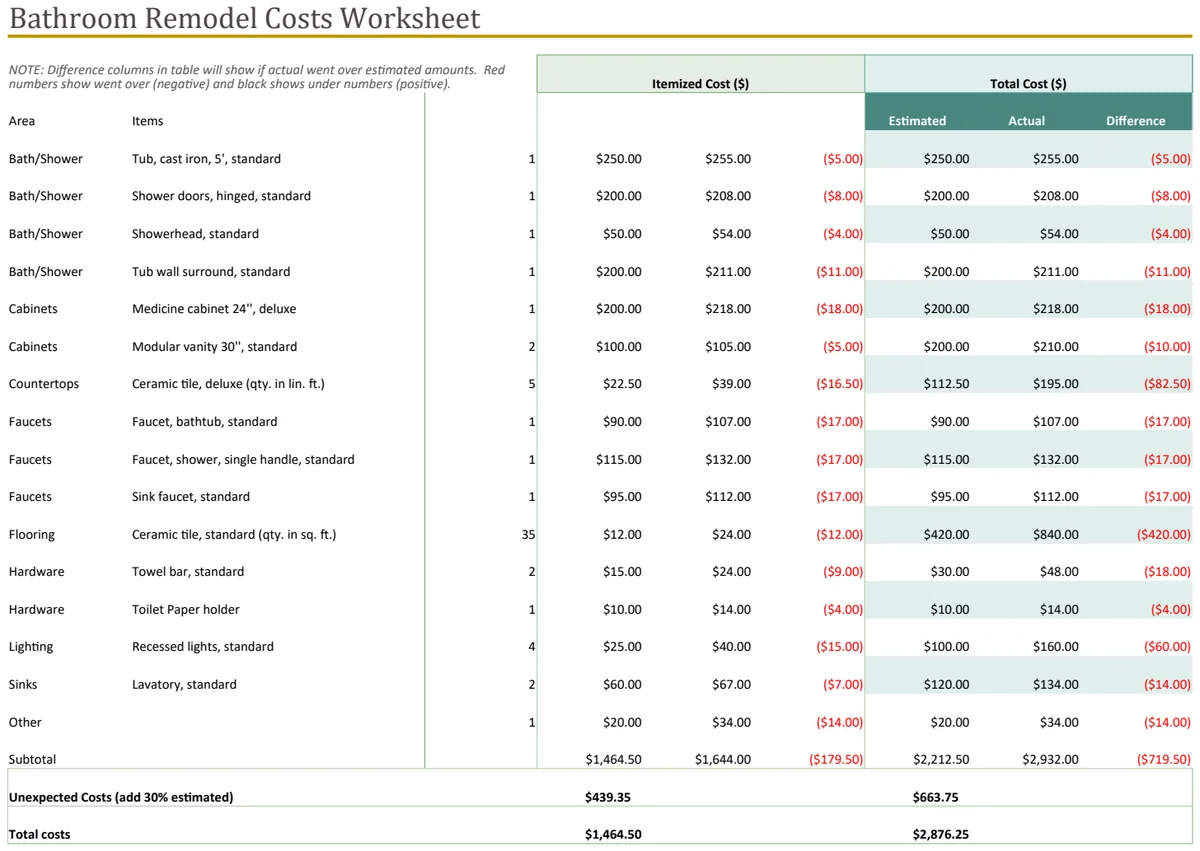
Bathroom Remodel Cost Calculator
Track itemized bathroom renovation expenses and calculate total project costs with automatic subtotals.
- Itemized cost line items for different bathroom components
- Automatic subtotal calculations for expense categories
- Total project cost summary
 Budgeting & Expense Management
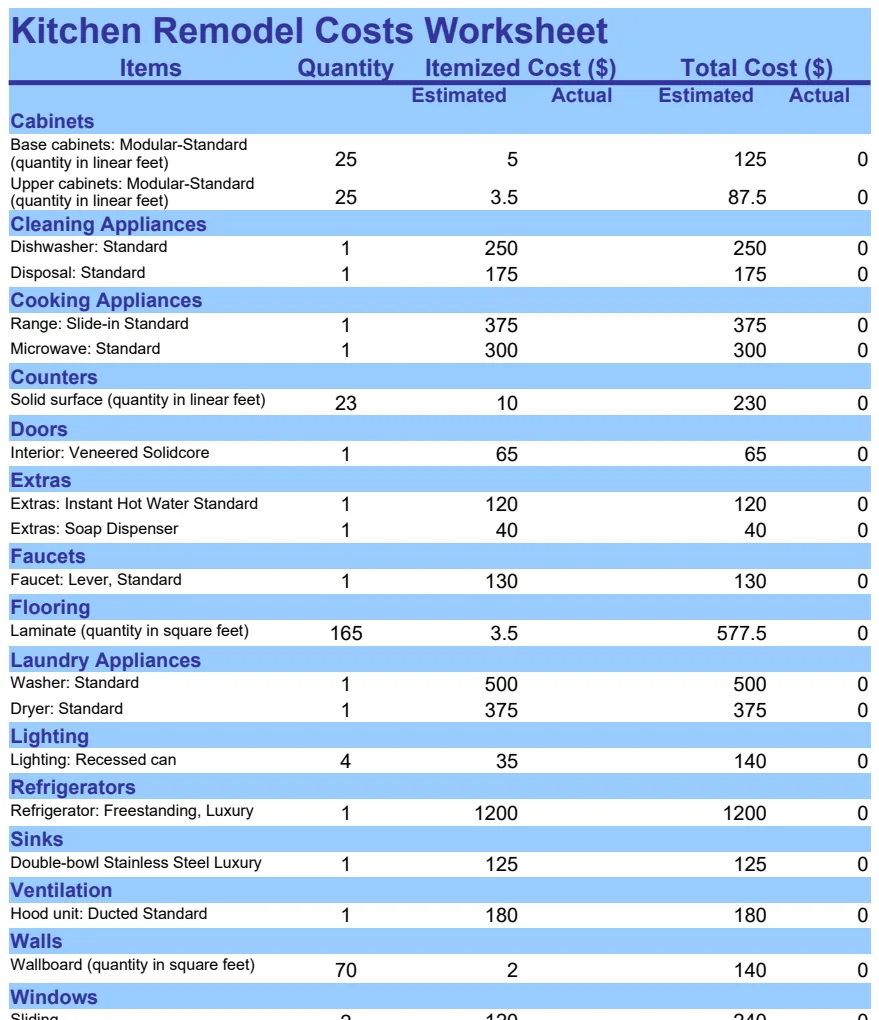
Kitchen Remodel Costs Worksheet
Track estimated vs. actual costs for kitchen renovation projects with itemized breakdown.
- Itemized cost breakdown by category
- Estimated vs. actual cost columns
- Quantity tracking per line item
 Budgeting & Expense Management
Family Budget Planner
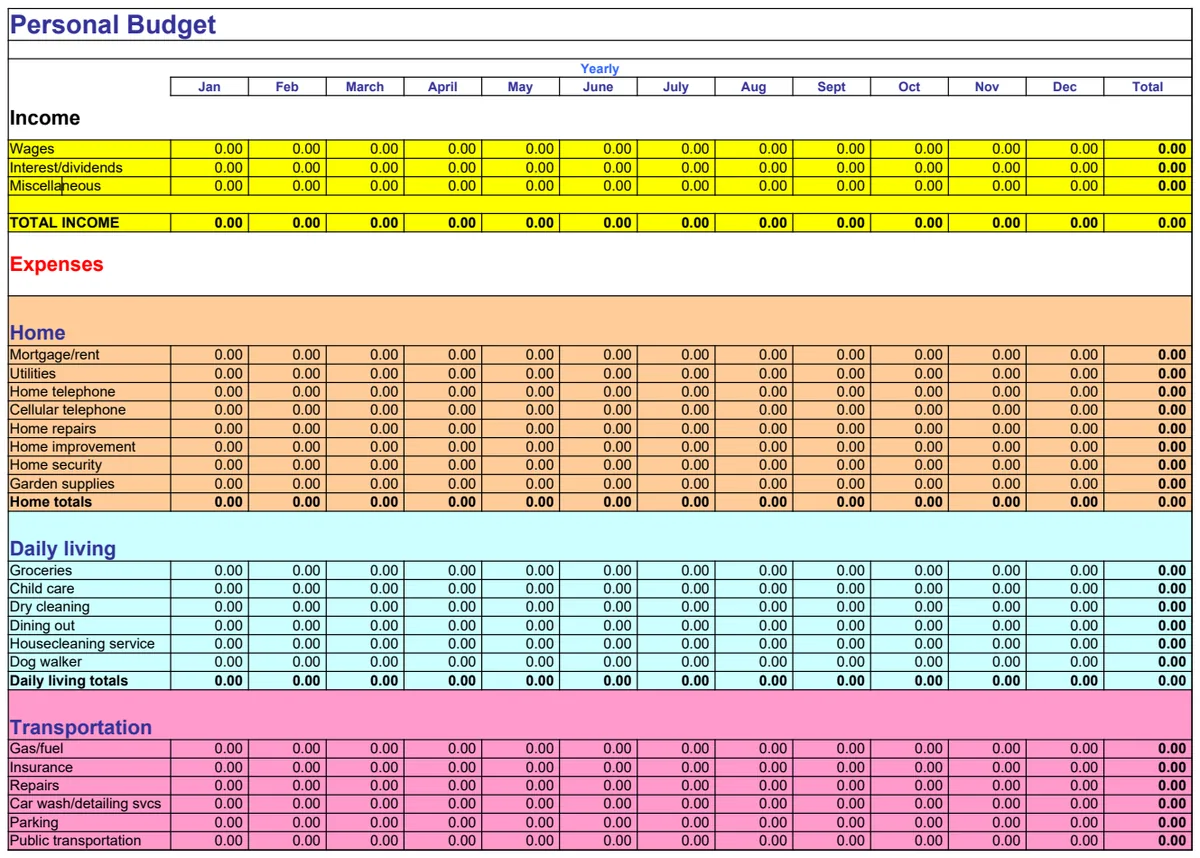
Track household income and expenses across 12 months with automatic totals and monthly breakdowns.
- Monthly columns (Jan-Dec)
- Automatic SUM formulas for totals
- Income and expense categories