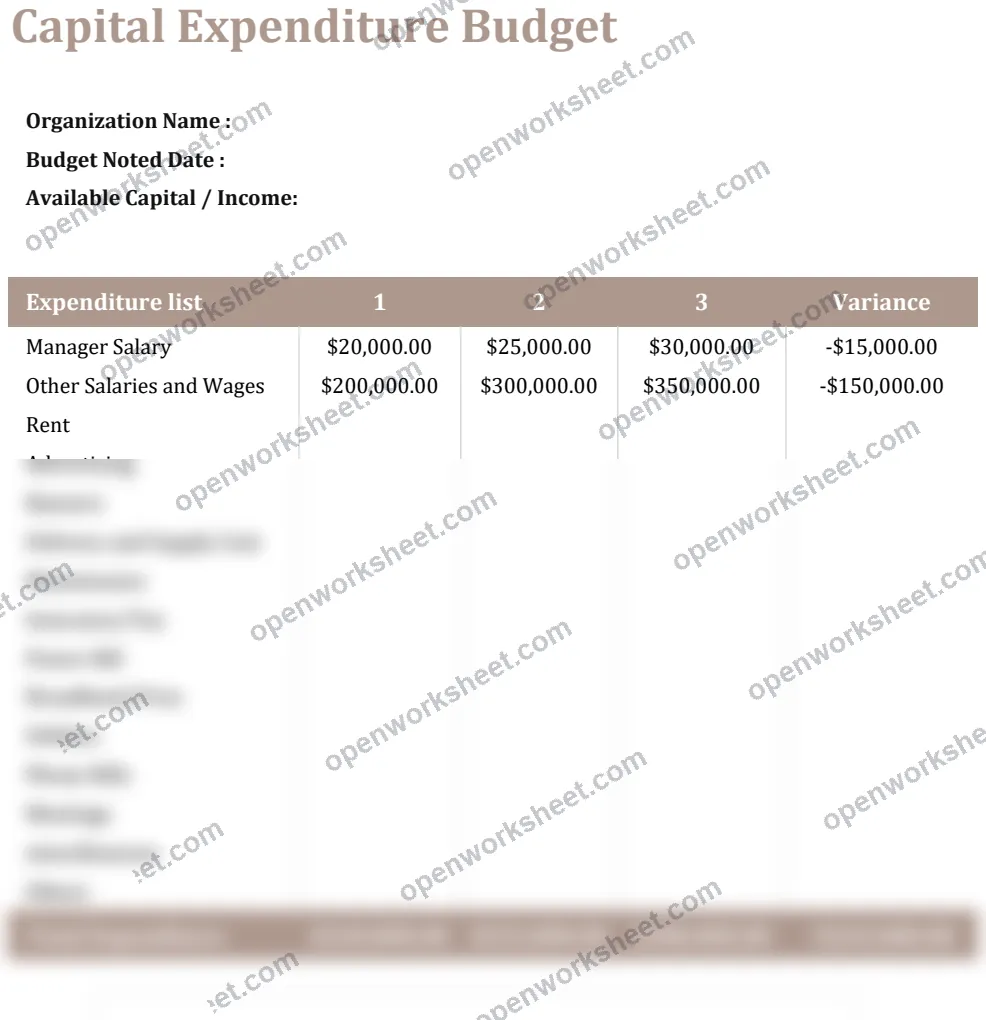
Capital Expenditure Budget Template
Plan and track major asset purchases and infrastructure investments with organized budget allocation and monitoring.
This template helps organizations systematically plan capital expenditures for equipment, facilities, and infrastructure projects. It provides a structured framework to document asset purchases, budget allocations, and timeline tracking for major investments.
Ideal for finance teams, project managers, and business owners who need to approve and monitor significant capital spending. It removes the complexity of managing multiple asset purchases across departments by centralizing budgets, dates, and expenditure summaries in one document.
What's inside
- Pre-built SUM formulas for automatic budget totals
- Visual charts for expenditure analysis and comparison
- Organized rows for asset type, cost, and timeline
- Date tracking for budget approval and purchase milestones
- Department or project allocation columns
- Summary dashboard with spending overviews
Download this template
.xlsx · 1 sheet · includes charts
$9/monthDownload up to 10 templates a month from a library of thousands. Cancel anytime.
- 10 downloads every month
- Cancel anytime
- 14-day refund policy
More in Budgeting & Expense Management
 Budgeting & Expense Management
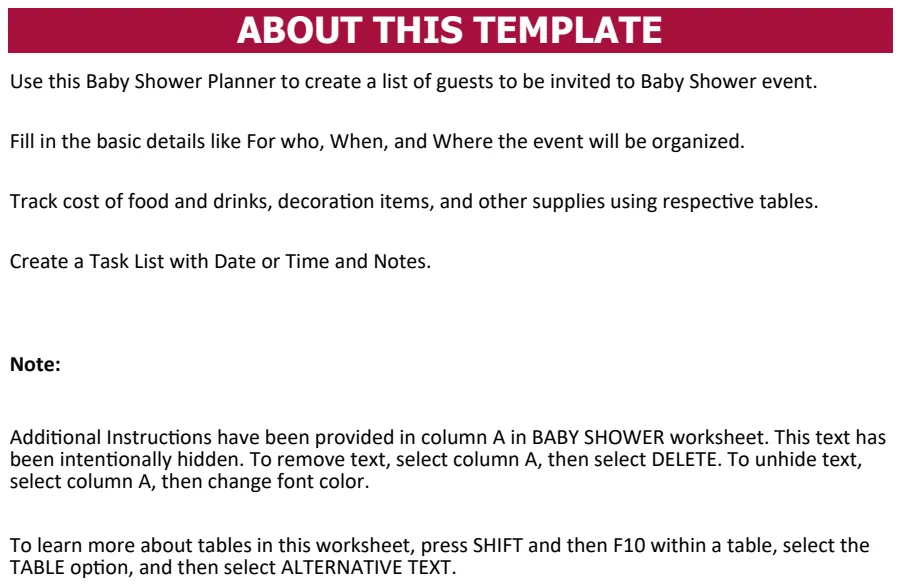
Baby Shower Planner
Organize guests, food, decorations, and tasks with costs for a memorable baby shower event.
- Guest list with names and details
- Food and drinks planning section
- Decoration and supplies list with costs
 Budgeting & Expense Management
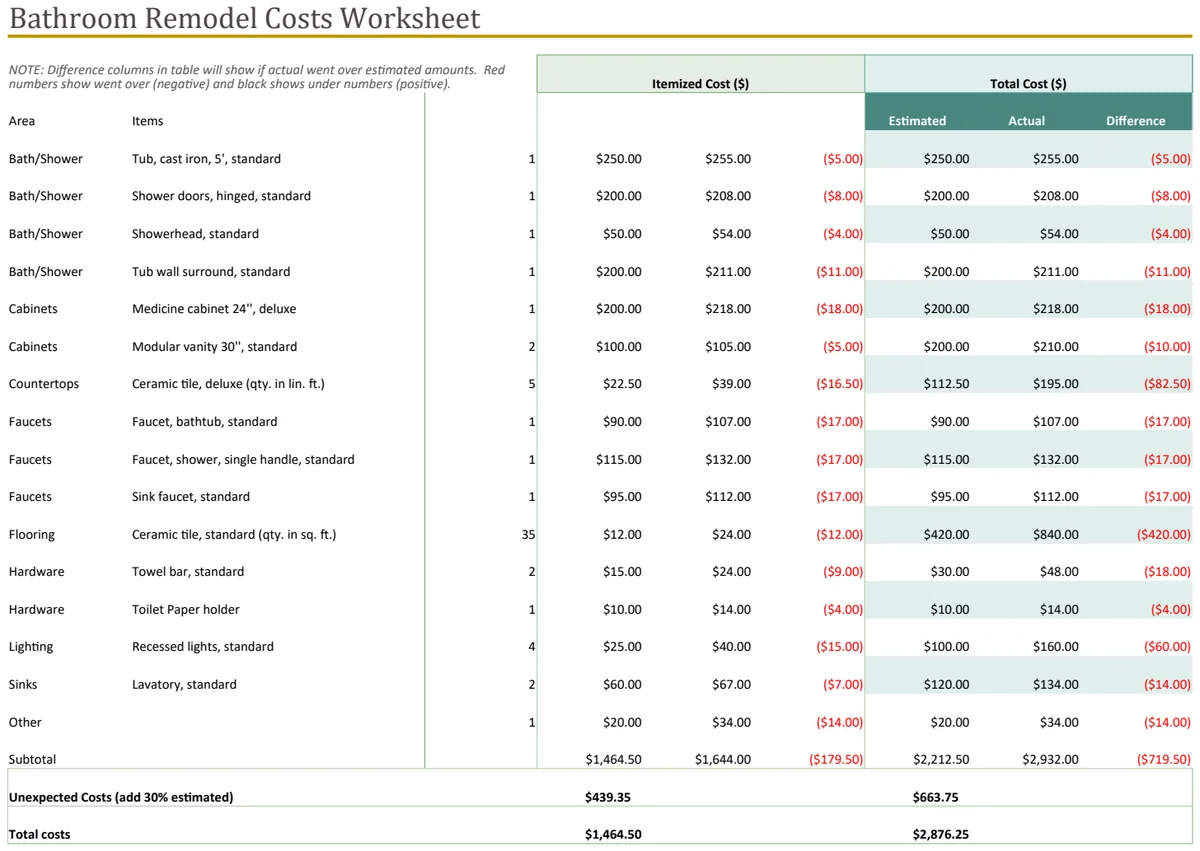
Bathroom Remodel Cost Calculator
Track itemized bathroom renovation expenses and calculate total project costs with automatic subtotals.
- Itemized cost line items for different bathroom components
- Automatic subtotal calculations for expense categories
- Total project cost summary
 Budgeting & Expense Management
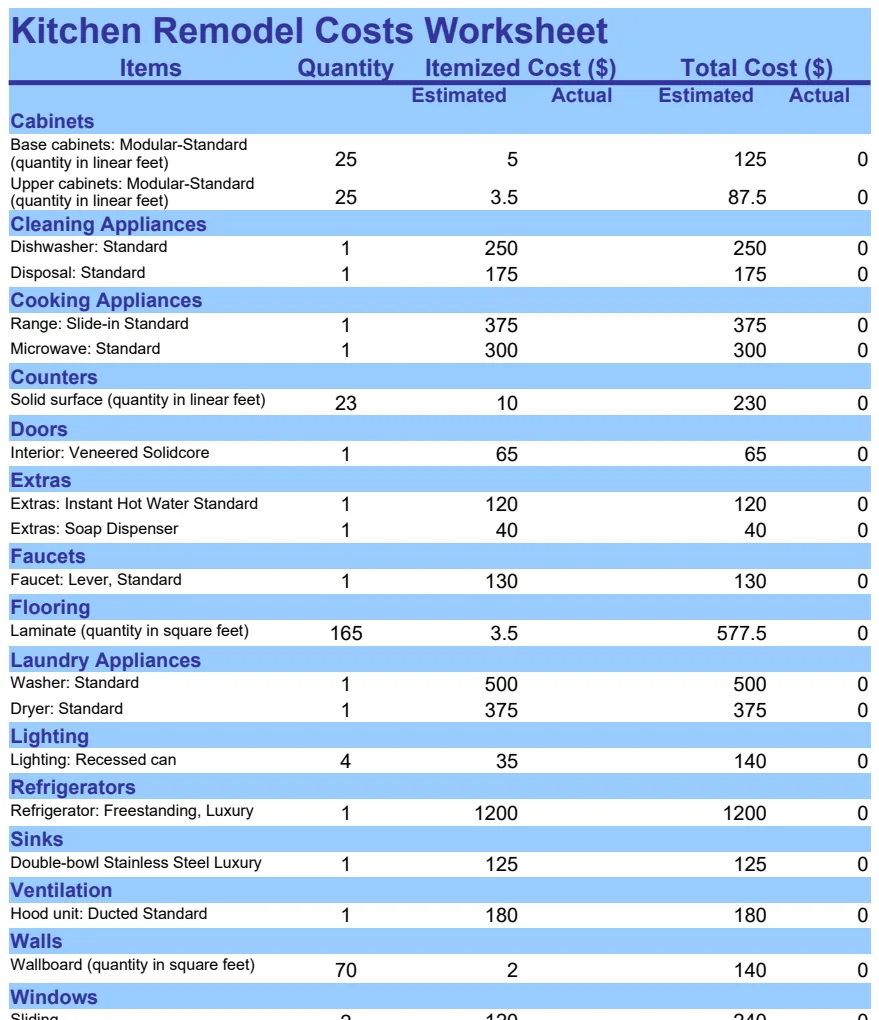
Kitchen Remodel Costs Worksheet
Track estimated vs. actual costs for kitchen renovation projects with itemized breakdown.
- Itemized cost breakdown by category
- Estimated vs. actual cost columns
- Quantity tracking per line item
 Budgeting & Expense Management
Family Budget Planner
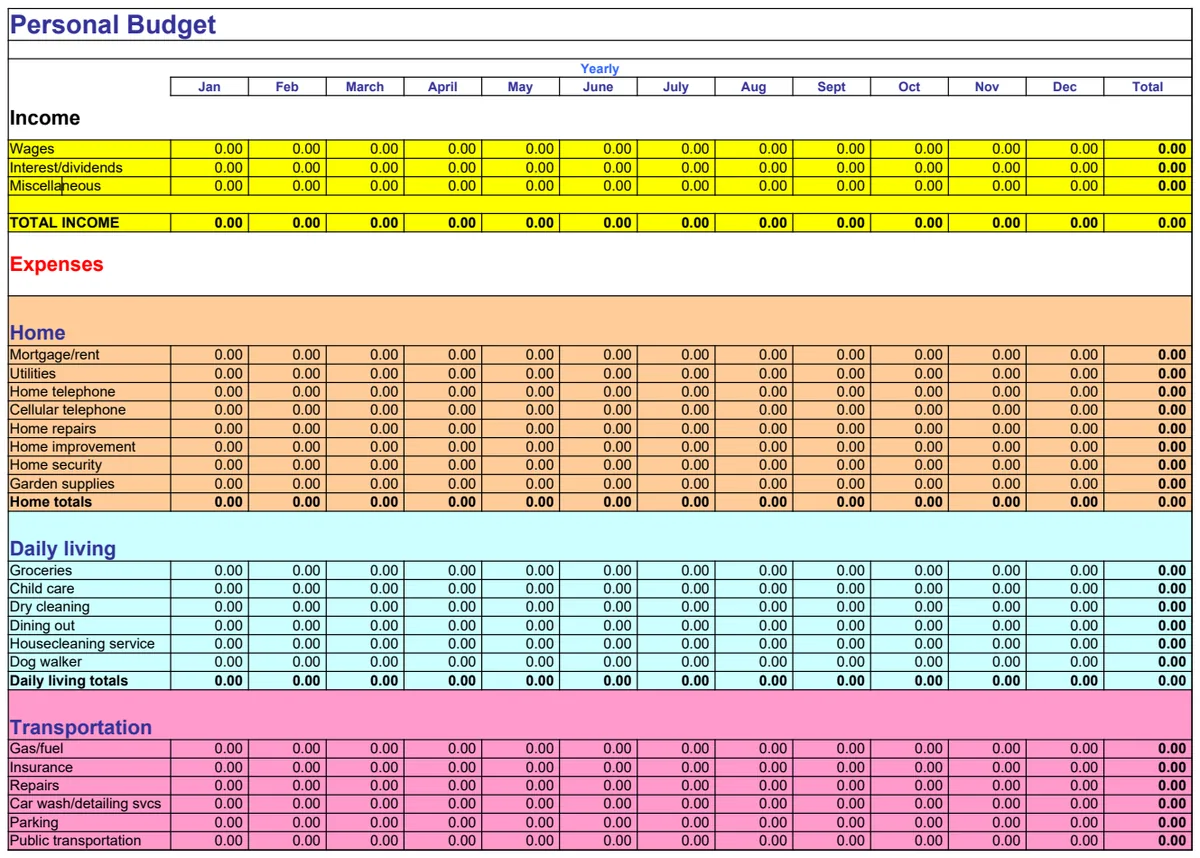
Track household income and expenses across 12 months with automatic totals and monthly breakdowns.
- Monthly columns (Jan-Dec)
- Automatic SUM formulas for totals
- Income and expense categories