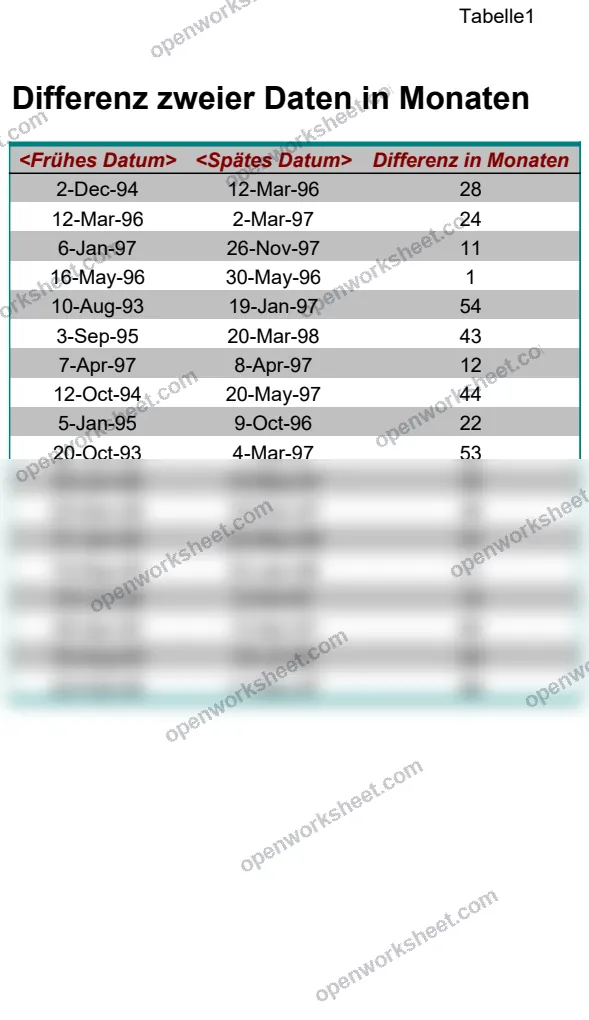
Date Difference Calculator - Months
Calculate the precise month difference between two dates with automatic formula computation.
This template calculates the exact number of months between any two dates using built-in Excel formulas. Simply enter an earlier date and a later date, and the spreadsheet automatically computes the month difference. Perfect for HR professionals tracking employee tenure, project managers measuring project duration, financial analysts calculating interest periods, or anyone needing accurate date span calculations for compliance, payroll, or reporting purposes.
What's inside
- Automatic month difference calculation using YEAR and MONTH functions
- Support for date range inputs from early to late dates
- Precise handling of year and month boundaries
- Formula-driven results with no manual counting
- Clean two-column input layout for easy data entry
Download this template
.xlsx · 3 sheets
$9/monthDownload up to 10 templates a month from a library of thousands. Cancel anytime.
- 10 downloads every month
- Cancel anytime
- 14-day refund policy
More in Time Tracking
 Time Tracking
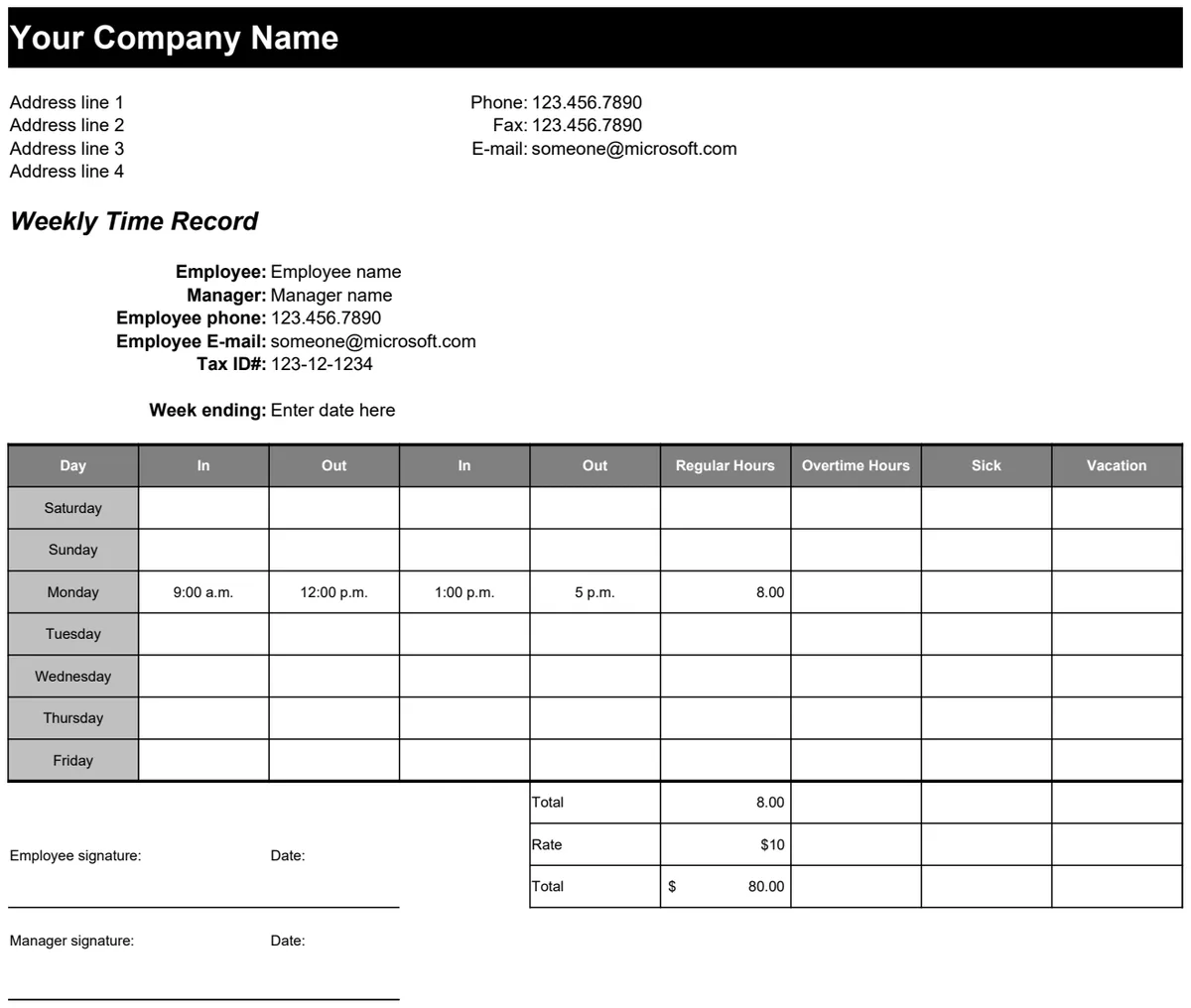
Weekly Time Record
Track employee hours worked each week with company details and automatic totals.
- Company header with contact details
- Weekly time entry structure
- Automatic SUM calculations for total hours
 Time Tracking
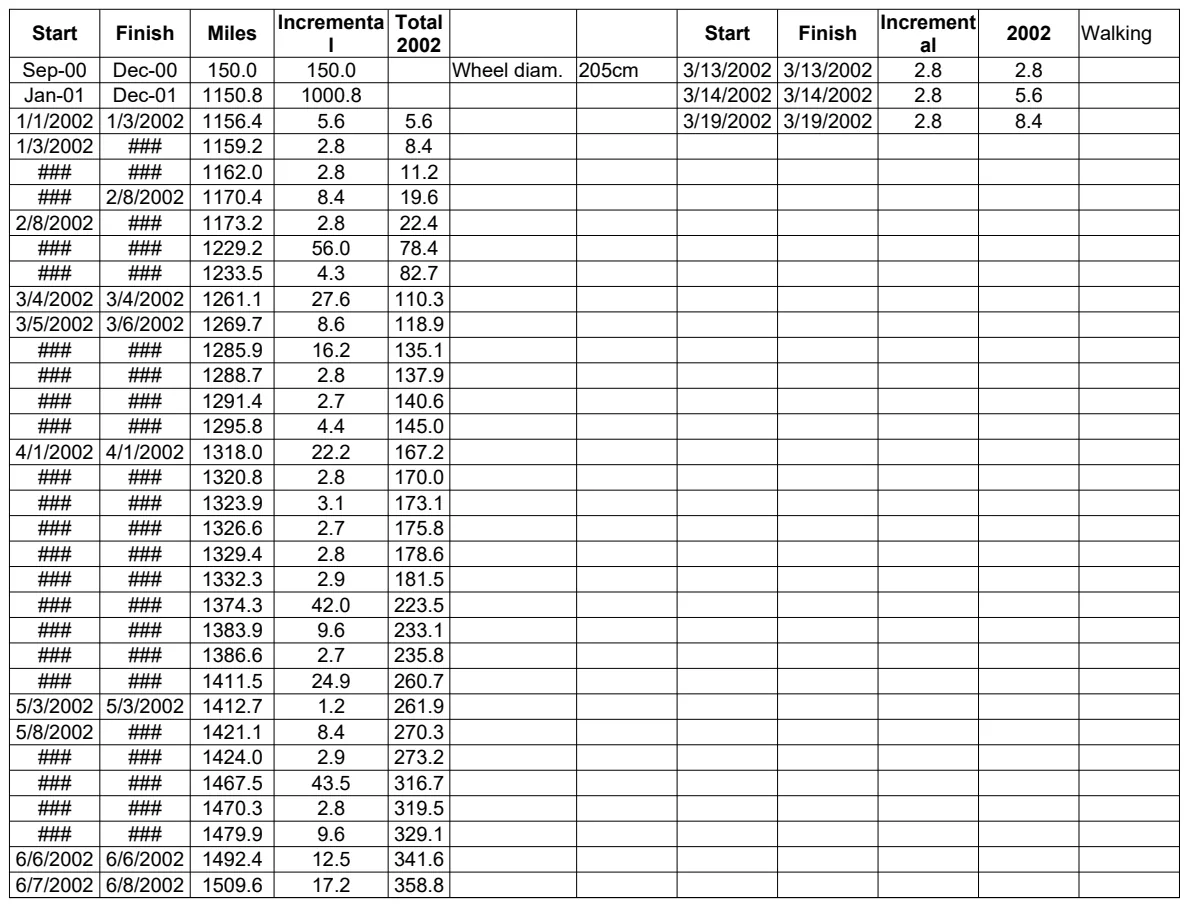
Cycling Mileage Tracker
Track cycling distances and incremental miles over time with automatic totals and date ranges.
- Start and finish date columns
- Miles and incremental distance tracking
- Automatic total mileage calculations
 Time Tracking
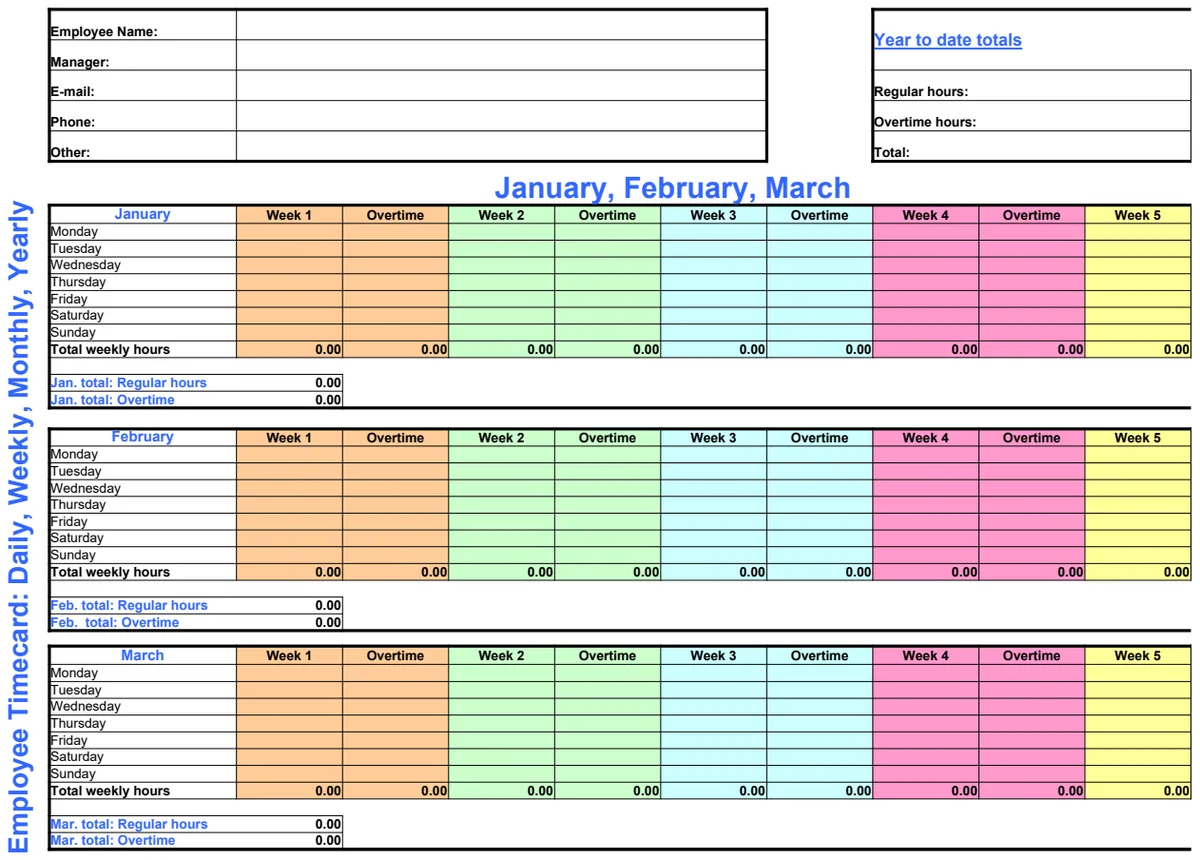
Yearly Employee Timesheet Summary
Track year-to-date hours by employee with automated totals and manager oversight.
- Year-to-date hour totals with SUM formulas
- Employee name and contact fields
- Manager assignment tracking
 Time Tracking
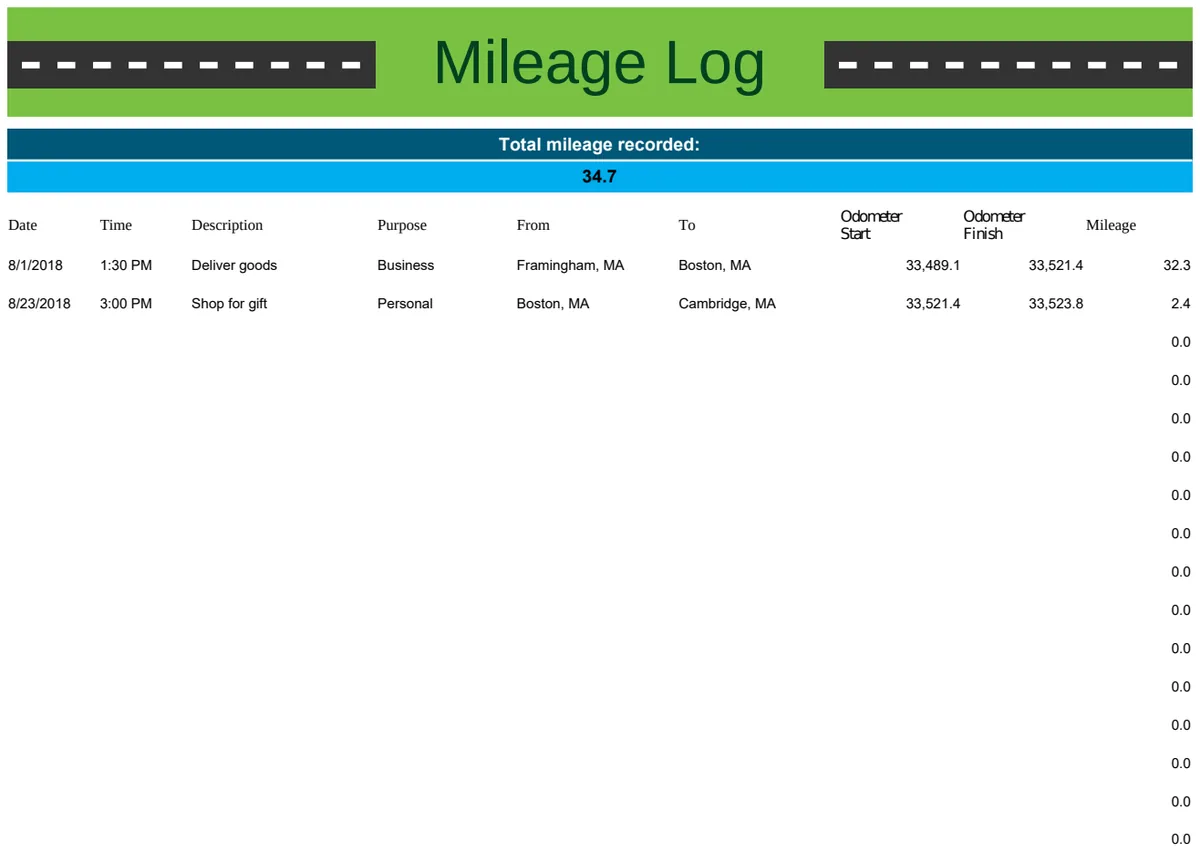
Personal Mileage Tracker
Log daily mileage with automatic total calculations for tax deductions and expense tracking.
- Automatic total mileage calculation
- IFERROR error handling for clean data
- Pre-formatted mileage log structure