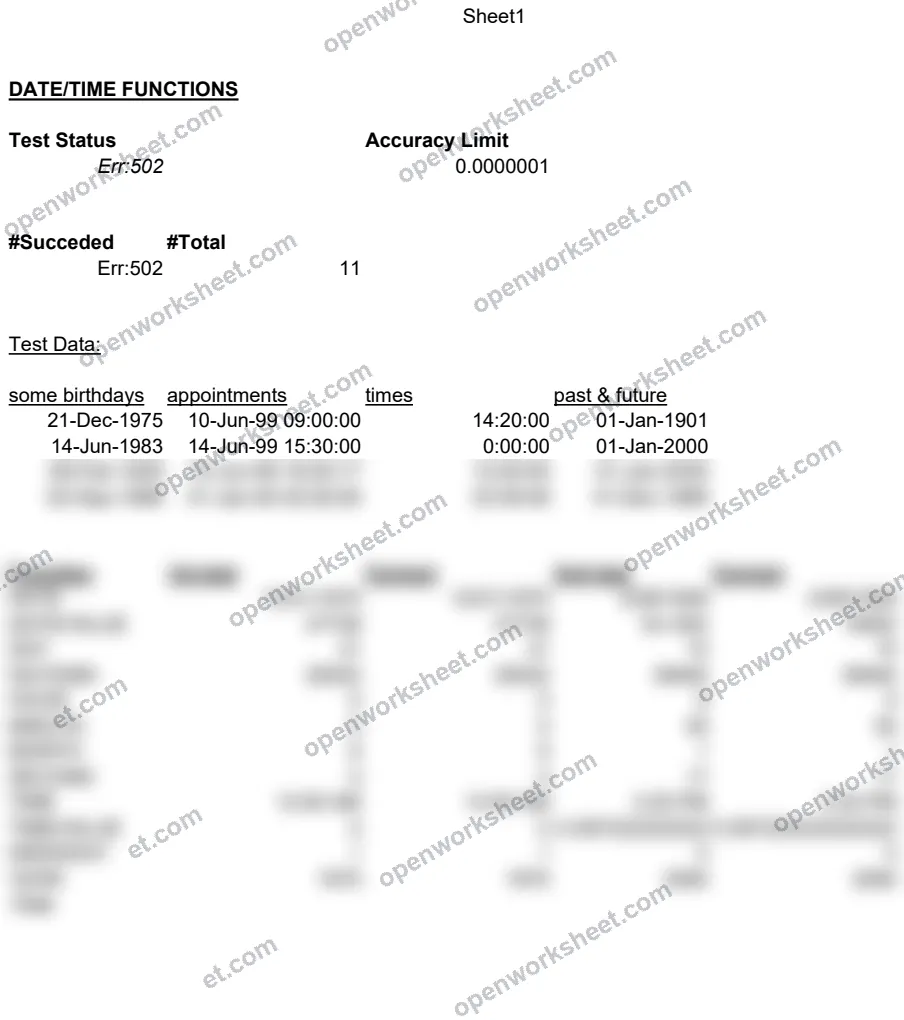
Date/Time Functions Reference Template
Test and reference guide for Excel date/time functions with accuracy validation.
Get this template
.xlsx · 1 sheet
This template
$5.95single payment
- Nothing renews
- Download it again whenever you need
- Yours to keep and edit
Monthly plan
$14.95/month
- This template plus 9 more every month
- About $1.50 a template if you use all 10
- Thousands of templates to choose from
- Cancel anytime
- Secure checkout via Creem
- Instant download after payment
- 14-day refund policy
This template provides a comprehensive testing environment for Excel's date and time manipulation functions including DATE, DATEVALUE, DAY, MONTH, YEAR, HOUR, MINUTE, and SECOND. It includes built-in accuracy checks and a status indicator to verify that all formulas return correct results within a specified tolerance. Use this template to learn function syntax, validate calculations, and troubleshoot date/time logic in your spreadsheets.
Ideal for Excel developers, data analysts, and anyone working with date-dependent formulas who needs a quick reference and validation tool. It removes the guesswork from function behavior by providing immediate feedback on calculation accuracy.
What's inside
- Pre-built date/time function examples
- Automatic accuracy validation with tolerance testing
- Pass/fail status indicator
- ABS function for error measurement
- IF conditional testing logic
- COUNT function integration
More in Data Analysis & Visualization
 Data Analysis & Visualization
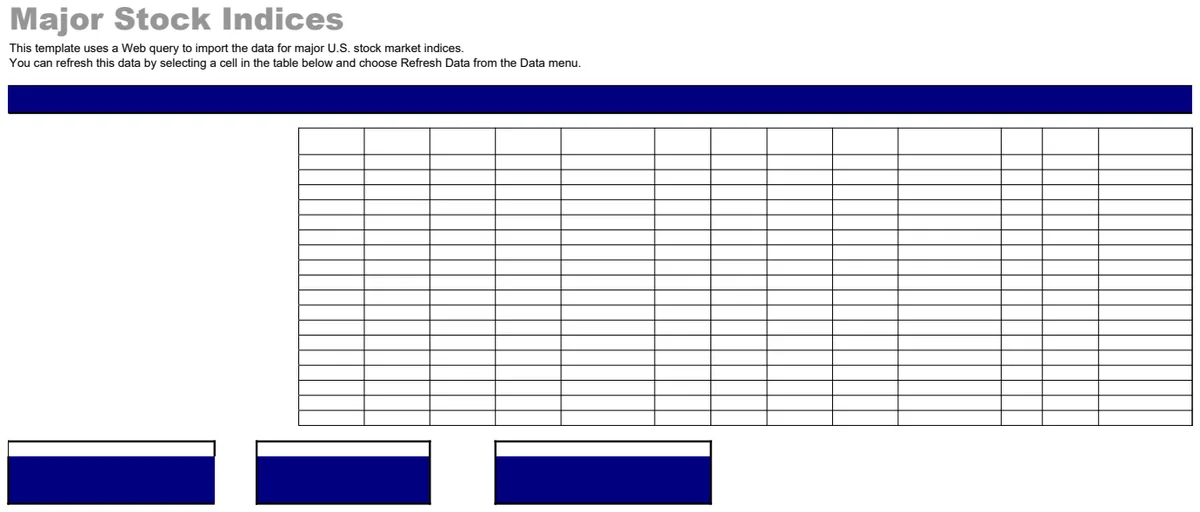
Major Stock Indices
Track major stock market indices with live data refresh using Web queries.
- Web query integration for live data import
- Multiple major indices tracked simultaneously
- One-click refresh to update market data
 Data Analysis & Visualization
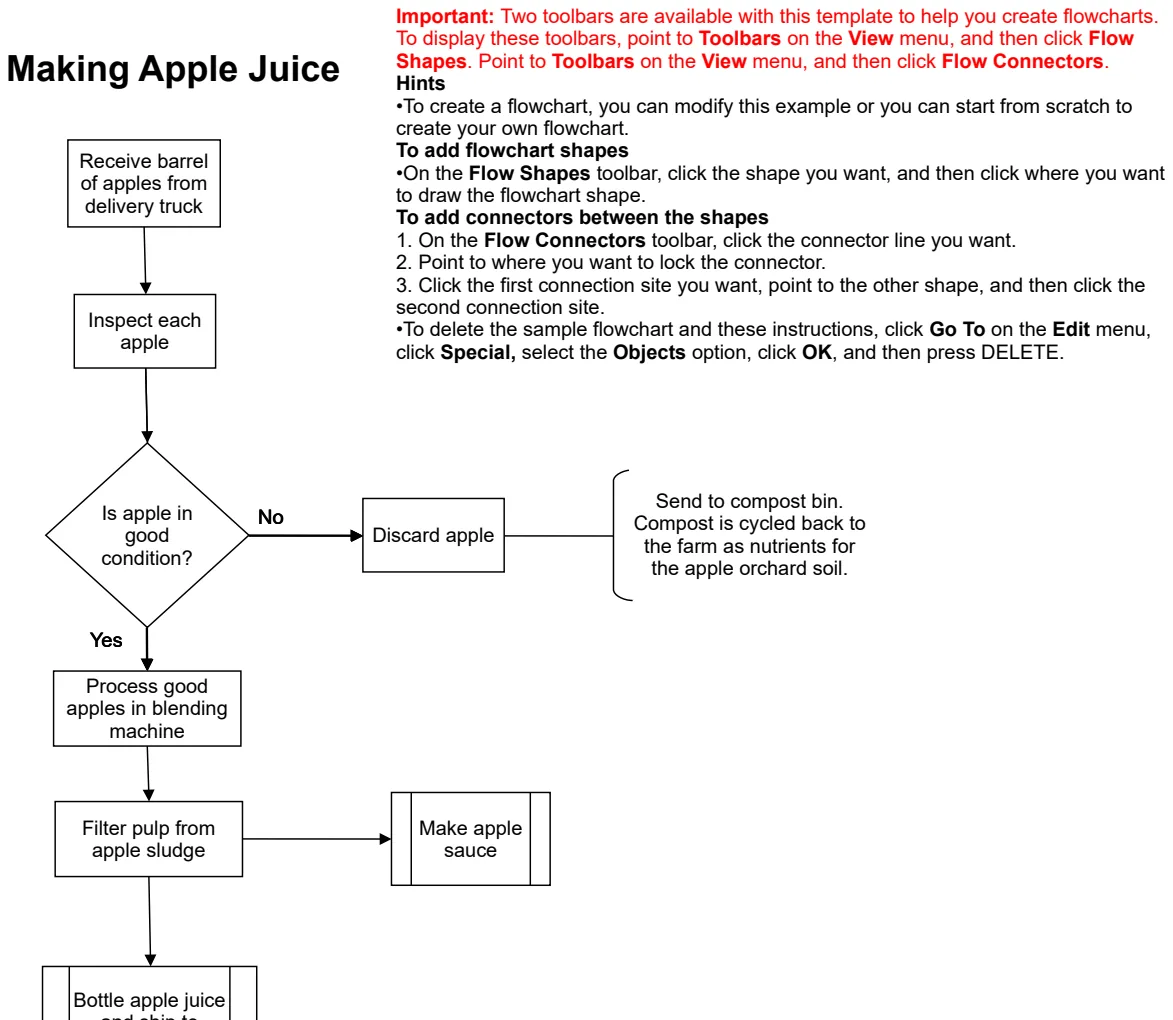
Simple Flowchart
Create visual process flows and decision diagrams to map workflows and business processes.
- Pre-designed flowchart shapes and connectors
- Easy-to-follow step-by-step layout
- Decision point indicators
 Data Analysis & Visualization
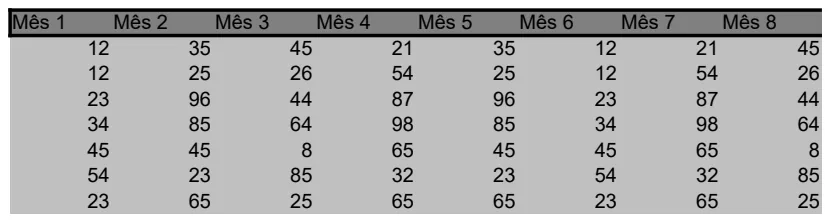
Monthly Performance Tracker
Track 12-month metrics with automatic average calculations for trend analysis.
- 12-month column structure for full-year coverage
- Automatic AVERAGE function for trend calculation
- Row-based data entry for multiple metrics
 Data Analysis & Visualization
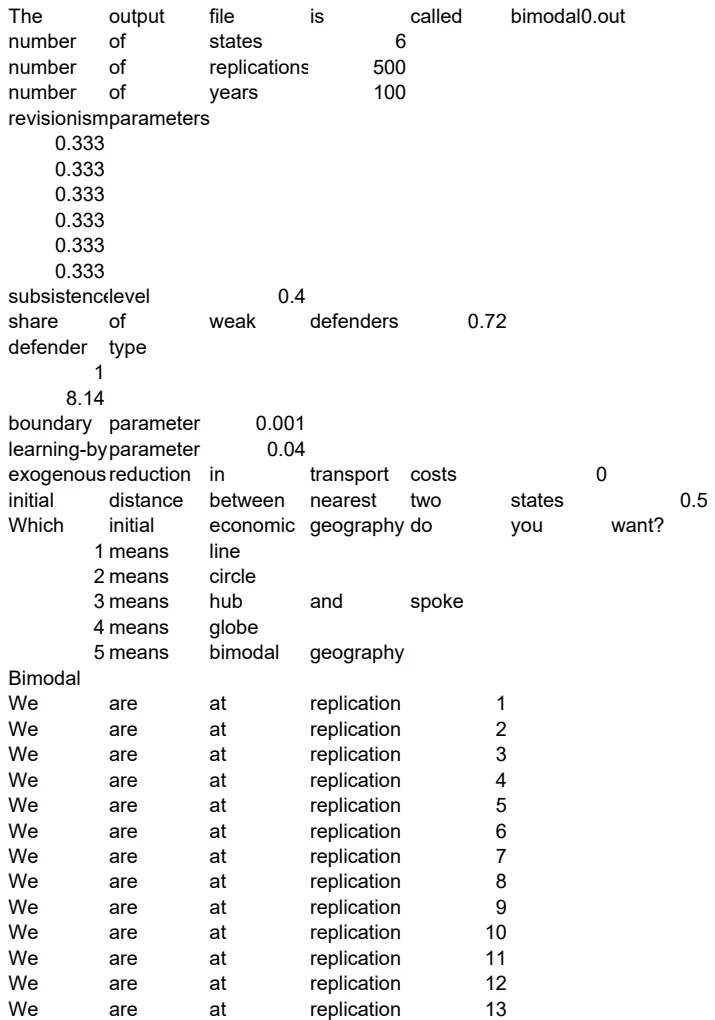
Bimodal Distribution Simulation Analysis
Analyze bimodal distribution patterns across 500 replications with 6 states using statistical averaging.
- 500 replication runs
- 6-state tracking system
- AVERAGE aggregation formulas