
Employee Attendance Sheet in Excel with Formula: Monthly & Yearly Tracker
An attendance sheet in Excel with formulas for up to 100 employees: 12 monthly sheets, automatic weekends and holidays, attendance codes, late and early counts, leave balances, a yearly summary and payroll-ready days. A complete attendance template for companies, offices and teams.
Employee Attendance Sheet is an automated attendance tracker in Excel with formulas already built. Add your people once on the Employees tab and they appear on all 12 monthly attendance sheets. Type one code per person per day, or pick it from the dropdown, and each month works out totals, attendance %, late and early counts and payable days. There is nothing to copy down and no formula to write, which makes it a practical attendance sheet format for any company, office or staff team.
Set the year once and every month sheet updates its dates and weekdays. Weekly off days are editable, so Saturday and Sunday can become Friday and Saturday or a six-day week, and the holidays you list are shaded on every sheet and left out of working days. Twelve attendance codes are included, such as P present, A absent, L annual leave, SL sick leave, HD half day, WFH work from home, LT late and EL left early. You can rename them and set how much each one counts as worked and as paid, so a half day counts 0.5. Working days still waiting for a code are highlighted in amber, and employees who join or leave mid-year are handled by their dates.
The Yearly Summary gives a 12-month attendance register for each employee, with code totals, days worked, annual and sick leave balances, late days, overtime hours, payable days, a status alert and a monthly attendance heatmap. The Dashboard lets you pick a month to see attendance, absent days, late arrivals and leave, along with the year at a glance, a department comparison, people present per day and a list of who needs a conversation.
The Daily Sheet is a printable daily attendance sheet: pick a date to see who was present, absent or on leave, with time in and time out. The Employee Card shows one person's full year on a single page for the HR file or a review. The optional Time Log records time in and time out for each shift, works out late minutes, early minutes, hours and overtime, handles night shifts that cross midnight, and flags any entry that disagrees with the month sheet for review.
Monthly payable days are ready to pass to payroll. They add each code's paid value, and can include paid weekly offs and holidays with one setting. Capacity covers 100 employees, 12 attendance codes, 8 shifts, 40 holidays and 3,000 time log entries. Calculated cells are locked and sheet protection has no password. Sample data from a fictional company is included. Built for Microsoft Excel 2016 or later (desktop or Excel for the web) and contains no macros.
What's inside
- 21 connected tabs, from a quick-start guide to Settings
- 12 monthly attendance sheets that follow the year you set
- Automatic weekends and holidays, with editable weekly off days
- 12 editable codes including P, A, L, SL, HD, WFH, LT and EL
- Totals per employee with attendance %
- Late and early counts, with alerts you can set
- Payroll-ready payable days every month
- Annual and sick leave balances
- Yearly summary with attendance heatmap
- Dashboard with month picker and department comparison
- Printable daily attendance sheet with time in and time out
- One-page employee attendance card for the full year
- Time log with late minutes, hours and overtime, night shifts included
- Locked formulas, no macros
Download this template
.xlsx · 21 sheets · includes charts
$9/monthDownload up to 10 templates a month from a library of thousands. Cancel anytime.
- 10 downloads every month
- Cancel anytime
- 14-day refund policy
More in Human Resources
 Human Resources
HR, Scheduling & Payroll Suite
Employees, shift rosters, timesheets, leave, payroll and printable payslips in one Excel workbook, all feeding a live people dashboard.
- 10 connected tabs, from a quick-start guide to Settings
- People dashboard with 10 KPIs and 2 charts
- Department breakdown, alerts panel and who is out in the next 14 days
 Human Resources
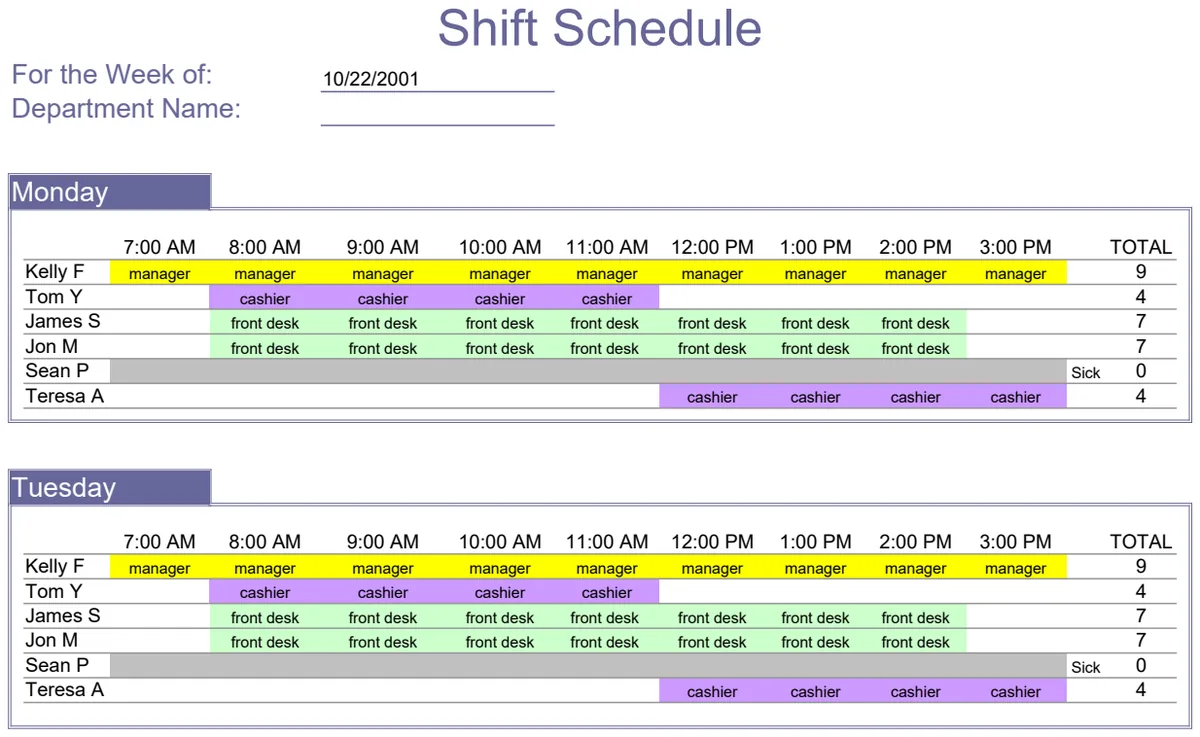
Employee Shift Schedule
Plan weekly staff shifts by department with automatic scheduling and conflict detection.
- Weekly shift schedule grid by department
- Automatic conflict detection for overlapping assignments
- Date range selector for scheduling period
 Human Resources
Job Application Log
Track all your job applications in one place with company details and contact information.
- Job title and company name columns
- Contact name and title tracking
- Phone, fax, and email fields
 Human Resources
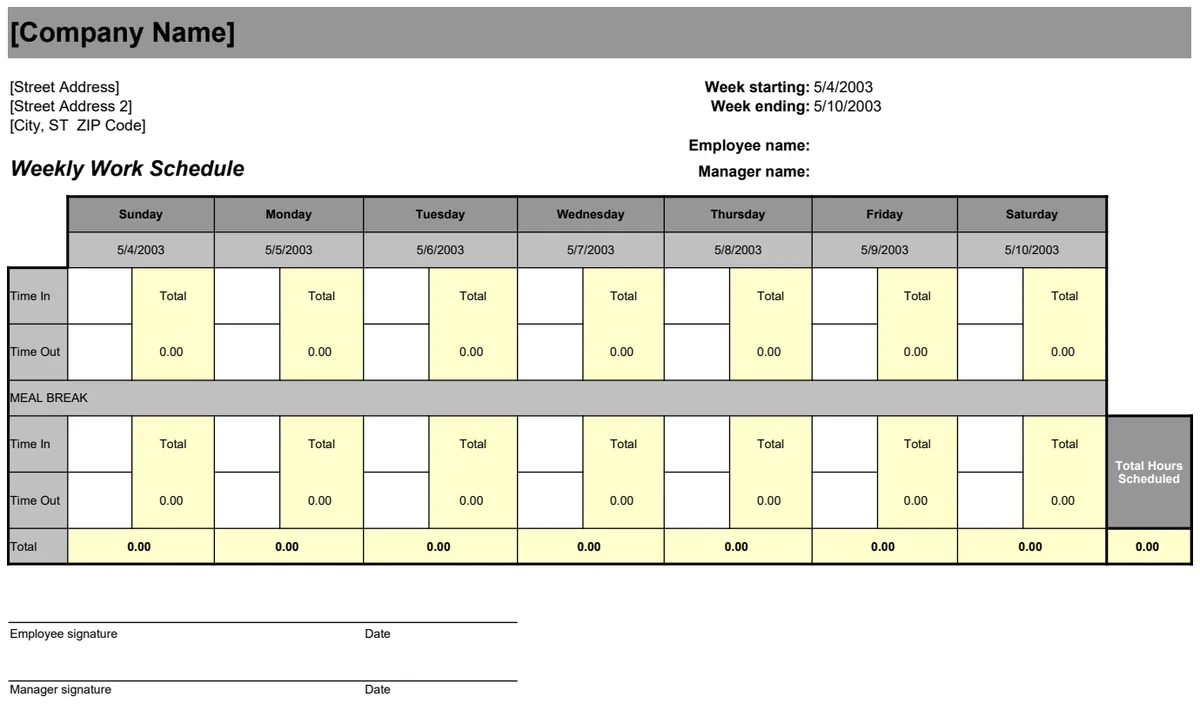
Weekly Work Schedule
Assign staff shifts and track hours worked across the week with automatic totals.
- Day-by-day shift assignment columns
- Automatic weekly hour totals
- Employee name organization