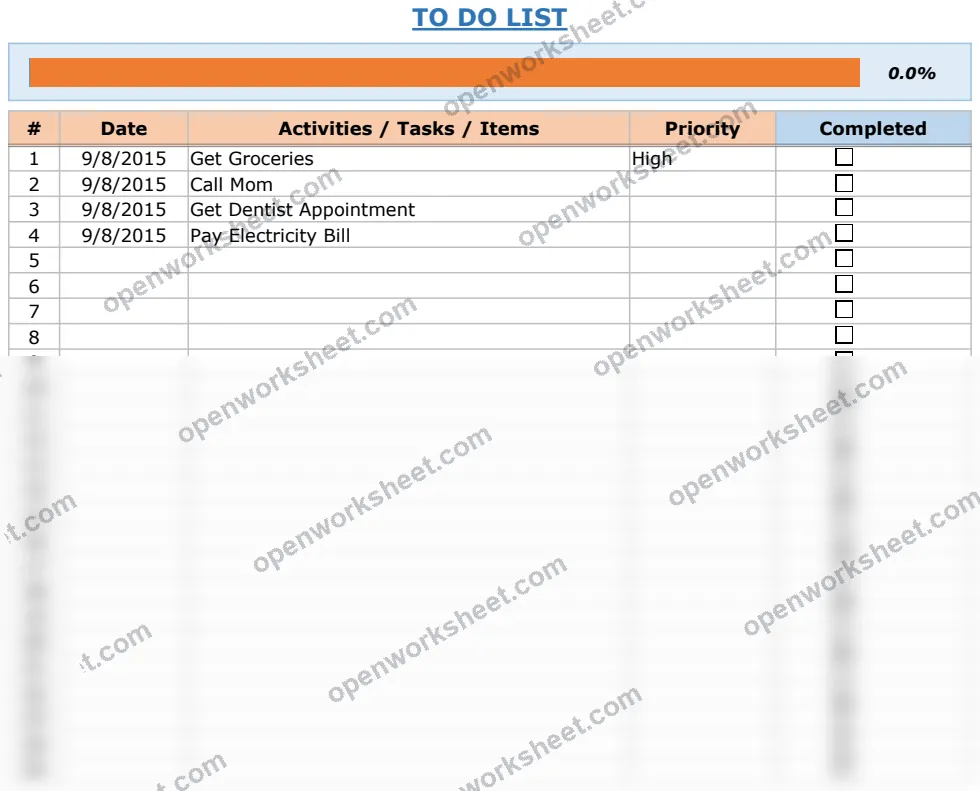
Excel To Do List Template with Checklist
Track tasks with dates, priorities, and completion status using checkbox functionality and automatic counting.
This to-do list template helps you organize daily activities with structured tracking of task names, dates, priority levels, and completion checkboxes. Built-in COUNTIF formulas automatically count completed and pending tasks, giving you instant visibility into your progress. Whether managing personal errands, work assignments, or project tasks, the simple column layout and visual dashboard make it easy to stay on top of what needs doing and what's already done.
What's inside
- Checkbox completion column
- Date-based task scheduling
- Priority level classification
- Automatic task counting via COUNTIF formulas
- Progress visualization chart
- Simple column-based layout
Download this and everything else
.xlsx · 1 sheet · includes charts
$29$9once for thousands of templates. No subscription.
- Limited-time offer, normally $29
- One payment, no subscription
- 14-day refund
More in Task & Productivity
 Task & Productivity
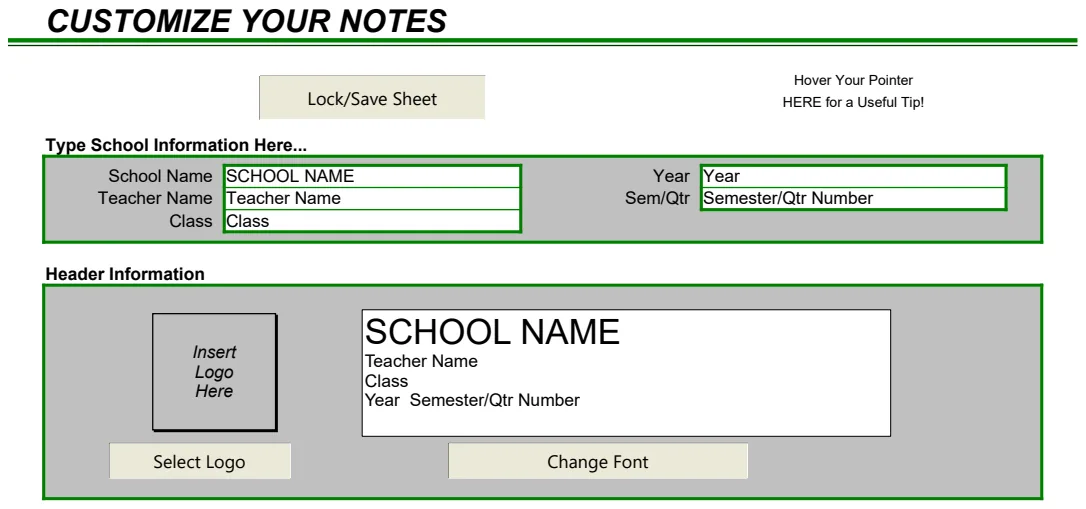
3x5 Notes Template
Customizable note-taking system with indexed organization for quick reference and personal knowledge management.
- Customizable header for topic/subject definition
- Numbered note entries for sequential organization
- Lock sheet for template protection
 Task & Productivity
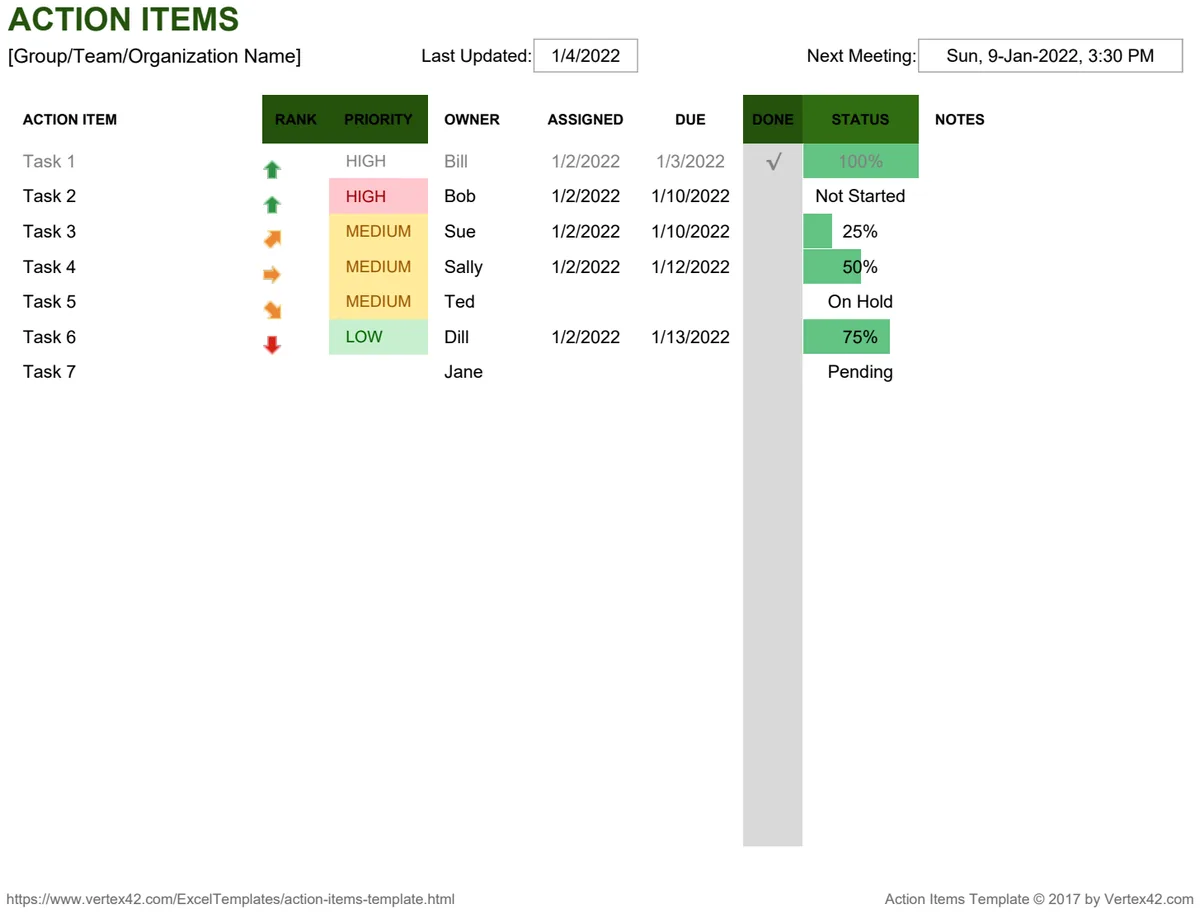
Action Item Template
Track and prioritize action items with owner assignments and status ranking.
- Action item name and description
- Ranking and priority levels
- Owner assignment
 Task & Productivity
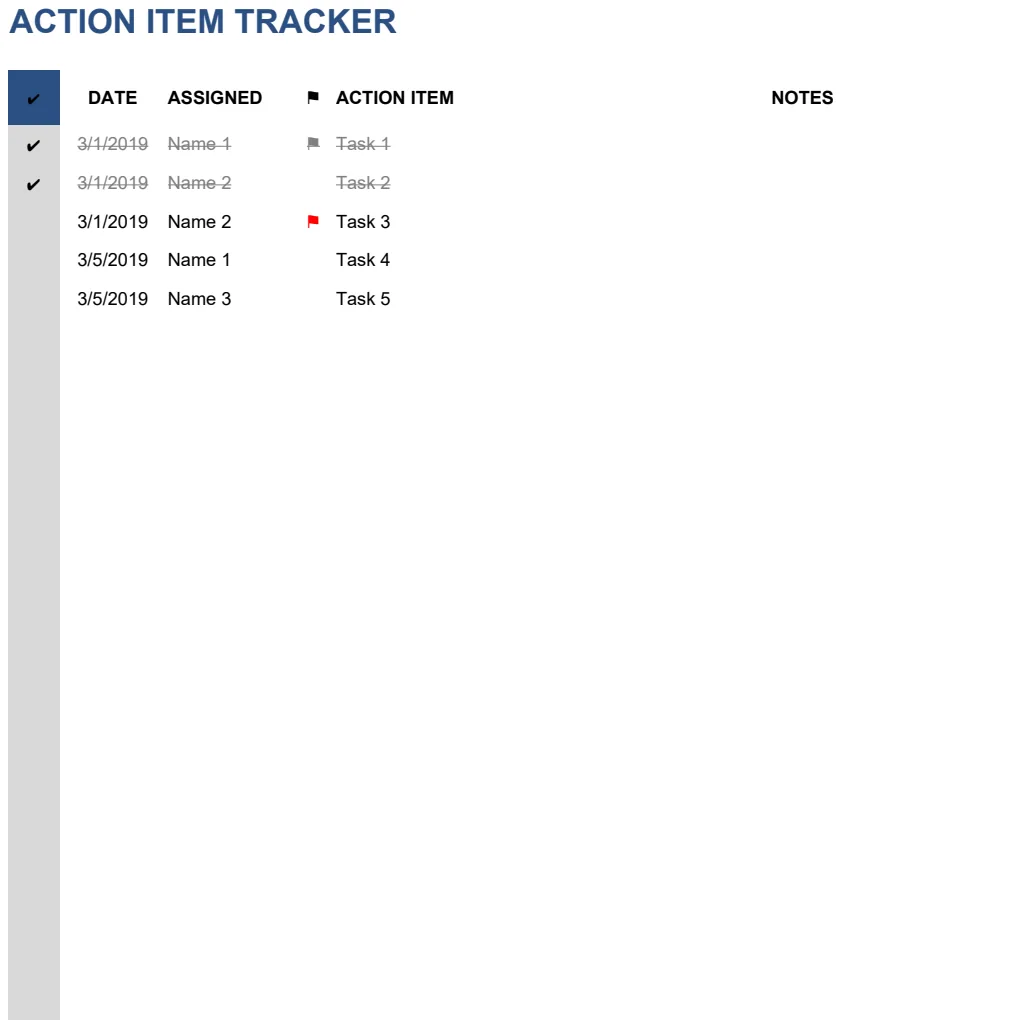
Action Item Tracker
Track tasks and action items with assignments, dates, priorities, and completion status.
- Completion checkbox column
- Date tracking for due dates
- Assignee tracking with customizable names
 Task & Productivity
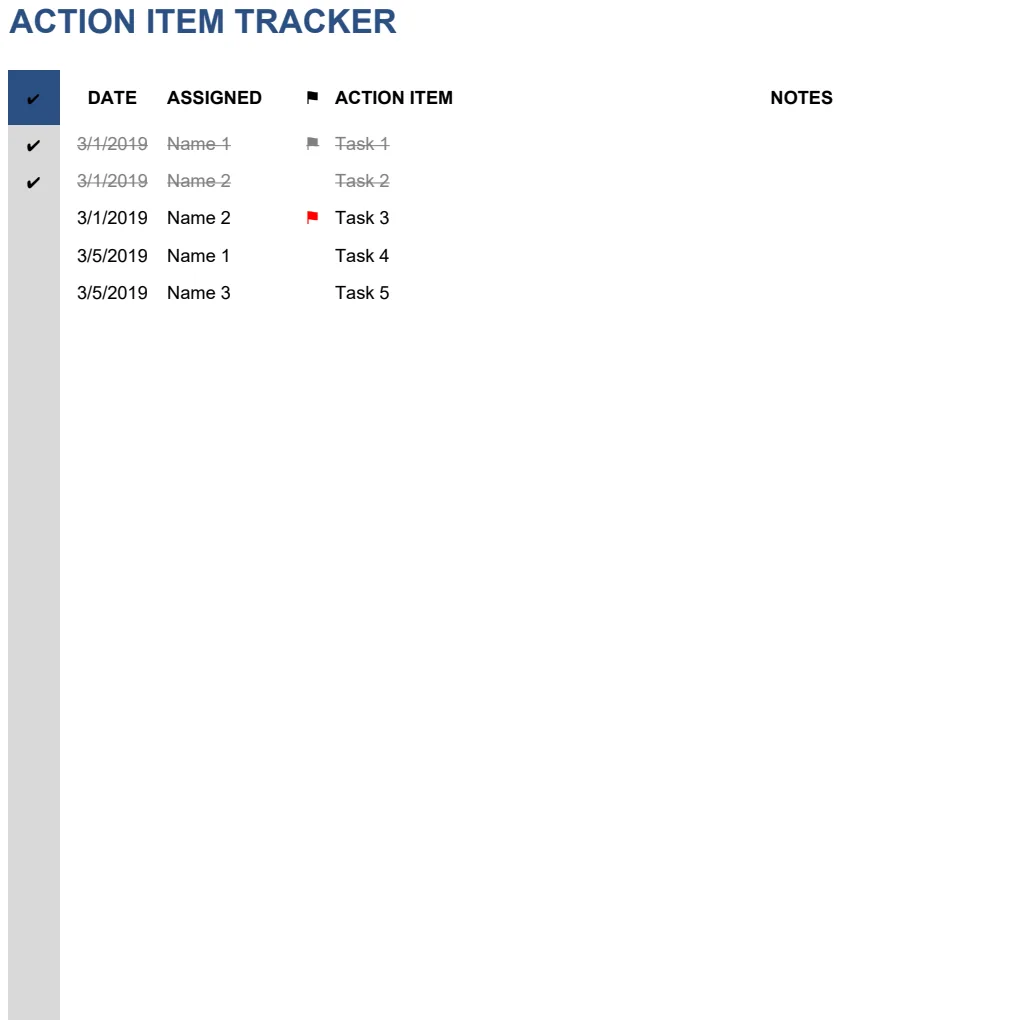
Action Item Tracker
Track tasks assigned to team members with priority levels and completion status.
- Mark tasks complete with checkboxes
- Assign items to specific team members
- Set priority levels for each action item