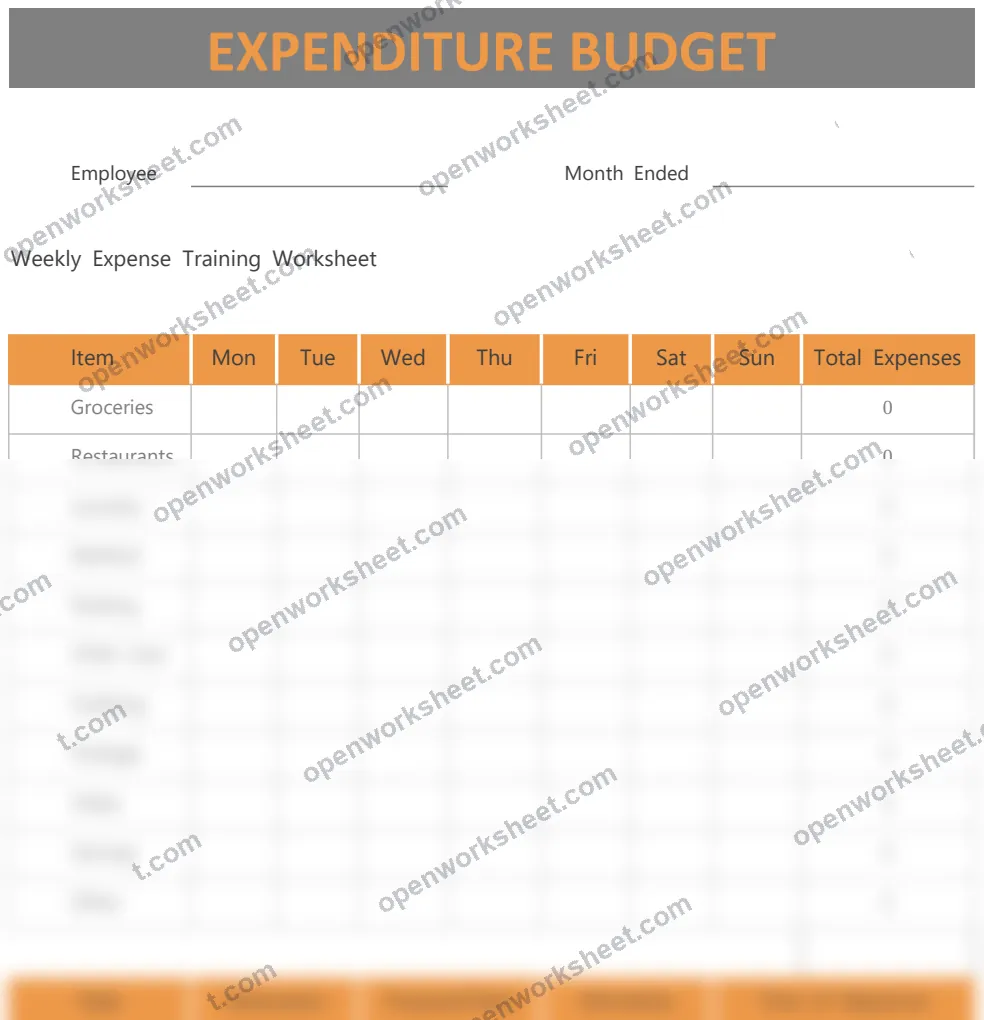
Expenditure Budget A4
Track weekly employee training expenses with automated monthly summaries and expense categorization.
This expenditure budget template helps managers monitor training-related spending across multiple employees on a weekly basis. The worksheet consolidates weekly expense entries into a monthly summary using SUM functions, making it easy to see total training costs at a glance. Perfect for departments managing professional development budgets or HR teams tracking employee training investments month-to-month.
What's inside
- Weekly expense entry columns
- Employee-level tracking
- Automated SUM formulas for monthly totals
- Month-ended summary section
- A4 formatted layout
Download this and everything else
.xlsx · 1 sheet
$29$9once for thousands of templates. No subscription.
- Limited-time offer, normally $29
- One payment, no subscription
- 14-day refund
More in Budgeting & Expense Management
 Budgeting & Expense Management
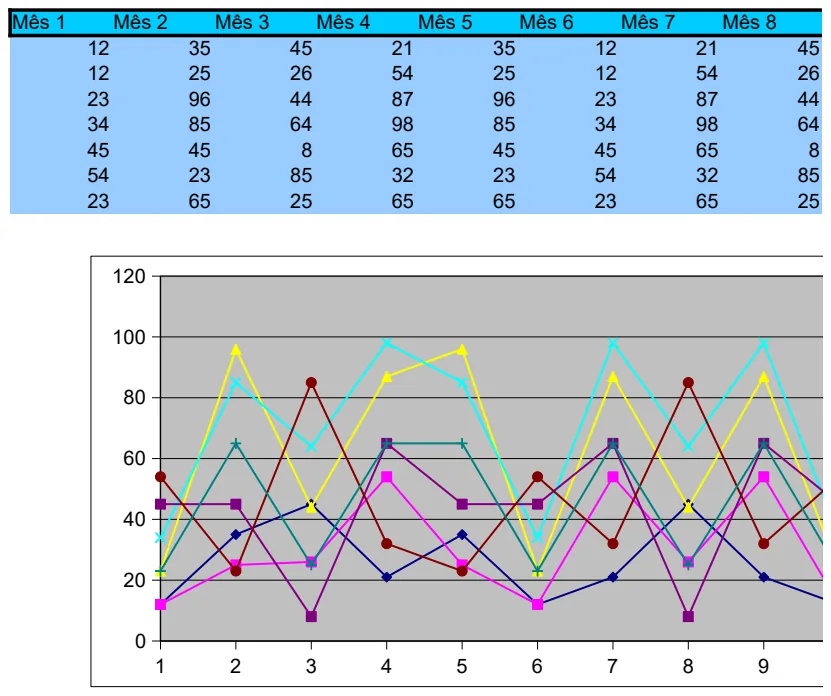
12-Month Financial Planning Template
Track financial data across all 12 months with built-in charts to visualize trends and performance.
- 12-month column structure
- Pre-built charts for trend visualization
- Monthly data entry fields
 Budgeting & Expense Management
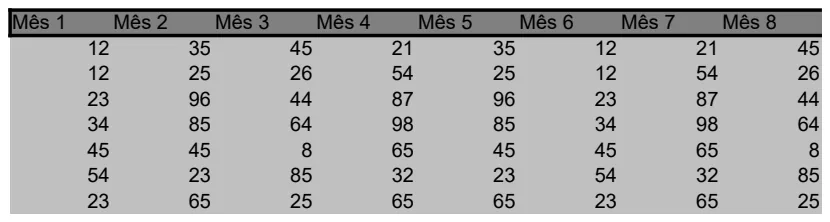
12-Month Yearly Budget Tracker
Plan and monitor monthly budgets across a full year with automatic average calculations.
- 12 monthly columns (Mês 1-12)
- Automatic AVERAGE calculations
- Simple row-based data entry
 Budgeting & Expense Management
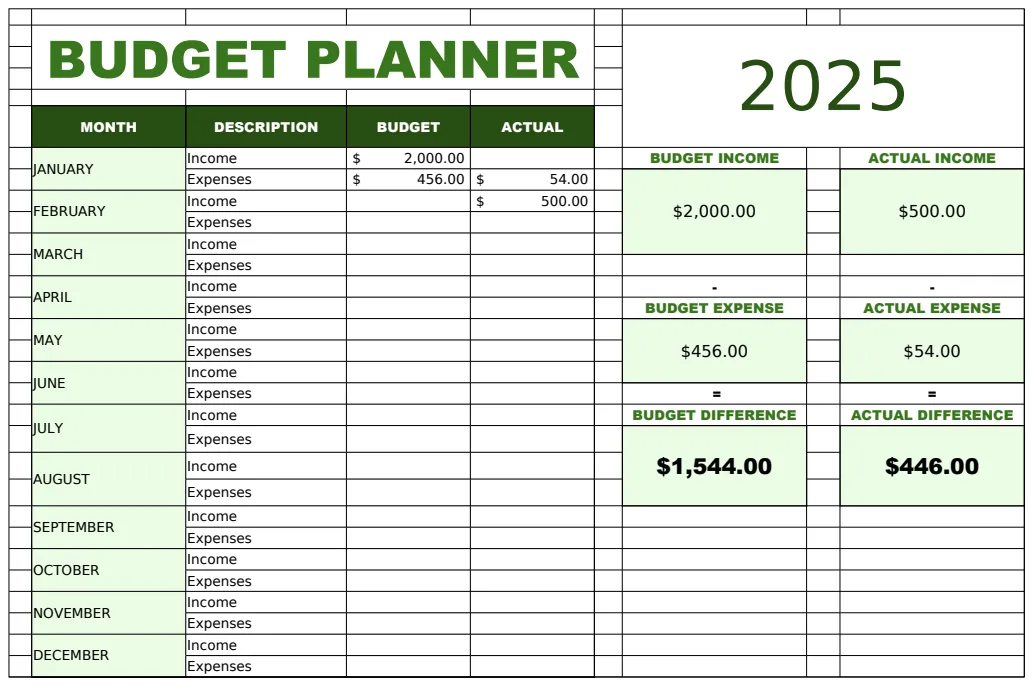
2025 Budget Planner Template
A monthly budget planning spreadsheet for tracking income and expenses across the year 2025.
- Monthly breakdown by category
- Budget vs. actual comparison columns
- Income and expense tracking
 Budgeting & Expense Management
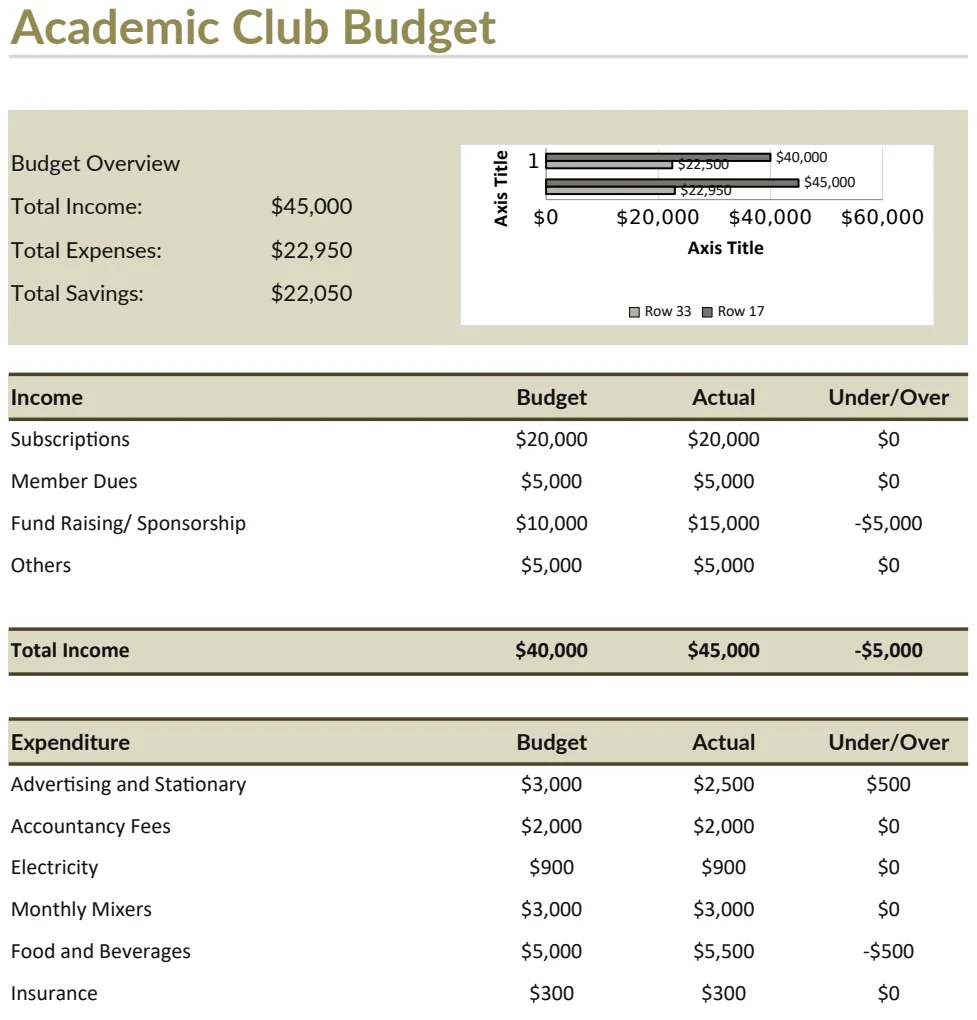
Academic Club Budget Template
Plan and track academic club finances with income and expense overview.
- Automatic income total calculation
- Budget vs actual tracking
- Expense categorization by activity type