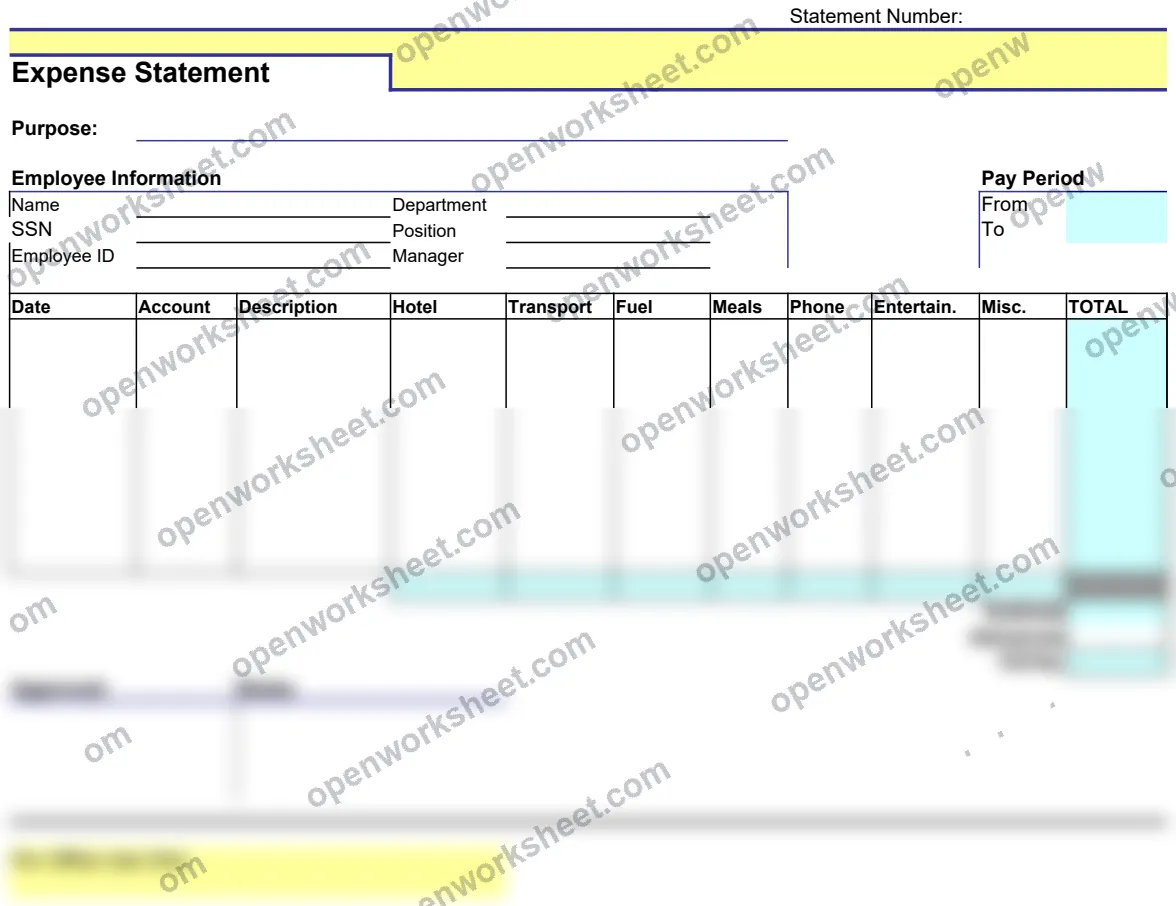
Expense Statement
Track and document employee expenses with automatic calculations for easy reimbursement processing.
This expense statement template helps employees systematically record and categorize all business expenses for reimbursement. It captures employee information and uses built-in formulas (SUM, MAX, MIN) to automatically calculate totals, making it simple to verify amounts and process claims accurately. Perfect for companies that need consistent expense documentation and employees seeking transparent reimbursement records.
What's inside
- Employee information capture
- Automatic SUM calculations for total expenses
- MAX/MIN functions for expense analysis
- Statement number tracking
- Multi-sheet organization
Download this and everything else
.xlsx · 3 sheets
$29$9once for thousands of templates. No subscription.
- Limited-time offer, normally $29
- One payment, no subscription
- 14-day refund
More in Budgeting & Expense Management
 Budgeting & Expense Management
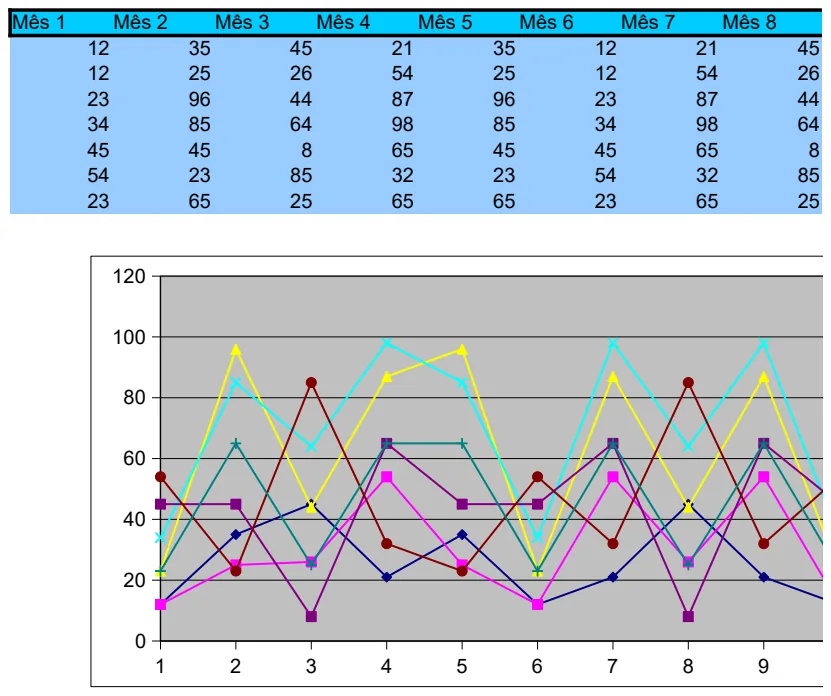
12-Month Financial Planning Template
Track financial data across all 12 months with built-in charts to visualize trends and performance.
- 12-month column structure
- Pre-built charts for trend visualization
- Monthly data entry fields
 Budgeting & Expense Management
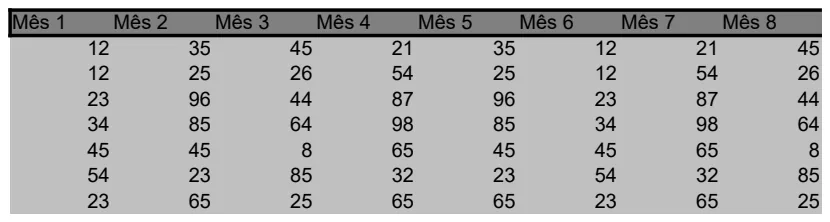
12-Month Yearly Budget Tracker
Plan and monitor monthly budgets across a full year with automatic average calculations.
- 12 monthly columns (Mês 1-12)
- Automatic AVERAGE calculations
- Simple row-based data entry
 Budgeting & Expense Management
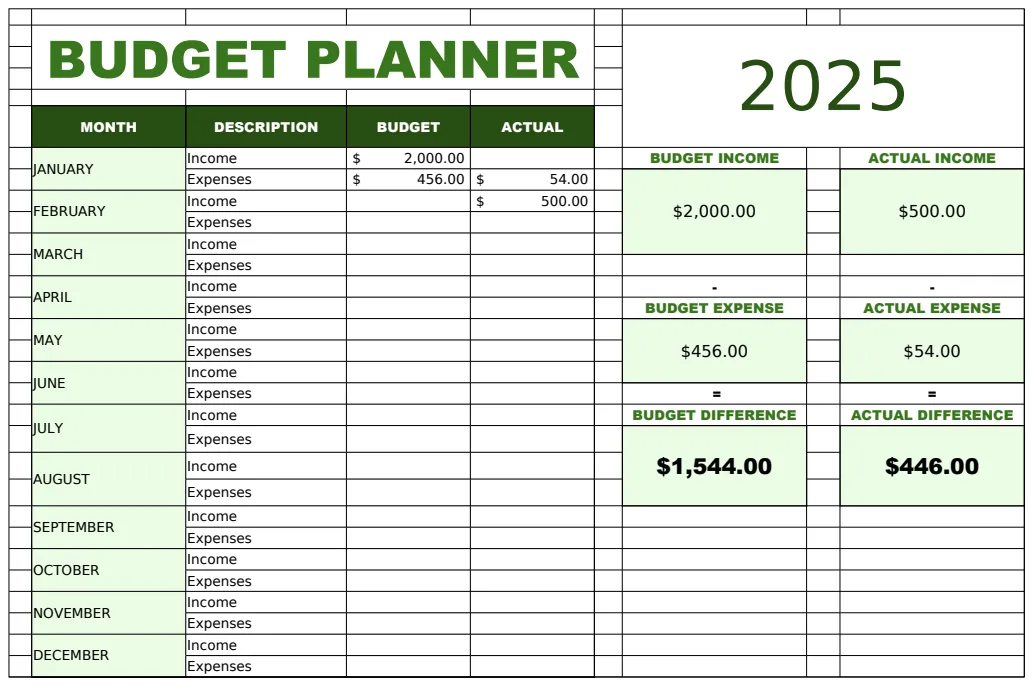
2025 Budget Planner Template
A monthly budget planning spreadsheet for tracking income and expenses across the year 2025.
- Monthly breakdown by category
- Budget vs. actual comparison columns
- Income and expense tracking
 Budgeting & Expense Management
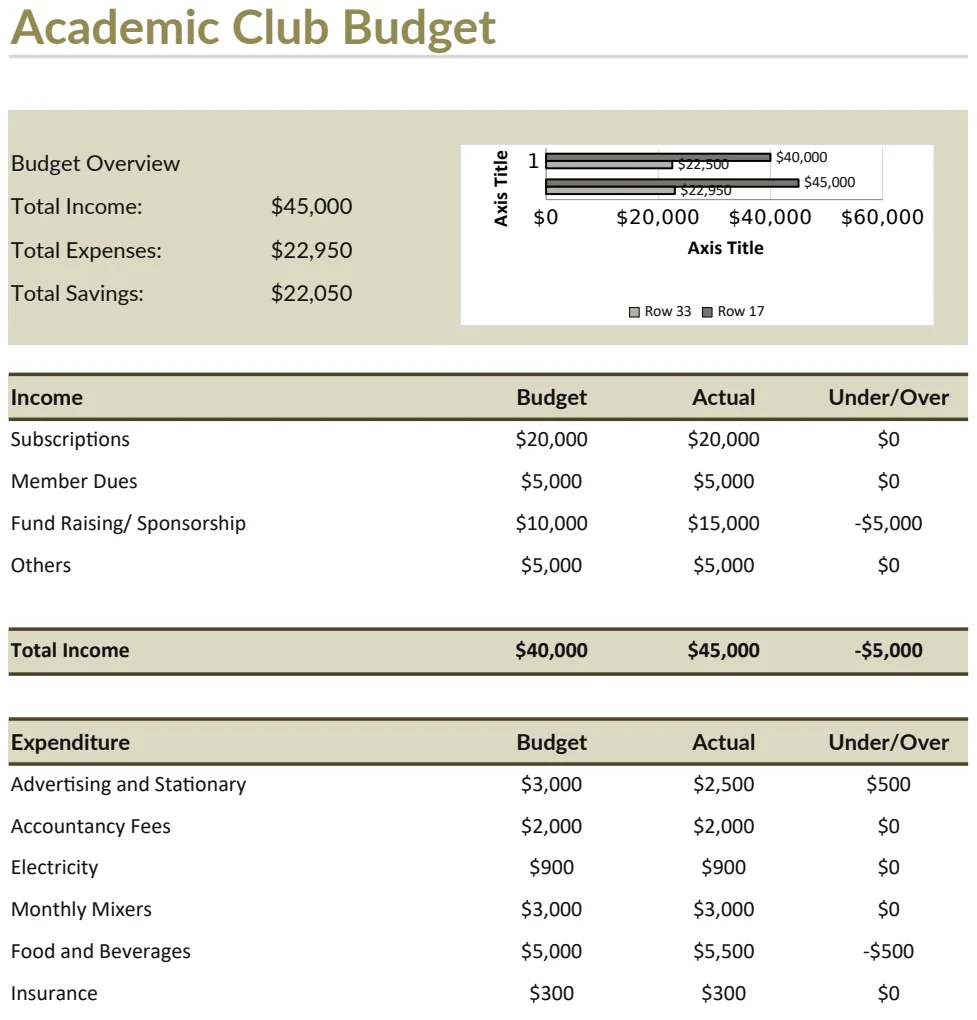
Academic Club Budget Template
Plan and track academic club finances with income and expense overview.
- Automatic income total calculation
- Budget vs actual tracking
- Expense categorization by activity type