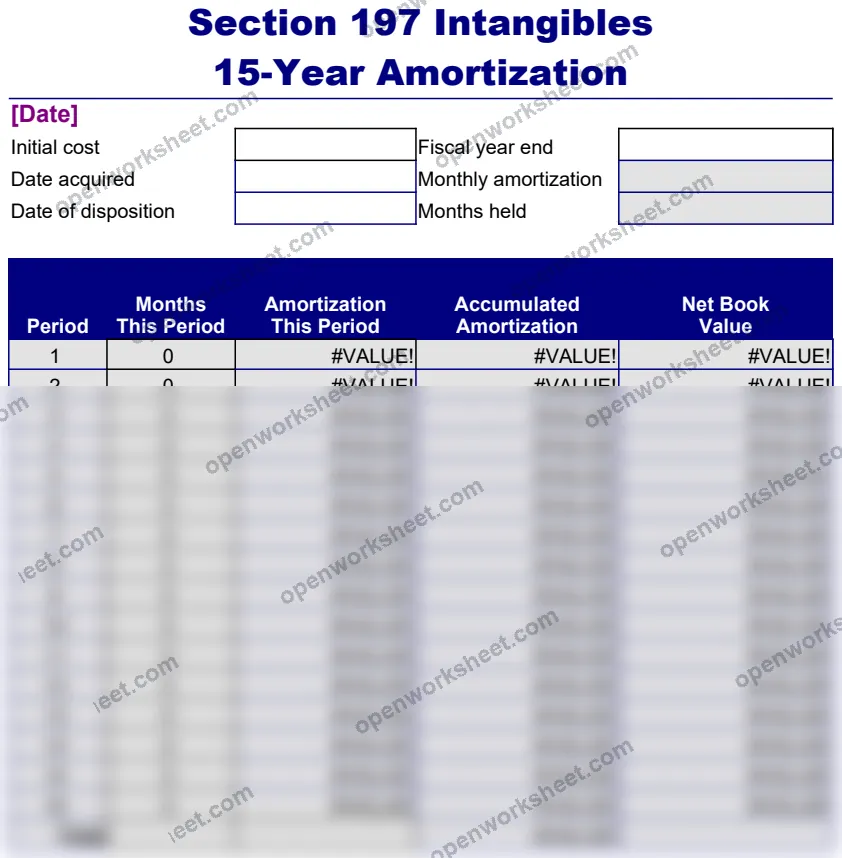
Intangible Asset Depreciation - Section 197 Amortization
Calculate 15-year amortization schedules for Section 197 intangibles with automated fiscal year tracking.
This template automates depreciation calculations for Section 197 intangible assets using the mandatory 15-year amortization period. It tracks initial cost, fiscal year-end dates, and generates period-by-period amortization amounts with built-in date logic.
Designed for accountants, tax professionals, and business owners managing intellectual property, customer lists, goodwill, and other qualifying intangibles. Eliminates manual calculation errors and ensures tax compliance while simplifying audit documentation.
What's inside
- Automated fiscal year-end date calculations
- Period-by-period amortization amount computation
- Multiple asset tracking in single worksheet
- Built-in date logic using EOMONTH and MONTH functions
- Tax-compliant Section 197 intangibles treatment
- Configurable shading and series variables
Download this and everything else
.xlsx · 2 sheets
$29$9once for thousands of templates. No subscription.
- Limited-time offer, normally $29
- One payment, no subscription
- 14-day refund
More in Accounting & Bookkeeping
 Accounting & Bookkeeping
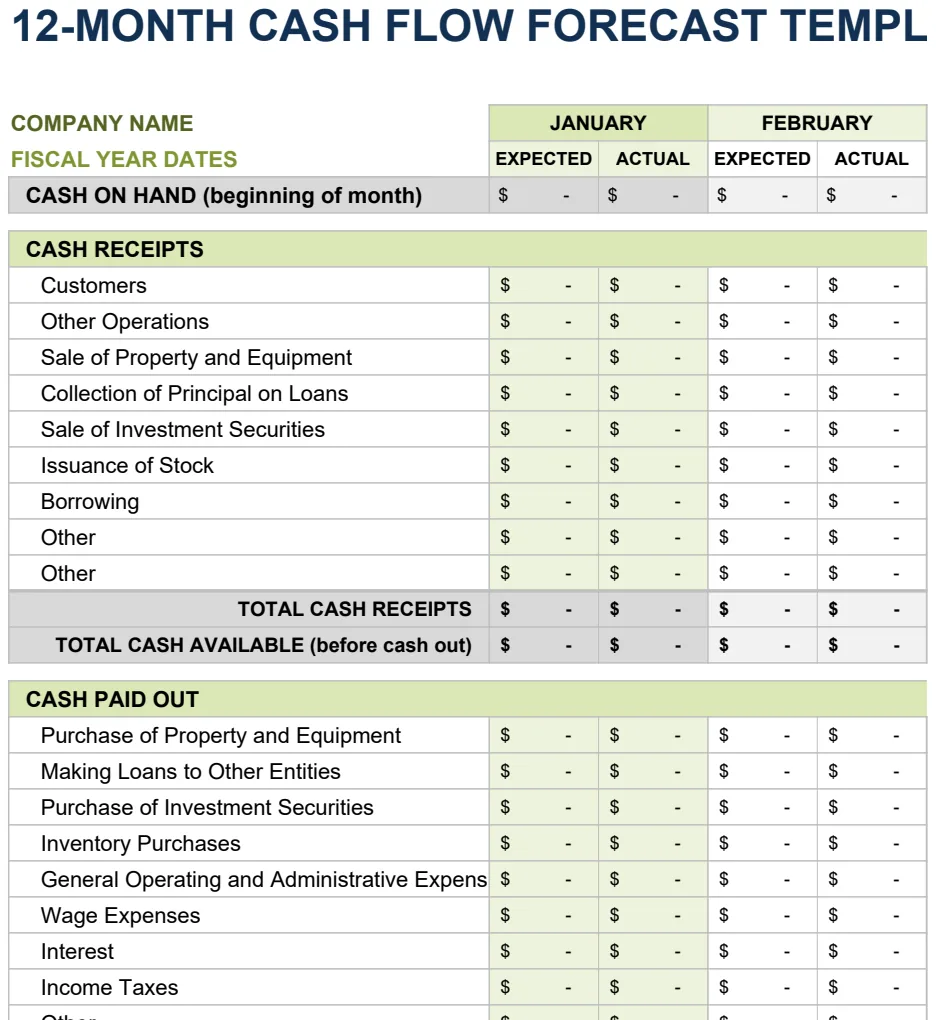
12 Month Cash Flow Forecast
Project monthly cash inflows and outflows to manage liquidity and plan for operating expenses.
- 12-month rolling forecast with expected vs. actual columns
- Month-by-month cash inflow and outflow tracking
- Automatic SUM calculations for cash position
 Accounting & Bookkeeping
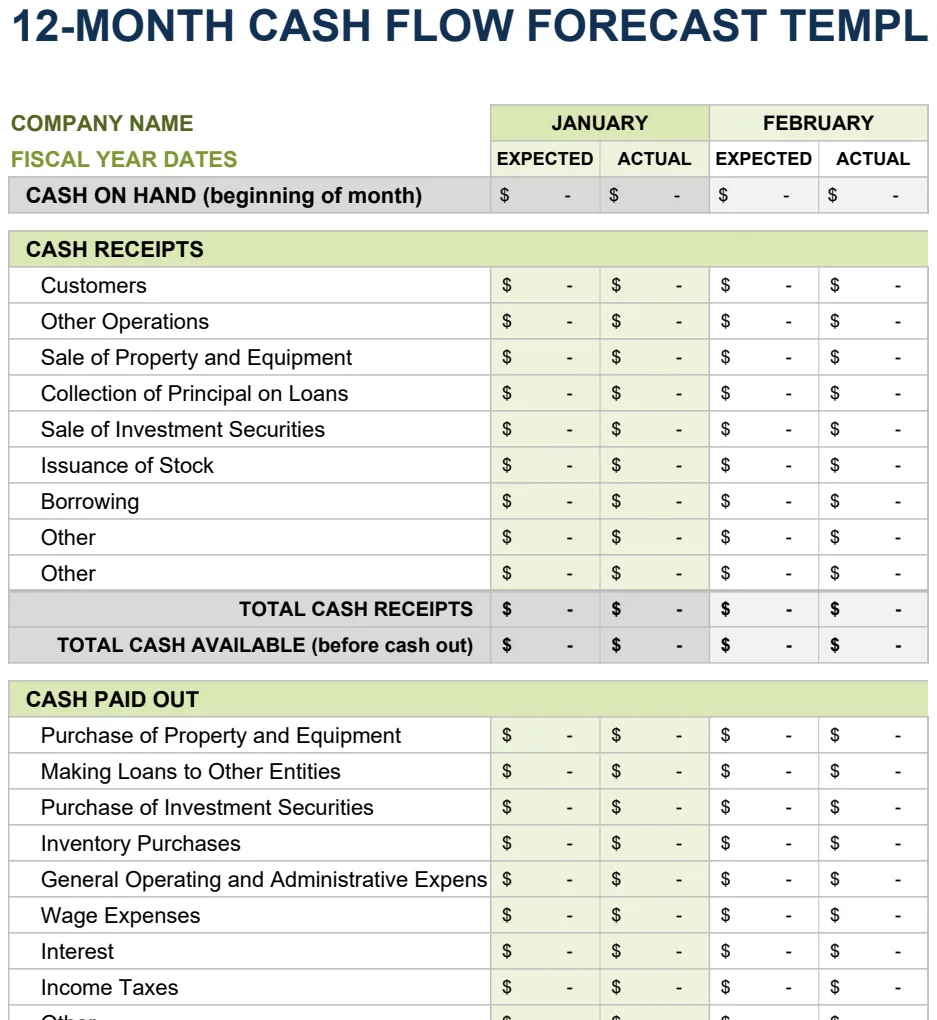
12 Month Cash Flow Forecast
Project monthly cash inflows and outflows to manage liquidity and financial planning.
- 12-month rolling projection with expected vs actual columns
- Monthly period comparison structure
- Automated SUM formulas for period totals
 Accounting & Bookkeeping
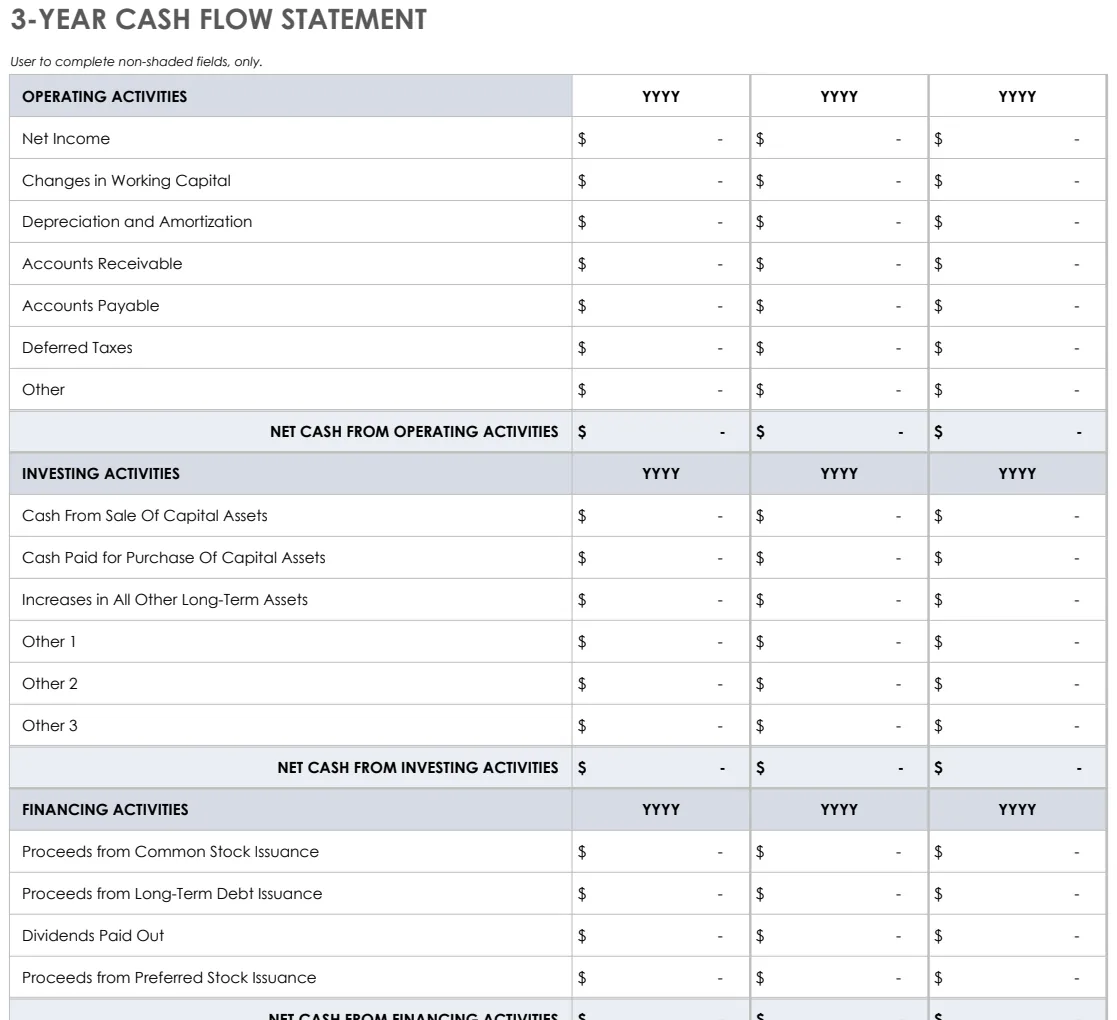
3 Year Cash Flow Statement
Track operating, investing, and financing cash flows across three years with pre-built formulas.
- Three statement formats (3-year, yearly, 12-month)
- Pre-built SUM formulas for automatic calculations
- Color-coded input areas for easy data entry
 Accounting & Bookkeeping
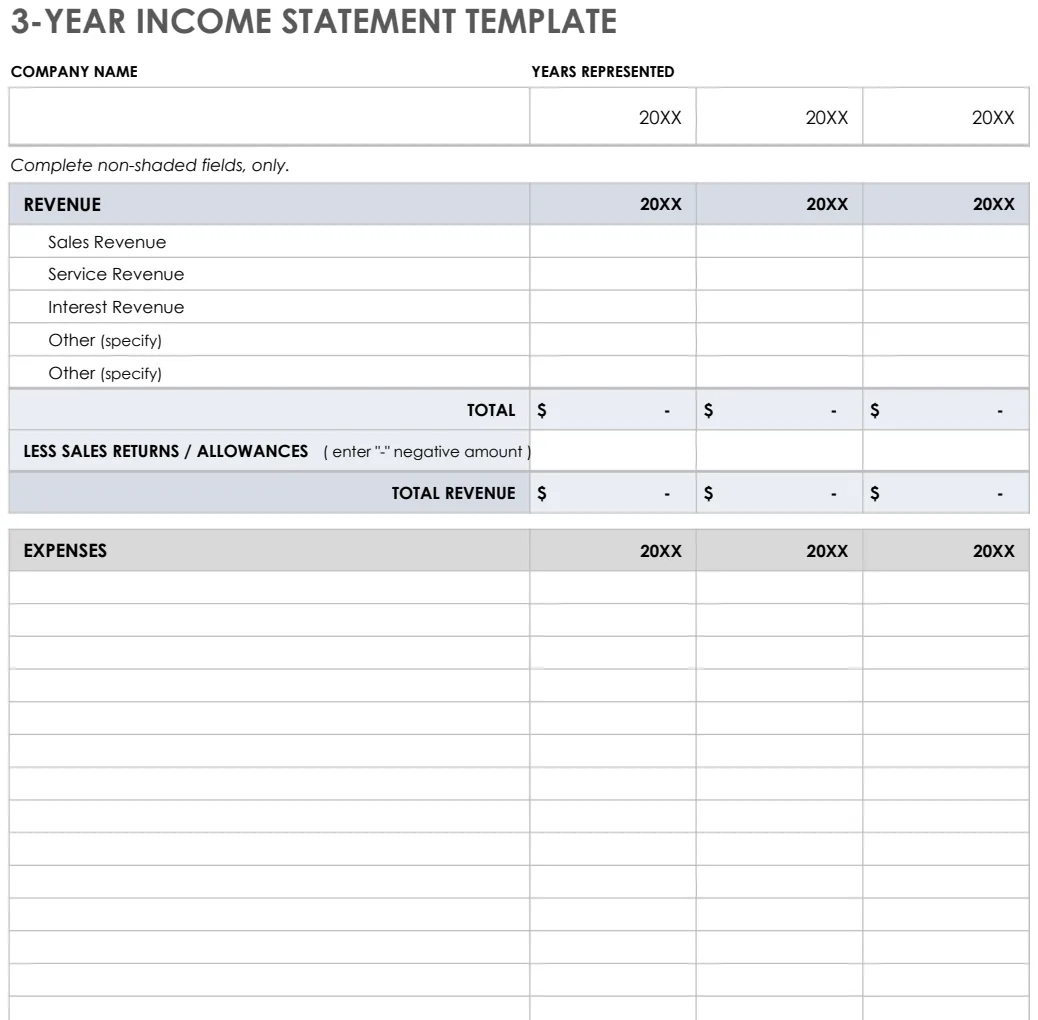
3 Year Income Statement
Track revenue, expenses, and net income across three years to analyze financial trends and performance.
- Pre-formatted rows for revenue and expense categories
- Automatic SUM formulas for totals and subtotals
- Three-year side-by-side comparison columns