
Loan Amortization Schedule in Excel with Extra Payments & Refinance Comparison
A loan amortization schedule in Excel for any loan and payment frequency, with recurring and one-off extra payments, interest and time saved, rate changes, a refinance calculator with break-even, and a side-by-side comparison of loan offers.
Loan Amortization Schedule is an amortization table in Excel for a mortgage, home loan, car loan, student loan or business loan. Enter the amount, annual rate, term, payment frequency and first payment date once, and the schedule lists every payment with its date, rate, interest, principal, extra payment and remaining balance. Monthly, semi-monthly, bi-weekly, weekly, quarterly, semi-annual and annual payments are supported, for up to 1,560 payments.
Choose a fixed payment, as on most mortgages, or fixed principal, where the same principal is repaid each time and payments fall. Add interest-only payments at the start or a balloon at the end. For a variable or adjustable rate, list the dates and new rates, and choose whether the payment is recalculated over the remaining term or kept the same so the loan runs longer.
Extra payments are where the savings show. Add an extra amount with each payment, every few payments, or between two payment numbers, an annual lump sum in the month you choose, and up to 12 one-off payments by date. The workbook runs the loan with and without the extras side by side, showing the interest saved, the payments saved, the new debt-free date and how much you owe each year in both cases.
The Refinance tab compares the rest of your current loan with a new loan from any payment number, including closing costs and points paid in cash or added to the loan. It shows the new payment, the saving per payment, the break-even point, total interest and the total still to pay, with a plain-language verdict. Compare Offers puts three loan quotes side by side with payment, total interest, fees, points, APR and total cost of borrowing.
The Dashboard shows the payment, total interest, interest saved, the debt-free date, a balance chart and principal against interest by year, while the Annual Summary gives a loan repayment schedule by year. An APR estimate including fees is shown for standard fixed-payment loans. Figures are estimates: lenders can differ on day counts, rounding and fees, and your lender's statement is final. Calculated cells are locked and sheet protection has no password. Built for Microsoft Excel 2016 or later (desktop or Excel for the web) and contains no macros.
What's inside
- 9 tabs, from a quick-start guide to Lists
- Full amortization table for up to 1,560 payments
- Monthly, semi-monthly, bi-weekly, weekly, quarterly and annual
- Fixed payment or fixed principal
- Interest-only start and balloon payment
- Rate changes by date for variable and adjustable loans
- Recurring, annual and one-off extra payments
- Interest saved, payments saved and debt-free date
- Annual summary with and without extra payments
- Refinance calculator with costs, points and break-even
- Three loan offers compared on APR and total cost
- APR estimate with fees
- Balance and principal vs interest charts
- Locked formulas, no macros
Download this template
.xlsx · 9 sheets · includes charts
$9/monthDownload up to 10 templates a month from a library of thousands. Cancel anytime.
- 10 downloads every month
- Cancel anytime
- 14-day refund policy
More in Personal Finance & Loans
 Personal Finance & Loans
Rental Property Deal Analyzer
A rental property calculator in Excel for real estate investors. NOI, cap rate, cash-on-cash, DSCR and after-tax IRR on one master tab, with local property-tax rules, a 1-12 unit rent roll and a 2026-2036 projection.
- 11 connected tabs, from a quick-start guide to Settings
- NOI, cap rate, cash-on-cash and DSCR on one master tab
- After-tax IRR and equity multiple for any holding period
 Personal Finance & Loans
Debt Snowball vs Avalanche Simulator
A debt payoff simulator in Excel. Compare Snowball, Avalanche, your own custom order and minimum payments side by side, month by month, with promo rates ending, rate spikes, extra payments and lump sums.
- 9 connected tabs, from a quick-start guide to Settings
- Up to 10 debts simulated month by month for 30 years
- Snowball, Avalanche, Custom and minimum-only plans side by side
 Personal Finance & Loans
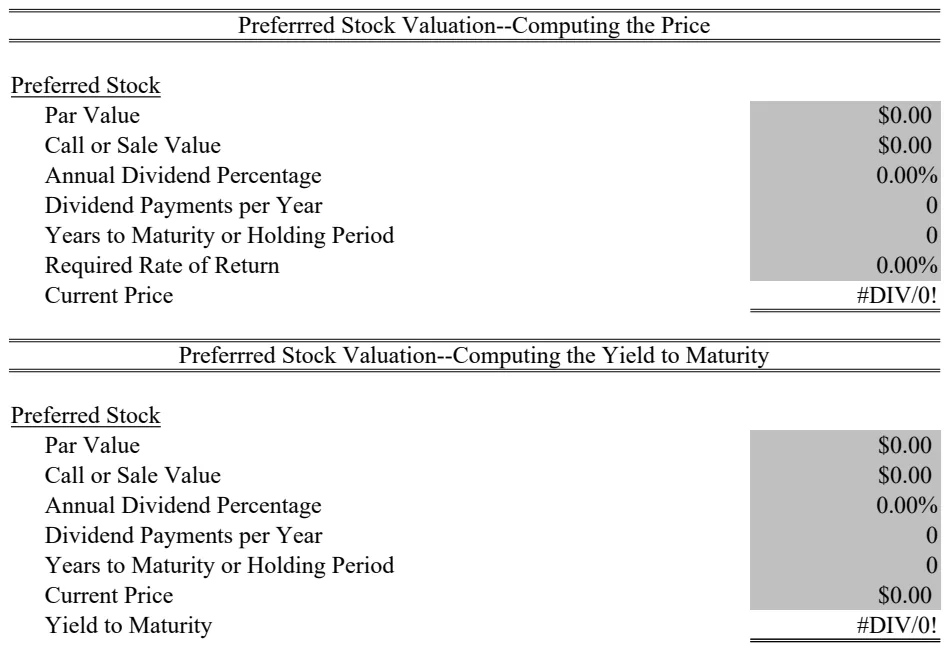
Preferred Stock Valuation Calculator
Calculate preferred stock fair value and pricing using dividend yield and par value methods.
- PV function for present value calculations
- RATE function for yield-to-maturity
- Par value and dividend input fields
 Personal Finance & Loans
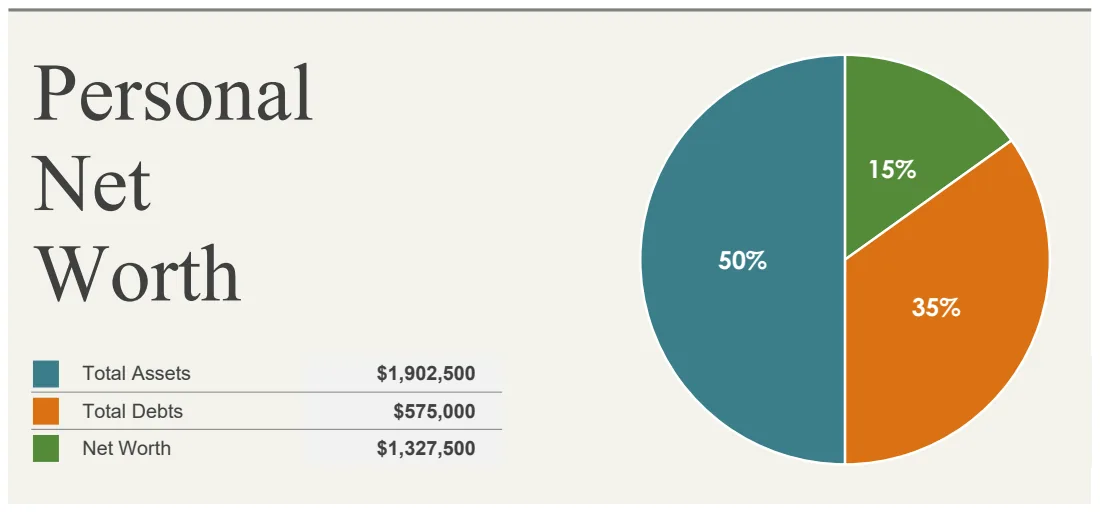
Personal Net Worth Calculator
Track your total assets and debts to calculate and monitor your net worth over time.
- Organized asset categories with individual line items
- Debt tracking by category
- Automatic net worth calculation