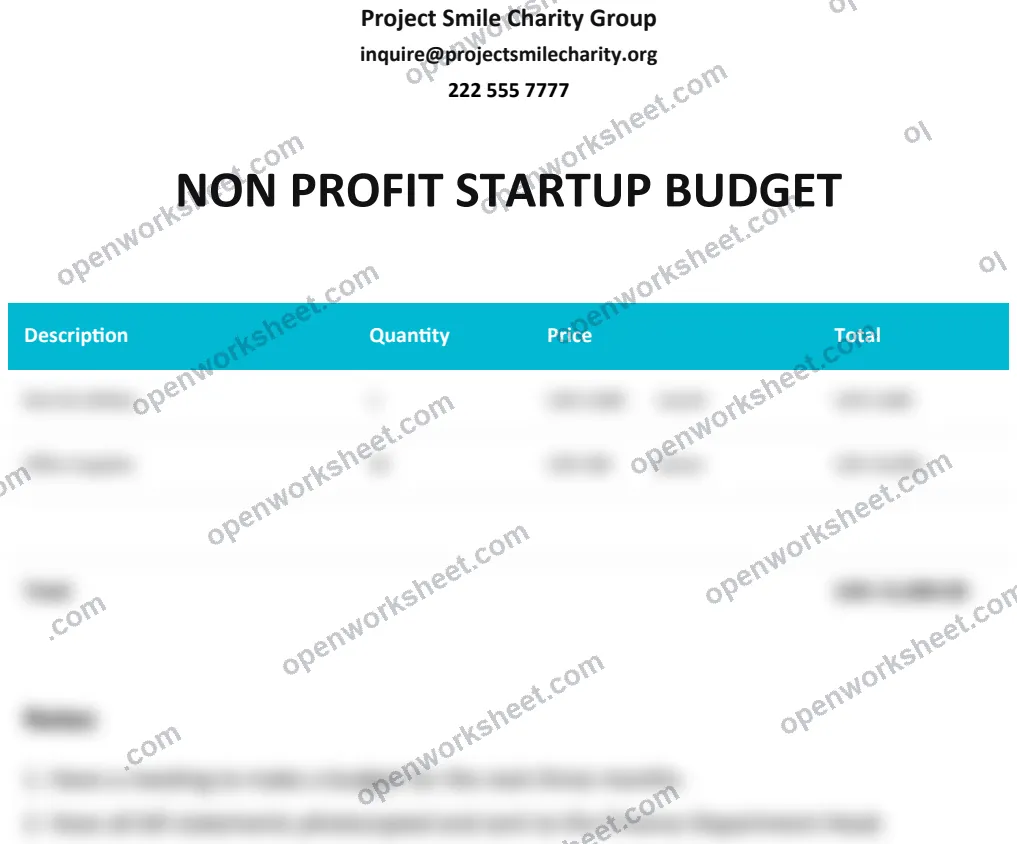
Non Profit Startup Budget Template
Plan and track initial funding, operational costs, and resource allocation for nonprofit launches.
Get this template
.xlsx · 1 sheet
This template
$5.95single payment
- Nothing renews
- Download it again whenever you need
- Yours to keep and edit
Monthly plan
$14.95/month
- This template plus 9 more every month
- About $1.50 a template if you use all 10
- Thousands of templates to choose from
- Cancel anytime
- Secure checkout via Creem
- Instant download after payment
- 14-day refund policy
This template helps nonprofit founders establish a comprehensive startup budget that captures all essential expenses—from legal registration and equipment to staffing and program delivery. It's designed for new charities and community organizations that need to quantify their initial investment and secure funding commitments from donors or grants.
What's inside
- Pre-populated nonprofit example (Project Smile Charity Group)
- Contact information fields for organizational tracking
- Expense category breakdowns for typical startup phases
- Foundation for funding requirement calculations
More in Budgeting & Expense Management
 Budgeting & Expense Management
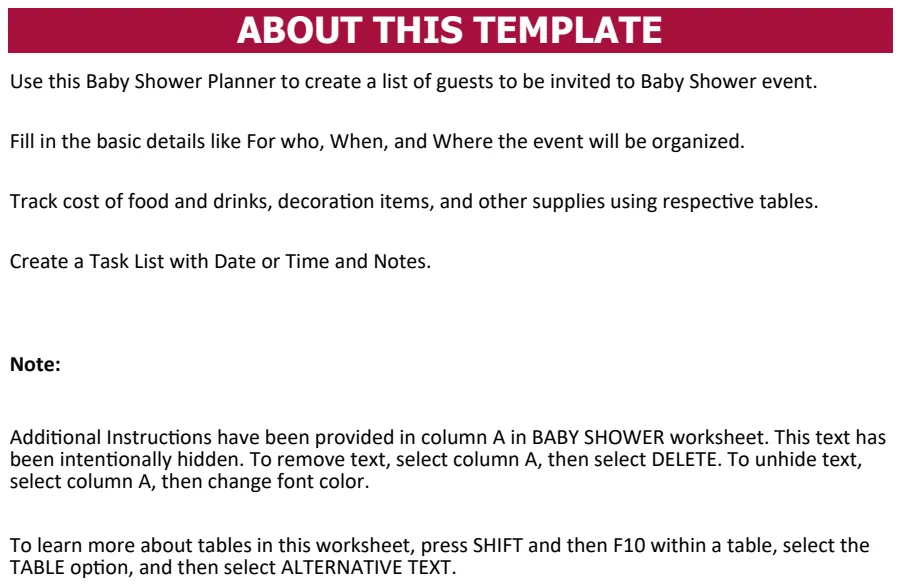
Baby Shower Planner
Organize guests, food, decorations, and tasks with costs for a memorable baby shower event.
- Guest list with names and details
- Food and drinks planning section
- Decoration and supplies list with costs
 Budgeting & Expense Management
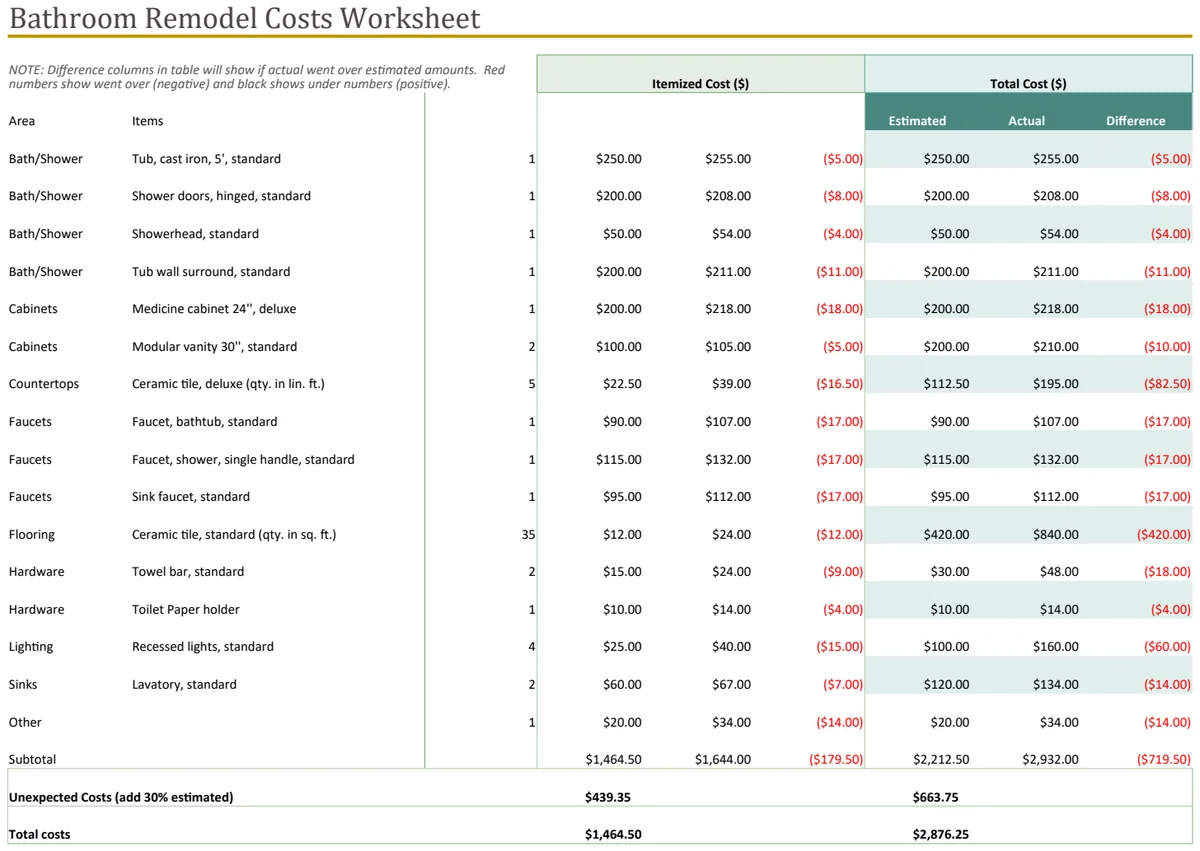
Bathroom Remodel Cost Calculator
Track itemized bathroom renovation expenses and calculate total project costs with automatic subtotals.
- Itemized cost line items for different bathroom components
- Automatic subtotal calculations for expense categories
- Total project cost summary
 Budgeting & Expense Management
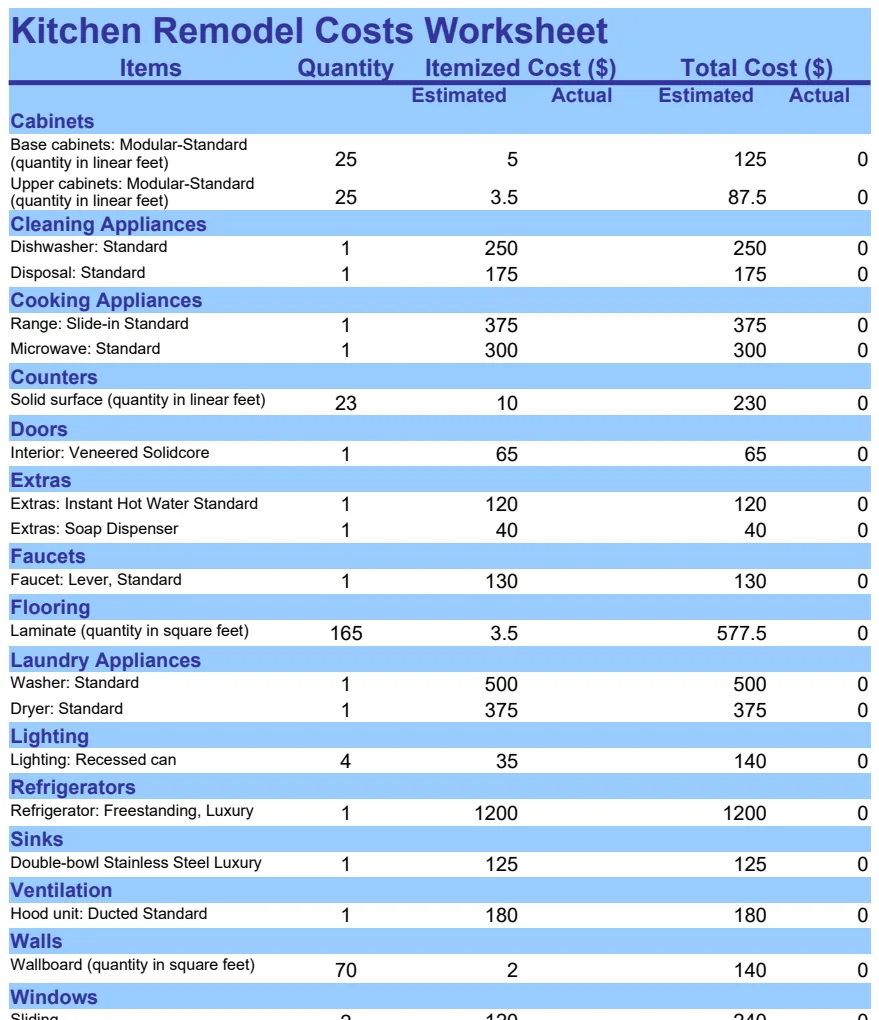
Kitchen Remodel Costs Worksheet
Track estimated vs. actual costs for kitchen renovation projects with itemized breakdown.
- Itemized cost breakdown by category
- Estimated vs. actual cost columns
- Quantity tracking per line item
 Budgeting & Expense Management
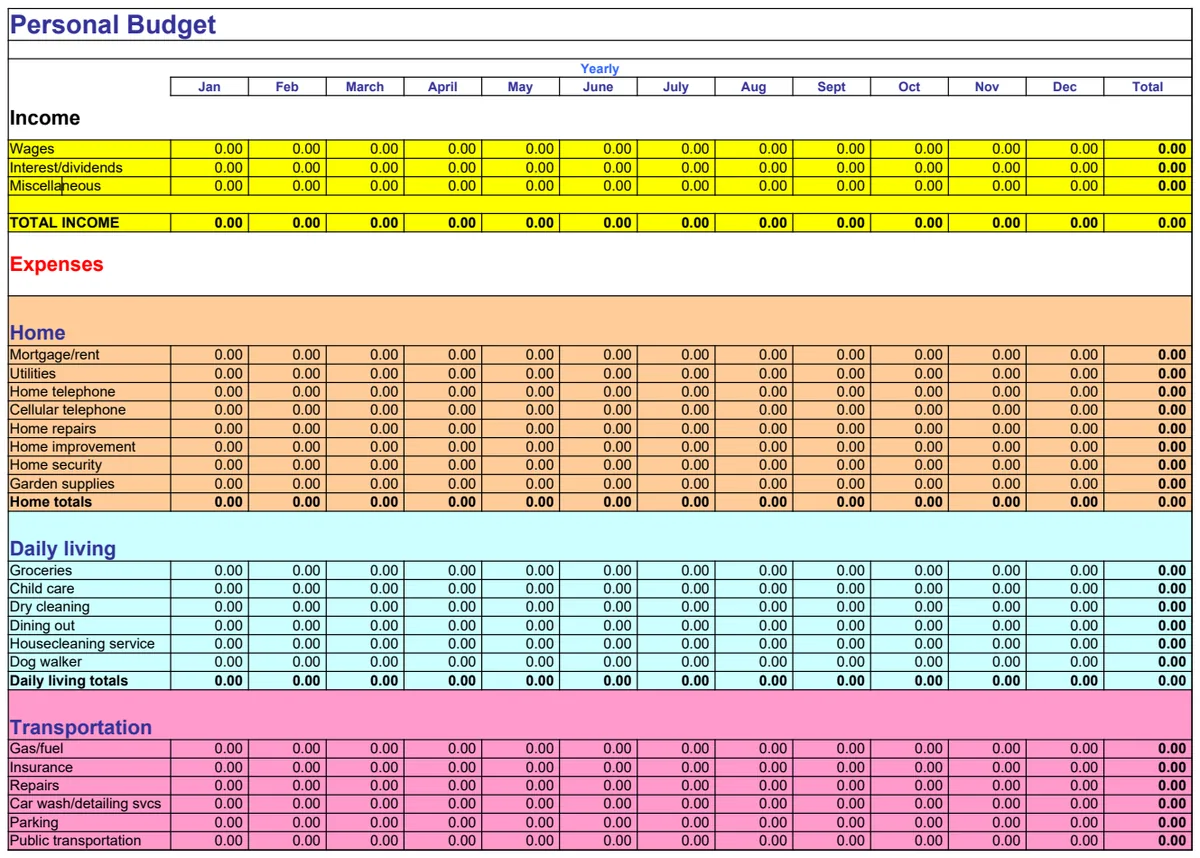
Family Budget Planner
Track household income and expenses across 12 months with automatic totals and monthly breakdowns.
- Monthly columns (Jan-Dec)
- Automatic SUM formulas for totals
- Income and expense categories