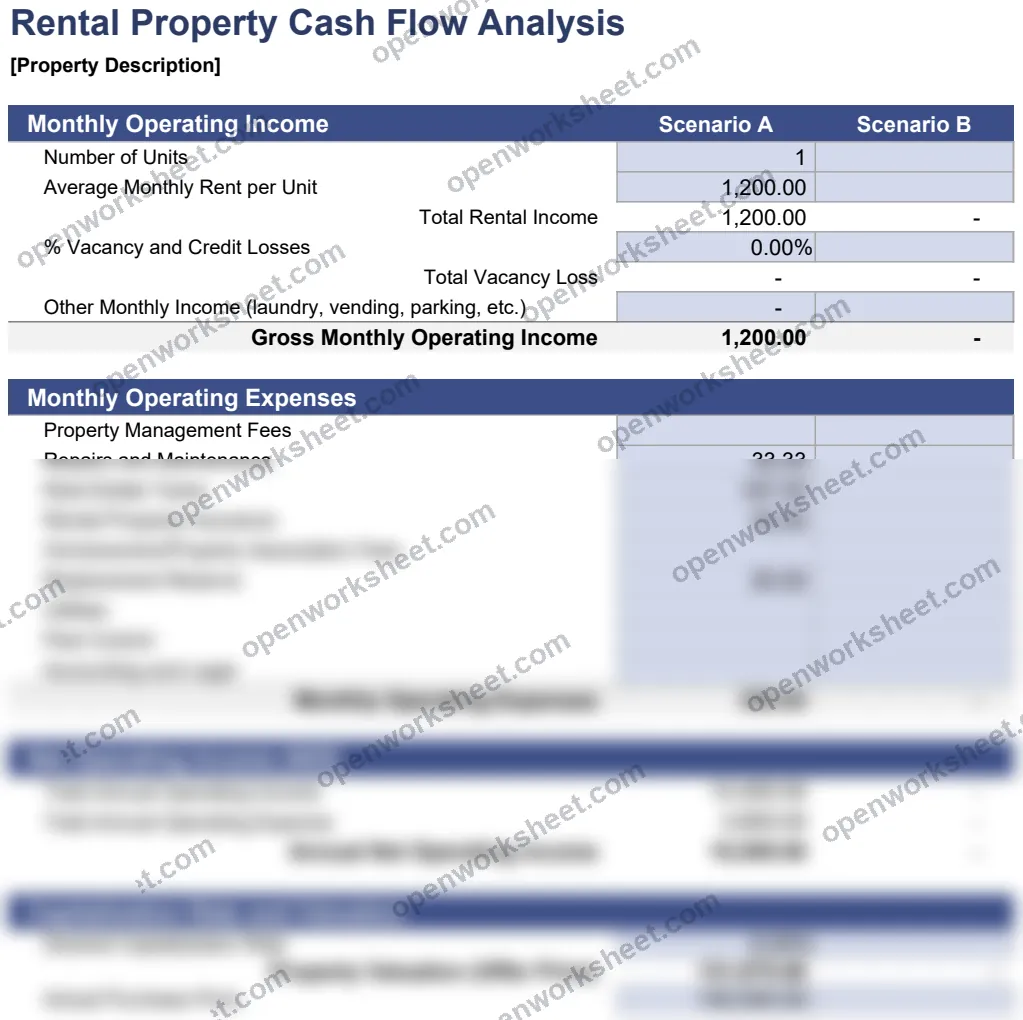
Rental Property Cash Flow Analysis
Track rental income, expenses, and cash flow across multiple scenarios for investment property analysis.
This template provides a detailed monthly cash flow analysis for rental properties, allowing you to model income and expenses across different scenarios. It calculates cumulative interest and principal payments, net operating income, and cash flow trends to help property investors understand profitability and compare investment strategies.
Designed for landlords, real estate investors, and property managers, it removes the guesswork from rental property decisions by automating calculations and enabling scenario comparison. Use it to evaluate whether a property meets your financial goals or to present projections to lenders and partners.
What's inside
- Monthly operating income tracking
- Multiple scenario comparison (Scenario A & B)
- Cumulative interest and principal calculations
- Automated cash flow summaries
- Property description field for reference
Download this and everything else
.xlsx · 1 sheet
$29$9once for thousands of templates. No subscription.
- Limited-time offer, normally $29
- One payment, no subscription
- 14-day refund
More in Accounting & Bookkeeping
 Accounting & Bookkeeping
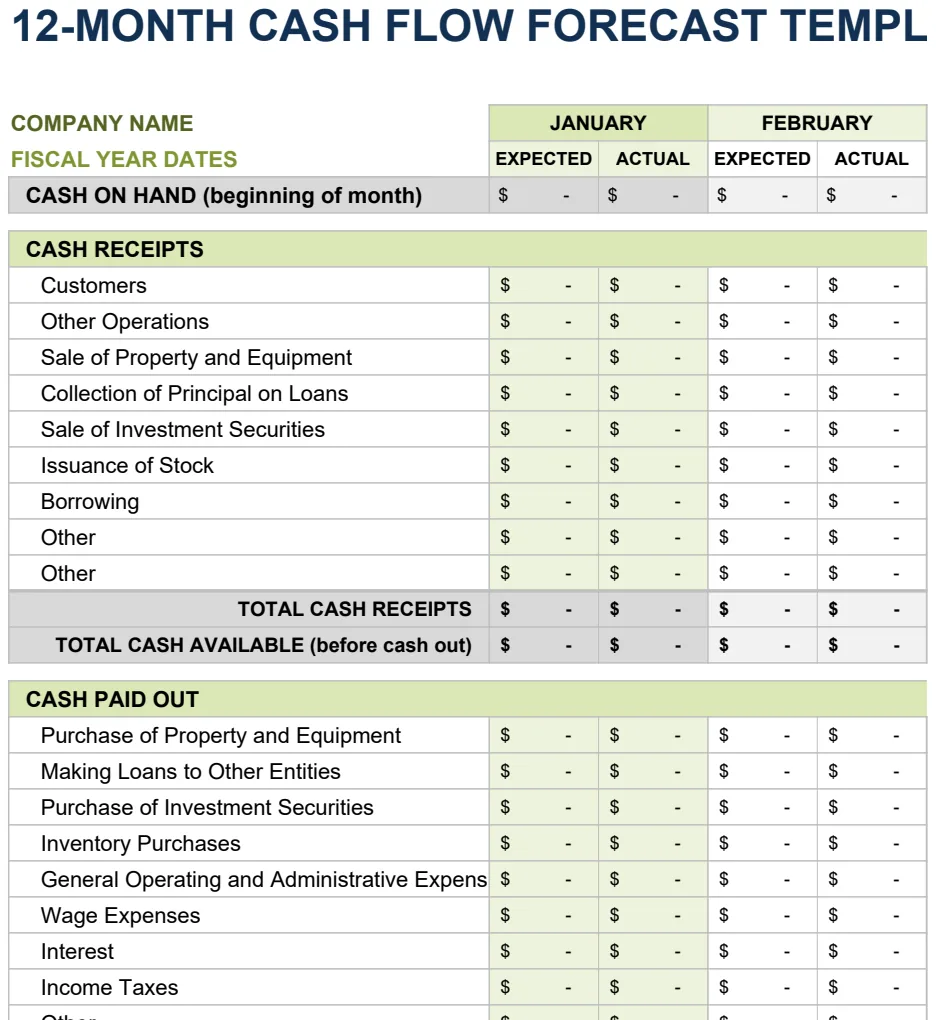
12 Month Cash Flow Forecast
Project monthly cash inflows and outflows to manage liquidity and plan for operating expenses.
- 12-month rolling forecast with expected vs. actual columns
- Month-by-month cash inflow and outflow tracking
- Automatic SUM calculations for cash position
 Accounting & Bookkeeping
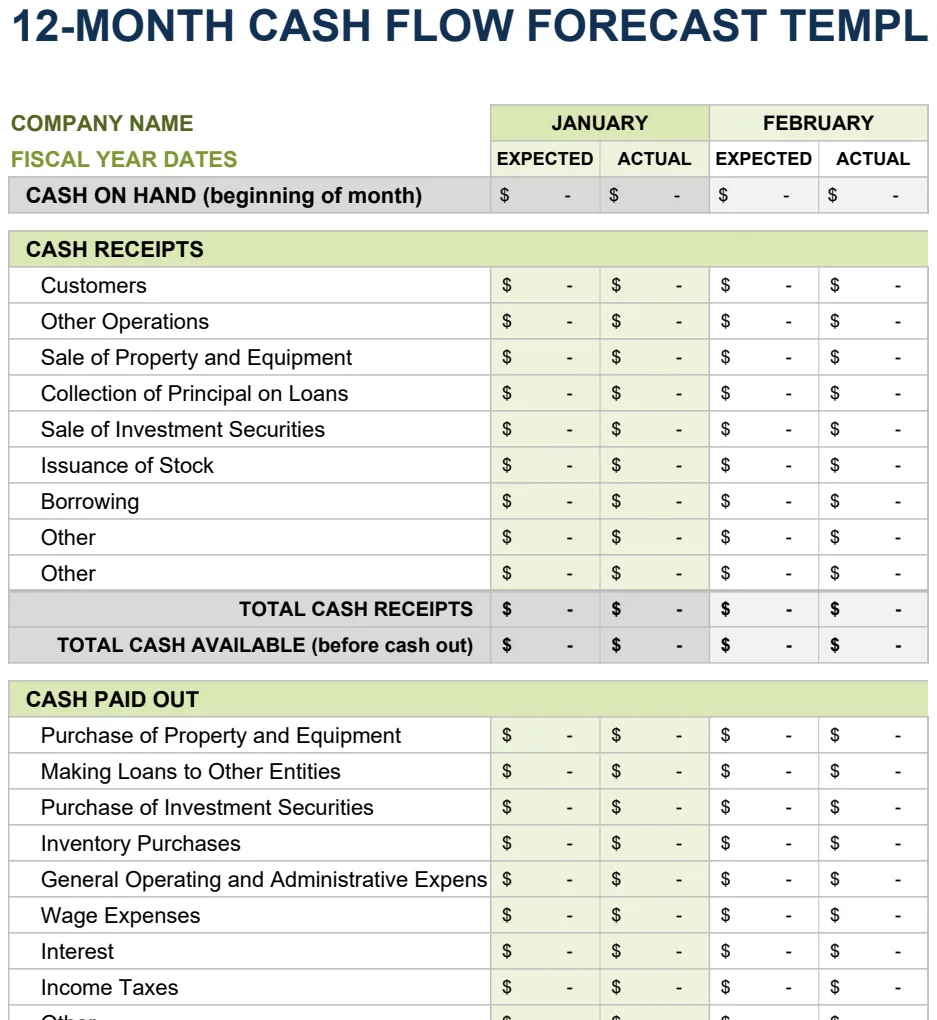
12 Month Cash Flow Forecast
Project monthly cash inflows and outflows to manage liquidity and financial planning.
- 12-month rolling projection with expected vs actual columns
- Monthly period comparison structure
- Automated SUM formulas for period totals
 Accounting & Bookkeeping
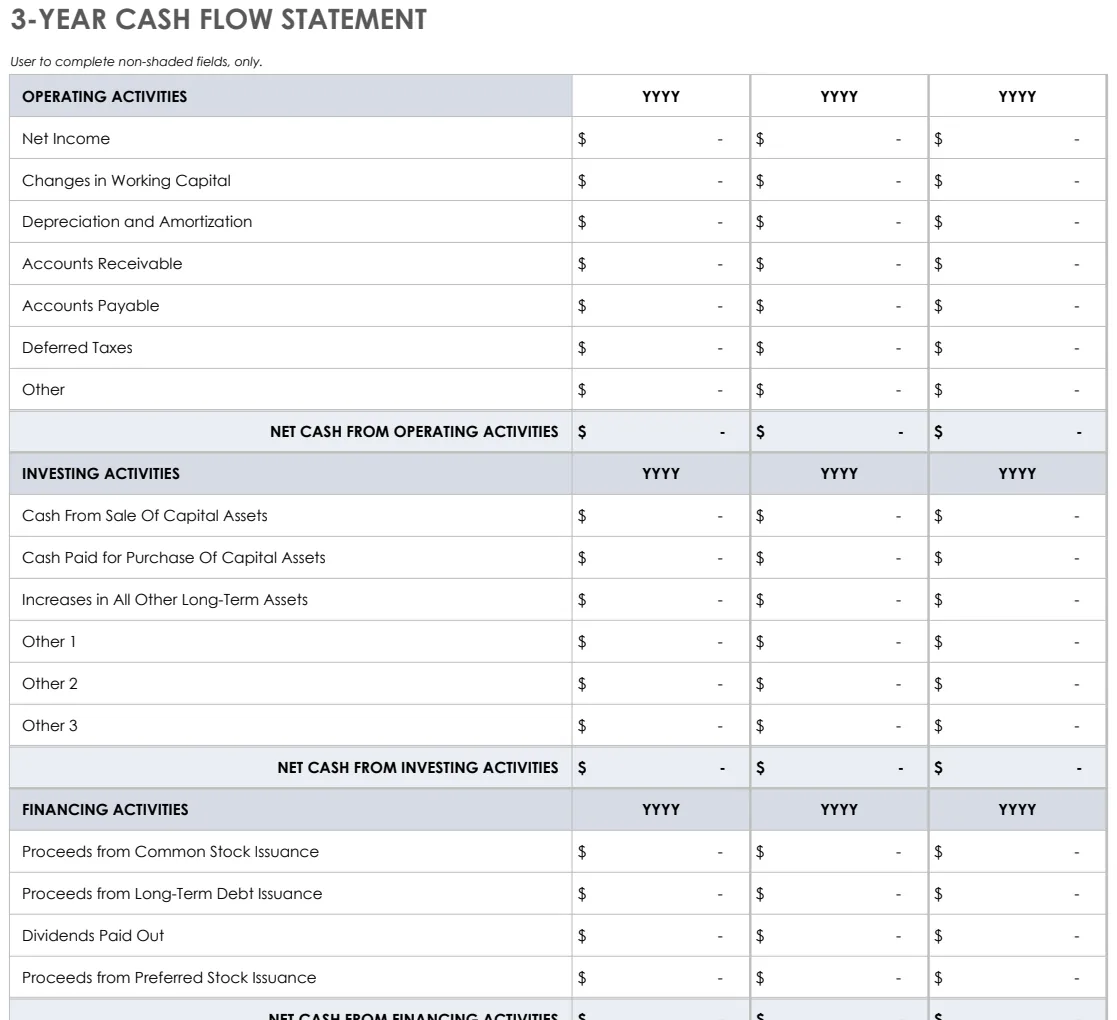
3 Year Cash Flow Statement
Track operating, investing, and financing cash flows across three years with pre-built formulas.
- Three statement formats (3-year, yearly, 12-month)
- Pre-built SUM formulas for automatic calculations
- Color-coded input areas for easy data entry
 Accounting & Bookkeeping
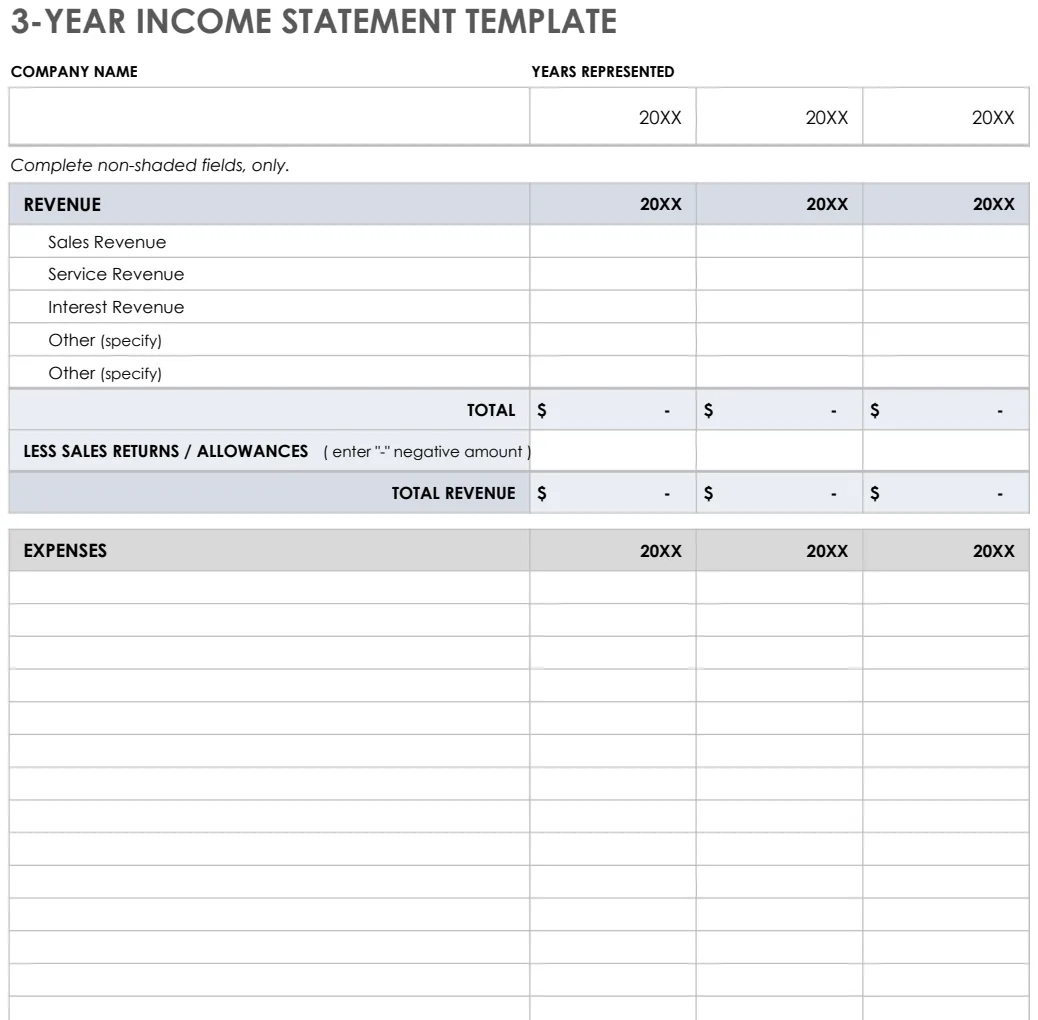
3 Year Income Statement
Track revenue, expenses, and net income across three years to analyze financial trends and performance.
- Pre-formatted rows for revenue and expense categories
- Automatic SUM formulas for totals and subtotals
- Three-year side-by-side comparison columns