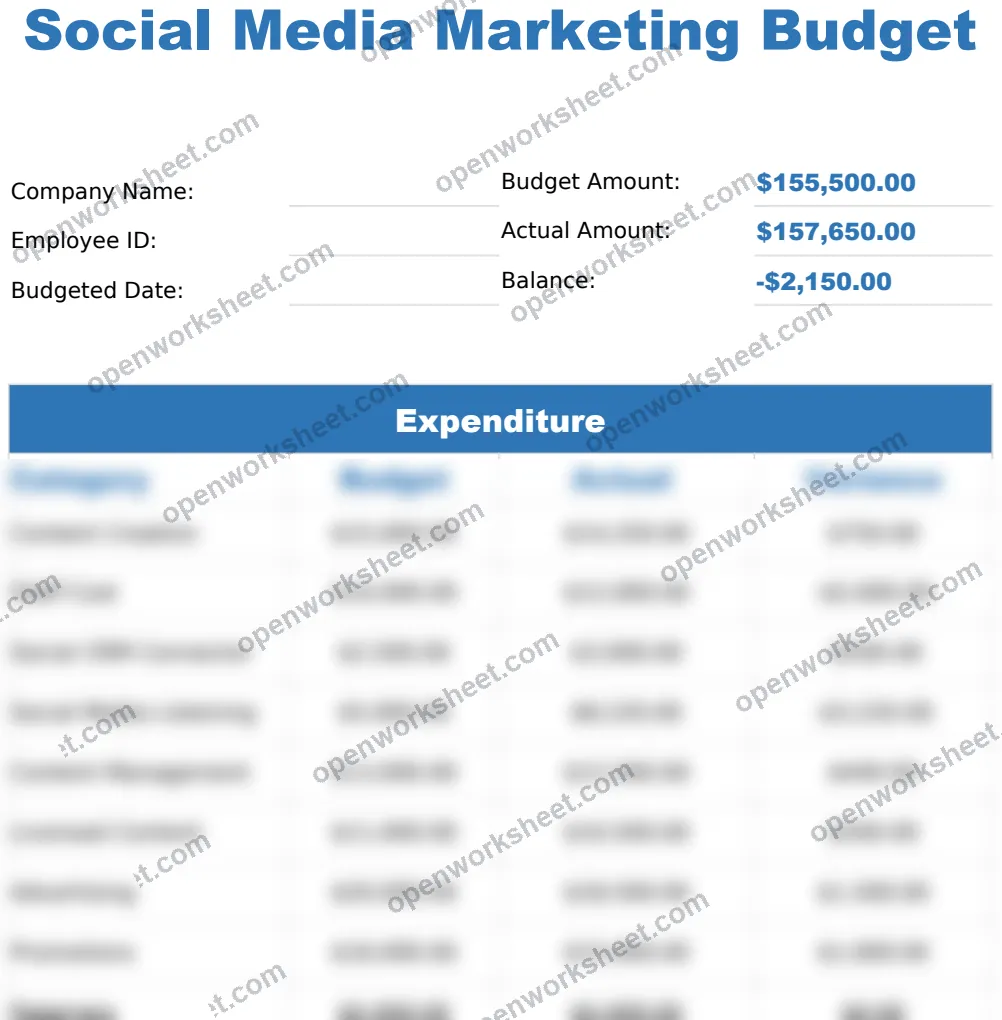
Social Media Marketing Budget US
Track social media marketing spend across channels with budget vs. actual comparison and visual reports.
Get this template
.xlsx · 1 sheet · includes charts
This template
$5.95single payment
- Nothing renews
- Download it again whenever you need
- Yours to keep and edit
Monthly plan
$14.95/month
- This template plus 9 more every month
- About $1.50 a template if you use all 10
- Thousands of templates to choose from
- Cancel anytime
- Secure checkout via Creem
- Instant download after payment
- 14-day refund policy
Manage your social media marketing budget by comparing planned spend against actual costs across different platforms and campaigns. This template helps marketing teams monitor budget allocation, identify overspending, and optimize resource distribution. Perfect for marketing managers and business owners who need clear visibility into how their social media investment is being used and where adjustments may be needed.
What's inside
- Budget vs. actual comparison columns
- SUM formulas for total calculations
- Visual charts for budget analysis
- Company and employee tracking fields
- Flexible channel breakdown
More in Budgeting & Expense Management
 Budgeting & Expense Management
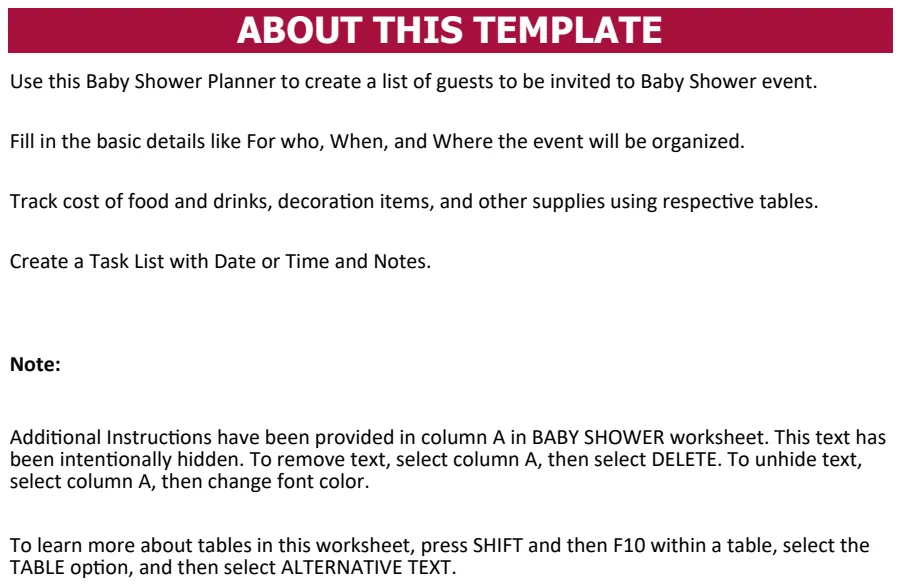
Baby Shower Planner
Organize guests, food, decorations, and tasks with costs for a memorable baby shower event.
- Guest list with names and details
- Food and drinks planning section
- Decoration and supplies list with costs
 Budgeting & Expense Management
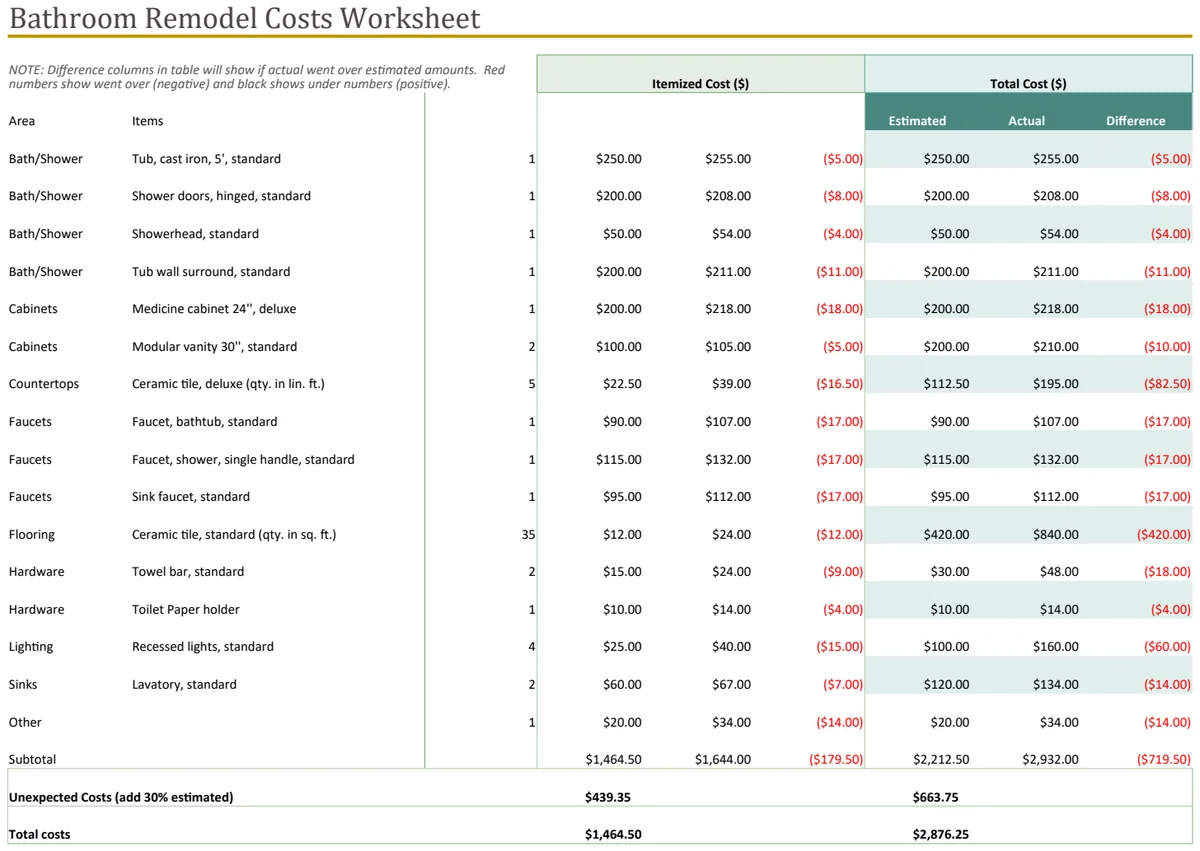
Bathroom Remodel Cost Calculator
Track itemized bathroom renovation expenses and calculate total project costs with automatic subtotals.
- Itemized cost line items for different bathroom components
- Automatic subtotal calculations for expense categories
- Total project cost summary
 Budgeting & Expense Management
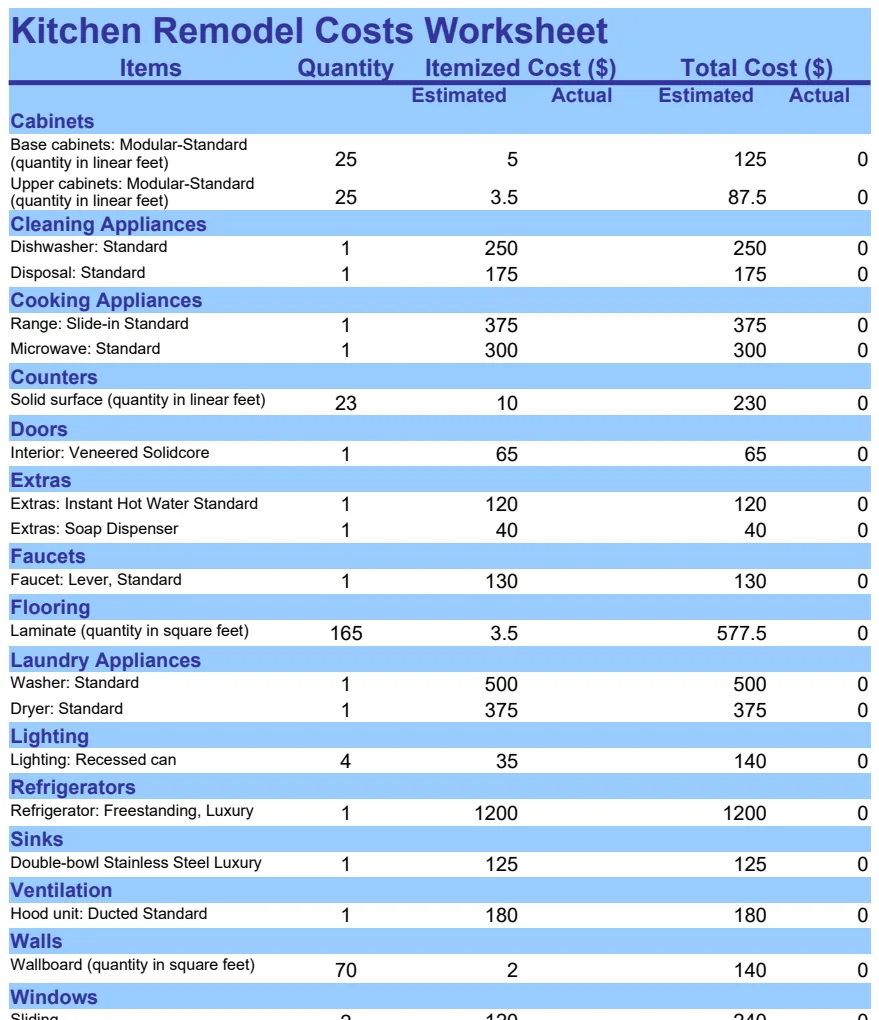
Kitchen Remodel Costs Worksheet
Track estimated vs. actual costs for kitchen renovation projects with itemized breakdown.
- Itemized cost breakdown by category
- Estimated vs. actual cost columns
- Quantity tracking per line item
 Budgeting & Expense Management
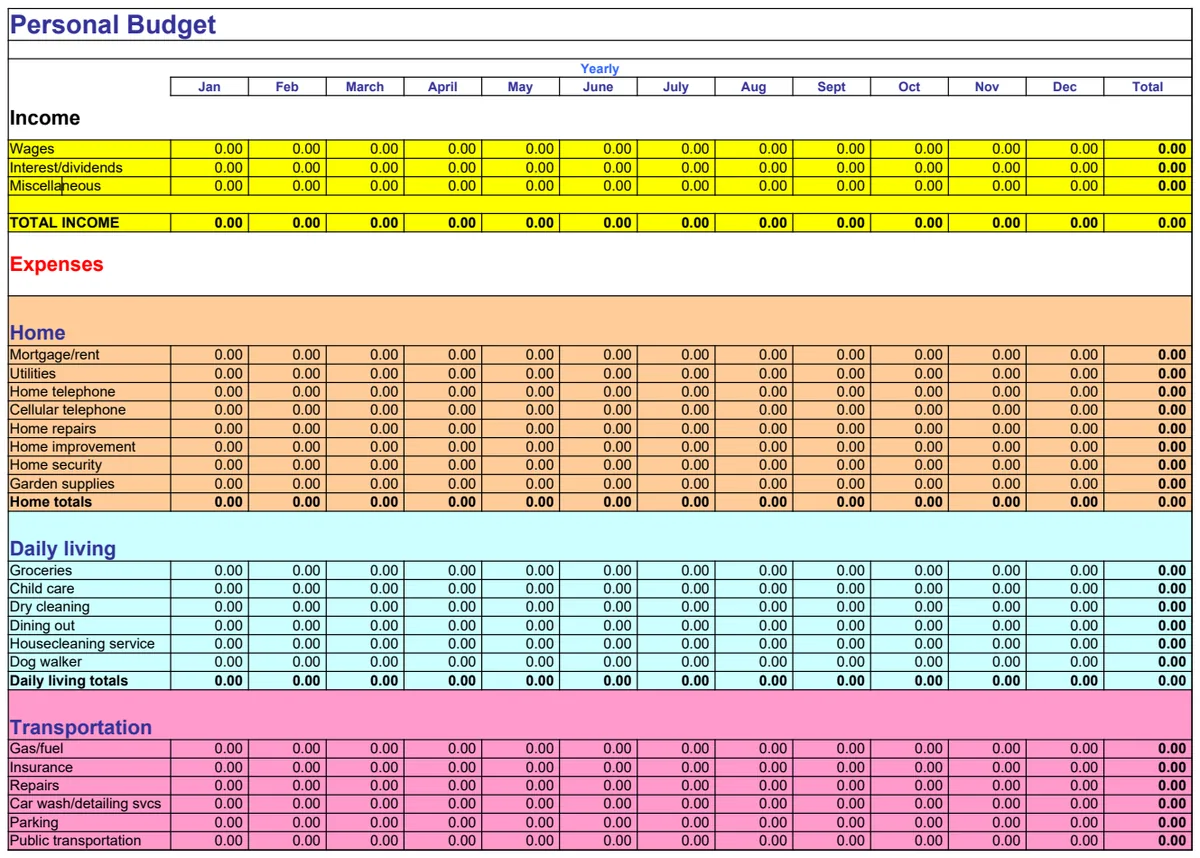
Family Budget Planner
Track household income and expenses across 12 months with automatic totals and monthly breakdowns.
- Monthly columns (Jan-Dec)
- Automatic SUM formulas for totals
- Income and expense categories