How to automate expense tracking with Excel templates
Learn how to automate expense tracking with Excel templates and save precious time for your entrepreneurial ventures.
The IFERROR function is surprisingly critical for entrepreneurs building their own financial models. Without it, a simple division by zero error can halt an entire dashboard, turning a valuable tool into a frustrating mess. Properly implemented, it ensures your projections keep running, even when intermediate calculations result in blanks or errors.
For many entrepreneurs, a significant portion of their time is spent on administrative tasks that don't directly generate revenue. This is precisely where well-designed Excel templates that save time for entrepreneurs become invaluable. Think about tasks like client onboarding, project tracking, or financial forecasting. When you have a template that handles the underlying calculations and formatting, you free up mental bandwidth and hours that can be better spent on strategic growth.
Automating Client Onboarding and Project Management
Client onboarding can involve a lot of repetitive data entry and follow-up. A dedicated template can manage client information, project scope, and initial communication logs. Imagine a sheet with columns like Client Name, Contact Email, Onboarding Date, Project Start Date, Service Tier, and Next Action Item. You can then use formulas to automatically calculate the number of days until the next action, or flag clients who are approaching their start date.
For project management, a template can track task completion, deadlines, and resource allocation. Columns like Task Name, Assigned To, Due Date, Status (e.g., Not Started, In Progress, Complete), and Estimated Hours can provide a clear overview of project progress. Conditional formatting can then highlight overdue tasks or tasks nearing their deadline, allowing you to proactively address bottlenecks. This structured approach minimizes the need to manually compile status reports or chase down individual task updates.
Streamlining Financial Forecasting and Budgeting
Financial projections are the bedrock of any business plan, but they can be complex and time-consuming to build from scratch. A good financial forecasting template will guide you through setting assumptions for revenue, cost of goods sold, operating expenses, and capital expenditures. Key columns might include Month, Revenue, Cost of Goods Sold, Gross Profit, Operating Expenses (broken down into categories like Rent, Salaries, Marketing), Net Operating Income, Taxes, and Net Income.
Using formulas like SUMIFS to aggregate expenses by category and XLOOKUP to pull in historical data or predefined cost rates significantly speeds up this process. Furthermore, integrating a template that can perform scenario analysis, allowing you to easily tweak variables like sales growth or marketing spend to see the impact on profitability, is a powerful way to make informed strategic decisions. This moves you from guesswork to data-driven projections, a critical step for any entrepreneur.
Simplifying Client Invoicing and Payment Tracking
Manually creating invoices for every client is a drain on resources, especially for businesses with a high volume of transactions. A dedicated invoicing template can automate much of this. Essential columns would include Invoice Number, Invoice Date, Due Date, Client Name, Item/Service Description, Quantity, Unit Price, Line Total, and Grand Total.
Beyond just generating the invoice, a template can also help track payments. You might add columns like Payment Date, Amount Paid, and Balance Due. Formulas can automatically calculate the Balance Due by subtracting Amount Paid from Grand Total. Conditional formatting can then visually flag invoices that are overdue, making it easy to prioritize your collections efforts. For entrepreneurs dealing with multiple clients, this level of automation is a significant time-saver.
Managing Marketing Campaigns and ROI
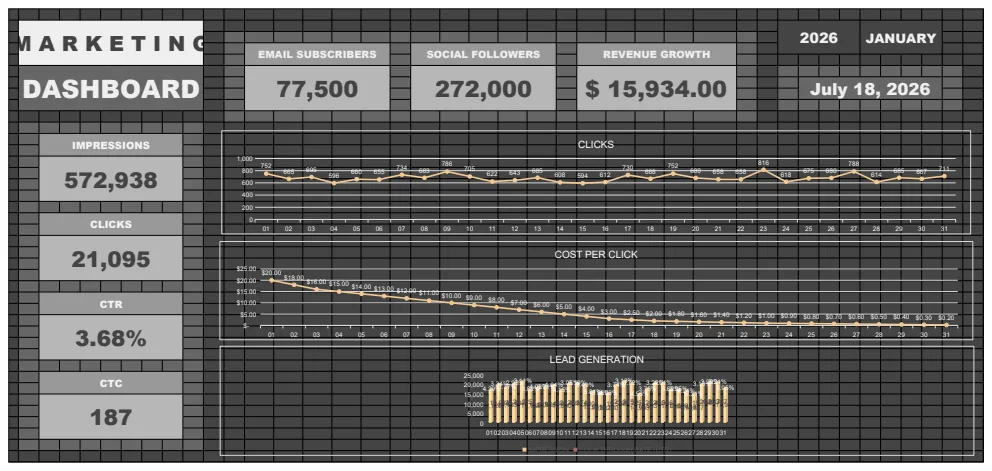
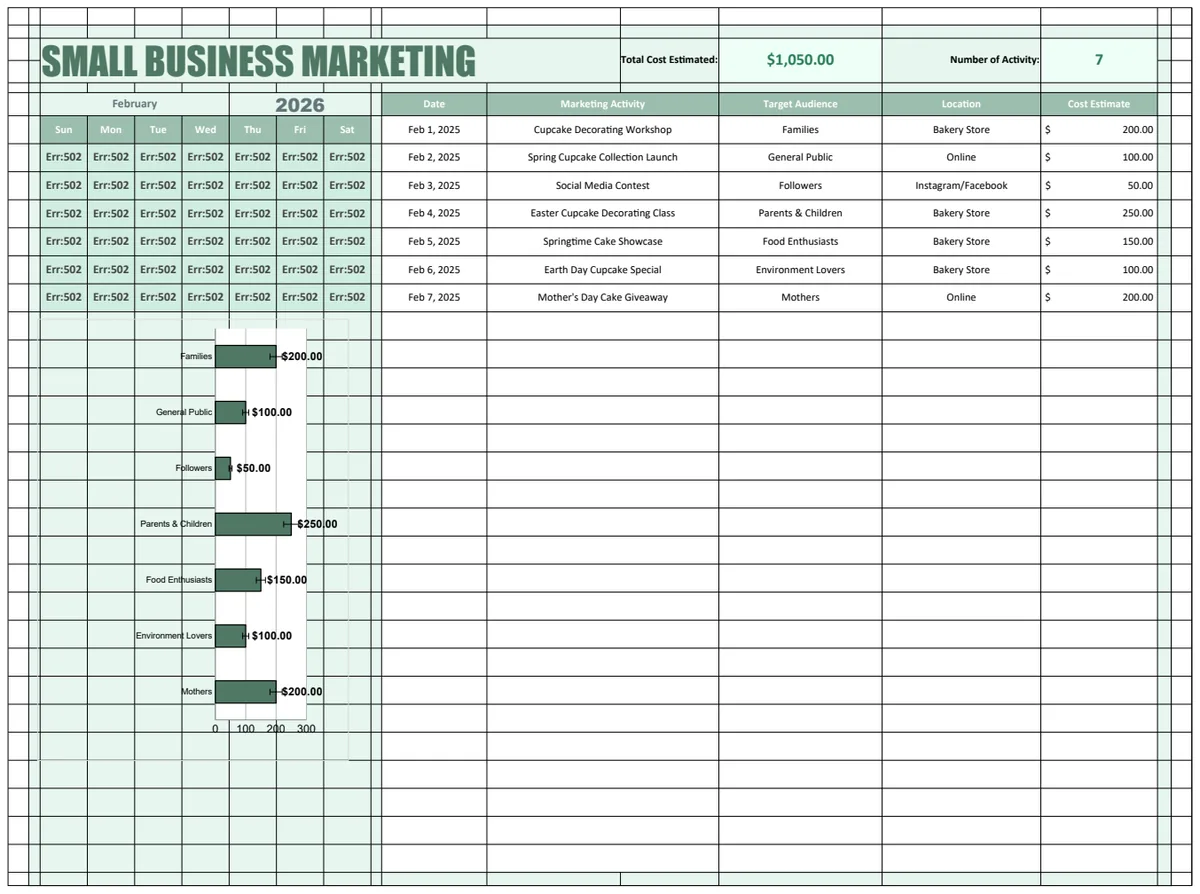
Tracking the effectiveness of marketing efforts is crucial for allocating budget wisely. A marketing campaign ROI template can help. Columns might include Campaign Name, Start Date, End Date, Channel (e.g., Social Media, Email, PPC), Spend, Leads Generated, Conversions, and Revenue Generated.
You can then use formulas to calculate metrics like Cost Per Lead (Spend / Leads Generated), Conversion Rate (Conversions / Leads Generated), and Return on Investment ((Revenue Generated - Spend) / Spend). Visualizations, like charts showing ROI by channel, can quickly reveal which campaigns are performing best, allowing you to optimize your marketing strategy without hours of manual data compilation.
Planning Meetings Across Time Zones
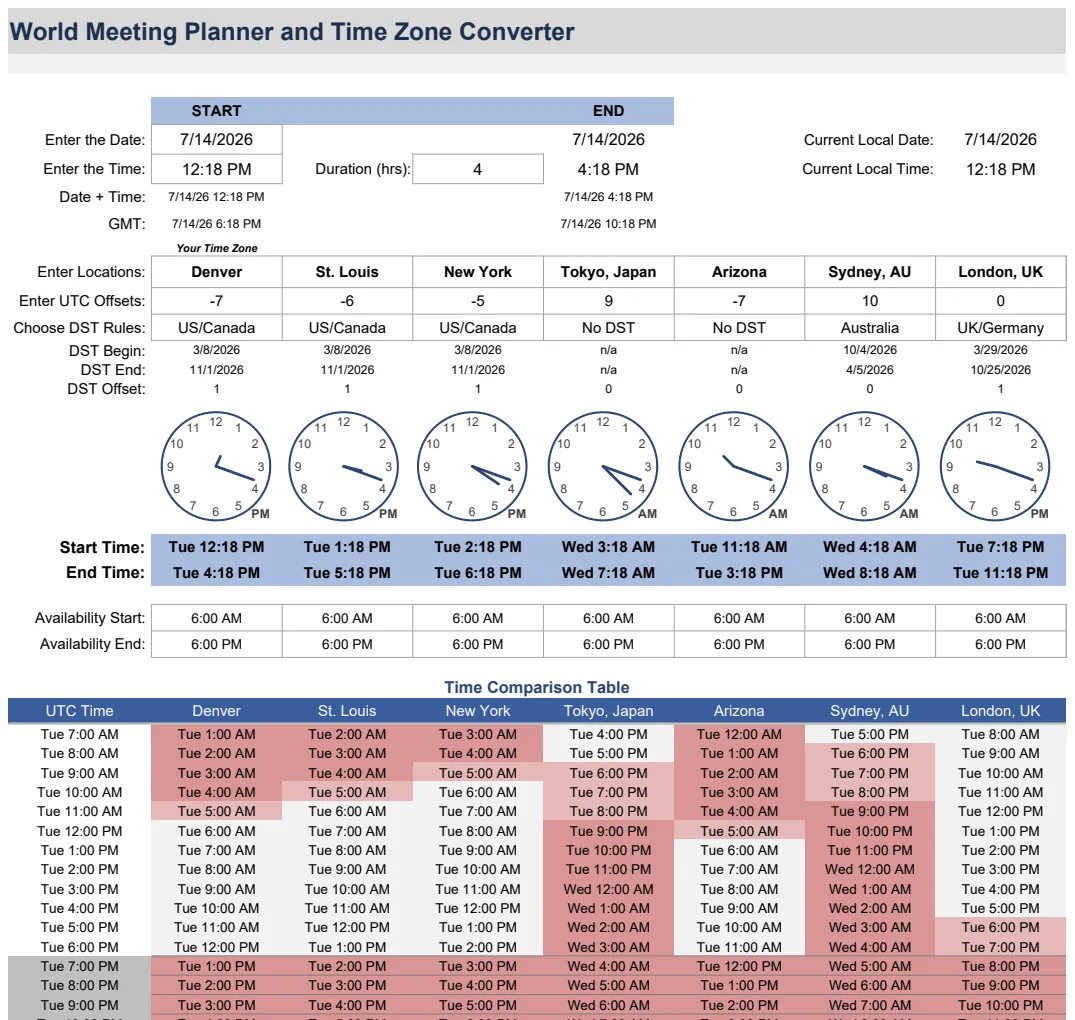
Coordinating schedules across different geographical locations is a persistent challenge for growing businesses. If you're working with international clients or remote teams, simply figuring out a mutually agreeable meeting time can eat up valuable minutes, or even hours, in back-and-forth emails. This is where tools that simplify global scheduling become essential. The World Meeting Planner and Time Zone Converter is designed precisely for this, automatically accounting for daylight saving time changes and presenting schedules in a clear, visual format. This avoids the common pitfalls of miscommunication and missed meetings.
Tracking Savings and Investment Growth
For entrepreneurs, personal finance management is as important as business finance. Understanding your savings trajectory and investment performance can inform your personal financial stability and long-term goals. A simple Savings Interest Calculator can project how your savings will grow over time with different interest rates, helping you set realistic goals.
Similarly, for those actively investing, a 401(k) Savings Calculator or a more general Investment Calculator Template can provide clarity on potential returns. These tools help visualize the impact of regular contributions and compound interest, offering peace of mind and a clearer path to financial milestones, which in turn supports your entrepreneurial focus.
Common Mistakes Entrepreneurs Make with Templates
- Over-complication: Trying to build a template that does everything often leads to a complex, hard-to-use spreadsheet that takes longer to manage than the manual process it was meant to replace. Stick to core functionalities.
- Ignoring Data Integrity: Not using data validation for inputs (e.g., ensuring dates are entered as dates, numbers as numbers) can lead to formula errors and unreliable results.
- Lack of Documentation: Forgetting to add notes or explanations within the template for how formulas work or what data is expected can make it difficult to use later, or for someone else to understand.
- Not Reviewing Assumptions: Relying on outdated or unrealistic assumptions in financial models can lead to flawed projections and poor business decisions. Regularly review and update your input data.
What if I need a template for something highly specific?
If you have a very niche requirement that off-the-shelf templates don't quite meet, consider starting with a template that addresses the closest general area and then customizing it. For instance, if you need a custom inventory tracker with specific reorder point formulas, you might start with a general project tracker and add inventory-specific columns and calculations. Most of the Excel templates that save time for entrepreneurs are built with flexibility in mind.
How often should I update my templates?
The frequency of updates depends on the template's purpose. Financial forecasts should be reviewed and updated monthly or quarterly, especially when significant business changes occur. Client tracking or project management templates might only need minor updates as new clients or projects are added. The key is to integrate template updates into your regular business review processes, rather than treating them as an afterthought.
Can I share these templates with my team?
Yes, once you have access to the library, you can download and use the templates as many times as you need. This means you can share them with team members or use them across different projects without additional cost. The $9 one-time fee for unlimited downloads is designed to be a cost-effective solution for entrepreneurs and small businesses looking to scale their operations.
What if I'm not great with Excel formulas?
Don't let a lack of advanced Excel knowledge stop you. Many of the templates are designed to be user-friendly with clear instructions. For those who need a little more guidance, looking for templates that utilize common functions like SUM, AVERAGE, IF, and basic lookups is a good start. As you use them, you'll naturally become more familiar with how they work, and you can always learn new functions as needed.