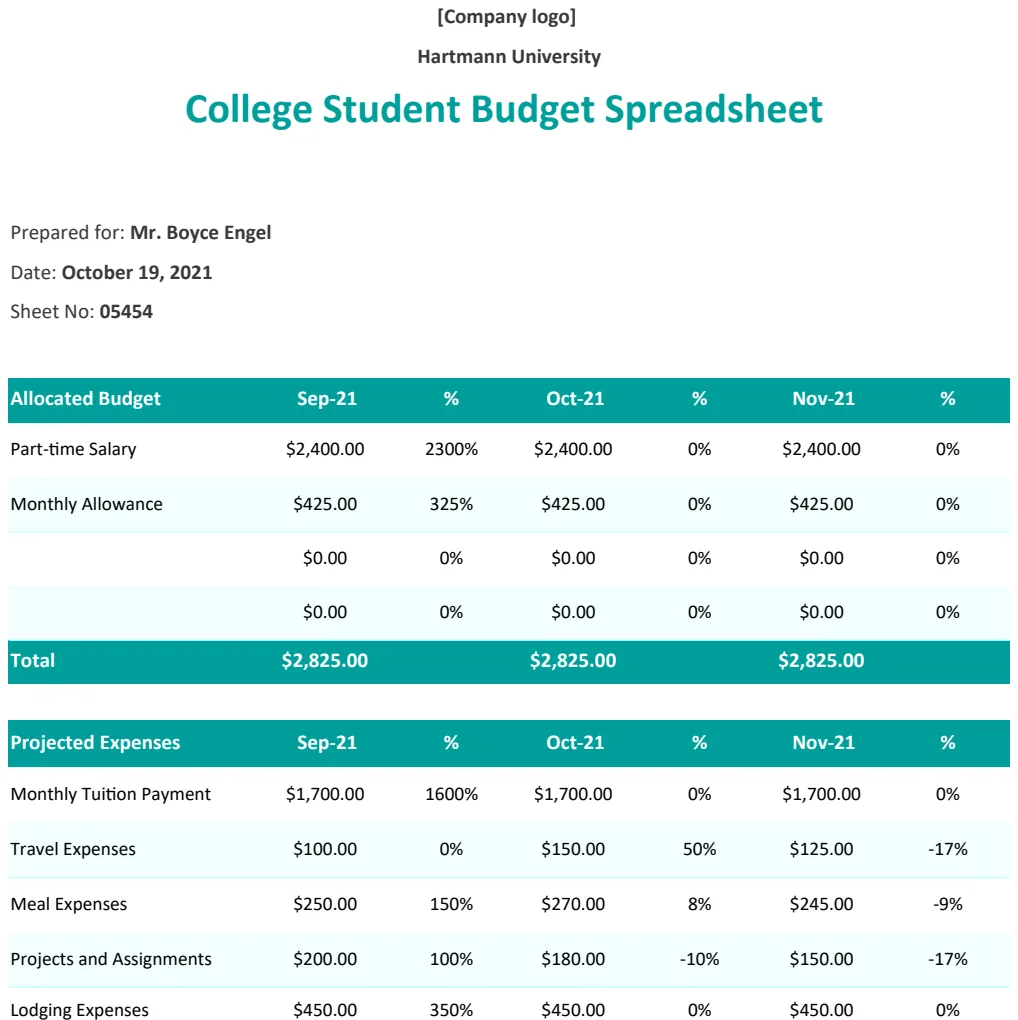
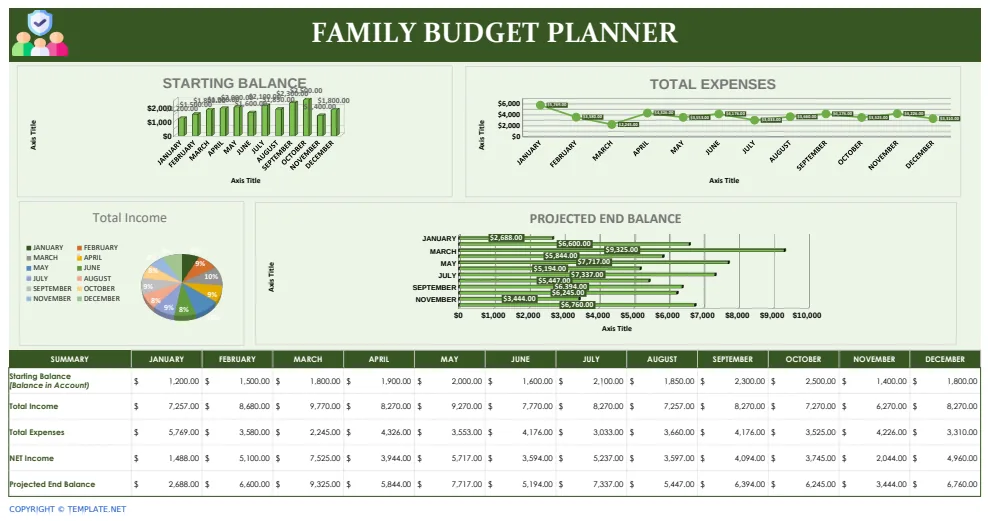
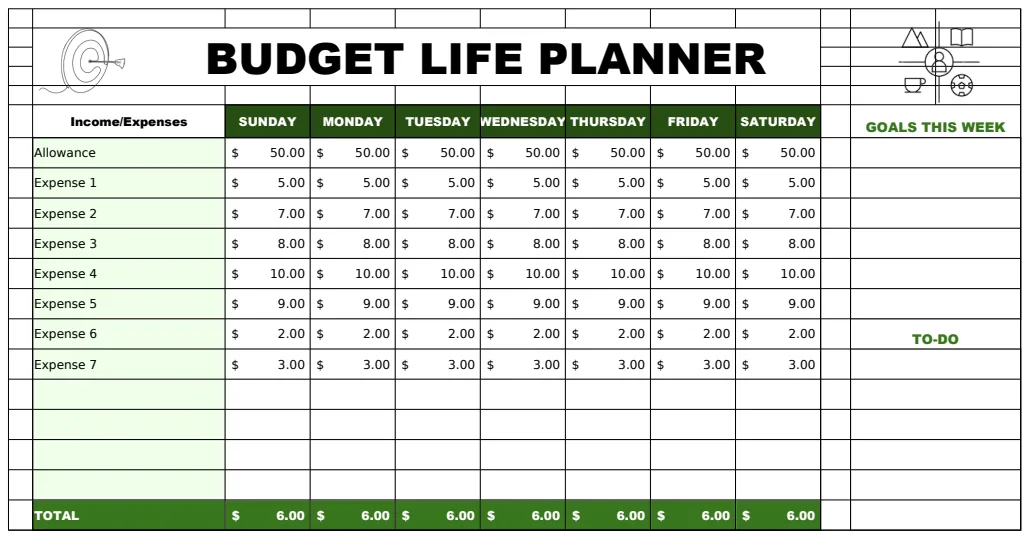
Your paycheck budget spreadsheet template, simplified.
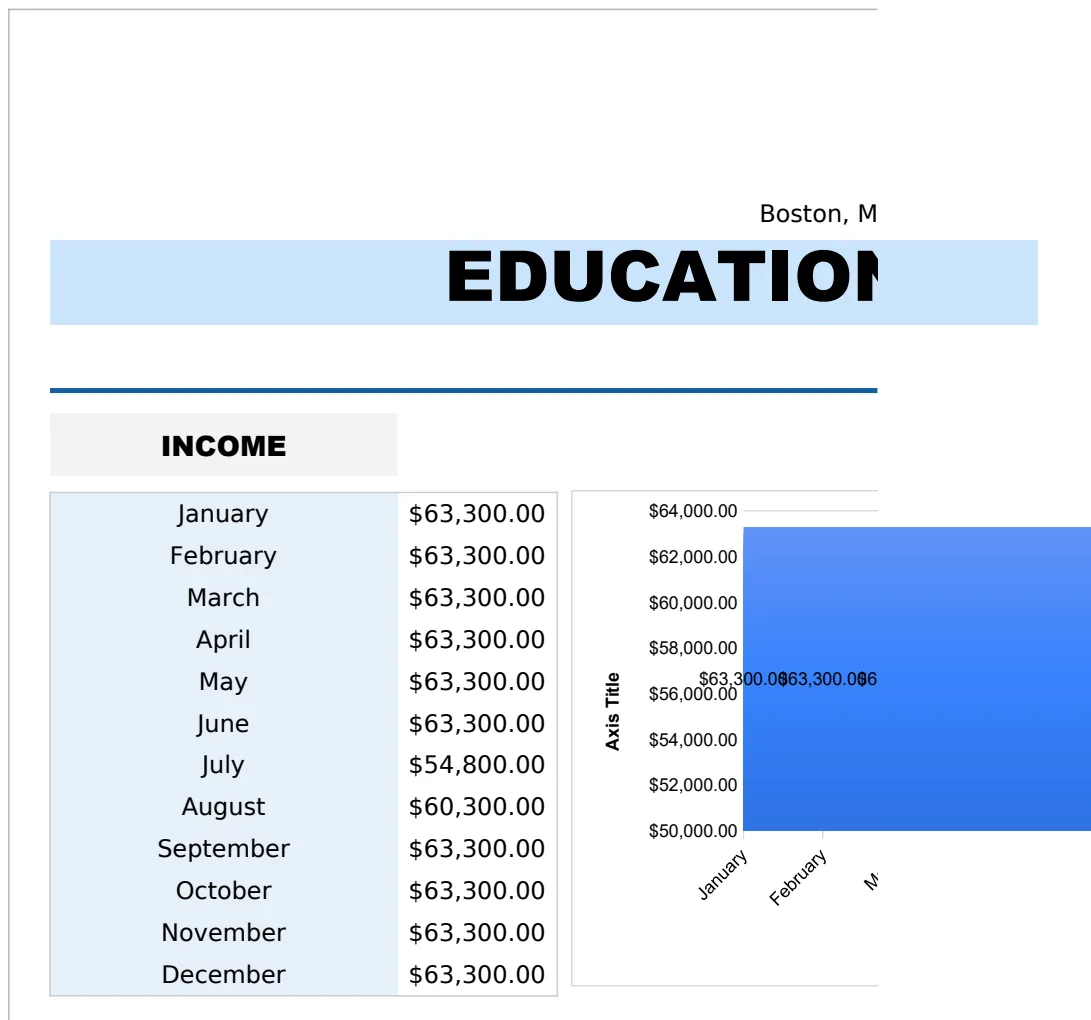
This paycheck budget spreadsheet template simplifies your finances by focusing on immediate money flow after each paycheck.
The most common reason people abandon a paycheck budget spreadsheet template is not a lack of data, but rather an overwhelming initial setup that leads to analysis paralysis. This happens when the template tries to account for every conceivable expense category from day one, rather than focusing on the immediate flow of money after each paycheck. You're looking for a practical way to manage your money, and that means starting with what hits your bank account and what absolutely must be paid.
A well-designed paycheck budget spreadsheet template should simplify your financial life, not complicate it. It should help you see exactly where your money is going, identify areas where you can save, and ensure you have enough to cover your essential bills before the next payday. Let's get your finances organized so you can feel more in control.
Understanding Your Paycheck Flow
The core of any paycheck budget is understanding the timing and amount of money coming in. Most people get paid bi-weekly or semi-monthly. The goal is to allocate that incoming cash to specific needs and wants before it disappears. You should know your net pay down to the dollar. If you have direct deposit, this is usually clear on your paystub. If you receive a paper check, you'll need to deposit it and track the cleared amount.
A common mistake is budgeting based on gross pay rather than net pay. Your gross pay is the total amount earned before taxes and deductions. Your net pay is what actually lands in your bank account. Always use your net pay as the basis for your budget. This ensures you're working with real, spendable money.
Setting Up Your Basic Income Sheet
Start with a simple sheet to track your income. You'll want columns for:
- Pay Period End Date: The date your pay period ends.
- Pay Date: The date the money actually hits your account.
- Gross Pay: The total earned before deductions.
- Deductions: A breakdown of taxes, insurance premiums, 401(k) contributions, etc.
- Net Pay: Gross Pay minus Total Deductions. This is your working number.
If you have multiple income sources, like a spouse's income or freelance work, add rows for each. The total net pay for the period is the starting point for your budget.
Essential Expense Categories
Once you know your net pay, you need to allocate it. A good paycheck budget spreadsheet template will have pre-defined categories, but you should customize them. Focus on the essentials first.
- Housing: Rent or mortgage payment, property taxes, homeowner's insurance.
- Utilities: Electricity, gas, water, internet, phone.
- Transportation: Car payment, insurance, fuel, public transport fares, maintenance.
- Food: Groceries, dining out.
- Debt Payments: Credit cards, student loans, personal loans.
- Insurance: Health insurance premiums (if not deducted from pay), life insurance.
- Personal Care: Toiletries, haircuts, gym memberships.
- Savings & Investments: Emergency fund, retirement contributions, other savings goals.
- Discretionary Spending: Entertainment, hobbies, clothing, gifts.
For each category, assign a target amount based on your income. This is where you start making trade-offs. If your essential expenses exceed your net pay, you'll need to find areas to cut back.
Tracking Your Spending: The Key to Success
This is where many budgets fail. You can set up the most beautiful template, but if you don't track your spending, it's just a piece of digital paper. The goal of a paycheck budget spreadsheet template is to make this tracking as painless as possible.
Every time you spend money, record it. If you use a banking app that categorizes transactions, you can often download that data. If not, a quick entry into your spreadsheet daily or every other day is crucial.
Here's a typical setup for tracking expenses:
- Date: When the transaction occurred.
- Description: What you bought (e.g., "Groceries at Safeway," "Electricity Bill").
- Category: The budget category it falls under (e.g., "Food," "Utilities").
- Amount: The amount spent.
- Payment Method: Cash, Credit Card A, Debit Card. This helps reconcile statements.
Over time, you'll see patterns. For instance, you might notice you spend more on dining out than you realized, or that your utility bills fluctuate significantly with the seasons.
Using Formulas for Automation and Insight
Spreadsheets shine when you use formulas to do the heavy lifting. Here are a few essential ones for your paycheck budget:
- SUM: To total up your income or expenses within a category. For example,
=SUM(D2:D10)would sum all amounts in cells D2 through D10. - SUMIFS: This is incredibly useful for summing expenses by category. If your expense categories are in column B and the amounts are in column D, you could sum all food expenses with
=SUMIFS(D2:D100, B2:B100, "Food"). - Conditional Formatting: This can visually highlight areas of concern. For example, you could set up a rule to turn a cell red if your actual spending in a category exceeds your budgeted amount by more than 5%. Select the cells you want to format, go to Format > Conditional formatting, and set your rule.
- Budget vs. Actual: A simple formula here is
=BudgetedAmount - ActualSpent. A positive number means you're under budget; a negative number means you've overspent.
These formulas turn your raw data into actionable insights, helping you manage your money more effectively with your paycheck budget spreadsheet template.
Dealing with Irregular Expenses
Not all expenses occur every month. Think about annual insurance premiums, holiday gifts, car maintenance, or vacations. If you try to budget for these only when they happen, you'll often find yourself short.
The solution is to set aside money for these "sinking funds" gradually. For example, if your car insurance is $600 every six months, that's $100 per month. In your budget, create a "Car Insurance Savings" category and allocate $100 to it each month. When the bill is due, you'll have the money ready. This smooths out the impact of large, infrequent expenses.
Common Pitfalls to Avoid
- Overly Ambitious Categories: Trying to track every single micro-transaction can be exhausting. Group similar small expenses together.
- Ignoring Small Purchases: Those daily coffees or impulse buys add up. Track them, or consciously decide to reduce them.
- Not Reconciling: Regularly compare your spreadsheet to your bank and credit card statements. Discrepancies can indicate errors or missed transactions.
- Setting Unrealistic Goals: Don't try to cut your spending in half overnight. Make gradual, sustainable changes.
- Giving Up Too Soon: Budgeting is a skill that improves with practice. Don't get discouraged if your first month isn't perfect.
A good paycheck budget spreadsheet template is a tool, but consistency is what makes it work.
What If My Income Varies Significantly?
If your income fluctuates, budgeting becomes trickier. The best approach is to budget based on your lowest expected net income for the month. Allocate funds to your absolute essentials first (housing, utilities, minimum debt payments). Any income above that minimum can then be allocated to variable expenses, savings, or debt repayment. You can also create a buffer category for income variability. When you have a higher-income month, instead of spending the extra, put it into this buffer. When a lower-income month occurs, draw from the buffer to cover the difference. This approach provides stability even with unpredictable earnings.
Can I Use a Template for a Household Budget Too?
Absolutely. The principles are