
Fully Automatic Invoice in Excel with Customer & Product Database, Invoice Register and Statements
A fully automatic invoice in Excel with a customer and product database: automatic invoice numbering, prices and tax from your price list, discounts and shipping, a printable invoice that builds itself, an invoice register with paid and overdue status, payments, customer statements and a sales summary, all without macros.
Get this template
.xlsx · 10 sheets · includes charts
This template
$7.95single payment
- Nothing renews
- Download it again whenever you need
- Yours to keep and edit
Monthly plan
$14.95/month
- This template plus 9 more every month
- About $1.50 a template if you use all 10
- Thousands of templates to choose from
- Cancel anytime
- Secure checkout via Creem
- Instant download after payment
- 14-day refund policy
Automatic Invoice Generator turns Excel into a small invoicing system. Keep your customers once, with contact and billing details, default payment terms, tax status and credit limit, and your products and services once, with description, unit, price and tax code. Every invoice then draws on that database, so you never retype an address or look up a price.
To raise an invoice, fill the next row on the Invoices tab with the date and customer. The invoice number appears by itself from your prefix and starting number, the payment terms come from the customer and the due date is worked out. On Invoice Lines, pick the invoice and the item and type the quantity: the description, price and tax code fill in from the price list, and you can type over any of them for a one-off. Line discounts, an invoice discount, shipping and several tax rates are handled, and customers marked tax exempt pay no tax.
The Invoice tab builds a clean, printable invoice from the number you pick: your business details, bill to and ship to, the lines, subtotal, discount, shipping, tax by rate, total, payments and balance due, your payment instructions and a Paid, Open, Part paid or Overdue stamp. Print it or save it as PDF, and add your logo over the business name.
Record payments as they arrive, including part payments, and the Invoices register shows what is paid, what is owed and what is overdue at the status date, with days overdue and days to pay. Mark a mistake as Void instead of deleting it so numbers never change. The Statement tab produces a customer statement with balance brought forward, every invoice and payment with a running balance, the amount due and aging. The Dashboard shows invoiced and collected by month, outstanding and overdue amounts, what is owed by age, top customers, top products and invoices by status.
Capacity covers 1,000 invoices, 5,000 invoice lines, 2,000 payments, 300 customers and 500 products. Calculated cells are locked and sheet protection has no password. Sample data from a fictional IT services firm is included. Built for Microsoft Excel 2016 or later (desktop or Excel for the web) and contains no macros.
What's inside
- 10 tabs, from a quick-start guide to Settings
- Customer database with terms, tax status and credit limit
- Product and service price list with tax codes
- Automatic invoice numbering with your prefix
- Description, price and tax filled from the price list
- Line and invoice discounts, shipping, several tax rates
- Printable invoice with paid or overdue stamp
- Invoice register with paid, part paid, open, overdue, void
- Payments and part payments
- Customer statement with running balance and aging
- Sales summary dashboard with charts
- Top customers and products
- Locked formulas, no macros
More in Invoicing & Billing
 Invoicing & Billing
Export Documents Pack: Proforma Invoice Template Excel, Commercial Invoice & Packing List
A proforma invoice template in Excel linked to a commercial invoice, packing list and shipping instructions. Enter a shipment once and every export document fills in, with HS codes, Incoterms, cartons, net and gross weight, CBM and multi-currency totals.
- 14 connected tabs, from a quick-start guide to Settings
- Proforma invoice, commercial invoice, packing list and shipping instructions
- Enter a shipment once and all four documents fill in
 Invoicing & Billing
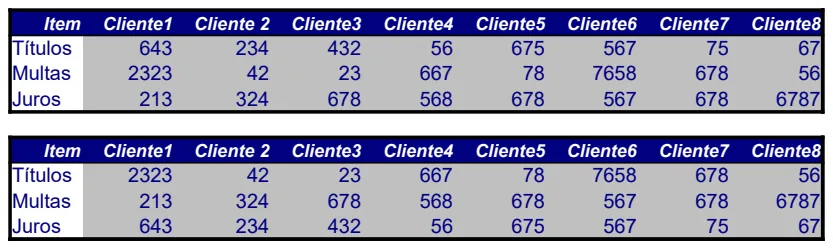
Multi-Client Billing & Revenue Tracker
Track revenue, fees, and charges across multiple clients in one consolidated view.
- Eight-column client layout for side-by-side comparison
- Item categorization (titles, fines, miscellaneous charges)
- Easy manual entry and total calculation per client
 Invoicing & Billing
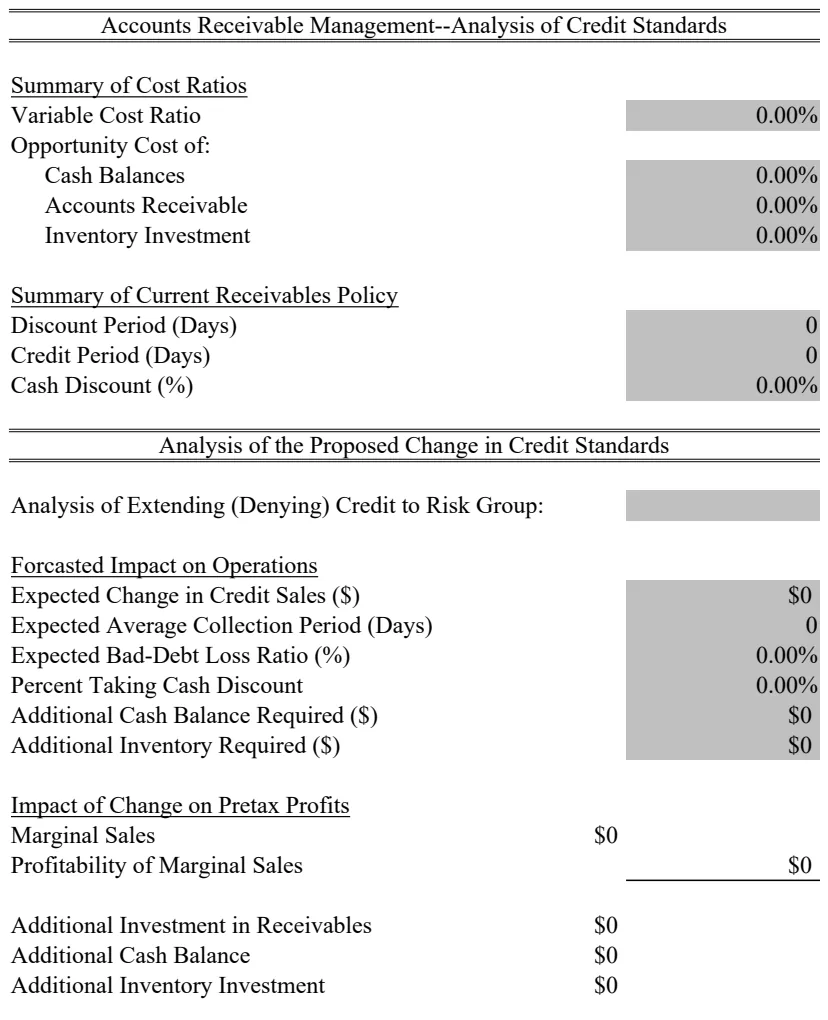
Accounts Receivable & Credit Standards Analysis
Analyze credit standards and receivables management with cost ratio tracking and financial metrics.
- Cost ratio summary calculations
- Receivables analysis framework
- Variable cost tracking
 Invoicing & Billing
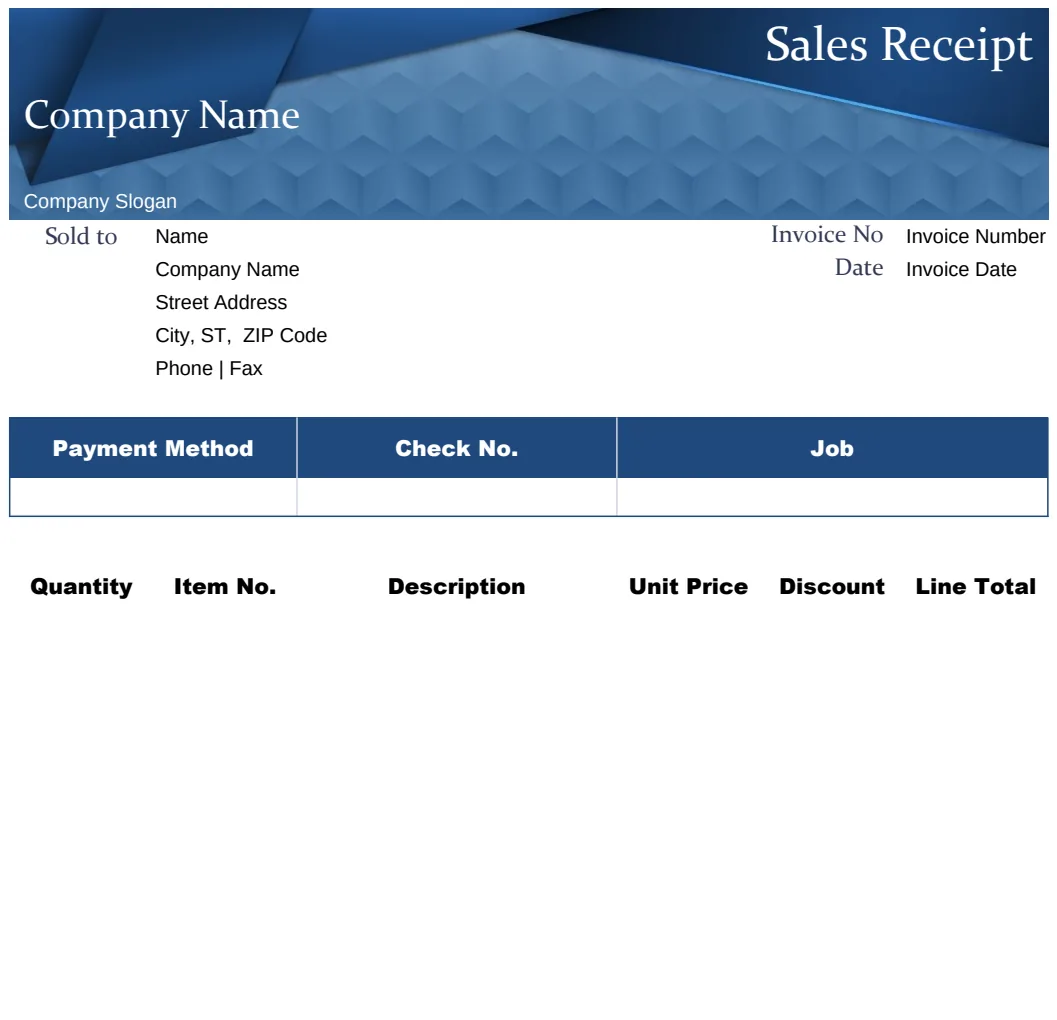
Blue Sales Receipt Template
Professional sales receipt with customer details, invoice tracking, and automatic calculations for quick transactions.
- Customer name and address fields
- Invoice number tracking
- Automatic formula calculations with SUM