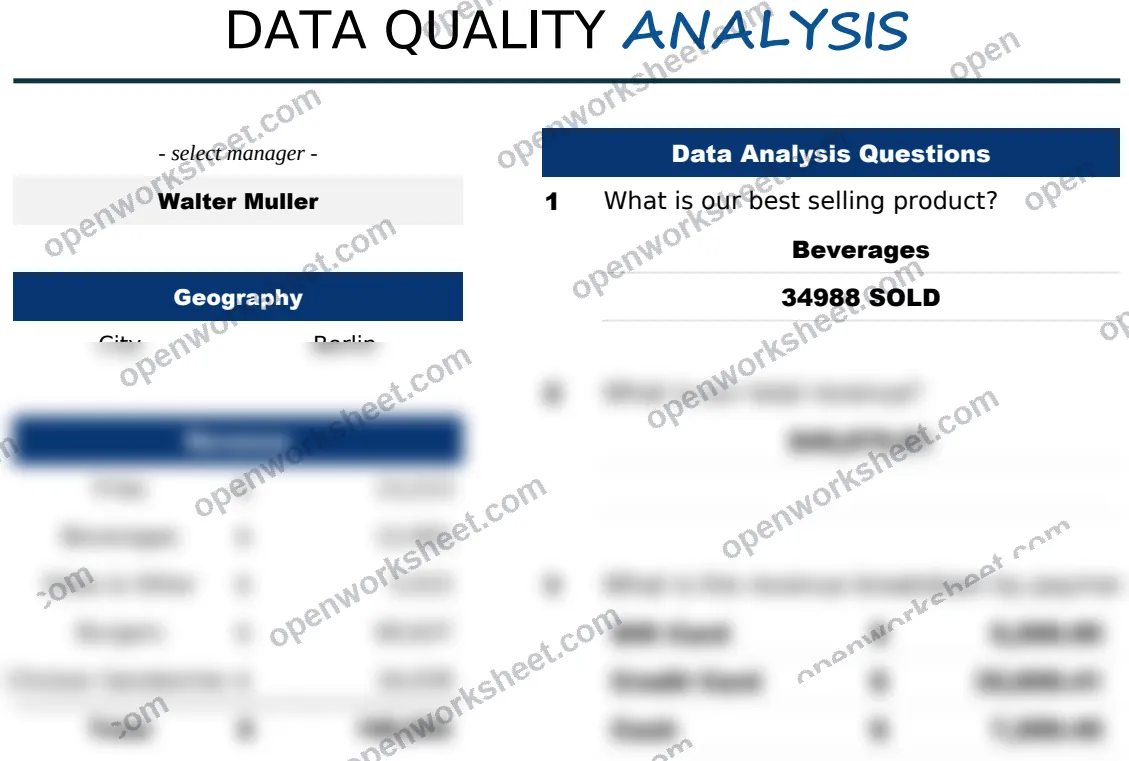
Data Quality Analysis Template
Analyze data quality across sales orders, manager information, and product metrics with integrated lookup and aggregation functions.
Get this template
.xlsx · 4 sheets
This template
$5.95single payment
- Nothing renews
- Download it again whenever you need
- Yours to keep and edit
Monthly plan
$14.95/month
- This template plus 9 more every month
- About $1.50 a template if you use all 10
- Thousands of templates to choose from
- Cancel anytime
- Secure checkout via Creem
- Instant download after payment
- 14-day refund policy
This comprehensive data quality analysis template helps organizations evaluate and manage data integrity across multiple interconnected datasets. It includes a main Data Quality Analysis sheet for tracking key metrics and questions, a detailed Data sheet containing order information with manager and location references, a Manager List with contact and location details, and a Product Management sheet for tracking pricing and sales quantities. The template uses advanced Excel functions including VLOOKUP for data validation, IF statements for conditional logic, and SUMIF/SUMIFS for aggregated analysis. Ideal for sales teams, data analysts, and business intelligence professionals who need to monitor data accuracy, identify trends, and ensure data consistency across multiple sources.
What's inside
- VLOOKUP integration for manager and location data validation
- IF statements for conditional data validation
- SUMIF formulas for product sales aggregation
- Multi-sheet data structure with relational references
- Manager contact and location information database
- Product pricing and quantity tracking
- Date and payment method tracking
- Revenue calculation and analysis
More in Data Analysis & Visualization
 Data Analysis & Visualization
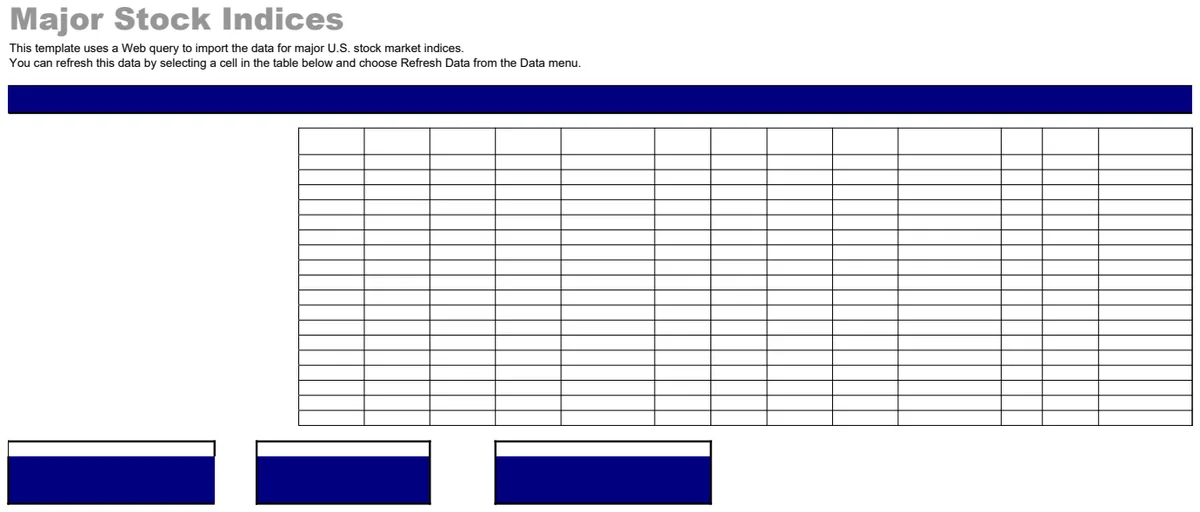
Major Stock Indices
Track major stock market indices with live data refresh using Web queries.
- Web query integration for live data import
- Multiple major indices tracked simultaneously
- One-click refresh to update market data
 Data Analysis & Visualization
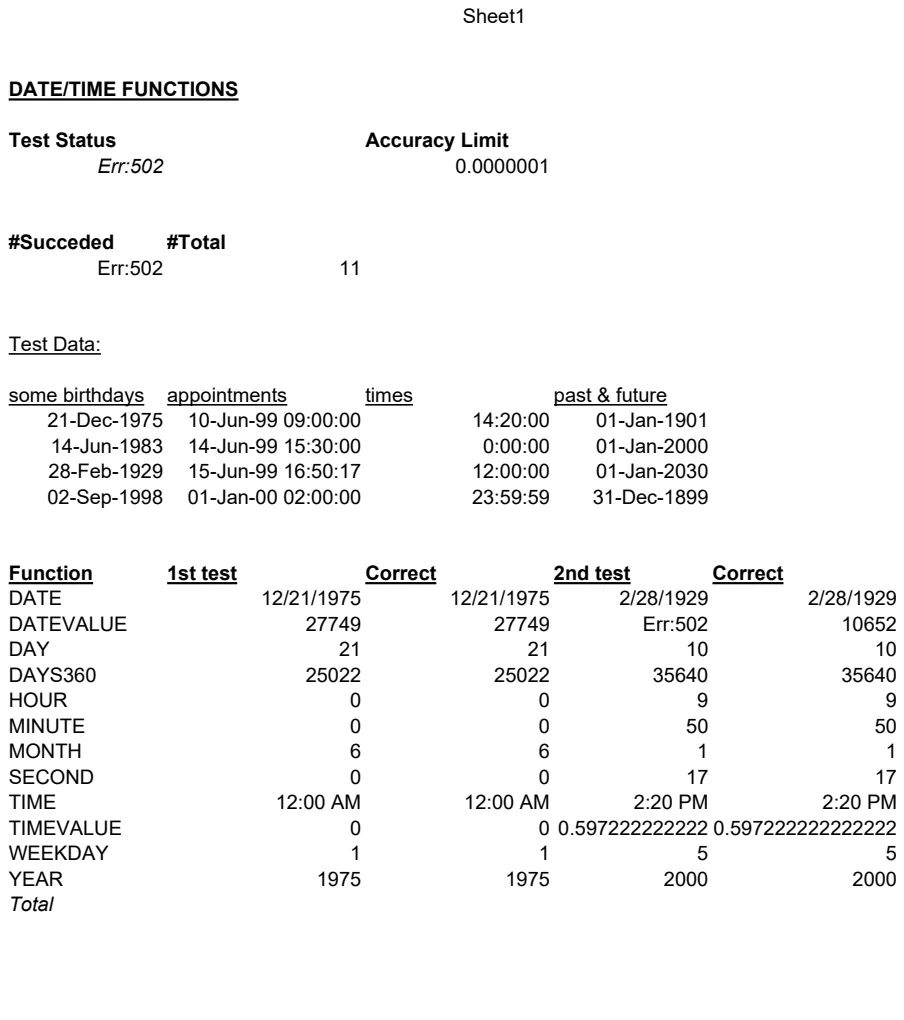
Date/Time Functions Reference Template
Test and reference guide for Excel date/time functions with accuracy validation.
- Pre-built date/time function examples
- Automatic accuracy validation with tolerance testing
- Pass/fail status indicator
 Data Analysis & Visualization
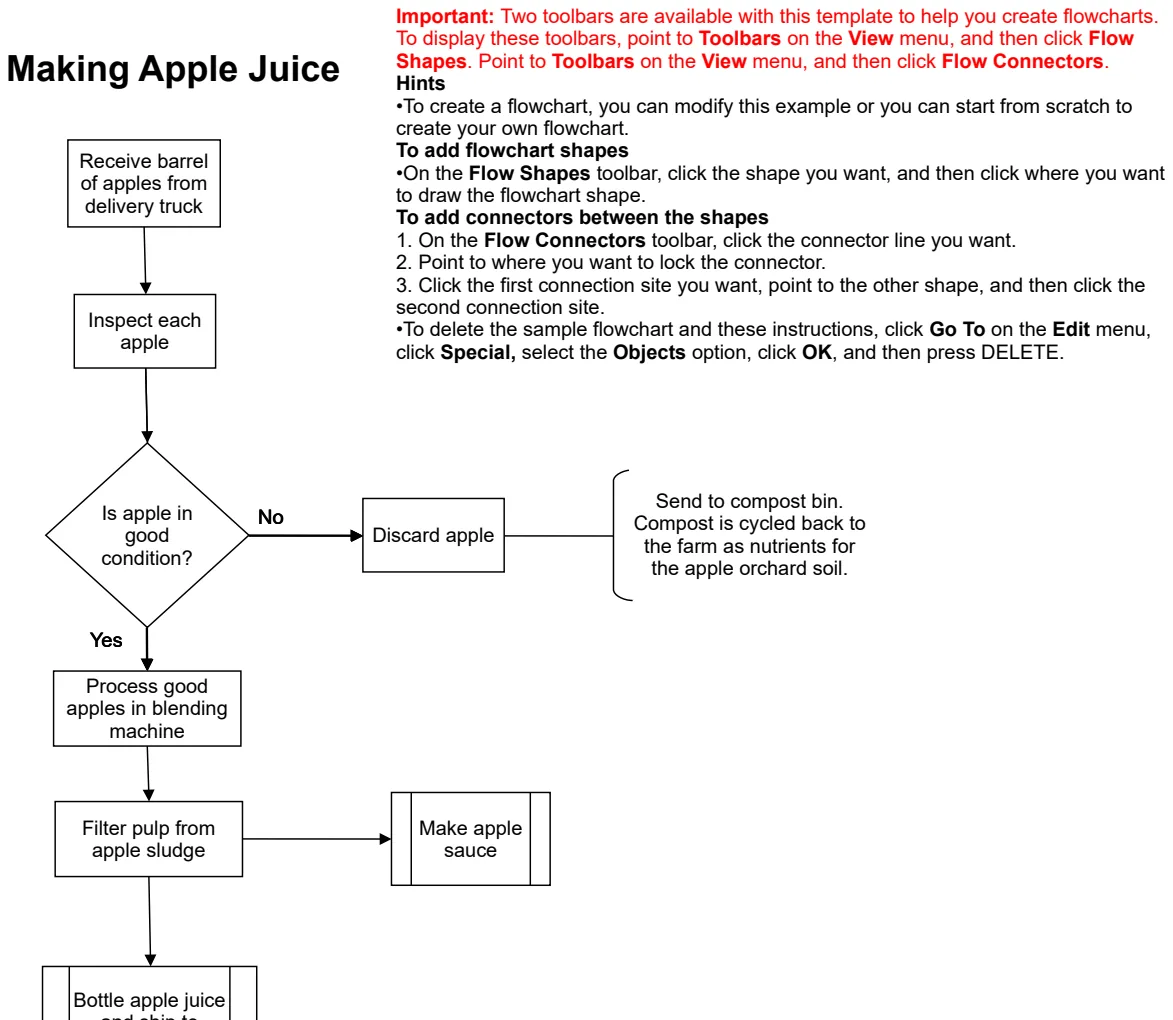
Simple Flowchart
Create visual process flows and decision diagrams to map workflows and business processes.
- Pre-designed flowchart shapes and connectors
- Easy-to-follow step-by-step layout
- Decision point indicators
 Data Analysis & Visualization
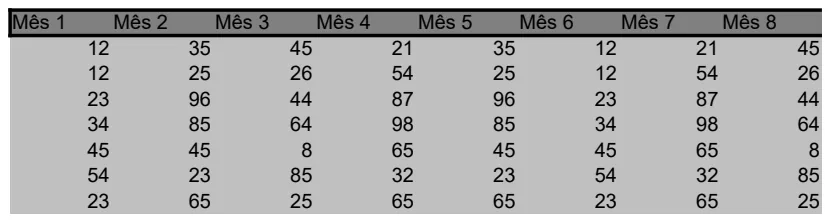
Monthly Performance Tracker
Track 12-month metrics with automatic average calculations for trend analysis.
- 12-month column structure for full-year coverage
- Automatic AVERAGE function for trend calculation
- Row-based data entry for multiple metrics