10+ Free Sales Tracker Excel Templates for 2026 Growth
Every business, regardless of size, needs a clear view of its sales performance. A sales tracker provides that clarity. It moves you beyond guesswork, offering concrete data to understand what's worki...
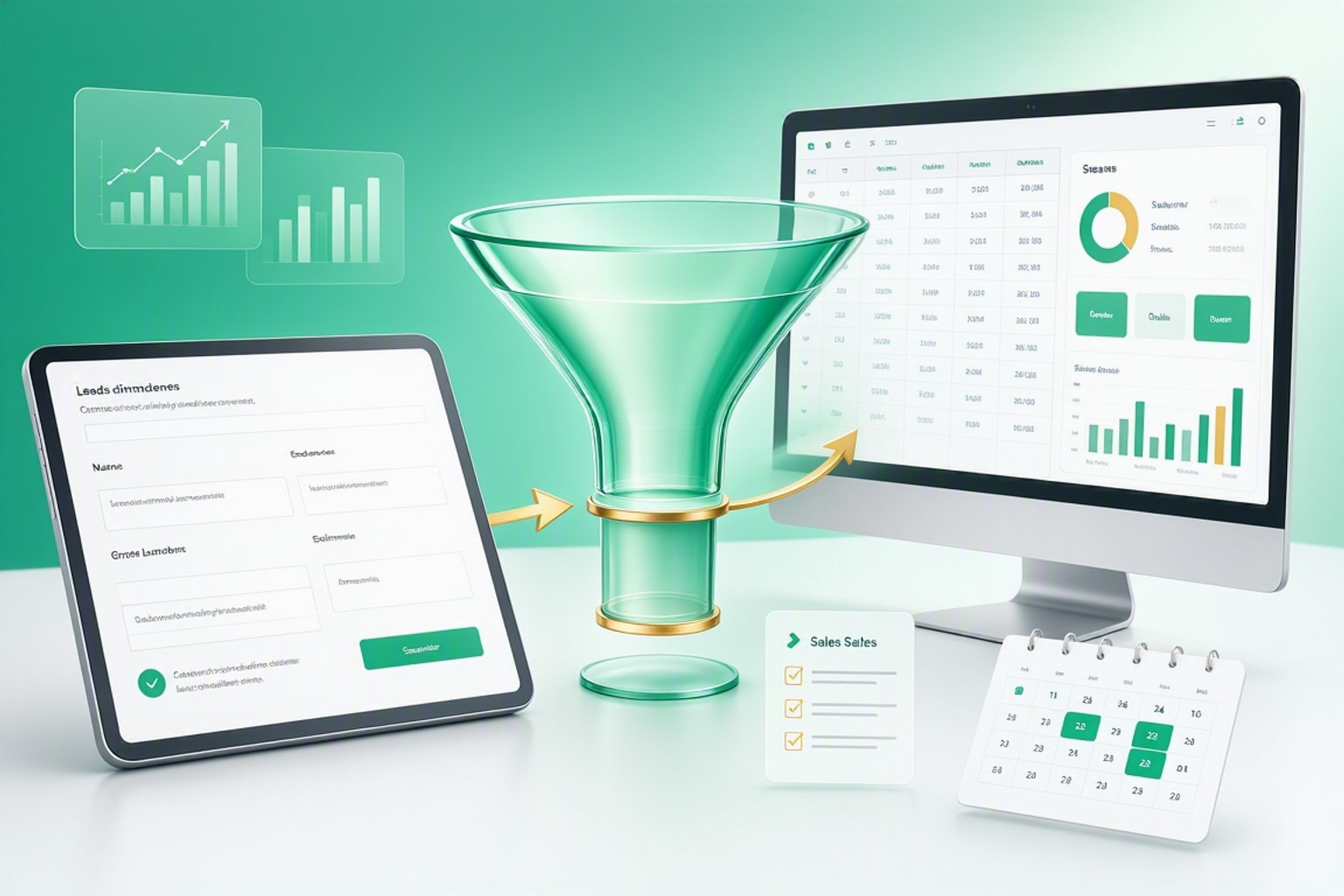
Every business, regardless of size, needs a clear view of its sales performance. A sales tracker provides that clarity. It moves you beyond guesswork, offering concrete data to understand what's working and what isn't in your sales process. Freelancers, small business owners, and large enterprises all benefit from organized sales data.
Beyond Basic Record-Keeping: The Strategic Advantage
A sales tracker does more than just log transactions. It transforms raw data into actionable insights for strategic decisions. You can identify trends, forecast future revenue, and spot bottlenecks in your sales funnel. "Strong financials start with strong revenue," notes GrowthGrid Blog. "Data-driven marketing isn't just for large corporations; it begins with proper tracking, and a simple Excel spreadsheet is the perfect tool to get started."
Identifying Your Sales Tracking Pain Points
Consider your current challenges. Are leads slipping through the cracks? Do you struggle to predict monthly revenue? Is your sales team unsure where to focus their efforts? If these sound familiar, a sales tracker is your solution. It centralizes information, making it easier to manage leads and understand your sales cycle.
Choosing the Right Sales Tracker: Excel, Google Sheets, or CRM?
The best sales tracking tool depends on your specific needs, budget, and technical comfort. Excel and Google Sheets offer flexibility and cost-effectiveness, ideal for many small businesses. Dedicated CRM software provides advanced features, but often comes with a higher price tag and a steeper learning curve.
Key Features to Look for in a Sales Tracker Template
An effective sales tracker template should offer several core functionalities. Look for sections to log lead information, track sales stages, record deal values, and note close dates. Crucially, it should include fields for contact details, follow-up dates, and conversion rates. Many templates even allow tracking sales history from three previous years for comparison.
When a Simple Spreadsheet Excels Over Complex CRM Software
For many small businesses, a simple spreadsheet is more than sufficient. It avoids the complexity and cost of full CRM systems while providing essential tracking capabilities. If your team is small, your sales process is relatively straightforward, or you're just starting, an Excel or Google Sheets template offers a powerful, accessible solution. "Tracking sales doesn't have to be complicated," says OnePageCRM. "A good sales tracker helps you stay organized without the headache."
The "Ultimate Client Tracker CRM Template" as a Hybrid Solution
Sometimes, you need more than a basic spreadsheet but less than a full-blown CRM. A hybrid solution, like the Ultimate Client Tracker CRM Template, bridges this gap. It provides CRM-like functionality within a familiar spreadsheet environment, organizing leads into key stages and offering an instant visual overview of your sales funnel. This template helps you manage client interactions without the overhead of complex software.
Recommended Resources
Skip the blank-sheet setup for client and sales tracking
Use pre-built templates to manage leads, track sales, and organize client data instantly.
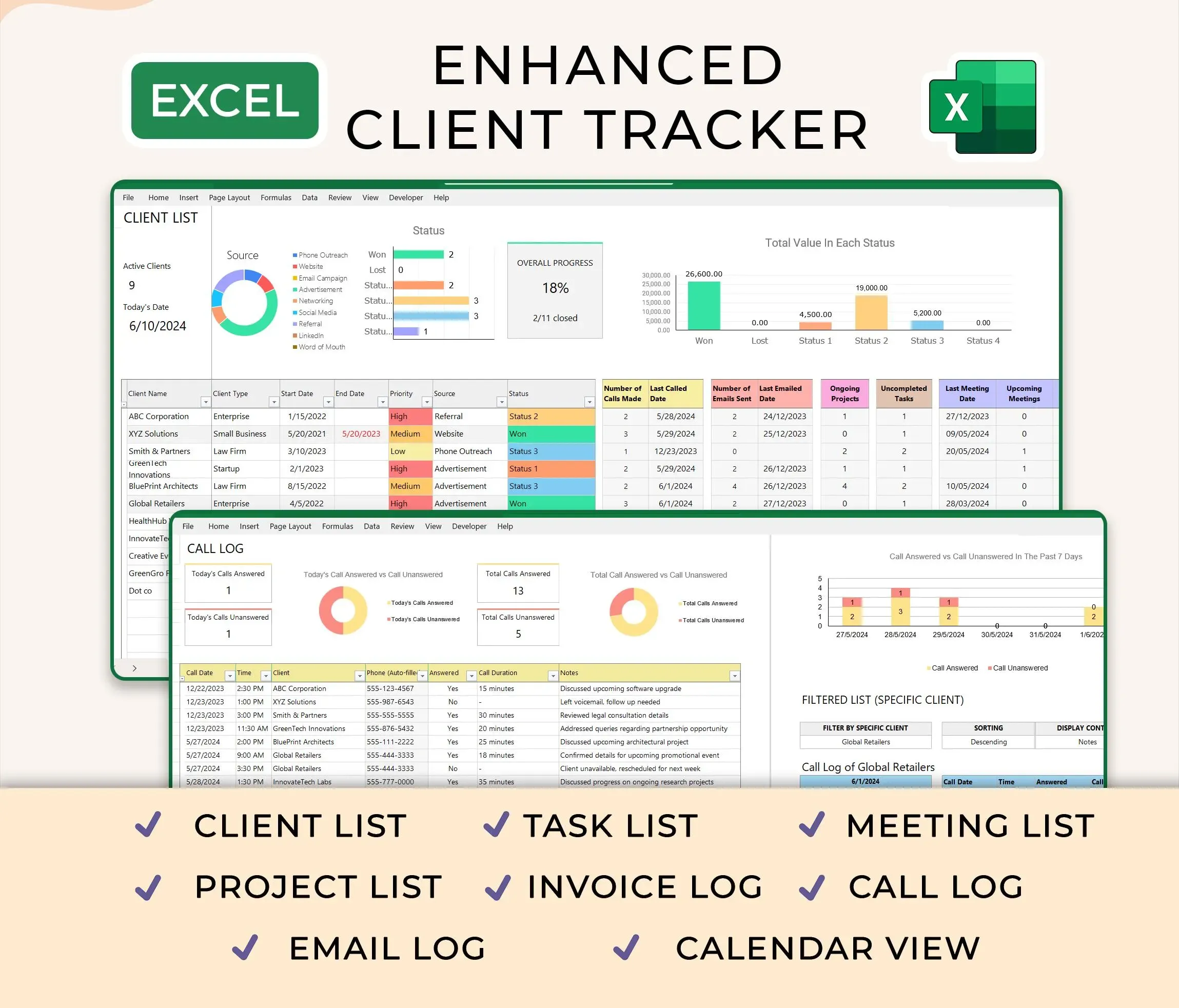
Ultimate Client Tracker CRM Template – Google Sheet & Ms Excel Versions
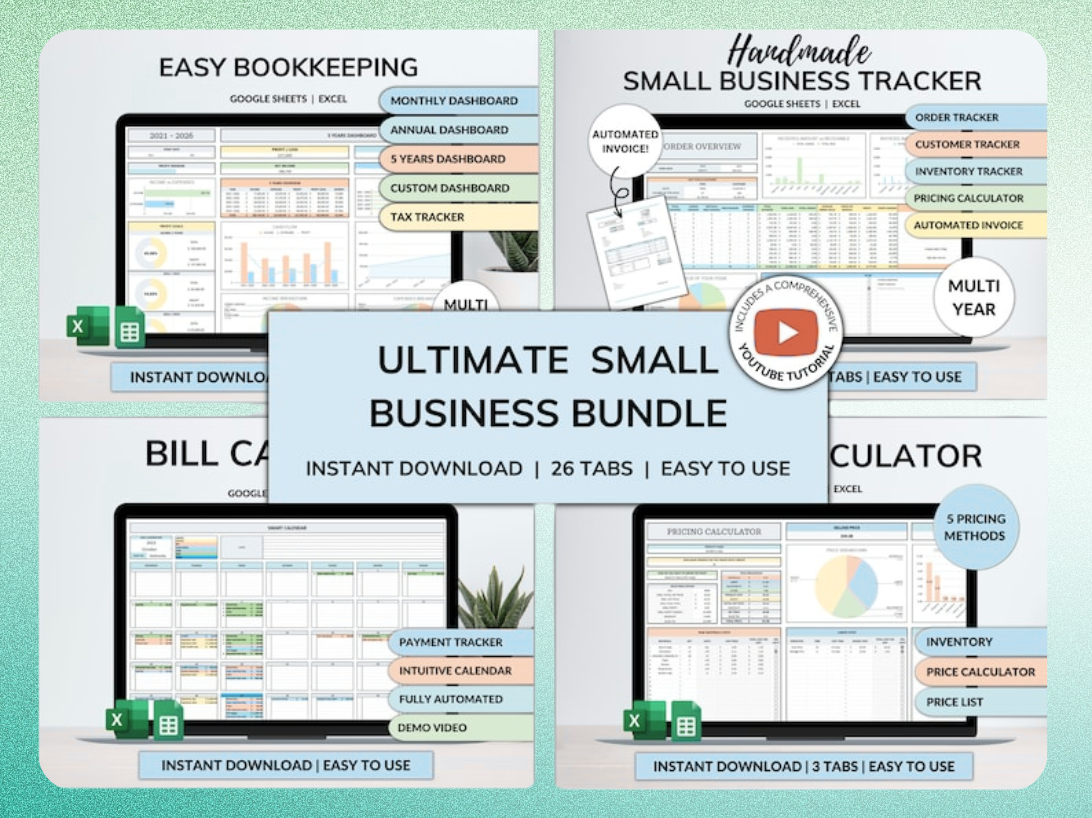
Ultimate Small Business Bundle Templates - Google Sheet + Ms Excel
All-in-One Spreadsheets for Bookkeeping, Inventory, Orders, Billing & Pricing Save Hours Every Week: Automate data entry and dashboards so you can focus on growth, not spreadsheets.
Setting Up Your Sales Tracker: A Step-by-Step Guide
Getting started with a sales tracker template is straightforward. First, download your chosen template, available for free in both Google Sheets and Microsoft Excel formats. Then, customize it to fit your specific sales process. Over 50 free Excel templates are available for various business needs, including sales tracking.
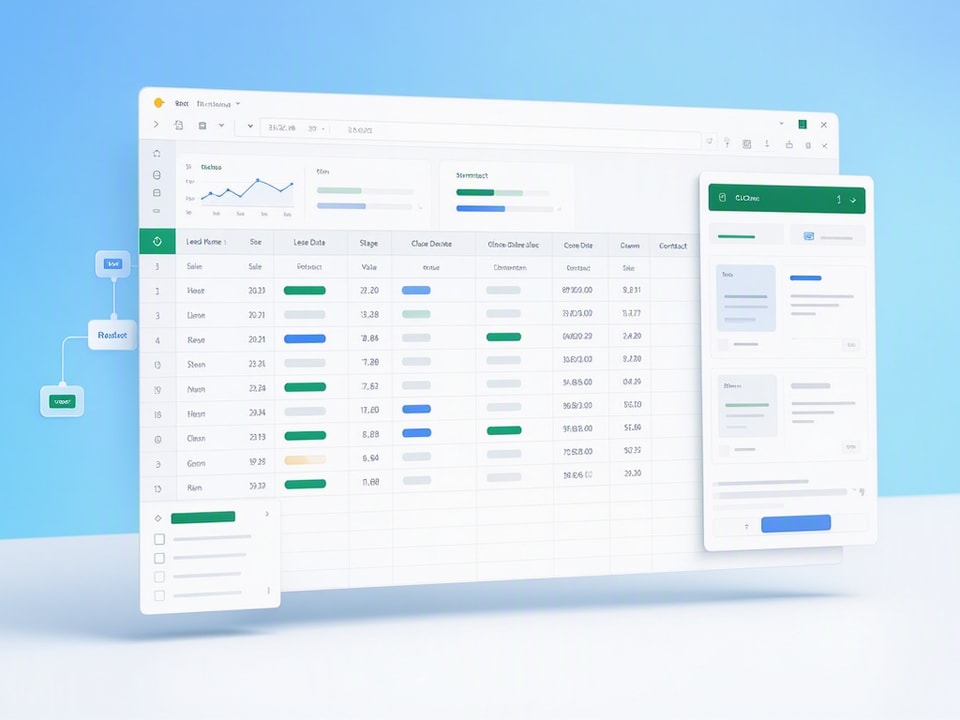
Structuring Your Sales Pipeline Columns for Clarity
Clear column headers are vital for an effective sales pipeline. Include columns for "Lead Name," "Company," "Contact Person," "Email," "Phone," "Sales Stage" (e.g., Prospect, Qualified, Proposal, Won, Lost), "Deal Value," "Expected Close Date," and "Last Contact Date." Adding a "Next Action" column ensures you always know the next step for each lead.
Essential Formulas for Sales Forecasting and Performance
Formulas turn raw data into insights. Use SUM() to calculate total revenue from closed deals. COUNTIF() can track the number of leads at each sales stage. For forecasting, you can use simple multiplication: =(Deal Value * Probability of Close) for individual deals or SUMIF() to aggregate values for specific stages. Many sales forecast templates allow tracking sales history from three previous years for comparison.
Automating Data Entry and Reporting with Smart Features
Leverage spreadsheet functions for efficiency. Data validation, for instance, creates dropdown lists for your "Sales Stage" column, ensuring consistent data entry. Conditional formatting can highlight deals approaching their close date or leads that haven't been contacted recently. Some templates offer smart Excel automation formulas to calculate forecasts based on user input.
Practical Sales Tracker Examples for Diverse Businesses
Sales trackers are adaptable tools. Their core principles apply across various industries, requiring only minor adjustments to fit specific business models.
E-commerce Sales Tracking: From Cart to Conversion
For e-commerce, a sales tracker monitors the entire customer journey. Columns might include "Order ID," "Customer Name," "Product Purchased," "Order Value," "Shipping Status," and "Conversion Source." This allows you to identify popular products and optimize marketing channels. You can also track abandoned carts to re-engage potential customers.
Service-Based Business: Managing Leads and Project Pipelines
Service providers, like consultants or agencies, use trackers to manage their project pipeline. Columns for "Client Name," "Service Offered," "Project Status" (e.g., Proposal Sent, Discovery, In Progress, Completed), "Project Value," and "Next Follow-up" are crucial. This helps manage workload and ensures timely client communication.
Retail Sales: Inventory, Transactions, and Customer Insights
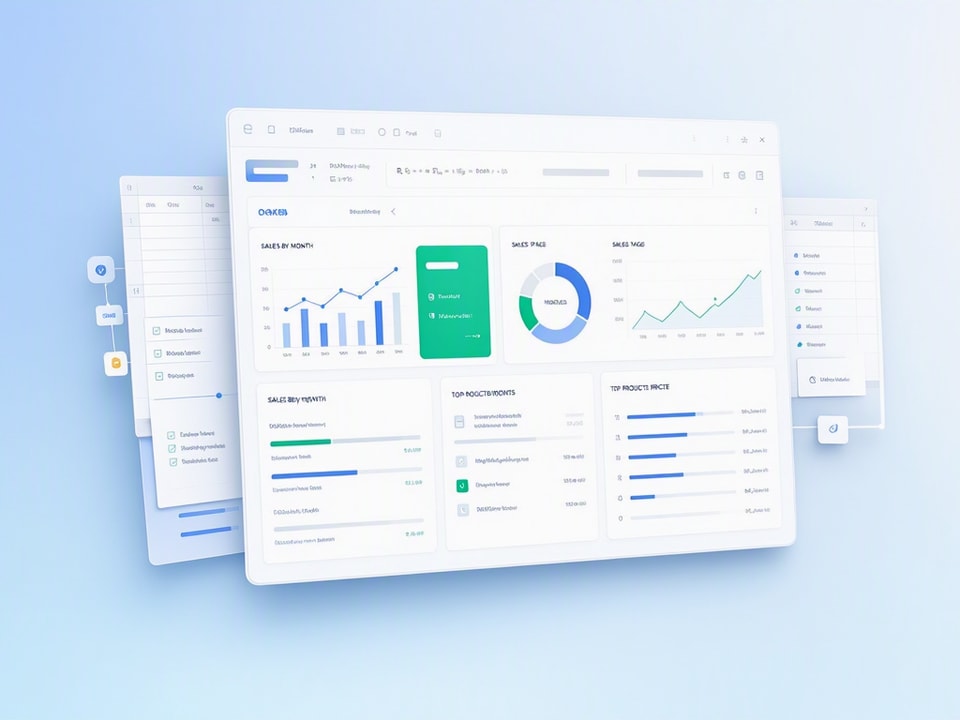
Retail businesses benefit from tracking inventory movement alongside sales. A tracker could include "SKU," "Product Name," "Quantity Sold," "Sale Price," "Transaction Date," and "Customer ID." This data helps manage stock levels, identify best-sellers, and inform purchasing decisions. Sales tracking spreadsheets can help forecast sales by unit, month, or year.
Common Mistakes to Avoid When Using Sales Trackers
Even the best tool can fail without proper implementation. Avoid these common pitfalls to maximize your sales tracker's effectiveness.
Over-Complicating Your Tracker: Keep It Focused
Resist the urge to track everything. An overly complex tracker becomes cumbersome and discourages consistent use. Start with essential data points and add more only if they provide clear value. A simple CRM and sales pipeline template can organize leads into key stages, providing an instant visual overview of the sales funnel.
Inconsistent Data Entry: The Enemy of Accurate Insights
Garbage in, garbage out. Ensure everyone using the tracker follows the same data entry conventions. Standardize terms, use dropdowns where possible, and schedule regular data audits. Inconsistent data leads to inaccurate reports and flawed decision-making.
Neglecting Regular Analysis: Turning Data into Decisions
Collecting data is only half the battle. Regularly review your tracker to identify trends, celebrate wins, and address challenges. Schedule weekly or monthly reviews to discuss progress, adjust strategies, and make data-driven decisions. "Any salesperson worth their salt knows among the keys to success in business is tracking their performance," states GTMnow.
Streamline Your Sales Workflow with Ready-Made Templates
Ready-made templates accelerate your journey to organized sales tracking. They provide a structured foundation, saving you hours of setup time.
Why Start with a Template Instead of Building from Scratch?
Building a sales tracker from scratch requires time, planning, and formula knowledge. A template provides a battle-tested structure, pre-built formulas, and thoughtful layouts. You get immediate access to a functional tool, allowing you to focus on selling, not spreadsheet design. Free sales tracking templates are available in both Google Sheets and Microsoft Excel formats.
The "Ultimate Small Business Bundle Templates" for Comprehensive Management
For small business owners seeking an all-in-one solution, the Ultimate Small Business Bundle Templates offers comprehensive management. This bundle includes not just sales tracking but also bookkeeping, inventory, order management, billing, and pricing tools. It automates data entry and dashboards, letting you concentrate on growth.
Your Sales Tracking Workflow Checklist
- Select a template: Choose an Excel or Google Sheets template that fits your business.
- Customize columns: Adjust column headers to match your sales process.
- Input existing data: Transfer current leads and sales information.
- Define stages: Clearly outline your sales pipeline stages.
- Set up formulas: Implement formulas for tracking and forecasting.
- Schedule reviews: Plan regular sessions to analyze data and make decisions.
- Maintain consistency: Ensure all users follow data entry guidelines.
Get the newsletter
One sharp idea every Sunday.
No fluff. No sales pitches. Just the best of what we publish, hand-picked.
Continue Reading
Related Articles
10+ Free Employee Attendance Tracker Excel Templates (2026)
Efficient attendance tracking saves businesses money and ensures compliance. Manual systems, prone to errors, cost companies thousands annually. A robust Excel tracker provides accurate data for payro...
Master Payroll: 2026 Excel Spreadsheet Templates & Calculators
Calculating payroll...
2026 Excel Payroll Templates: Ultimate Guide & Free Downloads
Running payroll in Excel still works in 2026. Small business owners with 2-10 employees, HR teams managing seasonal workers, and freelancers paying contractors rely on payroll spreadsheet templates to...