15+ Free P&L Templates for Excel & Google Sheets (2026)
A Profit and Loss P&L statement isn't just a financial report. It's a real-time health check for your business, offering critical insights into your revenue, costs, and ultimately, your profitability....
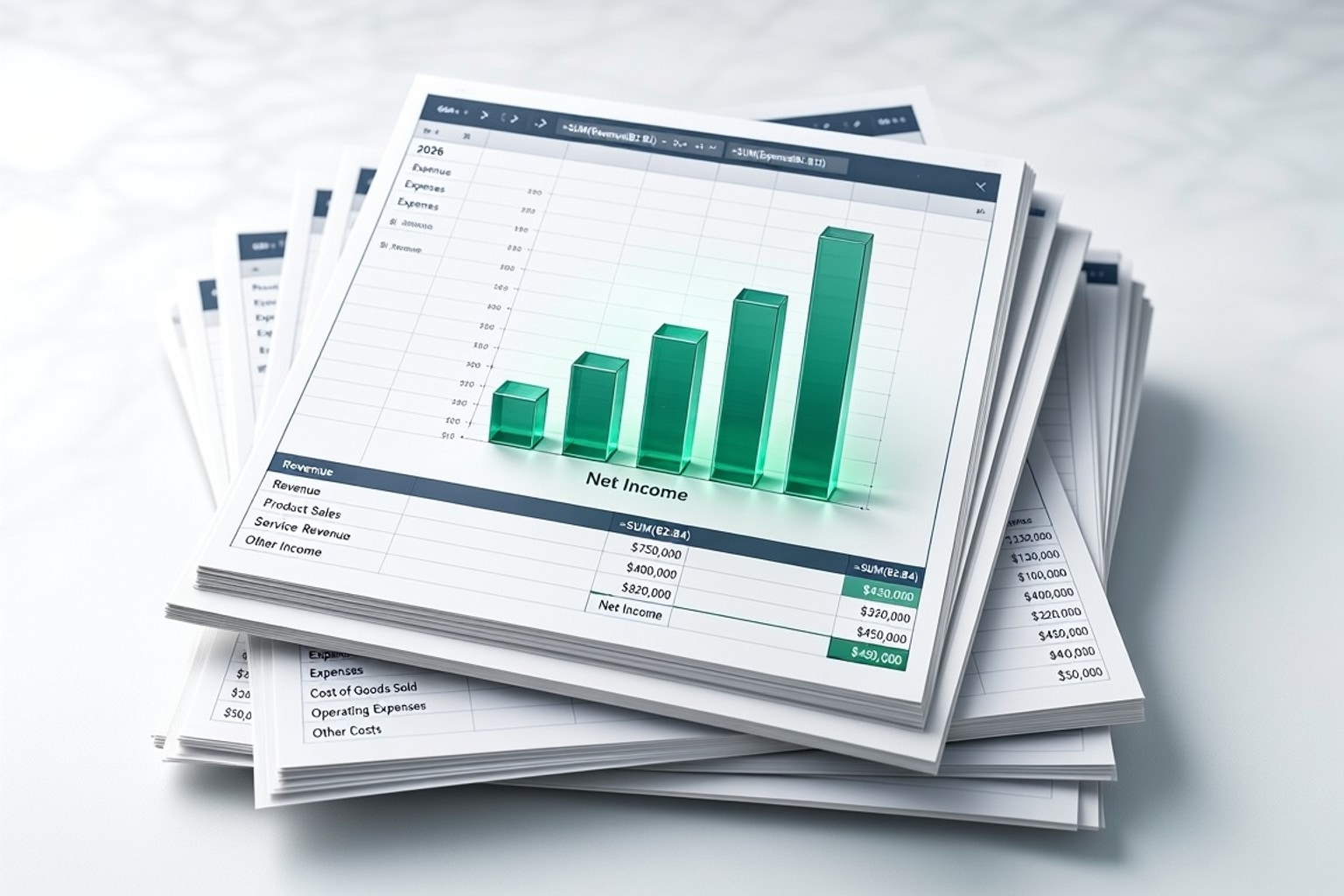
A Profit and Loss (P&L) statement isn't just a financial report. It's a real-time health check for your business, offering critical insights into your revenue, costs, and ultimately, your profitability. For 2026, understanding your P&L is more crucial than ever to navigate economic shifts and competitive landscapes. It provides the clarity needed to make informed decisions, whether you're a startup founder or a seasoned operator.
Why a P&L Statement is Essential for Your Business in 2026
Your P&L statement, also known as an income statement, summarizes your revenues, costs, and expenses over a specific period. This document reveals your company's financial performance, showing whether you're making a profit or a loss. Without a clear P&L, you're essentially driving blind, unable to assess where your money comes from and where it goes.
Beyond Basic Bookkeeping: Strategic Insights from Your P&L
A well-maintained P&L offers far more than just basic bookkeeping. It provides actionable insights for strategic growth, pinpointing areas for cost reduction and opportunities to boost profitability. Analyzing trends in your P&L can highlight successful product lines, inefficient operations, or shifts in customer demand. For example, a consistent rise in a specific expense category might signal a need to renegotiate vendor contracts.
Common P&L Pain Points for Small Businesses
Many small businesses struggle with manual data entry, leading to accuracy issues and consuming valuable time. This often results in outdated or unreliable P&L statements, hindering effective decision-making. Templates solve these common pain points by providing a structured framework, reducing errors, and automating calculations.
Choosing the Right P&L Template for Your Business
Selecting the ideal P&L template depends heavily on your industry and operational needs. A template designed for a service business will look different from one tailored for e-commerce. Over 25 free P&L templates are available for Google Sheets and Excel, updated for 2026, offering diverse options to fit various business models.
P&L Templates for Service-Based Businesses
Service-based businesses typically have lower Cost of Goods Sold (COGS) but higher operating expenses related to salaries and marketing. Their templates should emphasize detailed tracking of labor costs, project-specific revenues, and client acquisition expenses. Look for sections that clearly differentiate billable hours from administrative overhead.
P&L Templates for Retail and E-commerce
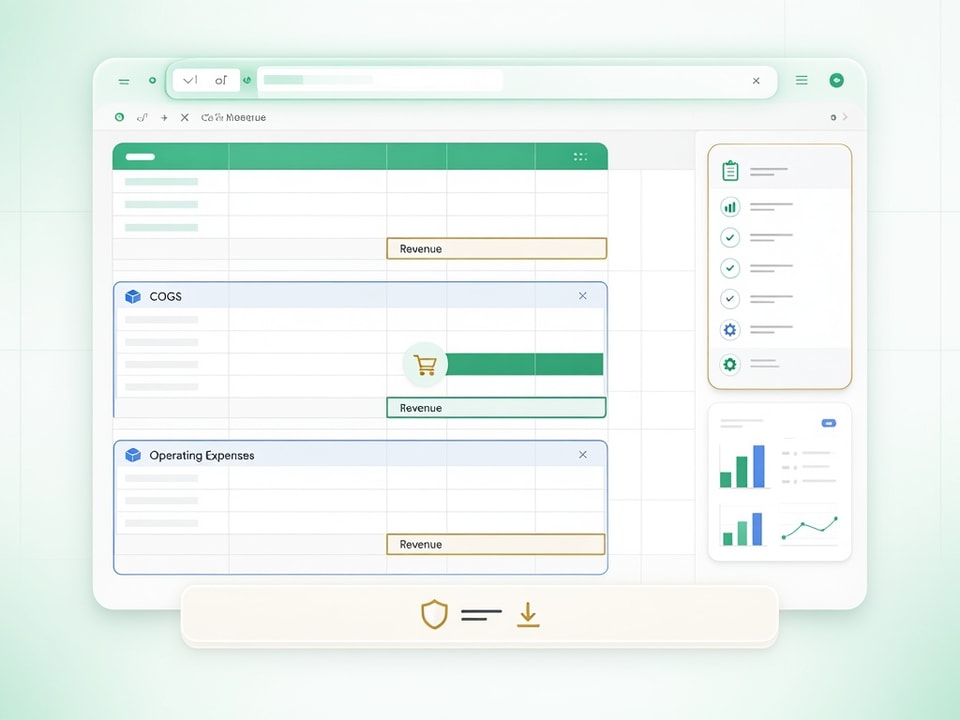
Retail and e-commerce businesses need templates with robust sections for Cost of Goods Sold (COGS), inventory management, and shipping expenses. These templates often include calculations for gross profit margin, which is crucial for businesses selling physical products. They help you understand the true profitability of each item you sell.
Specialized P&L Templates: Real Estate, Nonprofits, and More
Niche industries like real estate, construction, or nonprofits have unique financial structures. Specialized P&L templates cater to these specific needs, incorporating elements like property-specific income and expenses for real estate, or grant tracking and fundraising costs for nonprofits. These templates ensure accurate reporting aligned with industry standards.
Anatomy of a P&L: Key Components and Formulas
Understanding the core sections of a P&L statement is fundamental to interpreting your financial health. Each component contributes to the final net income figure, offering different perspectives on your business performance.
Revenue: Tracking Your Top Line
Revenue, or your top line, represents all the income your business generates from its primary operations. This includes sales of goods, services rendered, or subscription fees. Accurately recording different revenue streams in your spreadsheet is the first step to a reliable P&L.
Cost of Goods Sold (COGS): Understanding Direct Costs
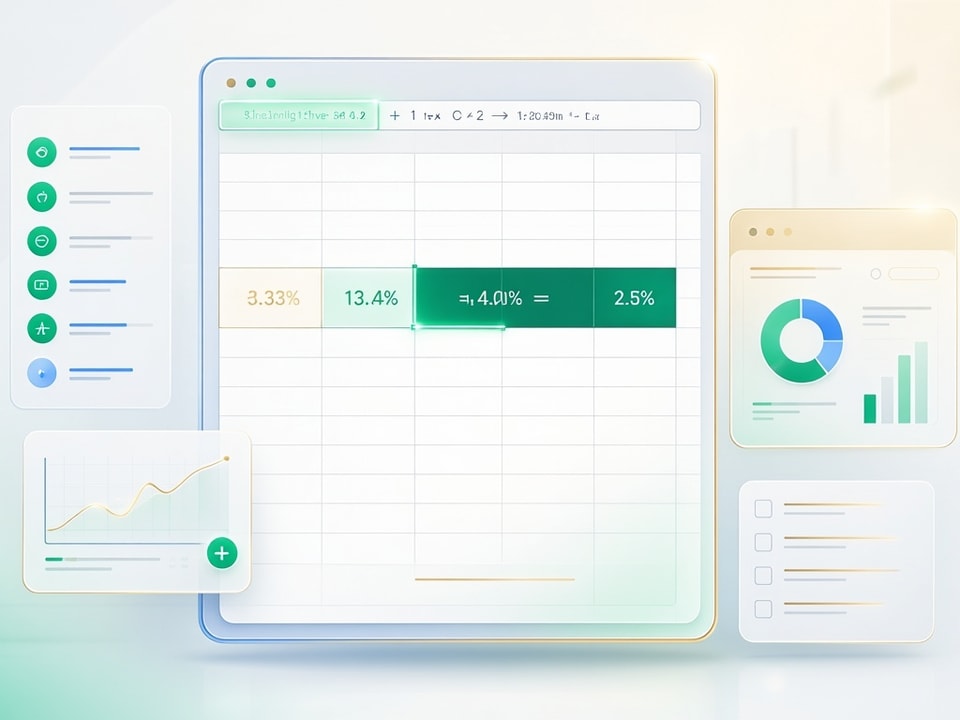
Cost of Goods Sold (COGS) includes the direct costs attributable to the production of the goods or services sold by a company. For a retail business, this would be the purchase price of the inventory. A common formula in Excel or Google Sheets is =Beginning_Inventory + Purchases - Ending_Inventory.
Operating Expenses: Managing Your Day-to-Day
Operating expenses are the costs associated with running your business, not directly tied to producing goods or services. These include salaries, rent, utilities, marketing, and administrative costs. Categorizing and tracking these expenses meticulously helps identify areas for cost control.
Net Income: The Bottom Line Explained
Net income, often called the bottom line, is what remains after all expenses, including taxes, have been deducted from revenue. It's calculated by subtracting income tax expenses from income before tax. This figure is the ultimate indicator of your business's profitability.
Step-by-Step: Customizing Your 2026 P&L Template
Setting up and personalizing a P&L template doesn't have to be daunting. With a structured approach, you can tailor any template to your specific business needs. "Starting a profit and loss statement from a blank sheet isn't the best use of your time."
Getting Started with a Free P&L Template (Google Sheets/Excel)
Begin by downloading one of the many free P&L templates available for Google Sheets or Excel. The initial setup involves inputting your company's name, the reporting period, and any starting balances. Many templates automatically calculate subtotals and net profit, saving you time.
Tailoring Categories to Your Business Model
Modify the default revenue and expense categories to accurately reflect your business operations. Add specific line items for unique income sources or recurring costs. This customization ensures your P&L provides relevant insights, not generic summaries.
Setting Up Reporting Periods: Monthly, Quarterly, Annually
Configure your template for your desired financial reporting frequency: monthly, quarterly, or annually. P&L statements should be updated monthly or at least quarterly for optimal financial tracking. Some templates track performance over up to three years for year-over-year analysis, allowing for long-term trend analysis.
Integrating Your P&L with Other Financial Workflows
Connect your P&L with other financial trackers or dashboards for a holistic view of your business. This integration could mean linking sales data from a separate tracker directly into your revenue section. For a streamlined approach, consider a comprehensive solution.
Recommended Resources
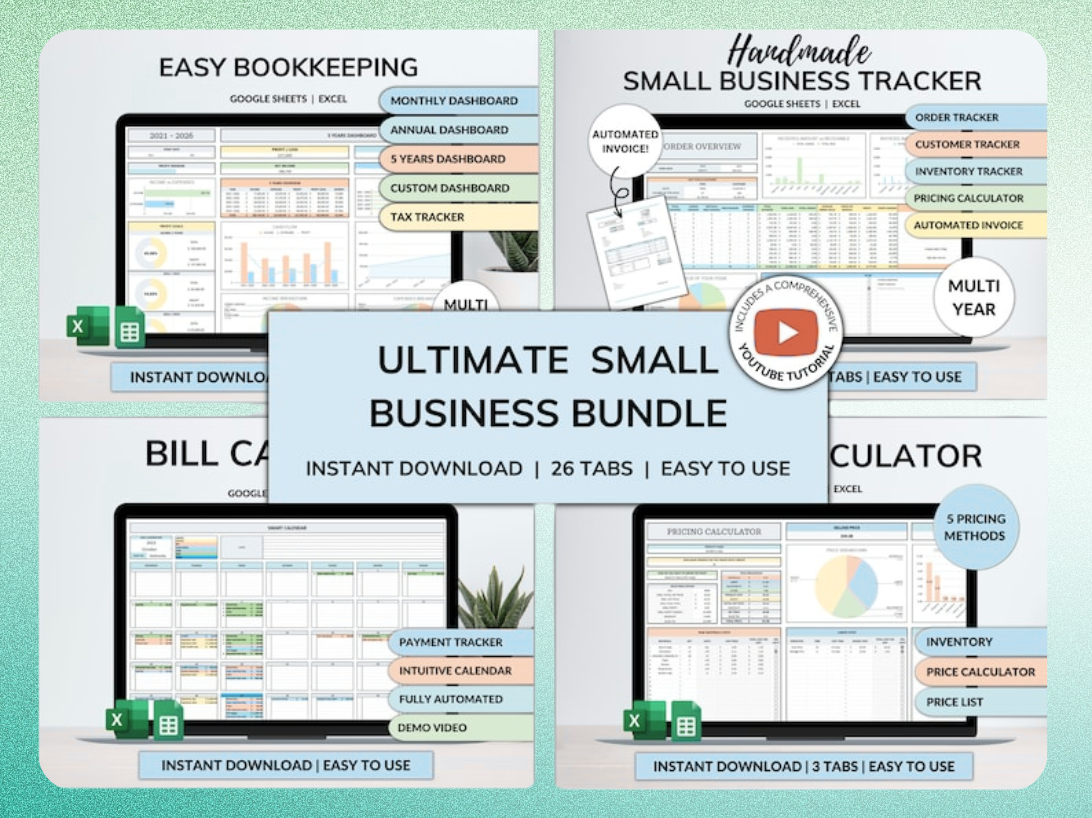
Skip the blank-sheet setup for all your business finances
Start with a pre-built, comprehensive template bundle to manage bookkeeping, inventory, orders, and more.
Best Practices for Ongoing P&L Management and Analysis
Maintaining an accurate and useful P&L statement requires consistent effort and strategic analysis. The reliability of your P&L directly depends on the quality of the data you input.
The Importance of Regular Updates: Monthly vs. Quarterly
Regular updates are crucial for effective financial monitoring. Updating your P&L monthly provides the most current snapshot of your business performance, allowing for quick adjustments. Quarterly updates are a minimum for most businesses, offering a broader perspective on trends.
Reconciling Your P&L with Other Financial Records
Always cross-reference your P&L data with other financial records, such as bank statements, credit card statements, and general ledgers. This reconciliation process helps identify discrepancies and ensures the accuracy of your financial reporting. "A profit and loss statement is only as reliable as the data you put into it. Make sure your bookkeeping is up to date before entering figures into the template."
Identifying Trends and Making Informed Decisions
Analyze your P&L data to identify trends in revenue growth, expense fluctuations, and profitability shifts. This analysis empowers you to make informed strategic decisions, such as adjusting pricing, cutting unnecessary costs, or investing in new opportunities. Look for year-over-year comparisons to spot significant changes.
Advanced P&L Workflows: Automation and AI in 2026
Modern tools and techniques can significantly enhance P&L efficiency, moving beyond manual data entry to smart automation. AI and advanced spreadsheet features are making financial management more accessible and accurate.
Automating Data Entry for Your P&L
Automate data entry by connecting bank feeds or accounting software directly to your spreadsheet. Tools like Coefficient can pull transaction data into Google Sheets, reducing manual input errors and saving considerable time. This ensures your P&L is always up-to-date with minimal effort.
Leveraging AI for Expense Categorization
AI tools can streamline the classification of transactions within your spreadsheets. Many modern accounting software and spreadsheet add-ons use AI to automatically categorize expenses based on transaction descriptions. This significantly reduces the time spent on manual categorization, improving accuracy.
Building Interactive P&L Dashboards
Create dynamic visualizations from your P&L data in Google Sheets or Excel using built-in charting tools. Interactive dashboards allow you to quickly see trends, compare periods, and drill down into specific categories. "In Sheets, use simple formulas like SUM for subtotals and Net Profit... In Excel, do the same but consider named ranges so formulas stay readable."
Ready-to-Use P&L Templates for Instant Impact
You don't need to build a P&L from scratch. Numerous ready-to-use templates are available to help you jumpstart your financial tracking immediately. These resources provide a structured foundation, allowing you to focus on analysis rather than setup.
Download Your Free 2026 P&L Templates (Excel & Google Sheets)
Access a variety of updated P&L templates for both Excel and Google Sheets to suit different business types. These free resources are designed to give business owners and accountants a simple, structured way to track income and expenses while automatically calculating profitability. Choose the one that best fits your operational model.
When to Consider a Comprehensive Business Template Bundle
For broader financial management, consider an all-in-one comprehensive business template bundle. These bundles often include P&L statements alongside bookkeeping, inventory management, order tracking, and billing tools. This integrated approach saves hours every week by automating data entry and dashboards, letting you focus on growth.
Get the newsletter
One sharp idea every Sunday.
No fluff. No sales pitches. Just the best of what we publish, hand-picked.
Continue Reading
Related Articles
Automated Cash Flow Forecast: 2026 Google Sheets Guide
Building an automated cash flow forecast in Google Sheets for 2026 gives you a clear financial roadmap. You can proactively identify potential shortfalls or surpluses, allowing for better strategic de...
10+ Free Excel Budget Templates for Small Business in 2026
Your small business needs a budget. It's more than a financial report; it's a strategic roadmap, especially in 2026's dynamic market. A clear budget helps you allocate resources, anticipate challenges...
10 Best Expense Tracker Spreadsheet Templates for 2026
An effective expense tracker spreadsheet is more than just a budgeting tool; it's a financial compass. In 2026, navigating personal finances or running a small business without clear visibility into y...