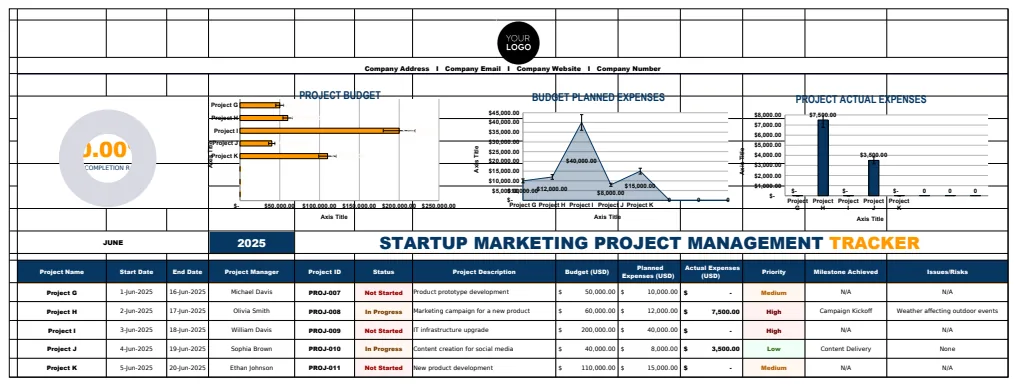
5 essential columns for your free workout log spreadsheet
Learn the 5 most important columns to include in your free workout log spreadsheet template for effective fitness tracking.
The Exercise Type column in your workout log is more critical than it seems. Without it, differentiating between a cardio session and a weightlifting day becomes difficult, making progress analysis a chore. A well-structured workout log spreadsheet template free to download can solve this immediately, providing clear categories for your training.
You're probably here because you want to track your fitness progress consistently, and a spreadsheet is a powerful tool for that. Whether you're a seasoned athlete or just starting, having a dedicated place to record your sets, reps, weights, duration, and how you felt is essential. This helps you see what's working, what's not, and where to push harder or adjust your approach.
Essential Columns for Your Workout Log
When building your own or choosing a template, certain columns are non-negotiable for effective tracking. Aim for clarity and comprehensiveness without overcomplicating things. Here’s a breakdown of what you should include:
- Date: The day you performed the workout. Crucial for identifying trends over time.
- Exercise Name: The specific movement performed (e.g., "Barbell Squat," "Treadmill Run," "Push-ups"). Be precise.
- Exercise Type: Categorizes the exercise (e.g., "Strength," "Cardio," "Flexibility," "HIIT"). This helps in analyzing training distribution.
- Sets: The number of sets completed for strength exercises.
- Reps: The number of repetitions performed per set.
- Weight: The amount of weight lifted for strength exercises. Include units (e.g., lbs, kg).
- Duration (or Distance): For cardio, this is the time spent or distance covered. Specify units (minutes, miles, km).
- Intensity/RPE (Rate of Perceived Exertion): A subjective scale (e.g., 1-10) to gauge how hard the exercise felt. This adds valuable context.
- Rest Time: The duration of rest between sets. Useful for managing workout intensity and volume.
- Notes/Comments: A space for personal observations, how you felt, form cues, variations, or anything else relevant.
Getting Started with a Template
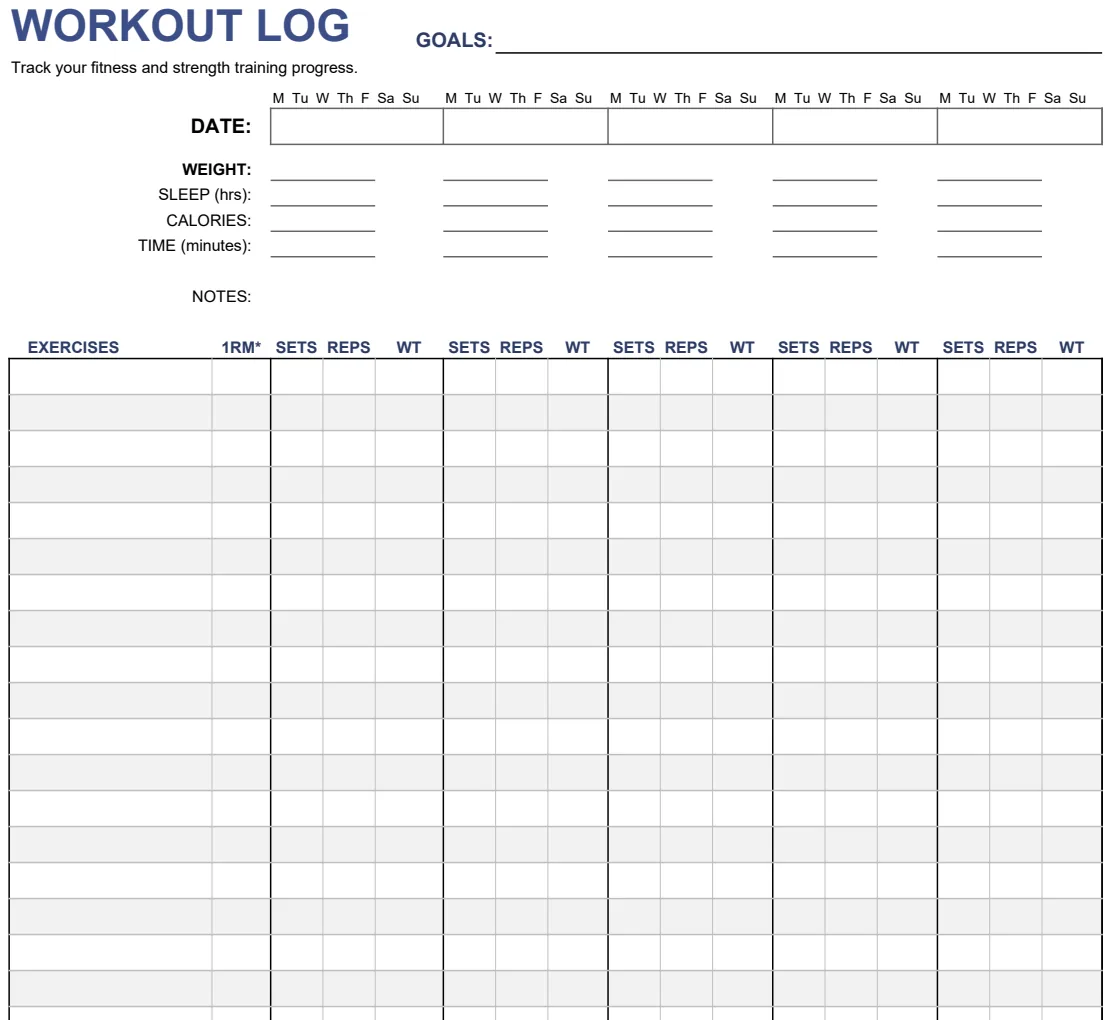
If you're looking for a workout log spreadsheet template free, starting with a pre-built solution can save you time and ensure you don't miss key components. For instance, the Workout Log template is designed to cover a broad range of fitness activities, from strength training to cardio, with built-in sections for tracking progress over weeks and months.
These templates often come with pre-formatted cells, drop-down menus for common exercises or types, and sometimes even basic charts to visualize your progress. It’s about getting you set up quickly so you can focus on your training.
Structuring Your Strength Training Log
For strength training, the Sets, Reps, and Weight columns are paramount. You might even want to add a 1RM Estimate column if you’re tracking your maximum strength potential. A typical entry might look like:
- Date: 2026-03-15
- Exercise Name: Bench Press
- Exercise Type: Strength
- Sets: 3
- Reps: 8, 8, 7
- Weight: 150 lbs
- Rest Time: 90 seconds
- Notes: Felt a bit heavy on the last set, form was good.
Using a template like the Exercise Log can make this process incredibly straightforward, allowing you to log multiple exercises per session with ease.
Tracking Cardio and Endurance
Cardio workouts require a slightly different focus. The Duration and Distance columns become central, along with pace and heart rate if you track them. For example, a running session:
- Date: 2026-03-16
- Exercise Name: Outdoor Run
- Exercise Type: Cardio
- Duration: 45 minutes
- Distance: 5 km
- Average Pace: 9:00 min/km
- Notes: Felt strong, good weather.
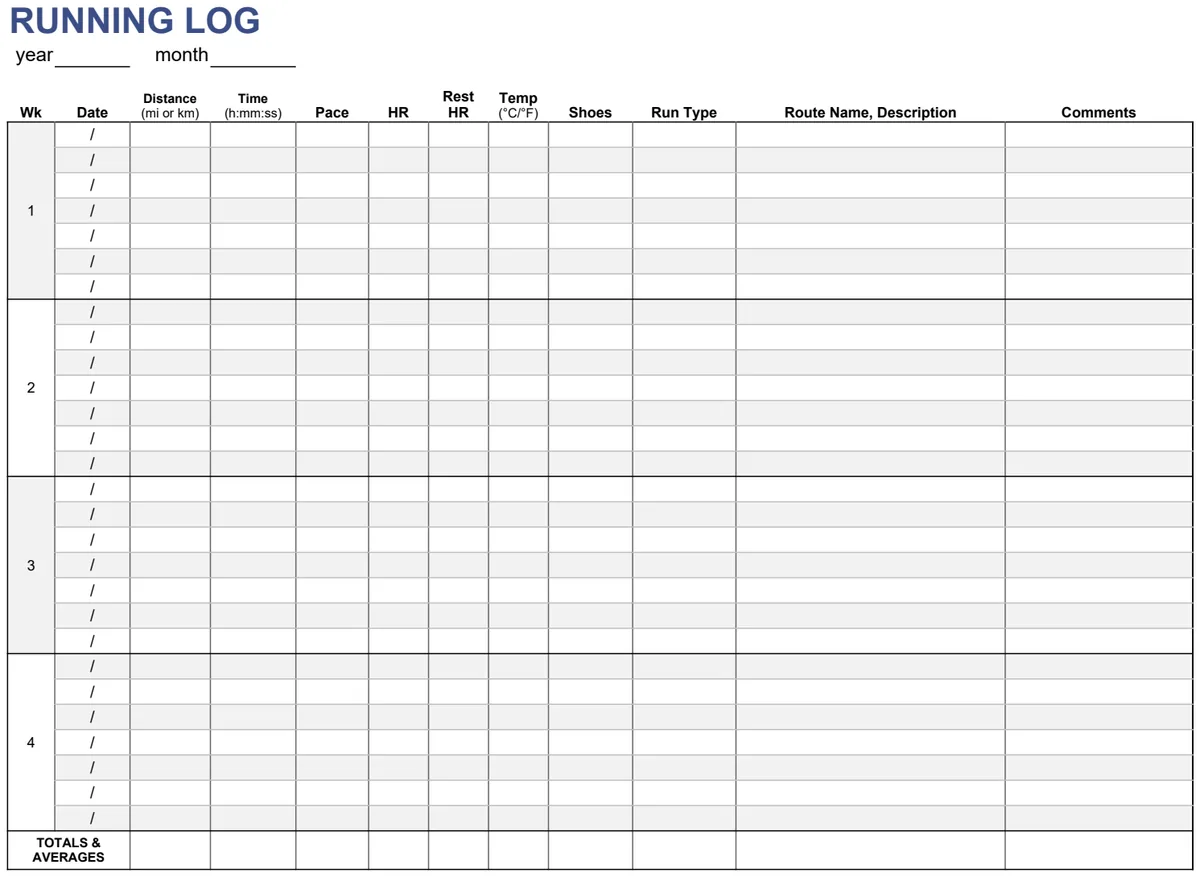
If you focus heavily on running and walking, a specialized tracker like the Running & Walking Log Tracker might be even more beneficial, offering specific fields for pace, cadence, and elevation.
Analyzing Your Progress
The real power of a workout log comes from analyzing the data. Look for trends:
- Increased Weight/Reps: Are you getting stronger?
- Improved Duration/Distance: Is your endurance growing?
- Consistent RPE: Are your perceived efforts changing with performance?
- Frequency: Are you hitting your planned workouts?
Spreadsheets allow you to use formulas to calculate averages, sums, and even progress percentages. For instance, you could use =AVERAGE(G2:G10) to find your average weight lifted for a specific exercise over a period, or =SUMIFS(D2:D100, B2:B100, "Treadmill Run") to count how many times you’ve done treadmill runs.
Common Mistakes to Avoid
Many people start strong with a workout log but falter due to a few common errors. Be mindful of these:
- Inconsistency: Not logging workouts regularly. If it’s not in the sheet, it didn’t happen.
- Vagueness: Using generic exercise names or not specifying details like weight or duration. "Arms" is not an exercise.
- Over-complication: Trying to track too many minute details that don't add significant value to your analysis.
- Forgetting Notes: Skipping the comments section means missing out on crucial context about how you felt, external factors, or specific form cues.
- No Analysis: Simply logging data without ever reviewing it to make informed decisions about your training.
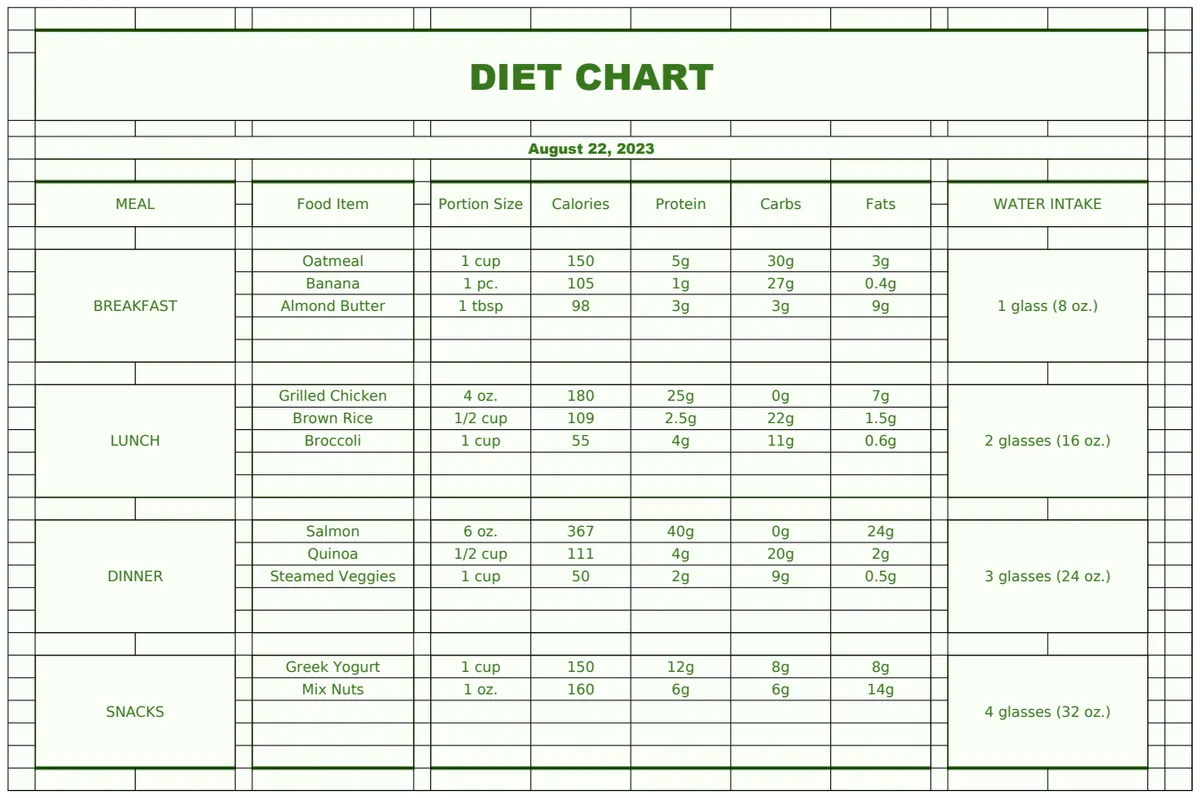
A template like the Weight Training Plan & Fitness Tracker can help structure your entire fitness journey, including diet and body composition, which can offer a more holistic view when analyzing your workout data.
Frequently Asked Questions
Can I use a free workout log spreadsheet template for both cardio and weightlifting?
Yes, absolutely. Many general workout log spreadsheet templates free to use are designed to accommodate both types of training. You’ll typically find columns for sets, reps, and weight for strength training, and duration, distance, and pace for cardio. The key is a flexible structure that allows you to fill in relevant data for each activity type.
How do I track my progress over time with a spreadsheet?
The best way is to consistently log your workouts and then use spreadsheet features to review. You can sort your data by date, exercise, or type to see improvements. Formulas like AVERAGEIFS or MAXIFS can show your best performance for a given exercise or your average pace over a month. Conditional formatting can also highlight personal bests or when you're consistently meeting goals.
What if I want to track more than just workouts, like diet and sleep?
If your needs extend beyond just exercise, you might need a more comprehensive template. Some templates are designed to integrate multiple aspects of health and fitness tracking. For example, a template might include sections for daily calorie intake, water consumption, and sleep hours alongside your workout log, providing a broader picture of your well-being. You can find such integrated solutions if you search for "all-in-one fitness tracker spreadsheet."
Is it worth paying for a workout log template?
Whether you opt for a free workout log spreadsheet template or a paid one depends on your needs. Free templates offer a solid starting point and are excellent if you want to customize extensively or just need basic tracking. Paid templates or subscriptions, like the one offered by OpenWorksheet for $9 for unlimited downloads, often provide more advanced features, pre-built dashboards, and professional support, which can be a worthwhile investment if you value time savings and a polished user experience.