Digital Bullet Journals: Track Habits & Productivity in Sheets
Digital bullet journals in Google Sheets or Excel offer a powerful upgrade from traditional paper methods. You gain flexibility, automation, and deeper insights into your habits and productivity. This...
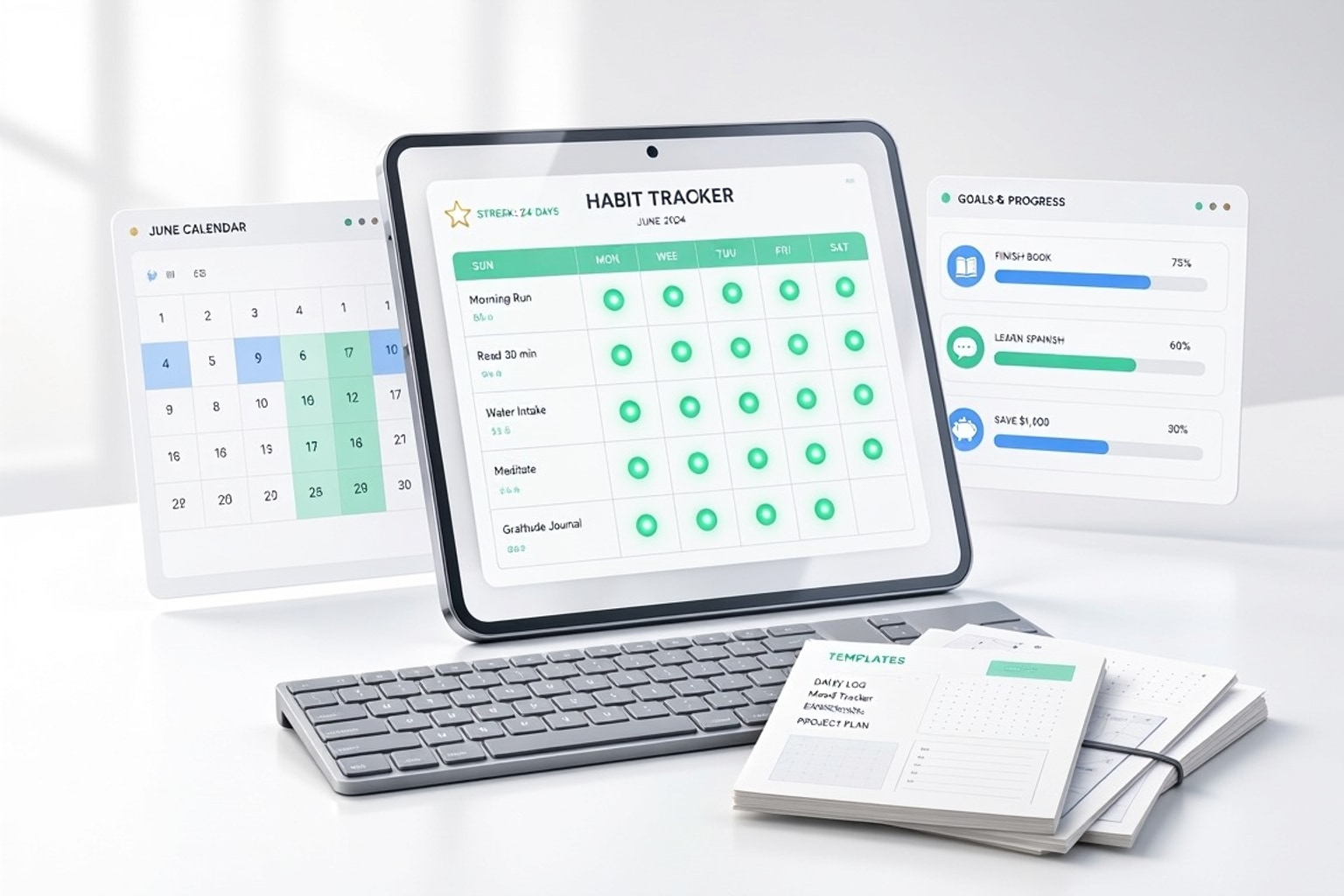
Digital bullet journals in Google Sheets or Excel offer a powerful upgrade from traditional paper methods. You gain flexibility, automation, and deeper insights into your habits and productivity. This guide shows you how to transition your bullet journaling to a spreadsheet, tracking progress with precision.
Why Go Digital with Your Bullet Journal?
Moving your bullet journal from paper to a digital format like a spreadsheet solves many common tracking frustrations. You can customize layouts instantly, automate calculations, and analyze your data in ways a physical journal cannot. This shift empowers you to build habits more effectively and understand your productivity patterns.
Beyond Paper: The Advantages of Spreadsheets
Spreadsheets provide unparalleled flexibility for bullet journaling. You can create custom layouts, add formulas to track progress, and visualize data with charts. Unlike a static notebook, a digital journal adapts to your evolving tracking needs without needing to rewrite sections or start a new journal.

For instance, a dedicated Google Sheets template for goal planning and habit tracking, released in late 2026, quickly garnered over 11,800 YouTube views, demonstrating the demand for digital solutions. While a physical LEUCHTTURM1917 Official Bullet Journal Edition 2 offers 249 numbered dot-grid pages, suitable for a full year, digital trackers can scale far beyond this. Some digital habit trackers allow you to track up to 400 daily, weekly, and monthly habits simultaneously, a feat impossible in a single physical journal.
Common Roadblocks with Traditional Bullet Journals
Paper bullet journals, while aesthetically pleasing, come with inherent limitations. Portability quickly becomes an issue when you need to reference past entries or update on the go. Aggregating data for analysis, like calculating your habit streak over a month, requires manual tabulation. This manual process is time-consuming and prone to errors.
The High Performance Planner, for example, focuses on 60-day sprints for habit and performance scoring, but analyzing trends across multiple sprints still requires manual effort. Digital tools eliminate these roadblocks. You can access your journal from any device, and formulas automatically crunch the numbers, giving you instant insights. This frees up your time to focus on building habits rather than managing your tracking system.
Recommended Resources
Skip the blank-sheet setup
Start with a pre-built, customizable template to save hours of setup time.
Setting Up Your Digital Bullet Journal in Google Sheets
Creating your digital bullet journal in Google Sheets starts with structuring your data. Begin by listing your habits in a column and dates across the top row. Use checkboxes for daily tracking and conditional formatting to visualize progress. This simple setup creates a powerful, interactive habit tracker.
For example, in cell B2, you might have a checkbox. If checked, use conditional formatting to highlight the cell green. You can then count checked boxes with COUNTIF(B2:Z2, TRUE) to track your weekly progress. This immediate visual feedback reinforces positive behavior.

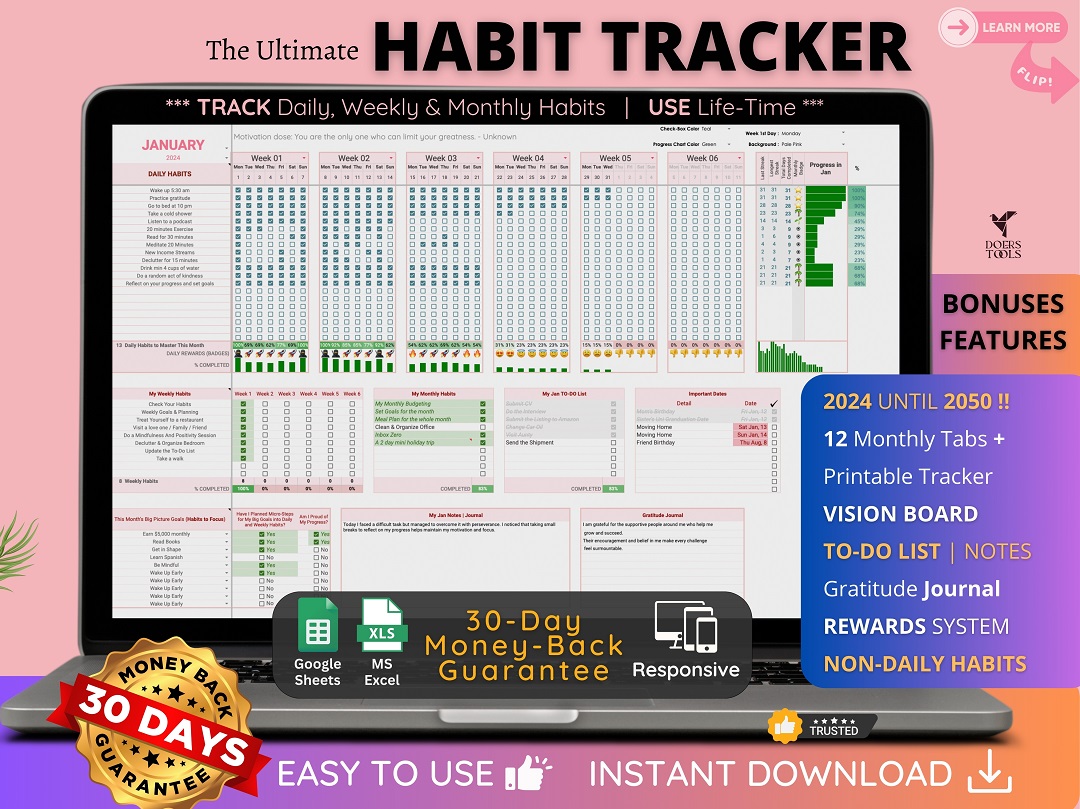
You can dive deeper by creating separate tabs for monthly logs, future planning, and goal setting. Use formulas like SUM and AVERAGE to track habit completion rates over time. This data-driven approach helps you identify patterns and adjust your strategies for better results. Consider using a pre-built template like The Ultimate Habit Tracker to jumpstart your setup. It provides a structured framework in both Google Sheets and Excel, saving you the effort of building everything from scratch.
Automating and Enhancing Your Digital Journal
Google Sheets offers powerful automation features that elevate your bullet journal beyond simple tracking. Use Google Apps Script to create custom functions, like automatically archiving old entries or sending daily habit reminders. This reduces manual intervention and keeps your journal updated effortlessly.
Explore add-ons from the Google Workspace Marketplace for additional functionality, such as advanced charting or project management tools. While apps like GoodNotes, an iPad app with a 4.7/5 rating and a one-time purchase of $7.99, offer a paper-like feel, spreadsheets provide superior data manipulation and automation. You can integrate your habit tracker with other productivity tools, creating a comprehensive personal management system.
Analyzing Your Habits and Productivity Data
The true power of a digital bullet journal lies in its analytical capabilities. Use pivot tables to summarize habit completion rates by month or quarter. Create charts to visualize trends, identifying which habits you consistently maintain and where you might need to adjust. This data-driven insight helps you make informed decisions about your productivity.
For instance, a bar chart showing your meditation streak over the last three months can reveal consistency. If you see a dip, you can investigate the reason and implement changes. This continuous improvement cycle, where 1% improvement every day compounds into significant success, becomes tangible with clear data. Your spreadsheet becomes a powerful tool for self-reflection and growth, transforming raw data into actionable insights for building unbreakable habits.
Get the newsletter
One sharp idea every Sunday.
No fluff. No sales pitches. Just the best of what we publish, hand-picked.
Continue Reading
Related Articles

Free Excel Employee Shift Scheduling Templates for HR Teams
HR teams often grapple with the complex puzzle of employee shift scheduling. Balancing staff availability, business needs, and labor laws feels like a constant high-stakes game. Manually building sche...

5 Expense Tracking Spreadsheets to Control Business Costs in 2026
Controlling business costs means more than just cutting expenses; it means understanding where every dollar goes. Even with sophisticated accounting software available, manual expense tracking with sp...
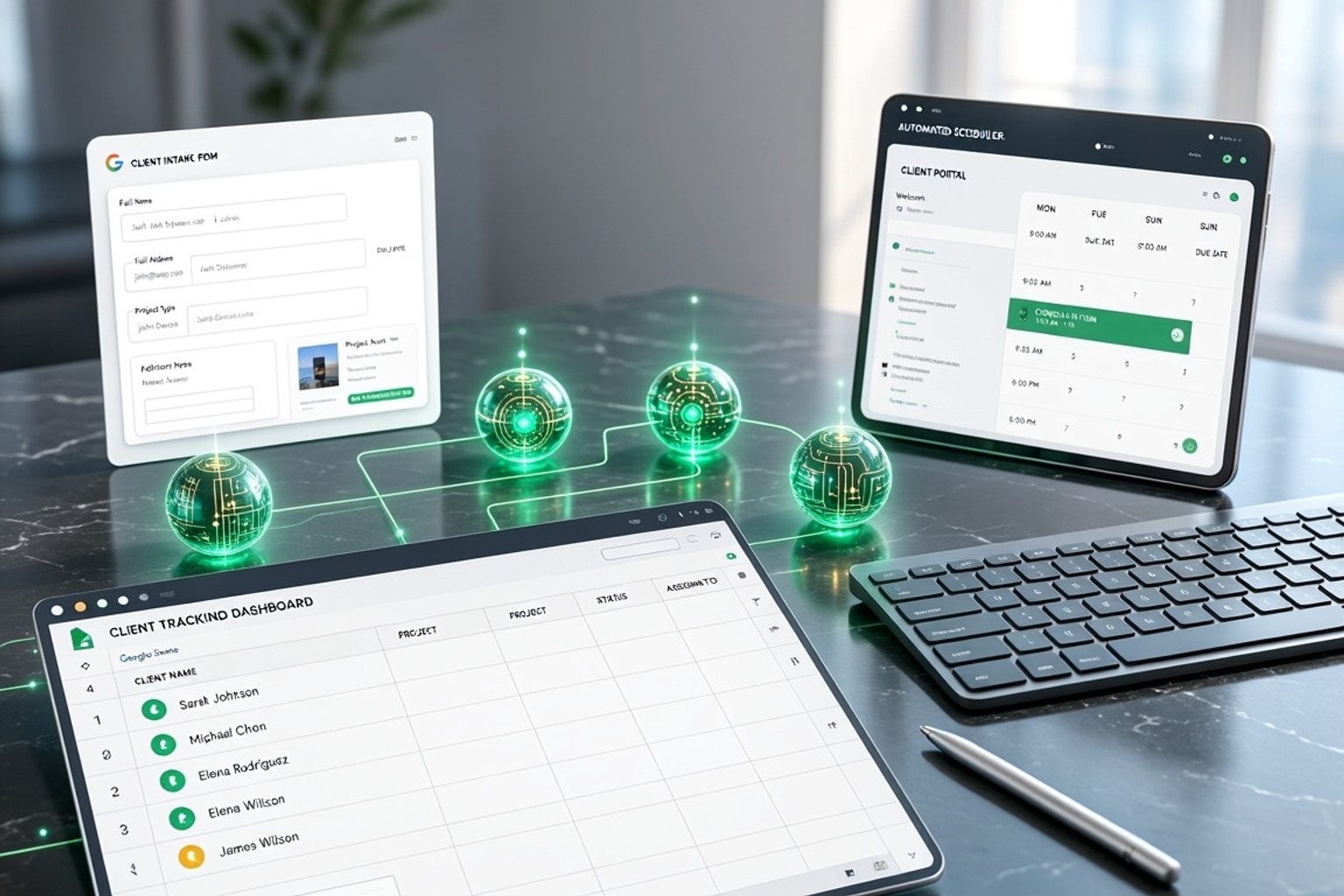
Automate Freelance Onboarding: 7 Google Sheets Strategies
Freelancers often juggle client work, marketing, and administrative tasks. Manual client onboarding adds unnecessary friction, turning what should be an exciting start into a tedious chore. This ineff...