Free Excel Employee Shift Scheduling Templates for HR Teams
HR teams often grapple with the complex puzzle of employee shift scheduling. Balancing staff availability, business needs, and labor laws feels like a constant high-stakes game. Manually building sche...

HR teams often grapple with the complex puzzle of employee shift scheduling. Balancing staff availability, business needs, and labor laws feels like a constant high-stakes game. Manually building schedules in spreadsheets can quickly become a time sink, leading to errors and frustration.
The Challenge of Employee Shift Scheduling for HR Teams
Effective shift scheduling directly impacts operational efficiency and employee satisfaction. Get it wrong, and you face understaffing, overspending, and compliance headaches. Many HR professionals still rely on manual processes, unaware of the hidden costs.
Why Manual Scheduling Falls Short
Manual scheduling is prone to human error, consuming valuable HR time. Updating schedules, handling shift swap requests, and ensuring fair distribution becomes a logistical nightmare. These inefficiencies lead to wasted hours that could be spent on strategic HR initiatives.
The Cost of Poor Scheduling
Poor scheduling directly impacts morale, compliance, and your budget. Employees feel undervalued with inconsistent schedules or last-minute changes. Non-compliance with labor laws, like predictive scheduling mandates, can result in hefty fines. Overtime miscalculations inflate labor costs unnecessarily.
Choosing the Right Free Spreadsheet Template for Your Team
A well-designed spreadsheet template provides a solid foundation for managing shifts without immediate software investment. It helps standardize the process and reduces common mistakes. Selecting the right template depends on your team's size and complexity.
Key Features to Look for in a Scheduling Template
An effective template includes clear sections for employee names, roles, and contact information. It should offer daily, weekly, or monthly views and space to assign specific shifts. Look for templates that highlight potential conflicts or availability issues.
Excel vs. Google Sheets: Which is Best for Your Needs?
{{inline_image:slot=1|align=right|prompt=A split screen showing an Excel spreadsheet on one side and a Google Sheet on the other, both displaying a basic employee shift schedule template with employee names and shift times. Highlight the collaborative features of Google Sheets and the desktop power of Excel.|caption=Excel offers robust desktop features, while Google Sheets excels in real-time collaboration.}} Google Sheets offers superior accessibility and real-time collaboration, making it ideal for small teams needing shared access. You can update schedules simultaneously and see changes instantly. Excel provides more advanced desktop features and formula capabilities for users who prefer a local application. However, Google Sheets lacks automated reminders or built-in overtime flags, which Excel can sometimes implement with complex VBA.
When a Simple Template is Enough
A free template is perfect for small teams, typically under 15 employees, with straightforward shift patterns. If your needs involve consistent shifts, minimal last-minute changes, and basic time tracking, a spreadsheet template provides sufficient functionality. It's a cost-effective starting point before considering dedicated software.
Setting Up Your Employee Shift Schedule in Excel or Google Sheets
Once you select a template, customize it to fit your specific operational needs. This involves defining your shifts, inputting employee data, and adding basic formulas for calculations. The setup process ensures the template works for your unique business.
Customizing Your Template for Specific Industries
Adapt your template by adding industry-specific columns, such as "Skill Set" for healthcare or "Station Assignment" for hospitality. Rename generic "Shift 1" to "Morning Rush" or "Closing Shift" to reflect your actual operations. This personalization makes the schedule more intuitive for your team.
Essential Columns for Effective Shift Management
Include columns for Employee Name, Employee ID, Contact Number, Role, and Availability. For each day, add columns for Start Time, End Time, and Assigned Task. A "Notes" column helps track special requests or changes.
Formulas for Basic Time Calculation and Overtime Tracking
You can implement simple formulas to calculate daily hours. In Excel or Google Sheets, subtract the start time from the end time: =B2-A2. Format the cell as time. For total weekly hours, use =SUM(C2:I2) across the daily hour columns. Tracking overtime requires an IF statement. For example, =IF(TotalHours > 40, TotalHours - 40, 0) calculates overtime hours beyond 40.
Recommended Resources
Skip the blank-sheet setup
Start with the dashboard structure already built for common small business needs.
Best Practices for Managing Shifts with Spreadsheets
Even with a basic spreadsheet, you can implement best practices to improve efficiency and compliance. Clear communication and adherence to labor laws are paramount. Treat your spreadsheet as a living document, not a static report.
Ensuring Labor Law Compliance with Your Schedule
{{inline_image:slot=2|align=left|prompt=A checklist for labor law compliance related to employee scheduling, showing items like "Breaks enforced", "Predictive scheduling notice given", "Overtime tracked", and "Minimum rest periods".|caption=Always verify schedules meet local labor laws for breaks, notice, and rest periods.}} Regularly review your schedule against local labor laws. Some states require more than two weeks' notice for employee schedules under predictive scheduling laws. Ensure you track and provide legally mandated breaks and minimum rest periods between shifts. This proactive approach prevents compliance issues before they arise.
Improving Communication and Transparency with Your Team
Share the schedule promptly and in an easily accessible format, like a shared Google Sheet. Encourage employees to communicate availability changes well in advance. Designate a clear process for shift swap requests to maintain order and fairness.
Integrating Basic Time Tracking and Client Management
While spreadsheets aren't dedicated time clocks, you can add columns for "Actual Start Time" and "Actual End Time" for basic tracking. For client-facing roles, integrate "Client Assigned" or "Project Code" to link shifts directly to work performed. This extends the utility of your schedule beyond just hours.
Limitations of Free Spreadsheet Scheduling and When to Upgrade
Spreadsheets offer a great starting point, but they have inherent limitations. As your team grows or your scheduling needs become more complex, these limitations become bottlenecks. Recognizing this tipping point saves you future headaches.
When Your Team Outgrows a Spreadsheet
A spreadsheet becomes less efficient for teams managing 15 or more employees or those with complex shift swaps. The manual effort to update, track, and cross-reference availability escalates quickly. Managers report building schedules eight times faster with dedicated scheduling apps compared to manual methods.
The Hidden Costs of Manual Spreadsheet Management
The "free" aspect of a spreadsheet can be deceptive. The time spent on manual updates, correcting errors, and managing conflicts represents a significant hidden cost. Automated scheduling can save businesses up to 15 hours per week, time that could be dedicated to growth. Missed opportunities due to inefficient scheduling also impact your bottom line.
Exploring Dedicated Scheduling Software Solutions
When spreadsheets no longer meet your needs, dedicated scheduling software provides robust solutions. These platforms offer features like automatic conflict detection, shift swapping, real-time updates, and compliance checks. While they come with a cost, they often pay for themselves through increased efficiency and reduced errors.
Streamlining Your HR Operations with Comprehensive Templates
For small businesses and managers, comprehensive templates offer a shortcut to organized HR operations. They provide pre-built structures, reducing setup time and ensuring consistency across various functions. This means less time formatting and more time managing your team.
The Ultimate Small Business Bundle: Beyond Shift Scheduling
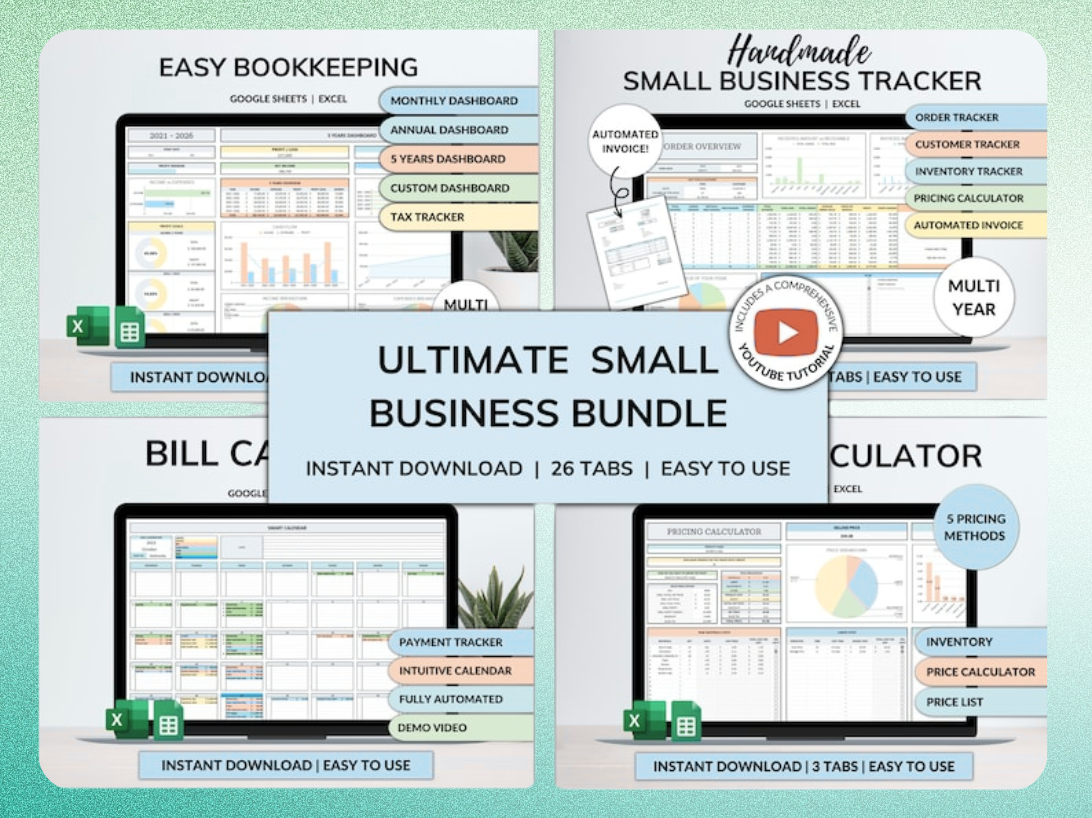
The Ultimate Small Business Bundle Templates provides an all-in-one solution for small businesses. It includes templates for bookkeeping, inventory, orders, billing, and pricing, alongside scheduling tools. This integrated approach helps streamline multiple operational areas.
Automating Data Entry and Dashboards for HR
These comprehensive templates often include features to automate data entry and generate dashboards. Instead of manually copying data, you input information once, and it populates across relevant sheets. This allows you to visualize key metrics like labor costs or employee hours at a glance, freeing up valuable HR time.
Ready-to-Use Templates for Small Business Owners and Managers
Using ready-to-use templates means you don't start from a blank sheet. The structure, formulas, and formatting are already in place. This immediate value allows small business owners and managers to implement effective HR processes instantly, without needing extensive spreadsheet expertise.
Get the newsletter
One sharp idea every Sunday.
No fluff. No sales pitches. Just the best of what we publish, hand-picked.
Continue Reading
Related Articles
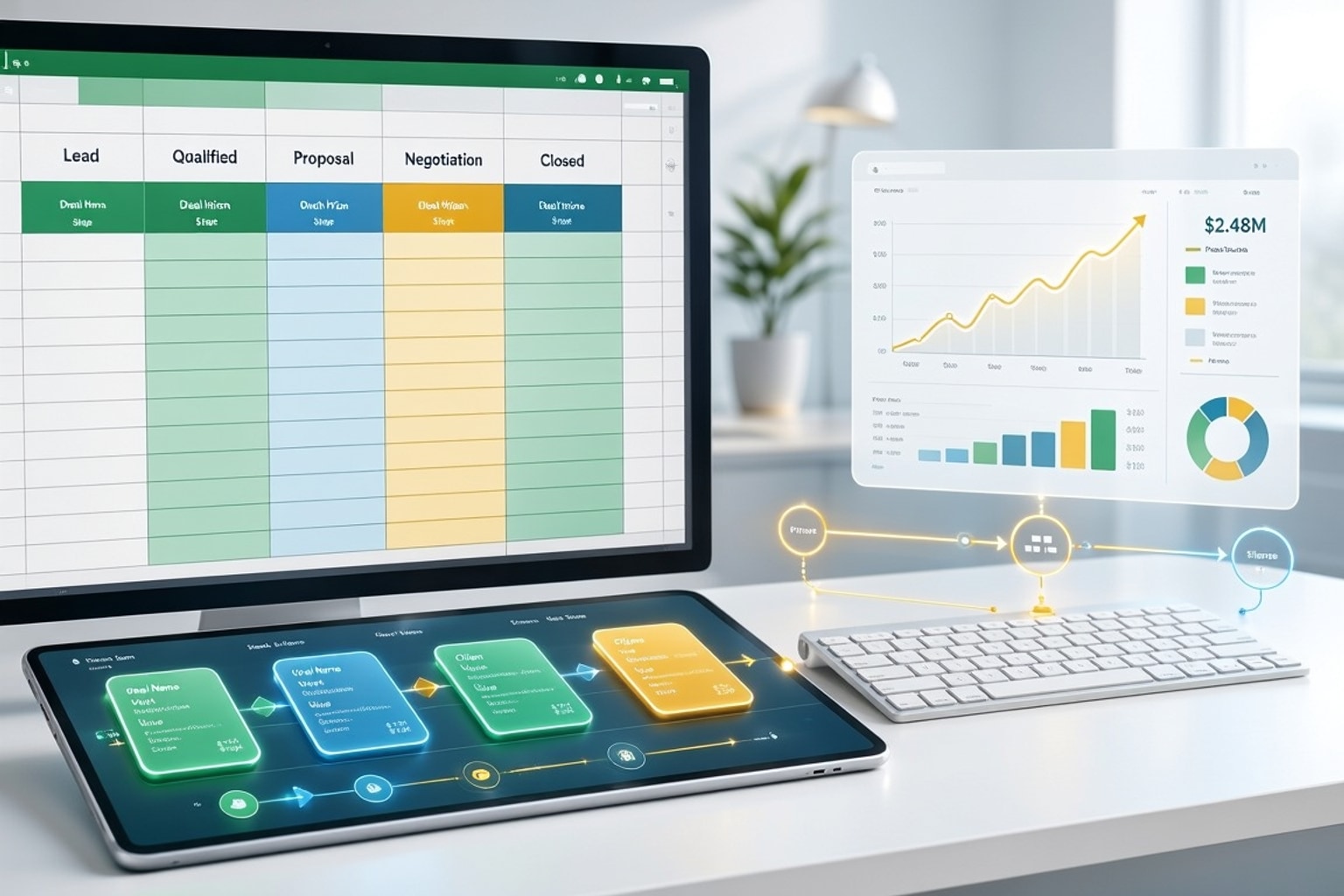
Build a High-Converting Sales Pipeline Tracker in Excel: 7 Steps
A disorganized sales pipeline costs more than just lost deals. It leads directly to missed revenue opportunities and frustrated sales teams. Without a clear view of your prospects, forecasting becomes...
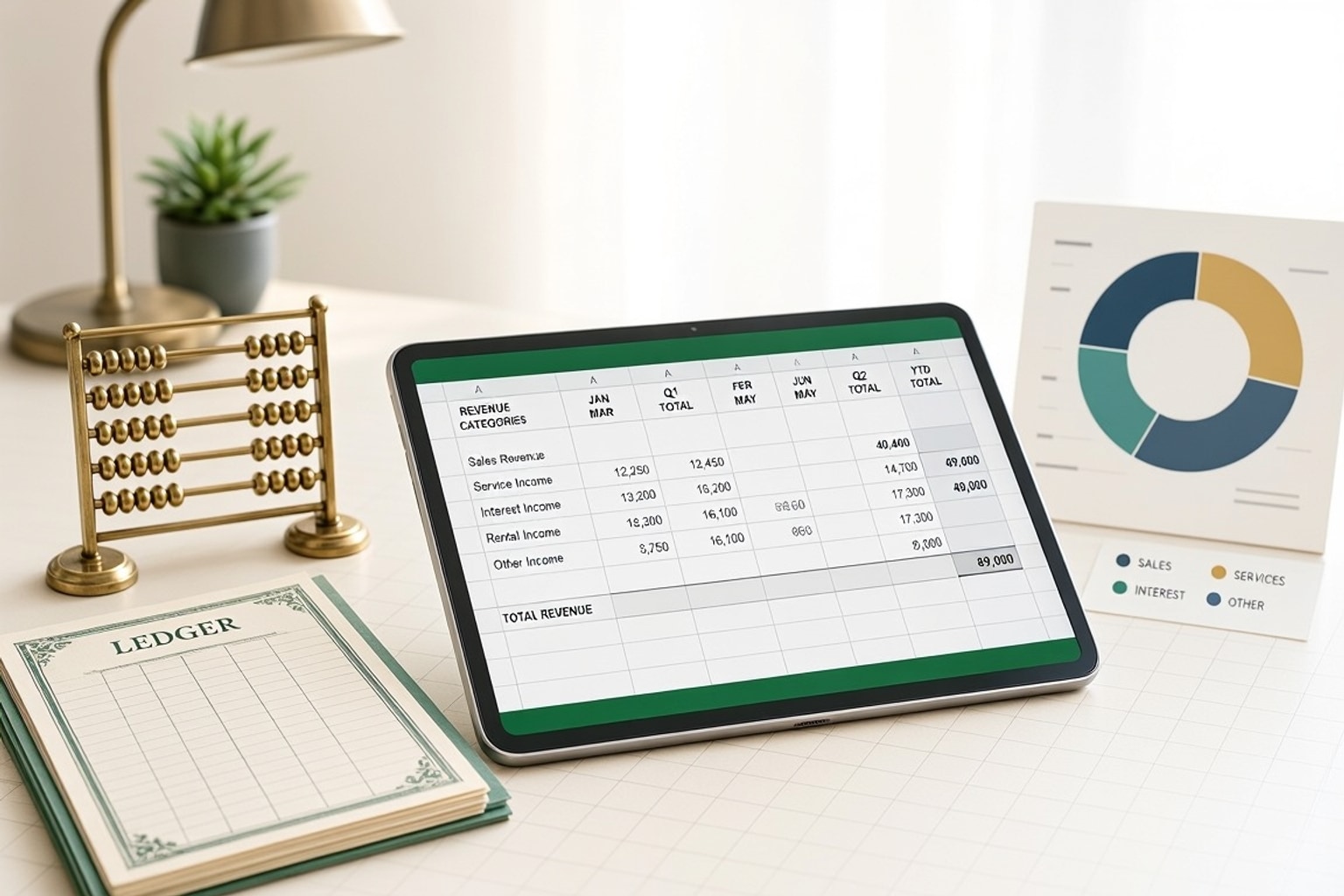
10+ Ultimate Small Business Bookkeeping Templates for Excel 2026
Small businesses thrive on clear financial visibility. Without a dedicated bookkeeping system, you're navigating blind, making decisions based on guesswork instead of data. In 2026, robust financial t...
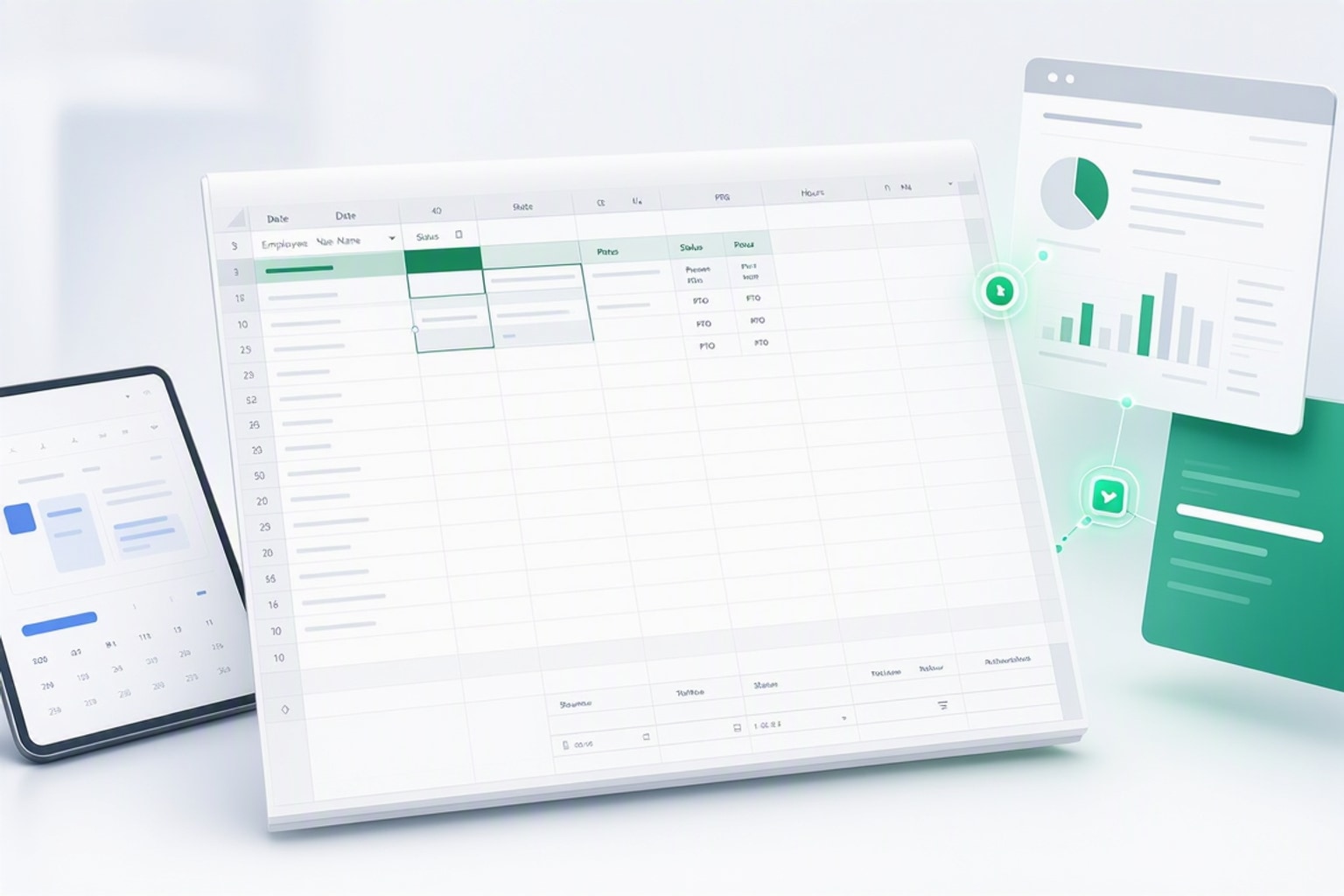
10+ Free Employee Attendance Tracker Excel Templates (2026)
Efficient attendance tracking saves businesses money and ensures compliance. Manual systems, prone to errors, cost companies thousands annually. A robust Excel tracker provides accurate data for payro...