Automate Freelance Onboarding: 7 Google Sheets Strategies
Freelancers often juggle client work, marketing, and administrative tasks. Manual client onboarding adds unnecessary friction, turning what should be an exciting start into a tedious chore. This ineff...
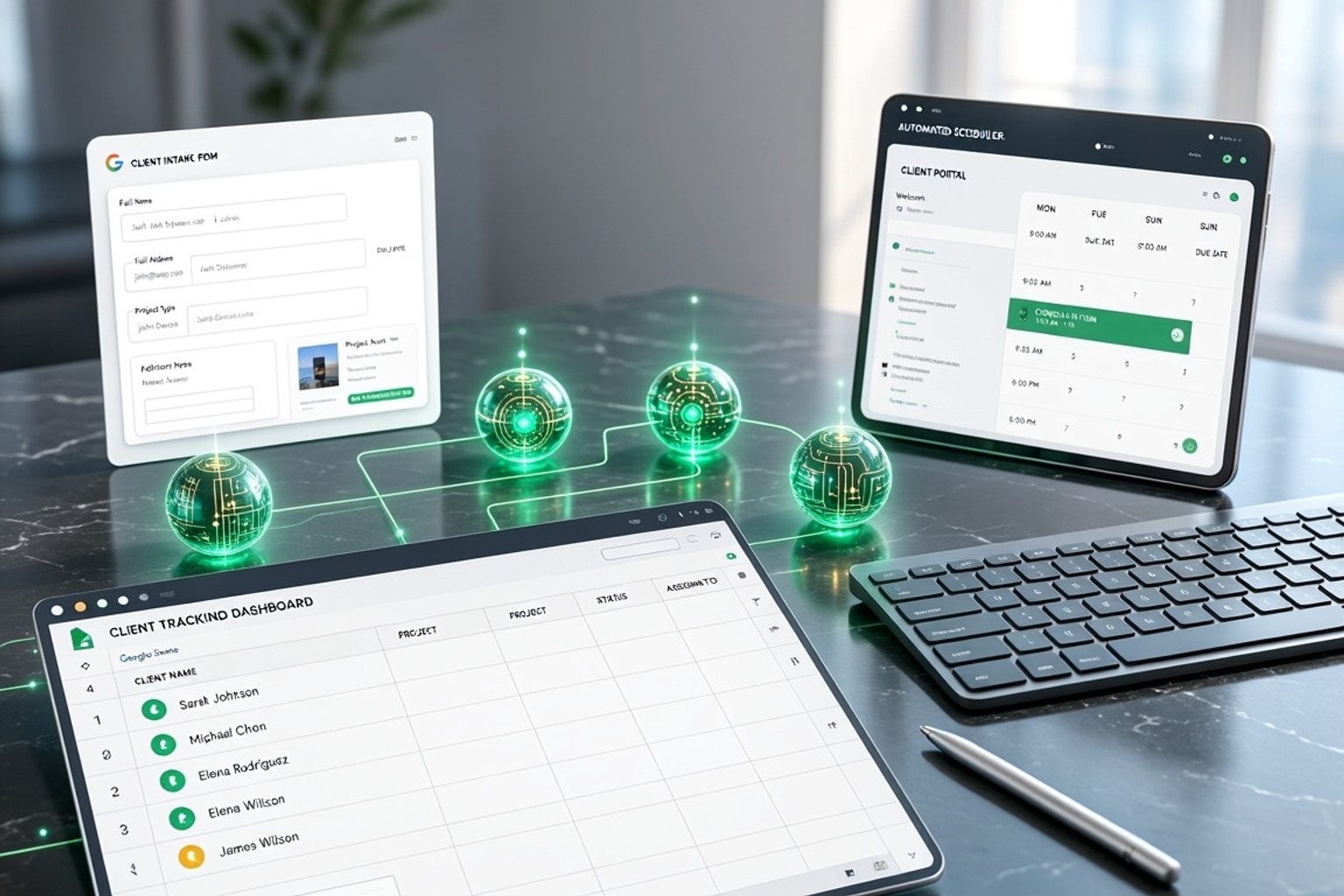
Freelancers often juggle client work, marketing, and administrative tasks. Manual client onboarding adds unnecessary friction, turning what should be an exciting start into a tedious chore. This inefficiency costs time, money, and potentially new clients.
Why Manual Onboarding Is Holding Freelancers Back (And Costing Them Clients)
Manual onboarding processes are a silent drain on a freelancer's resources. Each step, from sending welcome emails to gathering project details, consumes valuable time that could go into billable work. This not only caps earnings but also creates a stressful, reactive workflow.
The Hidden Costs of Inefficient Client Intake
Inefficient client intake directly impacts your bottom line. Lost time translates to fewer projects or rushed deliverables. Missed opportunities arise when slow response times push potential clients to competitors. Client dissatisfaction also builds when the initial experience is clunky and unprofessional. Teams implementing onboarding automations report saving 15 hours weekly on manual follow-ups.
Recognizing Your Onboarding Bottlenecks
Identify where your current process falters. Are you repeatedly copying and pasting client details into different documents? Do follow-up emails slip through the cracks? One freelancer mapped their manual onboarding process, which took 73 minutes and involved six different tools that did not integrate. This highlights the hidden time sinks in manual workflows.
Building Your Automated Client Onboarding Hub in Google Sheets
Google Sheets offers a powerful, flexible foundation for an automated client onboarding system. It centralizes client data and integrates with other tools to streamline your workflow. You can transform it from a simple spreadsheet into a dynamic client management hub.
Step 1: Designing Your Client Intake Form with Google Forms
Start by creating a Google Form to capture initial client information. This form directly populates a Google Sheet, eliminating manual data entry. Mobile form validation reduces data entry errors compared to manual spreadsheet entry, ensuring cleaner data from the start.
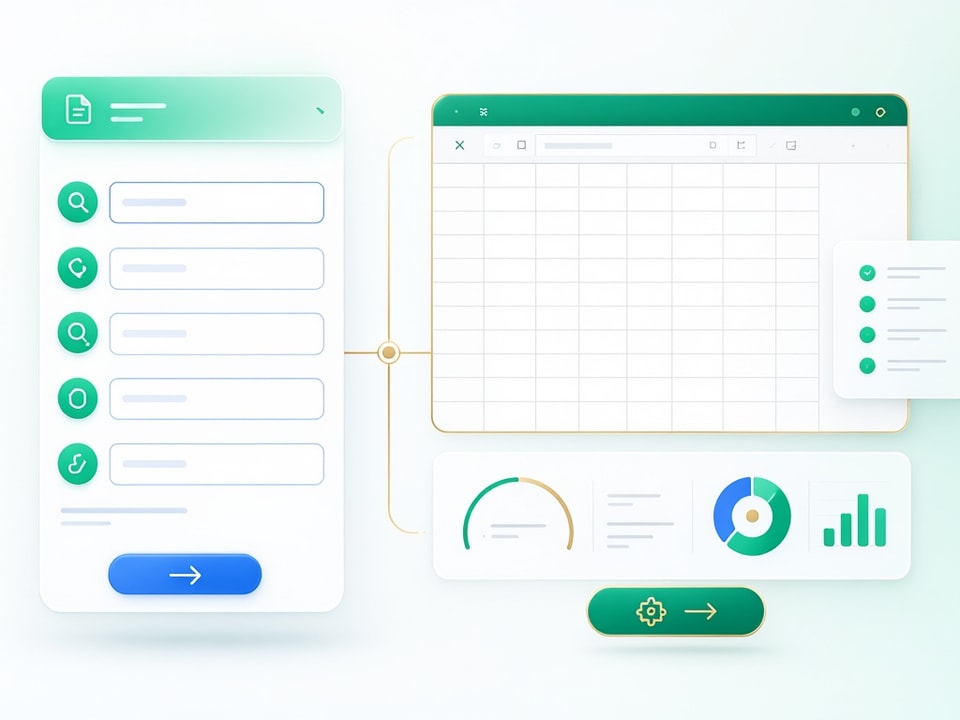
Ask for project scope, contact details, and any preliminary questions. Typeform's free plan allows one form with up to 10 questions and 100 responses per month, and it makes the experience far better than a plain form for detailed questionnaires.
Step 2: Structuring Your Google Sheet for Client Data
Organize your Google Sheet with essential columns for effective client tracking. Include client name, contact info, project type, start date, status (e.g., "New Lead," "Proposal Sent," "Onboarded"), and next action. Each row represents a new client, providing a clear overview.
Step 3: Creating a Dynamic Client Tracking Dashboard
Build a simple dashboard within Google Sheets to visualize client status and project stages. Use conditional formatting to highlight urgent actions or overdue tasks. A dedicated "Status" column with dropdowns for "Lead," "Proposal," "Contract Signed," and "Active" allows for quick filtering and analysis.
Recommended Resources
Skip the blank-sheet setup
These templates give you a professional, pre-built structure to manage your clients.
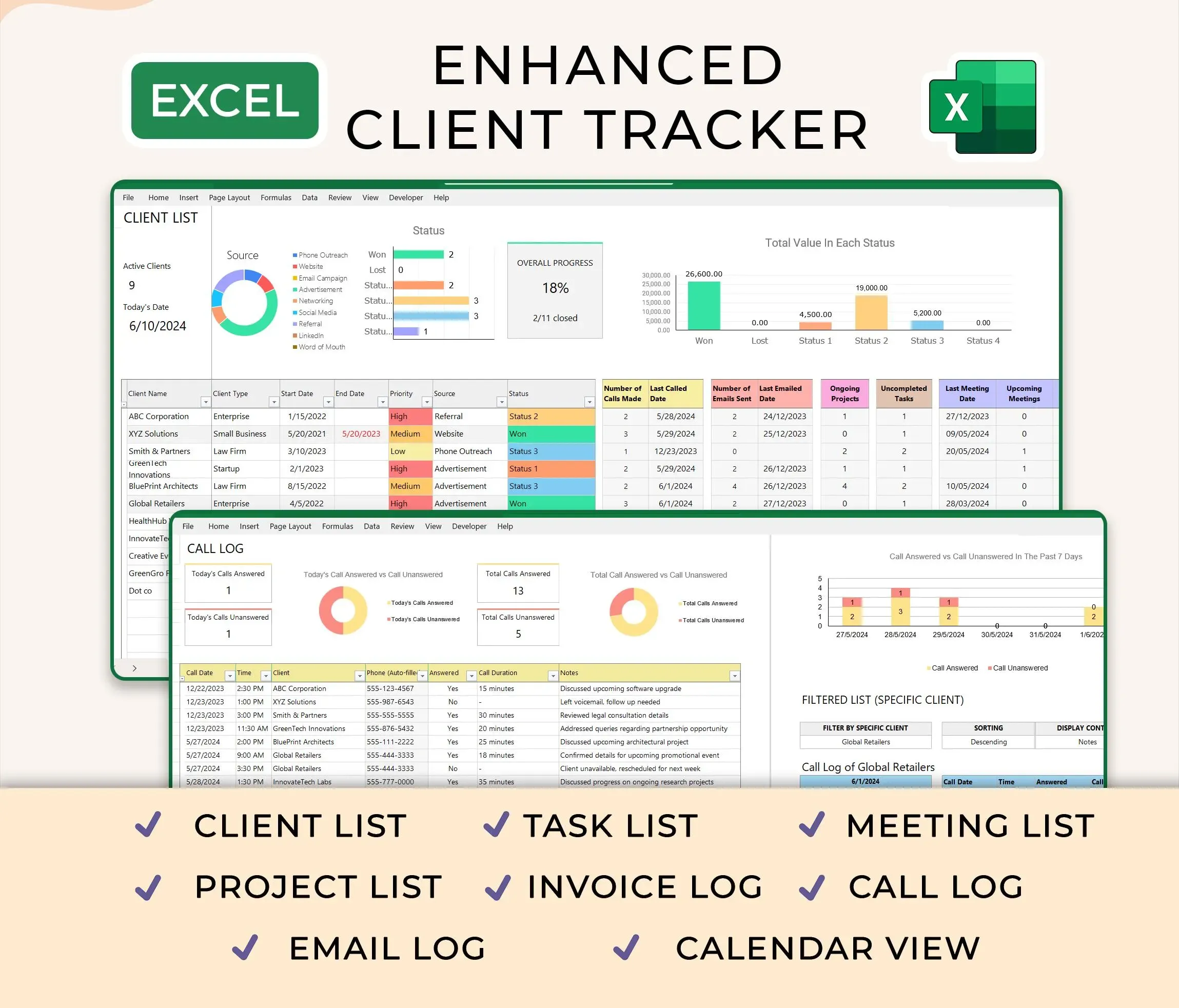
Ultimate Client Tracker CRM Template – Google Sheet & Ms Excel Versions
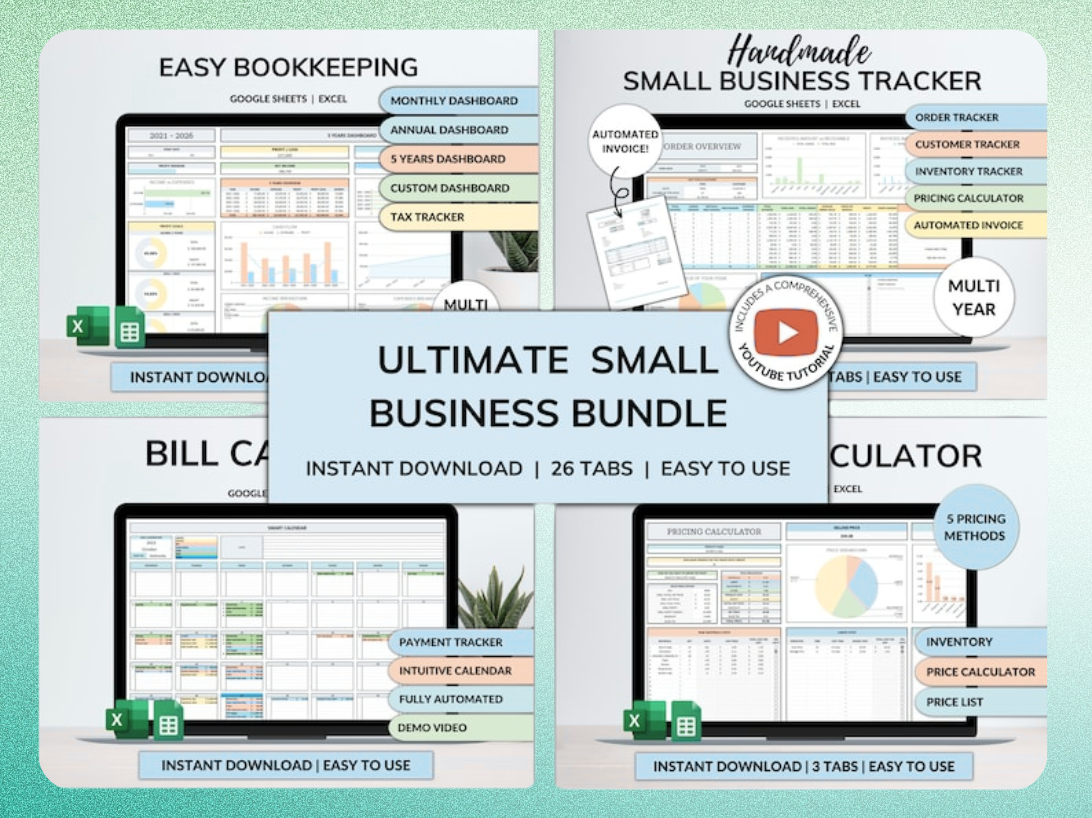
Ultimate Small Business Bundle Templates - Google Sheet + Ms Excel
All-in-One Spreadsheets for Bookkeeping, Inventory, Orders, Billing & Pricing Save Hours Every Week: Automate data entry and dashboards so you can focus on growth, not spreadsheets.
Automating Workflows: Connecting Google Sheets to Your Favorite Tools
Connecting Google Sheets to other platforms unlocks true automation. This reduces repetitive tasks and ensures timely communication. Integrating your client data across tools saves significant time and reduces errors.
Triggering Automated Emails and Notifications
Use platforms like Zapier or Make.com to send automated emails directly from your Google Sheet data. For example, when a new row is added (from your Google Form), trigger a welcome email to the client and a notification to yourself. This ensures immediate follow-up without manual intervention.
Syncing Client Data Across Platforms (CRM, Project Management)
Integrate your Google Sheet with your CRM or project management tools. When a client's status changes in Google Sheets, update their profile in your CRM or create a new project in Asana or Trello. This keeps all systems synchronized, preventing data silos. Dubsado's free plan is capped at three clients, but its workflow automation can automatically send welcome emails and assign tasks once a client signs a contract.
Generating Documents and Contracts Automatically
Leverage Google Sheets data to auto-populate templates for proposals, contracts, and invoices. Tools like Google Docs and DocuSign integrate with automation platforms to pull client details from your sheet. This eliminates manual copy-pasting and vastly speeds up document creation.
Advanced Strategies for a Seamless Client Experience
Move beyond basic automation to create a truly exceptional client experience. Google Sheets can support more sophisticated workflows, delivering personalized interactions at scale.
Tailoring Onboarding Paths with Tiered Services
Use conditional logic in your Google Sheet to manage different onboarding flows based on service tiers. Add a column for "Service Tier" (e.g., Basic, Premium, Enterprise). Then, use conditional formatting or filter views to see specific tasks or resources relevant to each tier. This ensures clients receive the right information at the right time.
Building a Client Portal with Google Sheets as the Backend
Consider using Google Sheets as the backend for a simple, no-code client portal. Tools like Glide or Softr can pull data directly from your sheet to display project updates, shared files, or FAQs in a user-friendly interface. While spreadsheets weren't designed for client-facing interactions, mobile access, or automated workflows, platforms like Adalo, with its 3.0 infrastructure overhaul in late 2026, offer 3-4x faster performance for building such apps.
Common Mistakes to Avoid in Automated Onboarding
Even with automation, pitfalls exist. Awareness of these common errors helps you build a robust and effective system. Avoid these issues to maintain a smooth client journey.
Over-Automating Without Human Touchpoints
Balance automation with personalized communication. While automated emails are efficient, schedule strategic check-ins or personalized messages. A completely hands-off approach can feel impersonal and disconnect clients.
Neglecting Data Security and Privacy
Prioritize data security and client privacy. Ensure your Google Sheets are shared appropriately, and integrated tools comply with privacy regulations. Regularly review access permissions and encrypt sensitive data where possible.
Failing to Test Your Automation Workflows Thoroughly
Always test your automation workflows rigorously before launching them. Send test forms, trigger dummy emails, and check data synchronization. A single broken link can disrupt the entire onboarding process and create a poor client experience.
Ready-to-Use Templates and Tools for Instant Automation
Jumpstart your automated onboarding with proven templates and powerful tools. These resources reduce setup time and help you implement a professional system quickly.
Streamline Your Client Management with the Ultimate Client Tracker CRM Template
This Google Sheet template provides a pre-built structure for managing all your client interactions. It includes fields for client details, project status, communication logs, and financial tracking. Using a template like this saves hours of initial setup, allowing you to focus on customizing it to your specific needs.
The All-in-One Solution: Ultimate Small Business Bundle Templates
For a broader solution, consider a comprehensive template bundle. This typically includes client management, bookkeeping, inventory, and billing templates. It provides a cohesive system for various business functions, ensuring consistency across your operations.
Essential Automation Tools for Freelancers
Explore automation platforms like Zapier, Make.com, or n8n.io. Zapier connects thousands of apps, making it easy to create multi-step workflows. n8n users reported completing tasks in two hours that would have taken three days to code from scratch. These tools are invaluable for linking Google Sheets to your email, CRM, and project management systems, creating a truly automated onboarding experience.
Get the newsletter
One sharp idea every Sunday.
No fluff. No sales pitches. Just the best of what we publish, hand-picked.
Continue Reading
Related Articles
Automate Sales CRM: 5 AI Workflows for Google Sheets in 2026
Sales teams today face relentless pressure to close deals faster and more efficiently. Traditional sales processes, burdened by manual data entry and disjointed systems, simply can't keep pace. Integr...

Master the =AI() Function in Google Sheets: 5 Pro Tips for 2026
Google Sheets now offers a powerful new tool for data analysis: the =AI function. This transformative feature brings large language model capabilities directly into your cells, streamlining tasks that...
Excel vs Google Sheets 2026: 7 Key Differences & AI Features
Choosing between Excel and Google Sheets in 2026 isn't about picking the "better" tool. It's about matching the platform to your workflow, team size, and technical requirements. The gap between these...