Google Sheets vs. Excel: Which vacation planner wins?
Discover which spreadsheet tool, Google Sheets or Excel, is better for creating your vacation planning spreadsheet template.
The Estimated Cost column in a vacation planning spreadsheet template is often overlooked, but it's crucial for avoiding budget blowouts. Simply listing Actual Cost isn't enough; you need to project expenses for flights, accommodation, activities, and food before you book anything. This allows you to compare options and make informed decisions, rather than reacting to sticker shock after the fact.
A well-structured vacation planning spreadsheet template acts as your trip's central nervous system. It consolidates all the moving parts of a vacation, from booking confirmations and packing lists to daily itineraries and emergency contacts, into one manageable place. This significantly reduces the mental load and the chances of forgetting something important, which can turn a dream trip into a stressful ordeal.
Setting Up Your Vacation Planning Spreadsheet
Before you even think about destinations, let's get your spreadsheet organized. You’ll want a clear structure that separates different aspects of your trip. Here’s a breakdown of essential columns and sheets to consider:
Main Trip Details Sheet:
- Trip Name: A descriptive title (e.g., "Summer Italy Adventure," "Weekend Ski Trip").
- Destination(s): Where you're going.
- Dates: Start and end dates.
- Travelers: Who is going.
- Overall Budget: Your total planned spending limit.
- Booking Status: (e.g., "Not Started," "Flights Booked," "All Booked").
Budget Tracker Sheet:
This is where you’ll get granular. Each row represents a potential expense.
- Category: (e.g., "Flights," "Accommodation," "Activities," "Food," "Transportation," "Souvenirs," "Miscellaneous").
- Item: Specific detail (e.g., "Roundtrip Airfare - Delta," "Airbnb - Rome," "Colosseum Tickets," "Dinner - Trattoria Roma").
- Estimated Cost: What you think it will cost. This is critical for planning.
- Actual Cost: What you actually spend.
- Difference: A formula like
=C2-D2(if Estimated is in C and Actual in D) to see if you're over or under budget for that item. - Payment Method: (e.g., "Credit Card," "Cash," "Reimbursable").
- Confirmation Number/Link: Important for quick reference.
- Notes: Any relevant details.
Itinerary Planner Sheet:
This sheet will map out your days.
- Date: The specific day of the trip.
- Day of Week: (e.g., "Monday").
- Time: When the activity occurs.
- Activity/Event: What you're doing (e.g., "Arrive at FCO Airport," "Check into Hotel," "Guided City Tour," "Free Evening").
- Location: Where the activity takes place.
- Booking Info/Confirmation: Link or number for reservations.
- Estimated Cost: The cost associated with this specific activity.
- Actual Cost: What it cost.
- Notes: Any special instructions or details.
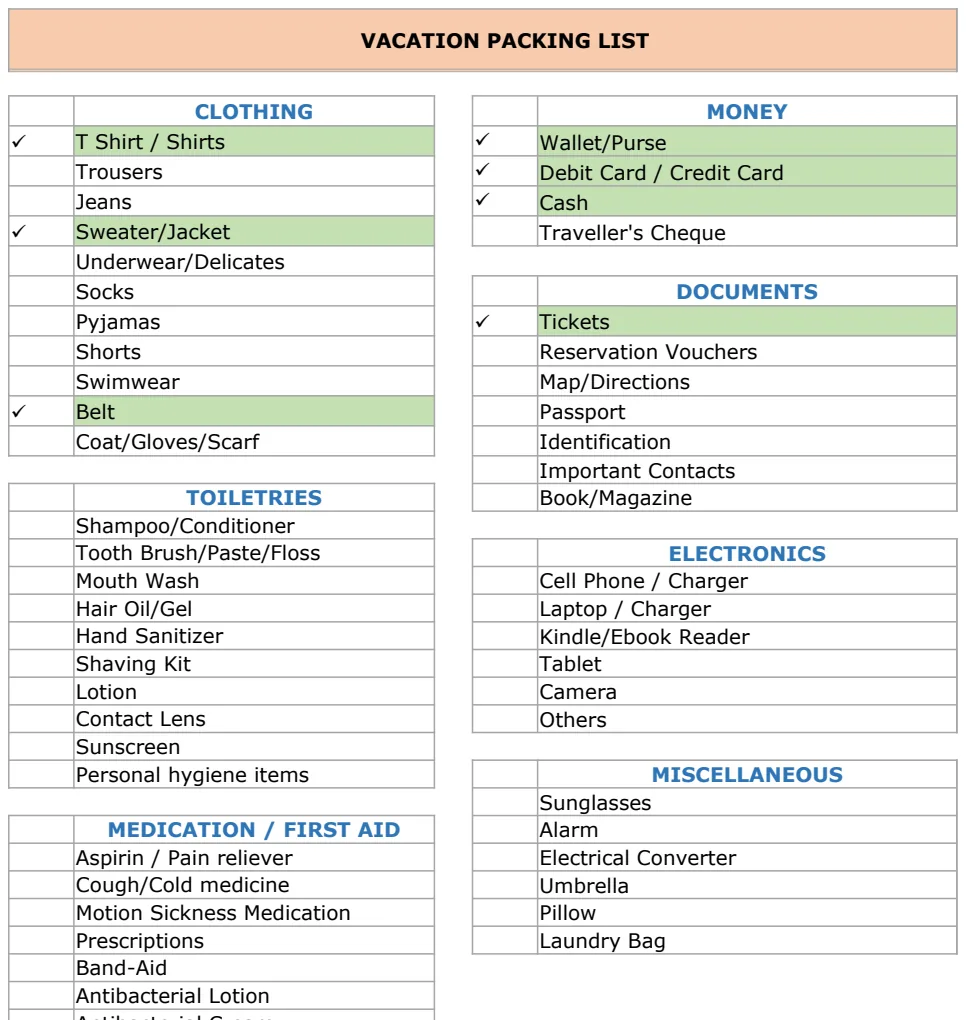
Packing List Sheet:
A simple checklist.
- Category: (e.g., "Clothing," "Toiletries," "Documents," "Electronics").
- Item: (e.g., "T-shirts," "Toothbrush," "Passport," "Camera").
- Quantity: How many you need.
- Packed? A checkbox or "Yes/No" column.
Automating Your Budget Tracking
Your budget sheet can become incredibly powerful with a few simple formulas. Using SUMIFS is a fantastic way to aggregate your spending by category. For example, to see the total estimated cost for all "Accommodation" items, you would use:
=SUMIFS(BudgetTracker!EstimatedCostColumn, BudgetTracker!CategoryColumn, "Accommodation")
Replace BudgetTracker!EstimatedCostColumn with the actual cell range for your estimated costs (e.g., D2:D100) and BudgetTracker!CategoryColumn with the range for your categories (e.g., B2:B100).
Similarly, to calculate the total actual spending for a category:
=SUMIFS(BudgetTracker!ActualCostColumn, BudgetTracker!CategoryColumn, "Accommodation")
You can then add a summary section at the top of your budget sheet to display these totals, along with a grand total for estimated vs. actual spending. This provides an instant overview of your financial health for the trip. A running total of the Difference column can also quickly show if you are trending over or under your overall budget.
Crafting Your Daily Itinerary
The itinerary sheet is where you bring your trip to life. For complex trips with multiple moving parts, a template like the Vacation & Business Travel Itinerary Template can be invaluable. It helps you visualize the flow of your days, ensuring you don't double-book or miss crucial activities.
When filling this out:
- 01Start with fixed points: Flights, train times, pre-booked tours, and dinner reservations are your anchors.
- 02Slot in travel time: Be realistic about how long it takes to get from point A to point B, especially in unfamiliar cities.
- 03Allocate free time: Don't overschedule. Spontaneity is part of the joy of travel.
- 04Include meal breaks: Even if not specific restaurants, note times for lunch and dinner.
- 05Add confirmation details: Link directly to booking pages or note confirmation numbers for easy access.
Important Considerations for Shared Trips
If you're traveling with others, collaboration is key. A vacation planning spreadsheet template can be shared, allowing everyone to contribute and stay informed.
- Designate a "keeper": While everyone can add to it, having one person responsible for final checks and major updates can prevent conflicts.
- Agree on budget limits: Before anyone starts booking, have a clear discussion about what the total budget is and how shared expenses will be split.
- Use a shared cloud service: Google Sheets or Excel Online allow real-time collaboration, so everyone sees the latest version. This is vital for keeping everyone on the same page.
- Consider individual spending: If people are paying for their own meals or souvenirs, make that clear in the budget. You might have a "Shared Expenses" section and an "Individual Expenses" section.
Common Mistakes to Avoid
Even with a great template, you can stumble. Here are a few pitfalls to watch out for:
- Underestimating food costs: People often forget how much daily meals, snacks, and drinks can add up. Be generous with your food budget estimates.
- Forgetting "hidden" fees: Think about resort fees, baggage fees, ATM withdrawal fees, or local transportation costs that aren't immediately obvious when booking.
- Not building in buffer time: Delays happen. Flights get rerouted, trains are late, and attractions can have unexpected closures. A buffer prevents a minor hiccup from derailing your entire day.
- Skipping the packing list: It seems trivial, but forgetting essentials like chargers, medications, or important documents can be a trip-ruiner.
- Not backing up your data: If you're using a local spreadsheet, make sure you save it to the cloud or a USB drive. Losing all your planning data is a nightmare.
Leveraging Pre-Built Templates
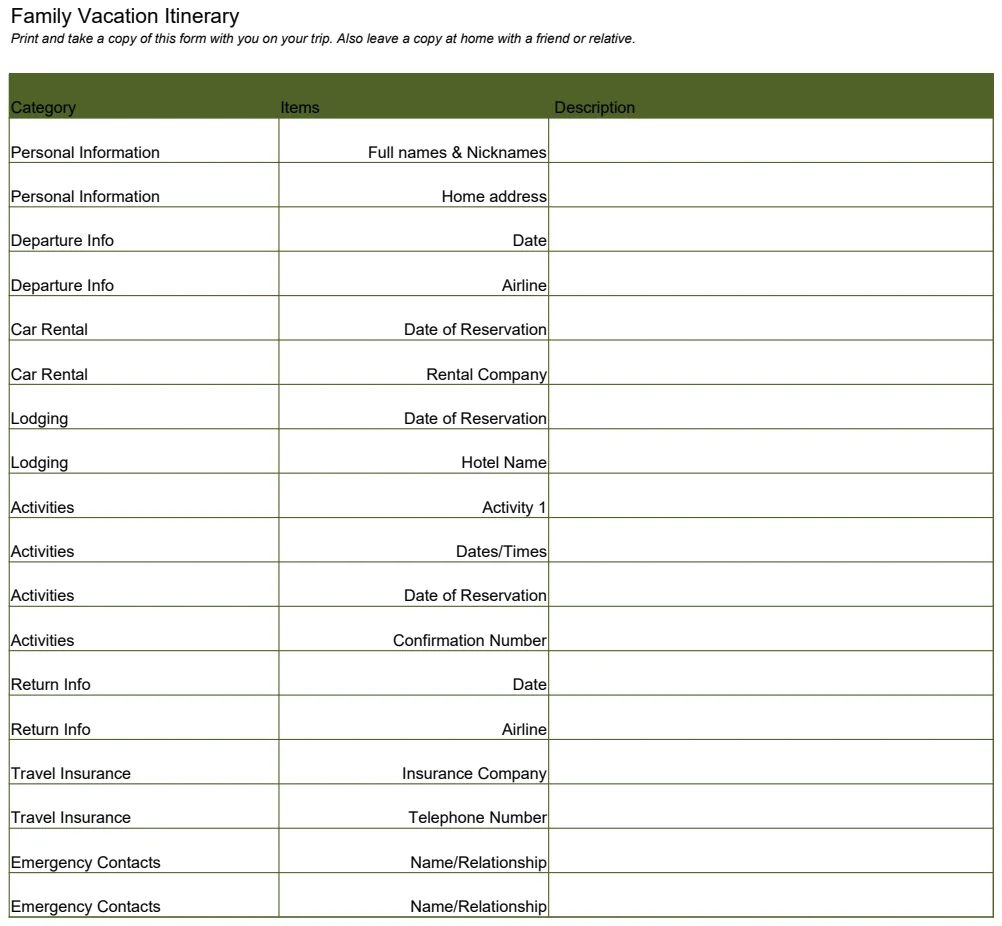
If building a spreadsheet from scratch feels daunting, there are excellent pre-built options. For instance, the Family Vacation Itinerary is designed with multiple travelers in mind and offers a structured way to plan daily activities. If you're looking for a straightforward way to manage a shared trip with a focus on logistics, the Our Vacation - Summer 2001 template can provide a solid foundation. These templates can save you significant setup time and come with suggested layouts that cover most common planning needs. Access to the entire library of templates is available for a one-time fee of $9, offering unlimited downloads.
What if my plans change midway through the trip?
That's precisely why having a dynamic spreadsheet is so useful. If you decide to spontaneously add a day trip or change a restaurant reservation, you can update your itinerary and budget on the fly. For budget changes, simply adjust the Estimated Cost for the affected items and note the change in the Notes column. It's about flexibility.
How detailed should my packing list be?
This depends on your travel style and destination. For a beach vacation, "swimsuit" might be enough. For a multi-climate trekking trip, you might need to list "waterproof hiking boots," "thermal base layers," and "sun hat." The key is to list items you might forget if you don't write them down. Add a "Quantity" column to avoid packing too much or too little.
Can I use this for a simple weekend getaway?
Absolutely. While a weekend trip might not require the same level of detail as a multi-week international journey, a vacation planning spreadsheet template still helps. It ensures you've considered accommodation, transport, and a rough plan, preventing you from arriving and realizing you forgot to book a hotel or have no idea how you're getting around. It's about intentionality, no matter the trip length.