Organize your Etsy inventory in under an hour
A well-structured etsy shop inventory spreadsheet template is indispensable for managing your products and business operations effectively.
An Etsy shop's inventory can quickly become a tangled mess if you're only relying on memory or scattered notes. Without a clear system, you risk overselling popular items, losing track of what's in stock, or failing to identify your most profitable products. This is where a well-structured etsy shop inventory spreadsheet template becomes indispensable, offering a centralized hub for all your product data.
A robust inventory spreadsheet goes beyond just listing items; it acts as the backbone of your business operations. It allows you to monitor stock levels, track costs, understand sales velocity, and ultimately make smarter decisions about what to produce, what to reorder, and what might be taking up valuable space. We'll walk through building one from scratch, covering the essential columns and formulas you'll need.
Why a Spreadsheet Beats Scattered Notes
Many new Etsy sellers start by jotting down inventory details on paper or in a simple text file. While this might work for a handful of items, it quickly becomes unsustainable. Imagine trying to recall the exact number of beads in a specific color for your jewelry line, or the cost of materials for a batch of custom candles, when a customer asks for a bulk order. A spreadsheet organizes this information logically. You can easily filter by product type, material, or status, and you have a historical record of your inventory that grows with your shop.
Essential Columns for Your Etsy Inventory
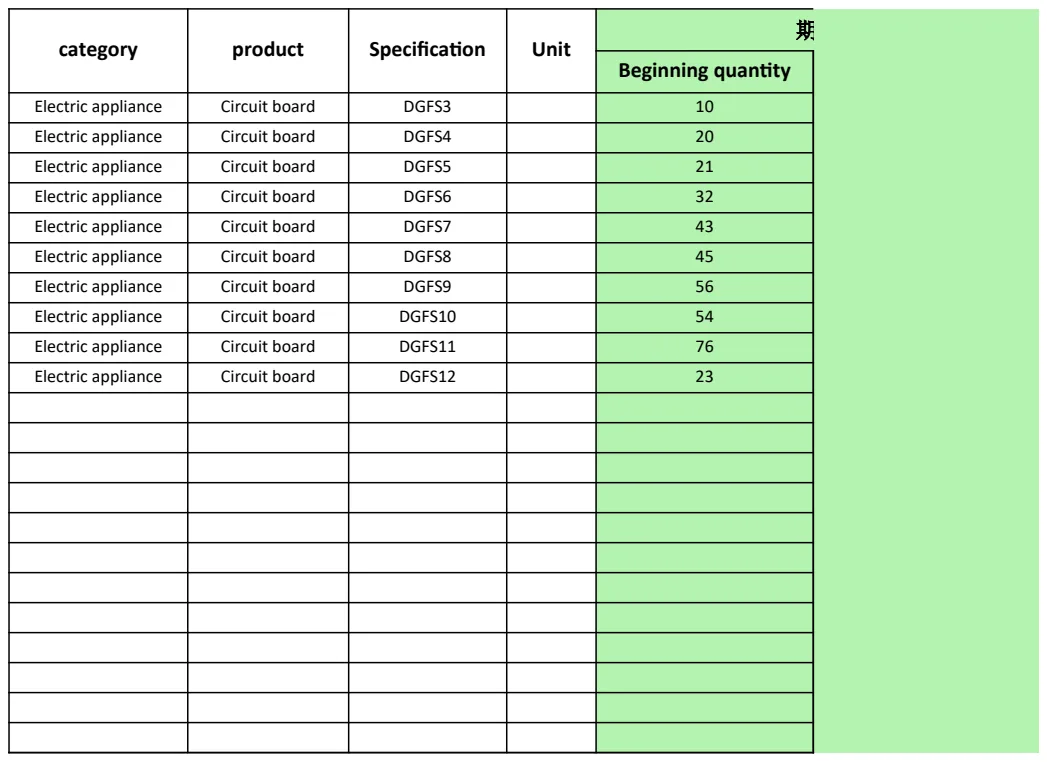
To get started with your own etsy shop inventory spreadsheet template, you'll want to include several key columns. These will capture the critical data points needed to manage your stock effectively.
Here’s a breakdown of recommended columns:
- Item Name/Title: The exact title of your product as listed on Etsy.
- SKU (Stock Keeping Unit): A unique identifier for each product variation. This is crucial if you have items with different sizes, colors, or materials.
- Material/Components: List the primary materials or components used for each item. This helps in reordering and cost calculation.
- Quantity on Hand: The current number of units you have available for sale.
- Unit Cost (Materials): The cost of raw materials for one unit.
- Unit Cost (Labor): An estimated cost for the labor involved in creating one unit.
- Total Unit Cost: Sum of materials and labor costs. (Formula:
= [Unit Cost (Materials)] + [Unit Cost (Labor)]) - Wholesale Price: If applicable, the price you'd sell to a retailer.
- Retail Price (Etsy): The price you list the item for on Etsy.
- Date Added: When the item was first added to your inventory.
- Date Last Updated: When the stock count or other details were last modified.
- Supplier: Where you sourced the materials or finished product.
- Reorder Point: The minimum quantity before you need to replenish stock.
- Status: (e.g., "In Stock," "Low Stock," "Out of Stock," "Discontinued").
- Notes/Description: Any additional details about the item, like specific features or care instructions.
Setting Up Your Spreadsheet: A Step-by-Step Guide
Let's create a simple yet effective structure. You can use Google Sheets or Excel.
- 01Create a New Spreadsheet: Open a blank workbook.
- 02Name Your Tabs: Consider having a tab for "Inventory Master List" and potentially another for "Materials Log" if you have many raw components.
- 03Add Headers: In the "Inventory Master List" tab, type the column headers listed above into the first row (Row 1).
- 04Format Headers: Make Row 1 bold and perhaps add a background color to distinguish it from your data.
- 05Enter Your First Item: In Row 2, start populating the details for one of your products.
- For "Item Name/Title," enter "Hand-Painted Ceramic Mug - Blue Swirl."
- For "SKU," enter "MUG-CER-BLU-SWRL-001."
- For "Material/Components," enter "Ceramic, Glaze, Non-toxic Paint."
- For "Quantity on Hand," enter
50. - For "Unit Cost (Materials)," enter
$3.50. - For "Unit Cost (Labor)," enter
$7.00. - For "Retail Price (Etsy)," enter
$25.00. - For "Date Added," enter today's date (e.g.,
2026-03-15). - For "Reorder Point," enter
10. - For "Status," you can manually type "In Stock," or we'll automate this later.
- 06Enter More Items: Continue adding your other products, making sure to use unique SKUs for each variation.
- 07Add Formulas:
- In cell G2 (assuming "Total Unit Cost" is column G), enter the formula:
=E2+F2(if Unit Cost Materials is E and Unit Cost Labor is F). Drag the fill handle (the small square at the bottom-right of the cell) down to apply this formula to all rows. - You can also add a "Total Inventory Value" column (e.g., Column M) with the formula
=G2*D2to calculate the total cost of your current stock for each item.
This basic setup provides a solid foundation for managing your Etsy inventory.
Automating Status Updates with Conditional Formatting
Manually updating the "Status" column can be tedious. You can automate this using conditional formatting.
- 01Select the Status Column: Click on the header of your "Status" column to select the entire column (or a range of cells if you have existing data).
- 02Open Conditional Formatting:
- In Excel: Go to the "Home" tab, click "Conditional Formatting," then "New Rule."
- In Google Sheets: Go to "Format," then "Conditional formatting."
- 03Set Up Rules:
- Rule 1 (Low Stock): Choose "Format cells based on their values" or "Custom formula is."
- Custom Formula (Google Sheets):
=D2<=H2(assuming Quantity on Hand is D and Reorder Point is H). Set the formatting style to highlight the cell in yellow. - Excel: In the "Format only cells that contain" section, select "Cell Value," then "less than or equal to," and enter
H2(or the cell reference for your Reorder Point). Apply a yellow fill. - Rule 2 (Out of Stock):
- Custom Formula (Google Sheets):
=D2=0(assuming Quantity on Hand is D). Set the formatting style to highlight the cell in red. - Excel: Select "Cell Value," then "equal to," and enter
0. Apply a red fill.
- 04Apply to Range: Ensure the "Apply to range" covers all your data rows.
Now, as you update your "Quantity on Hand," the "Status" column will automatically reflect "Low Stock" or "Out of Stock" based on your predefined reorder points and zero quantities.
Tracking Inventory Costs and Value
Understanding your inventory's financial impact is vital. The "Total Unit Cost" and "Total Inventory Value" columns we added are a good start. For a more comprehensive view of your costs, consider a dedicated template. The Inventory Cost Template can help you track not just the cost of goods sold but also delve deeper into material sourcing and overall inventory valuation, which is essential for accurate profit calculations.
Common Mistakes to Avoid
When managing your Etsy shop inventory, a few common pitfalls can trip you up:
- Inconsistent SKUs: Not using unique and descriptive SKUs for every product variation (e.g., size, color) makes tracking impossible. If you sell a t-shirt in three sizes and four colors, that's 12 unique SKUs.
- Forgetting "In-Progress" Items: Items that are partially made but not yet finished can be a significant sunk cost. Decide whether to track these separately or account for them within your raw material inventory.
- Not Reconciling with Etsy Sales: Regularly compare your spreadsheet's "Quantity on Hand" with your actual sales on Etsy. This helps catch discrepancies that might arise from overselling or data entry errors.
- Ignoring Material Inventory: If you make your own products, tracking raw materials is as important as tracking finished goods. Running out of a key component can halt production.
Linking Inventory to Sales and Turnover
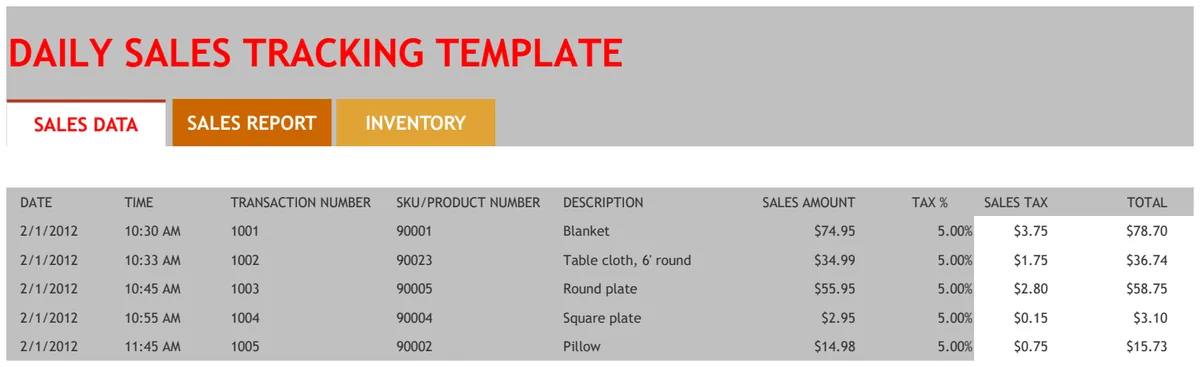
Once you have a solid inventory system, the next logical step is to connect it to your sales performance. This helps you understand which products are moving well and which are not. The Inventory Turnover Analysis Template is excellent for this, allowing you to see how quickly your stock is being sold over different periods.
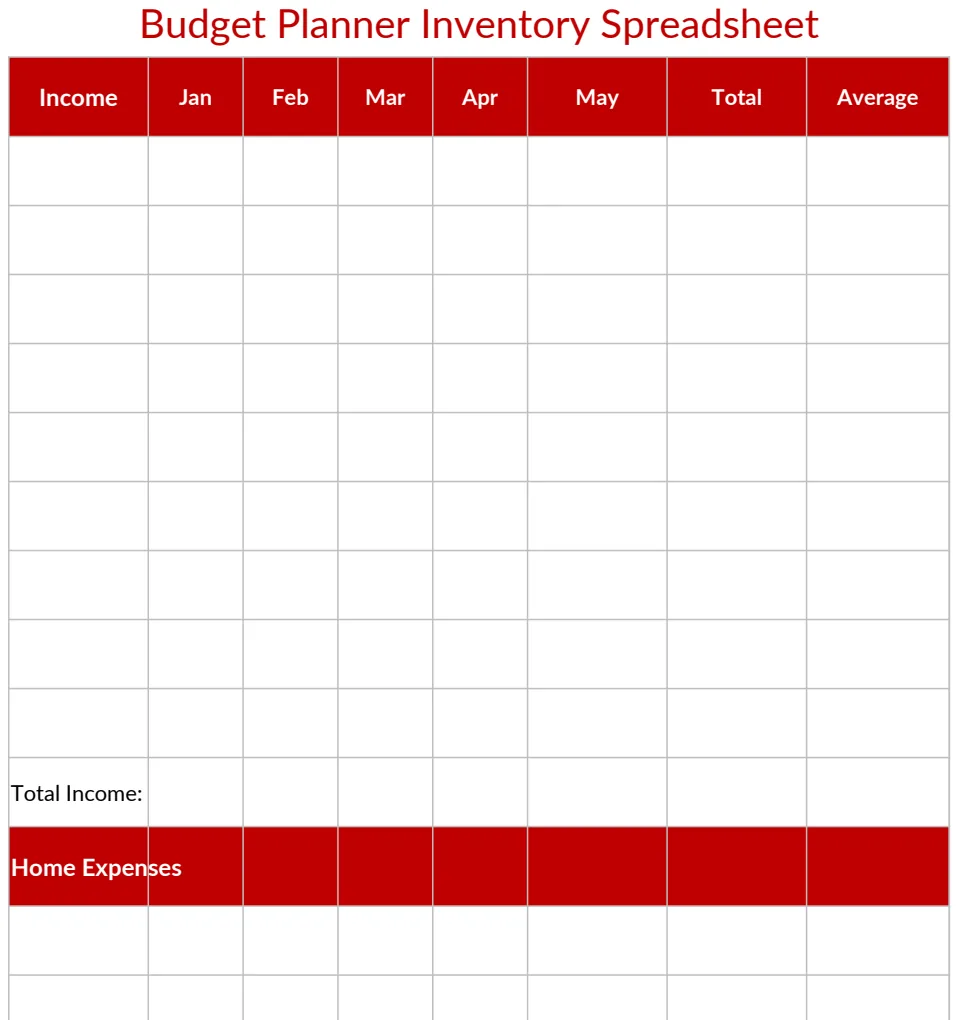
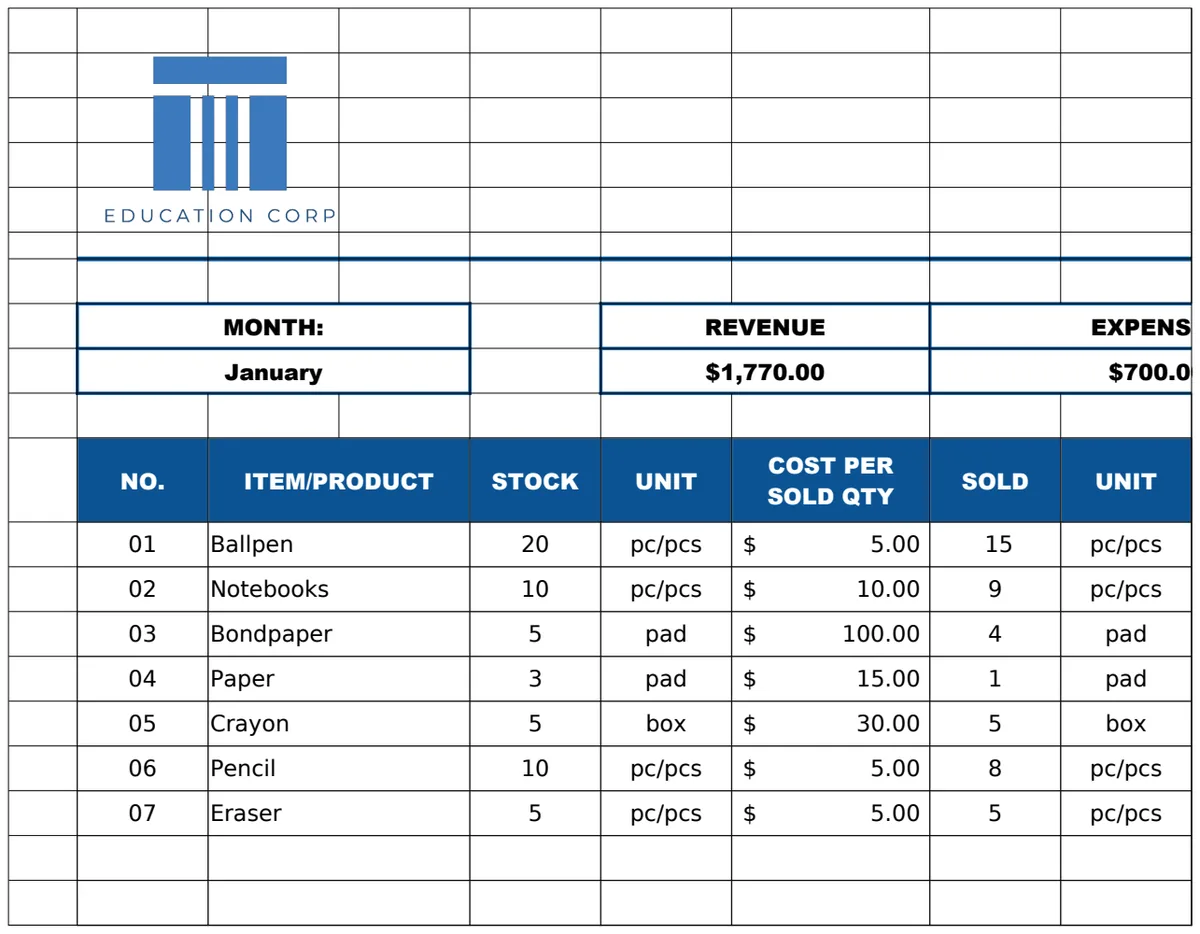
For a broader view of your shop's financial health, including sales, expenses, and profitability, consider a tool like the School Shop Revenue Tracker Template. While it's designed for school shops, its core principles of tracking revenue, expenses, and product-level profitability can be adapted for any e-commerce business.
How to Handle Bulk Materials and Components
If you use raw materials that you purchase in bulk (like fabric, yarn, or beads), you'll need a separate system to track them. Create a "Materials Inventory" tab. Columns could include:
- Material Name
- Supplier
- Unit of Measure (e.g., meters, kilograms, individual beads)
- Quantity on Hand
- Unit Cost (for the bulk purchase)
- Total Cost
- Reorder Point
- Date Last Updated
When you use materials to create a finished product, you'll deduct the amount used from this material inventory. This requires careful tracking, but it's essential for accurate finished product costing.
What if I Sell Digital Products?
If your Etsy shop sells digital products (like printables, patterns, or presets), your inventory management needs are different. You don't have physical stock to track. Instead, focus on:
- Product Name/Title: As always.
- SKU: For unique digital items or variations.
- File Type: (e.g., PDF, JPG, PNG, ZIP).
- Date Added: When you first listed it.
- Last Updated: If you revise the product.
- Number of Downloads Available (if applicable): Some platforms allow you to limit downloads.
- Notes: Any specific instructions or licensing details.
Your primary concern is ensuring the digital file is correctly uploaded and accessible to customers. For these types of shops, a simpler listing of products with their associated metadata is usually sufficient, rather than a complex stock-counting system.
How to Integrate with Etsy Directly?
Etsy itself provides some inventory management tools within your Seller Dashboard. You can set quantities for each listing and receive notifications when stock is low. However, these built-in tools are basic. They don't offer the detailed cost tracking, material management, or advanced reporting that a dedicated spreadsheet provides. For serious sellers looking to scale, using a spreadsheet in conjunction with Etsy's dashboard offers the best of both worlds, direct sales tracking on Etsy and in-depth operational data in your spreadsheet.
Can I Use This for Multiple Sales Channels?
Absolutely. The principles of a good etsy shop inventory spreadsheet template extend to any sales channel. If you sell on your own website, at craft fairs, or through other marketplaces, you can adapt this template. You might need to add columns for different sales channels or consolidate inventory from various sources into one master list, ensuring your "Quantity on Hand" reflects your true total stock across all platforms.