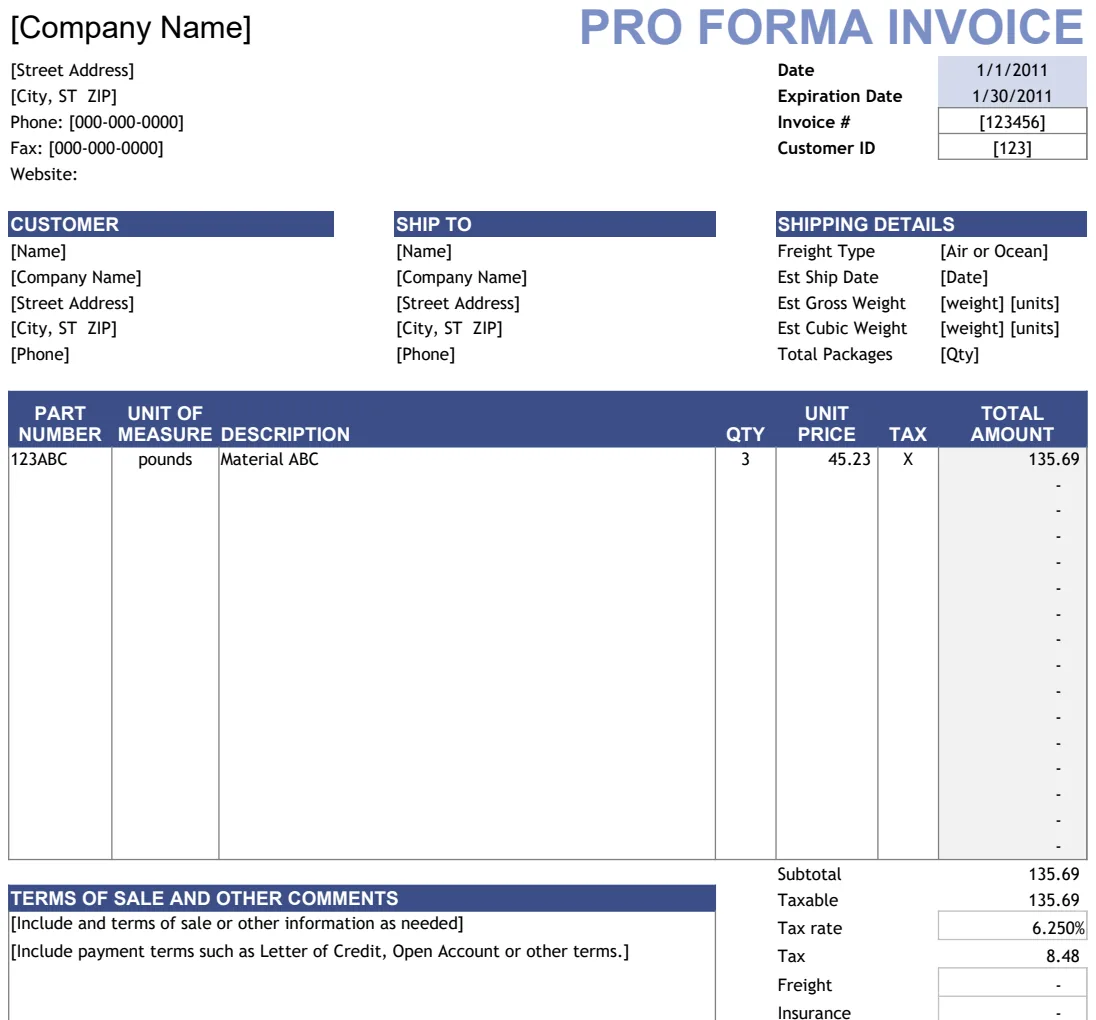
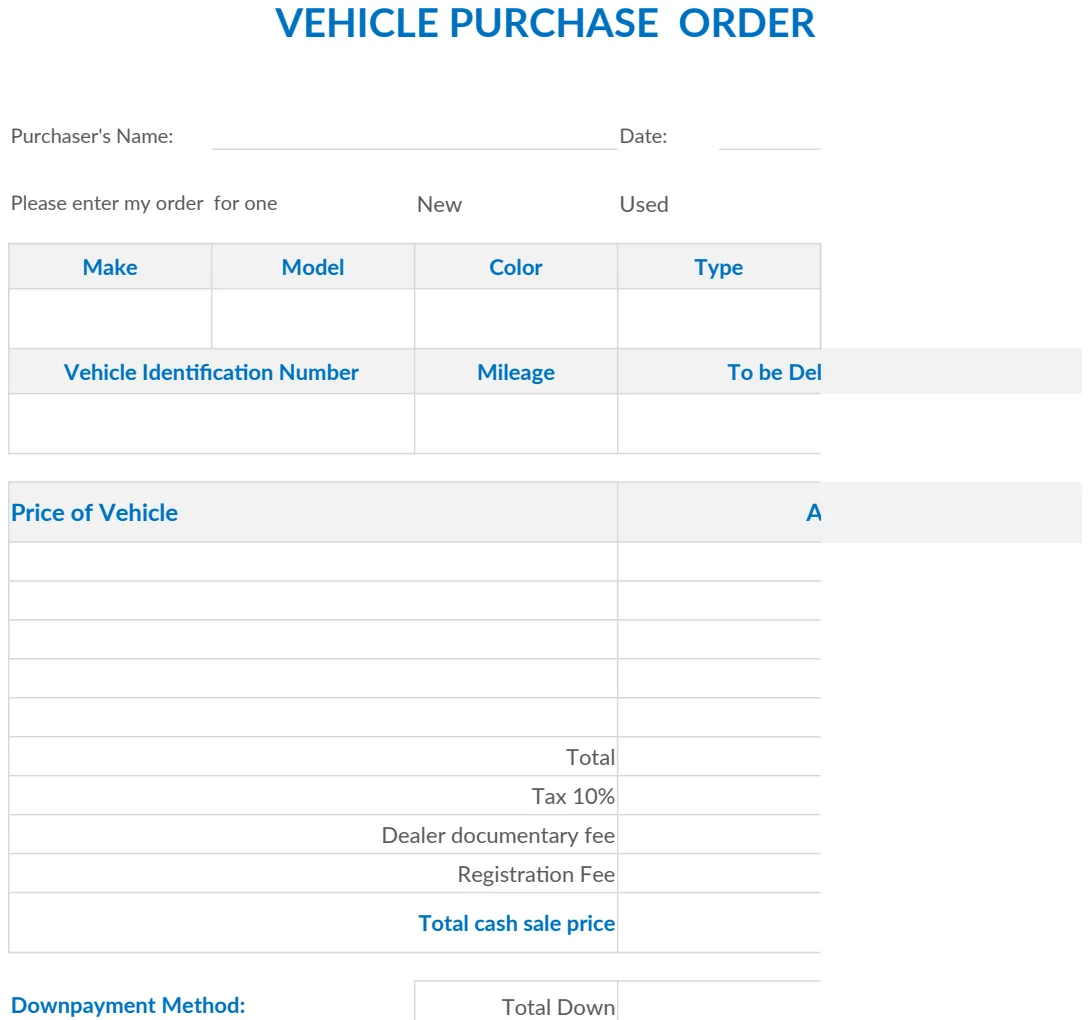
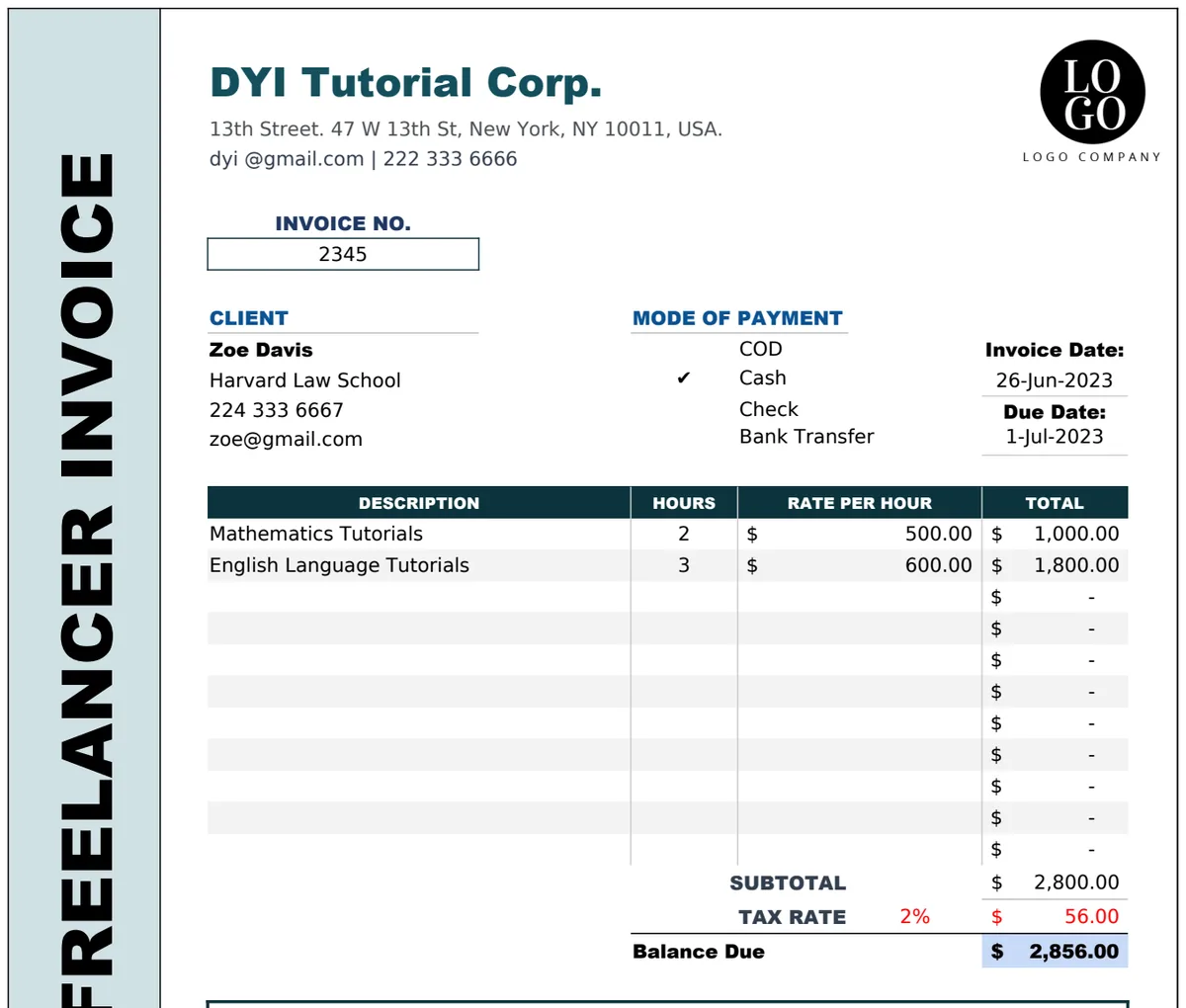
What's the best free Excel proforma invoice template?
Discover the best free proforma invoice template Excel options for detailing project costs and confirming client commitments.
You realize you need a proforma invoice template Excel free when a potential client asks for one to confirm the details and estimated cost of a project before committing. This often happens when dealing with international clients or when the scope of work involves significant upfront costs or variable pricing, and they need a clear document to justify the expenditure internally or to secure funding.
A proforma invoice isn't a legally binding demand for payment like a final invoice. Instead, it's a preliminary bill of sale sent to buyers in advance of a shipment or delivery. It details the goods or services to be provided, their cost, and other crucial information such as weight, shipping method, and import duties. Having a well-structured template ensures you present this information professionally and accurately, setting clear expectations from the outset.
What a Proforma Invoice Is (And Isn't)
A proforma invoice serves as a commitment from you to the buyer regarding the price and quantity of goods or services. It allows the buyer to review the details and confirm their order. Crucially, it's not a demand for payment. The buyer is not obligated to pay based on a proforma invoice alone, and you are not obligated to ship the goods until a formal sales agreement or a purchase order is in place, and payment (or a deposit) is received. It acts as a preliminary agreement, outlining the terms before the final transaction.
Think of it as a detailed quote that looks like an invoice. It includes:
- Your business details (name, address, contact information).
- The buyer's details (name, address, contact information).
- A clear description of the goods or services.
- Quantities and unit prices.
- Total estimated cost, including shipping, taxes, and any other charges.
- Delivery terms and estimated delivery date.
- Payment terms (e.g., 50% deposit due upon order confirmation, balance due upon delivery).
- An expiry date for the proforma invoice.
This document is vital for customs purposes in some countries, helping to declare the value of goods before they are imported. It also helps the buyer obtain necessary import licenses or foreign currency.
Why You Might Need a Proforma Invoice
Beyond international trade, proforma invoices are useful in various scenarios. If you're providing a complex service with multiple phases or variable costs, a proforma invoice can break down the estimated expenses clearly. For large projects, it can help clients secure internal budget approvals or funding. It also provides a documented record of the agreed-upon terms and pricing, reducing the chance of disputes later.
Consider a scenario where you're undertaking a custom manufacturing project. The client needs to see the detailed breakdown of materials, labor, and a margin of error before committing significant capital. A proforma invoice allows them to do just that. It shows you've done your homework and are prepared to deliver on specific terms. This level of clarity builds trust and professionalism.
Building Your Own Proforma Invoice Template in Excel
Creating a proforma invoice template in Excel is straightforward and offers maximum customization. You can tailor it precisely to your business needs, unlike some rigid online generators. You’ll need to set up columns for item descriptions, quantities, unit prices, and total prices. Formulas can automate calculations, saving you time and reducing errors.
Here’s a basic structure you can adapt:
- 01Header: Include your company logo, name, address, and contact details. Add fields for the proforma invoice number, date issued, and expiry date.
- 02Client Information: Fields for the recipient's name, address, and contact information.
- 03Itemized List:
- Column A: Item/Service Description: Detailed description of the product or service.
- Column B: Quantity: The number of units or hours.
- Column C: Unit Price: The price per unit or hour.
- Column D: Total Price: This should be a formula:
=B2*C2(assuming Quantity is in B2 and Unit Price in C2).
- 04Summary Section:
- Subtotal: Sum of all individual item totals (
=SUM(D2:D10)). - Tax Rate: Enter the tax percentage (e.g., 5%).
- Tax Amount: Formula:
=SubtotalCell*TaxRateCell. - Shipping/Handling: Enter any shipping costs.
- Grand Total: Formula:
=SubtotalCell+TaxAmountCell+ShippingCell.
- 05Notes/Terms: A section for payment terms, delivery details, and any other important information.
- 06Footer: A space for your signature or authorized representative's name.
You can make this as simple or complex as needed. For instance, if you frequently deal with different tax rates or offer discounts, you can add dedicated cells for those.
Key Components of a Proforma Invoice Template
When designing your template, ensure these elements are present and clearly labeled. Missing information can lead to confusion and delays.
- "Proforma Invoice" Heading: Make it crystal clear this is not a final invoice.
- Unique Identifier: A proforma invoice number helps track documents.
- Dates: Issue date and expiry date are critical for validity.
- Detailed Descriptions: Ambiguity here is a major pitfall. Be specific about what you're providing.
- Accurate Pricing: While estimates, the prices should be as firm as possible.
- Clear Terms and Conditions: Outline payment schedules, delivery methods, and any caveats.
- Your Company's Official Information: Professional presentation matters.
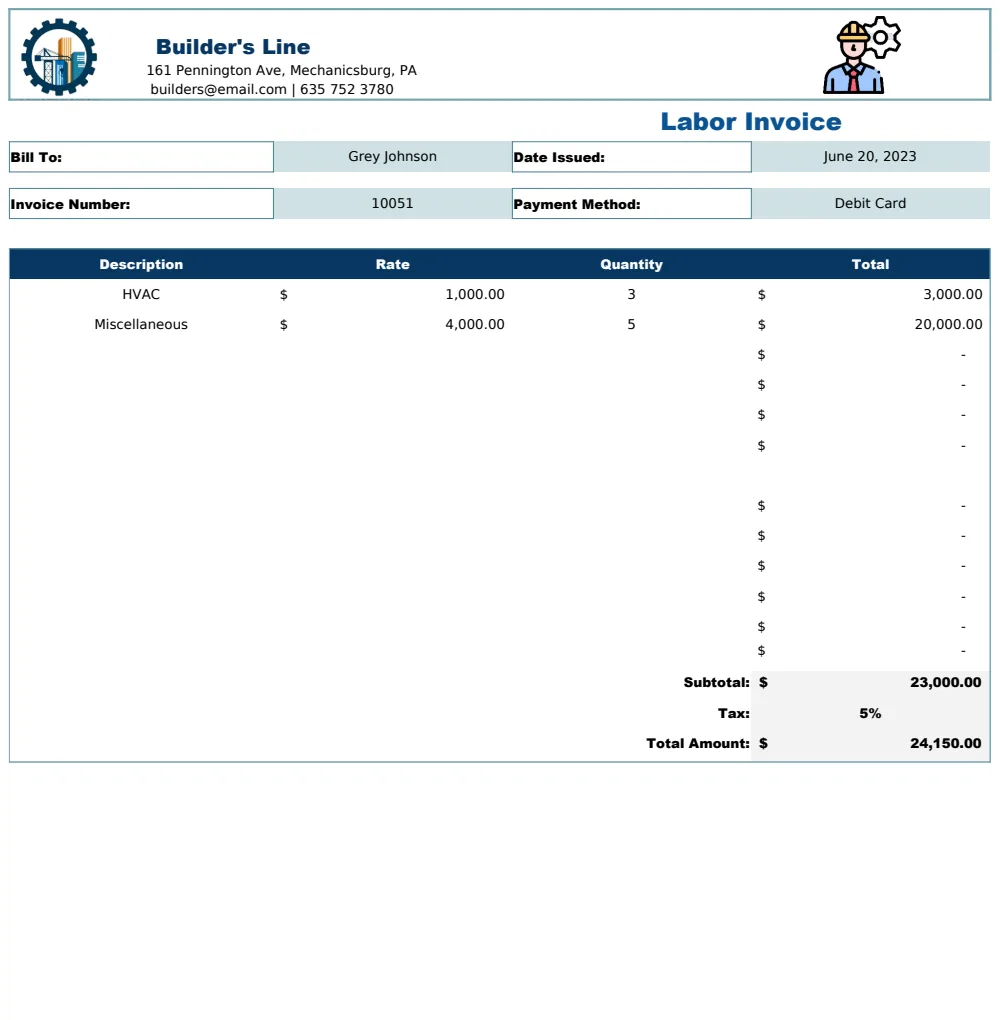
If your business involves labor or specific services, a template like the Labor Invoice Template can be a great starting point. You can adapt its structure to include proforma details.
Using Formulas for Accuracy
Excel's power lies in its formulas. For a proforma invoice, key formulas include SUM for subtotals and SUMIFS if you need to categorize costs. XLOOKUP can be useful if you have a separate sheet listing product details and want to automatically pull descriptions and prices based on an item code.
For example, if your item descriptions are in column D, quantities in E, and unit prices in F, and you want the total for each line in G, the formula in G2 would be =E2*F2. Then, to get the subtotal of all line items (assuming they go down to row 20), in a cell labeled "Subtotal," you'd enter =SUM(G2:G20). If you have a tax rate in cell H1, the tax amount in H2 would be =H1*G21 (assuming G21 is your subtotal cell).
Conditional formatting can also highlight overdue proformas (if you track expiry dates) or flag items with unusually high costs.
Common Mistakes to Avoid
- Confusing Proforma with Final Invoice: This is the most significant error. A proforma is an estimate; a final invoice is a demand for payment.
- Vague Descriptions: Lack of detail leads to misunderstandings about what is being quoted.
- Outdated Pricing: Ensure the prices reflect current costs. If prices are highly volatile, state that clearly and provide a short validity period.
- Missing Expiry Date: Without an expiry date, the proforma can be used indefinitely, potentially causing issues if your costs change.
- Incorrect Tax or Duty Calculations: Especially crucial for international transactions. Double-check rates and regulations.
For businesses that need to manage product lists alongside invoicing, the Final Invoice Template with Product List Management offers features that can be adapted for proforma needs, particularly the product catalog aspect.
Customizing for Your Business Needs
A truly effective proforma invoice template Excel free download might not exist with all the bells and whistles you need. Building your own allows for complete customization. If you offer a range of services, you might create dropdown lists for service types to ensure consistency. For physical products, you could include fields for SKU numbers, dimensions, and weight.
If you're a small business looking for a general, professional-looking document, the Business Invoice Template has a solid foundation you can modify. It's designed for clarity and ease of use, which are essential for any invoice, proforma or otherwise. Similarly, the basic Invoice Template provides a professional layout that can be easily adapted by adding the "Proforma" heading and adjusting the wording around payment obligations.
What if the client wants to negotiate prices after seeing the proforma?
That's perfectly normal. A proforma invoice is a starting point for negotiation. If the client wishes to discuss pricing, simply update the relevant figures in your Excel template and issue a revised proforma invoice. Make sure to clearly indicate it's a revision of a previous document, perhaps by using a new proforma number or noting "Revised" on the document.
Can I use a proforma invoice for a deposit payment?
Yes, you can. You would issue the proforma invoice detailing the total estimated cost and the terms for a deposit (e.g., "50% deposit due upon acceptance of this proforma invoice"). Once the client agrees and makes the deposit payment, you would then issue a formal invoice for the deposit amount, referencing the proforma invoice.
How long should a proforma invoice be valid?
The validity period depends on your business and the nature of the transaction. For fluctuating markets or services, a shorter period, like 15 to 30 days, is common. For stable pricing, you might extend it to 60 or 90 days. Always clearly state the expiry date on the document.
Can I download a proforma invoice template for free?
Absolutely. While many online resources offer free templates, building your own in Excel provides the most flexibility. You can find numerous examples online to get ideas, or adapt existing invoice templates. If you're looking for professional, pre-built solutions that can be customized, the OpenWorksheet library offers a variety of templates, with a one-time fee for unlimited downloads.