Your free road trip planner spreadsheet template
A road trip planner spreadsheet template is invaluable for wrangling logistics, tracking expenses, and ensuring a smooth journey.
Generic advice about packing lists and booking hotels falls flat when you're staring down a multi-day journey with multiple drivers, frequent stops, and a budget that needs careful watching. That's where a solid road trip planner spreadsheet template becomes invaluable. It’s not just about jotting down destinations; it’s about wrangling logistics, tracking expenses, and ensuring no one forgets the crucial snacks.
A well-structured template transforms the chaos of trip planning into a manageable project. You can centralize all your information, from estimated mileage and gas costs to booking confirmations and emergency contact numbers, into a single, sortable document. This prevents that frantic search through scattered emails and notes when you’re miles from home.
Building Your Road Trip Hub
Think of your road trip planner spreadsheet template as your trip's central nervous system. It should be designed to handle dynamic data and provide a clear overview at a glance. We'll build a robust example here, covering essential areas that most road trips demand.
Your spreadsheet should start with a clear structure. For instance, you might have a main dashboard sheet, followed by sheets for Itinerary, Budget, Packing List, and Important Contacts. This separation keeps things organized and prevents a single, overwhelming sheet.
The Itinerary Sheet: Your Day-by-Day Guide
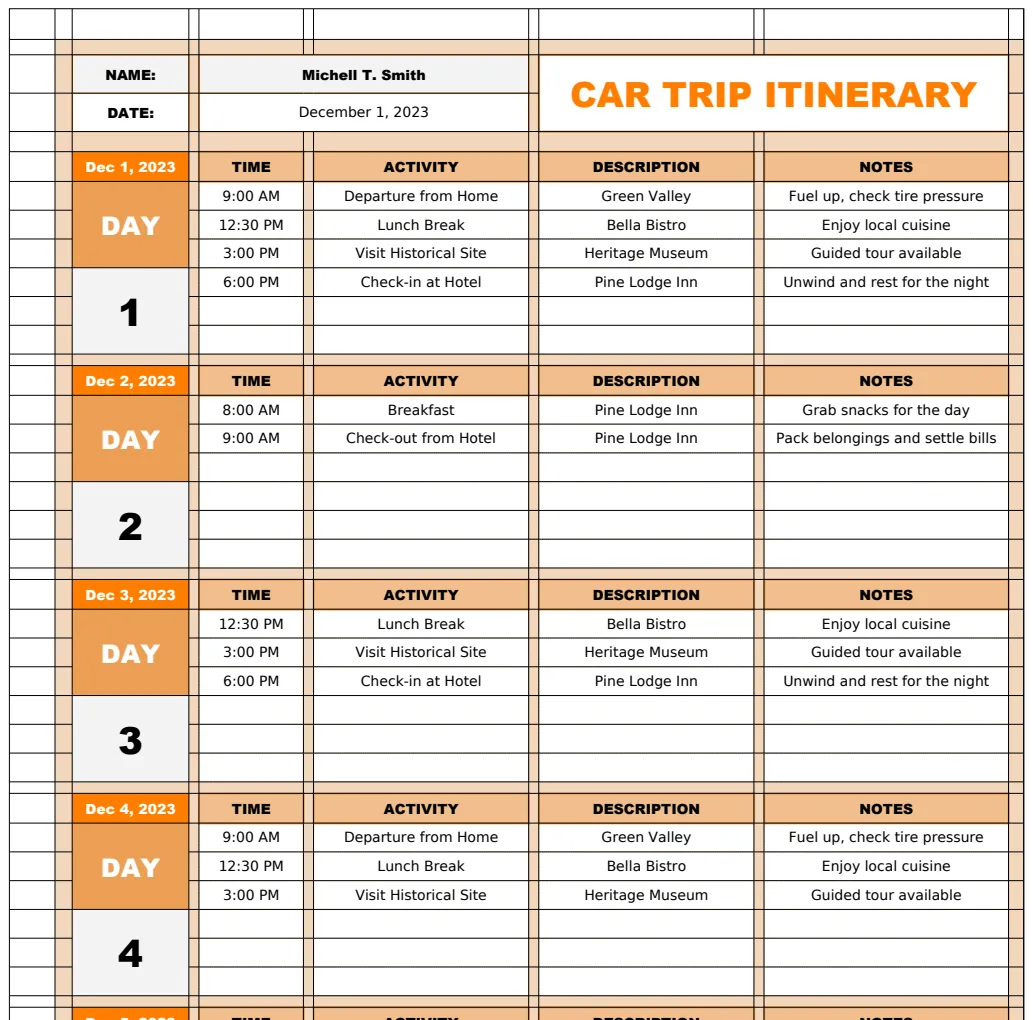
This is the heart of your trip. For each day, you need to capture key details. Imagine a sheet with the following columns:
- Date: The specific date of travel.
- Day of Week: Useful for context (e.g., "Saturday").
- Start Location: Where you're beginning the day.
- End Location: Your destination for the day.
- Approximate Driving Time (Hours): An estimate to gauge feasibility.
- Estimated Mileage: For tracking distance and fuel.
- Accommodation: Name and confirmation number.
- Key Stops/Activities: What you plan to do along the way (e.g., "Visit Grand Canyon South Rim," "Lunch at Local Diner").
- Notes/Booking Details: Specific instructions, parking info, or reservation codes.
If your trip involves many detailed stops, you might find a dedicated Car Trip Itinerary Template more tailored to that specific need, allowing for granular time blocking for each segment.
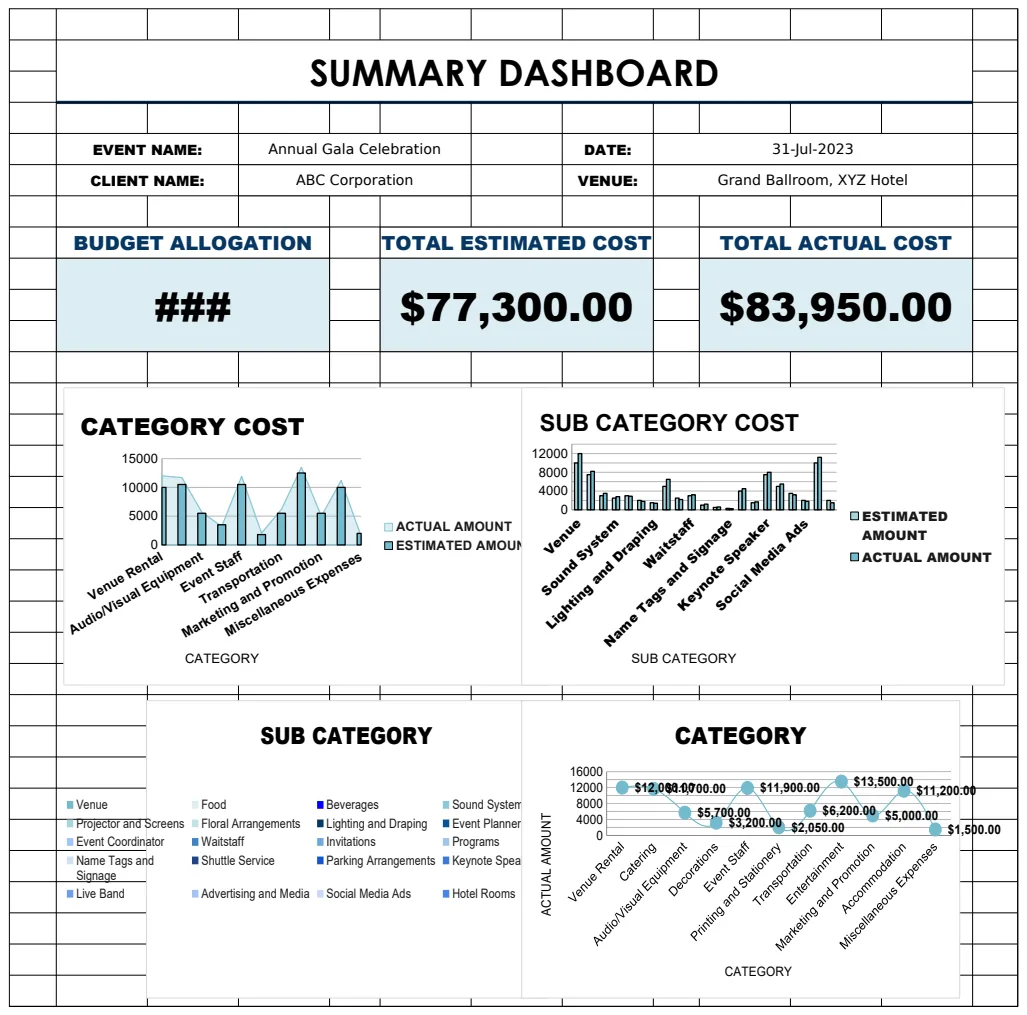
The Budget Sheet: Keeping Finances in Check
This sheet is crucial for preventing sticker shock. You'll want to categorize your expenses to see where your money is going. Consider these columns:
- Category: (e.g., Fuel, Accommodation, Food, Activities, Souvenirs, Miscellaneous).
- Estimated Cost: Your initial projection.
- Actual Cost: What you actually spent.
- Difference: A calculated field (
=Actual Cost - Estimated Cost) to highlight over or under-spending. - Payment Method: (e.g., Credit Card, Cash, Split Driver 1).
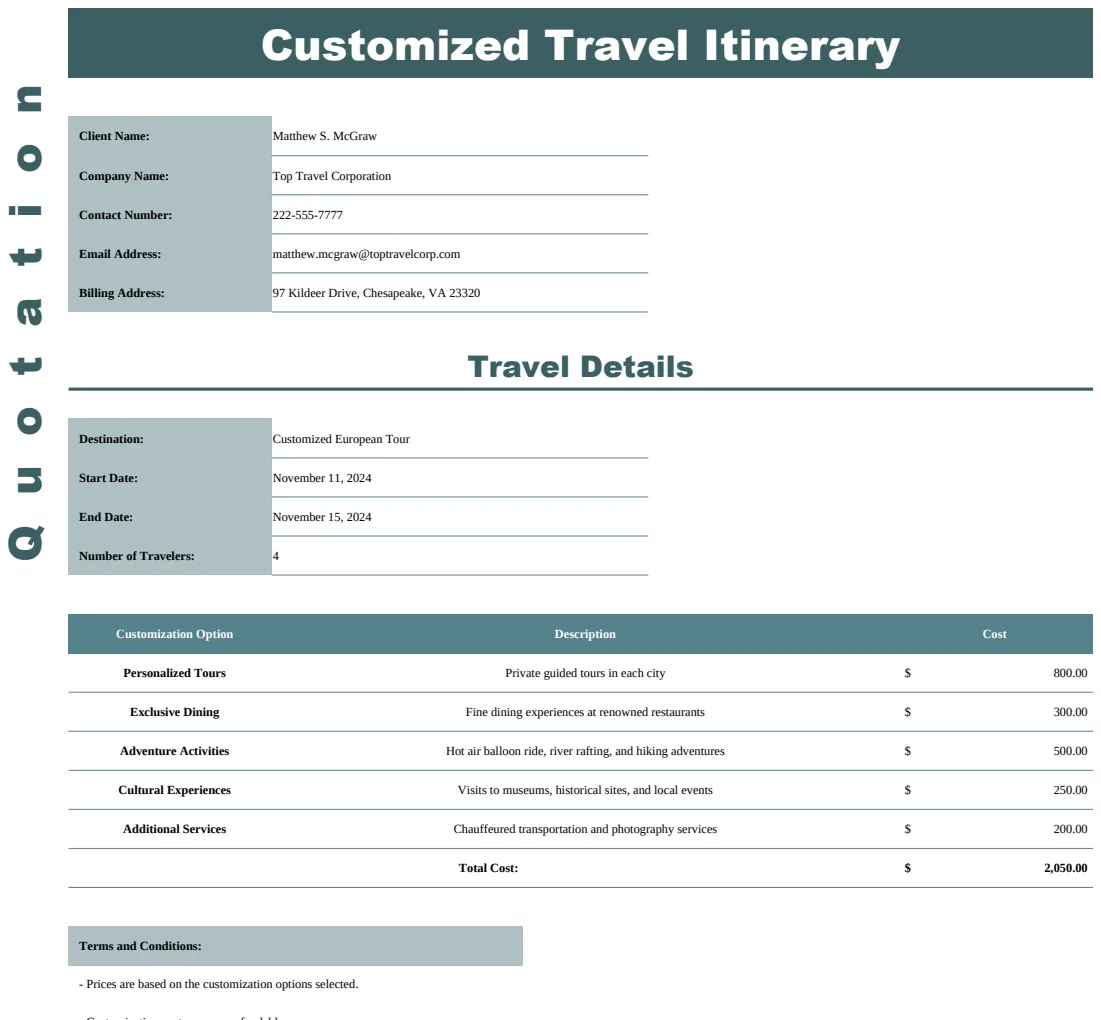
At the bottom of your 'Actual Cost' column, use a SUM() formula to get a running total. For more complex budgeting that might include variable costs or projections across multiple trips, a more general Trip Planner template might offer broader financial tools.
Fuel and Mileage Tracking
A specific section for fuel is vital. You can add columns like:
- Date Filled: When you last gassed up.
- Location: Where you filled up.
- Gallons/Liters: Amount purchased.
- Cost per Gallon/Liter: The price you paid.
- Total Cost:
=Gallons * Cost per Gallon. - Odometer Reading: To calculate MPG.
You can then add a calculated column for MPG = (Current Odometer - Previous Odometer) / Gallons. This helps you monitor your vehicle's efficiency and adjust your fuel budget as needed.
Packing List: Never Forget the Essentials
This is more than just a list; it can be a checklist. Use columns like:
- Item: (e.g., Tent, Sleeping Bags, First-Aid Kit, Sunscreen, Reusable Water Bottles, Cooler).
- Category: (e.g., Camping Gear, Clothing, Personal Items, Kitchenware).
- Quantity Needed: How many of each item.
- Packed? (Checkbox): A simple TRUE/FALSE or a checkbox for easy marking.
- Notes: Specific details (e.g., "Ensure batteries are fresh for headlamps").
If your road trip includes significant camping, a dedicated Camping Trip Planner or Camping Trip Planner 2 might offer more specialized checklists for gear and campsite logistics.
Important Contacts and Documents
This section is a safety net. Include:
- Contact Name: (e.g., "Emergency Services," "Primary Driver," "Accommodation Hotel," "Roadside Assistance").
- Phone Number: The relevant number.
- Email Address: If applicable.
- Notes: Account numbers for roadside assistance, reservation IDs, or specific instructions.
This sheet ensures you have critical information readily accessible, even if cell service is spotty.
Formula Examples for Dynamic Planning
To make your spreadsheet truly functional, employ a few key formulas:
- Total Estimated Cost: In your Budget sheet, use
=SUM(Estimated Cost Column)to see your projected total. - Total Actual Cost: Similarly,
=SUM(Actual Cost Column)for your running expenses. - Budget Variance: A cell showing
=(Total Actual Cost - Total Estimated Cost)can give you an overall view of your spending. - Daily Driving Time: If you have columns for arrival and departure times for each leg of a day's travel, you can calculate duration. For example, if your departure time is in cell
C2and arrival inD2, the formula=D2-C2will give you the time elapsed. Format this cell as Time.
Common Mistakes to Avoid
- Overly Complex Formulas: Stick to straightforward calculations. Over-engineering can lead to errors and make the sheet difficult to update on the go.
- Not Updating Regularly: The best spreadsheet is useless if it's not current. Make a habit of updating your budget and itinerary daily, or even after each significant stop.
- Forgetting the "Miscellaneous" Category: Always include a buffer for unexpected costs. Even the best-planned trips have surprises.
- Ignoring Contingency Planning: While not a formula, mentally or in a "Notes" section, consider what happens if a road is closed, a reservation is lost, or someone gets sick.
Advanced Features and Customization
Conditional formatting can significantly enhance readability. For example, in your Budget sheet, you could set up rules to highlight 'Actual Cost' cells in red if they exceed 'Estimated Cost' by more than 10%. In the Itinerary, you might color-code days based on driving distance, say, red for over 8 hours, yellow for 5-8, and green for under 5.
You can also use data validation to create dropdown lists for categories in your budget or for packed items, ensuring consistency and preventing typos.
What if my trip involves multiple drivers?
If you have multiple drivers, add a column to your Budget sheet labeled "Driver" or "Paid By" to track who covered which expense. This is essential for settling up later. You might also add a column to the Itinerary sheet for "Driver on Duty" for each leg of the journey.
Can I use this for different types of trips?
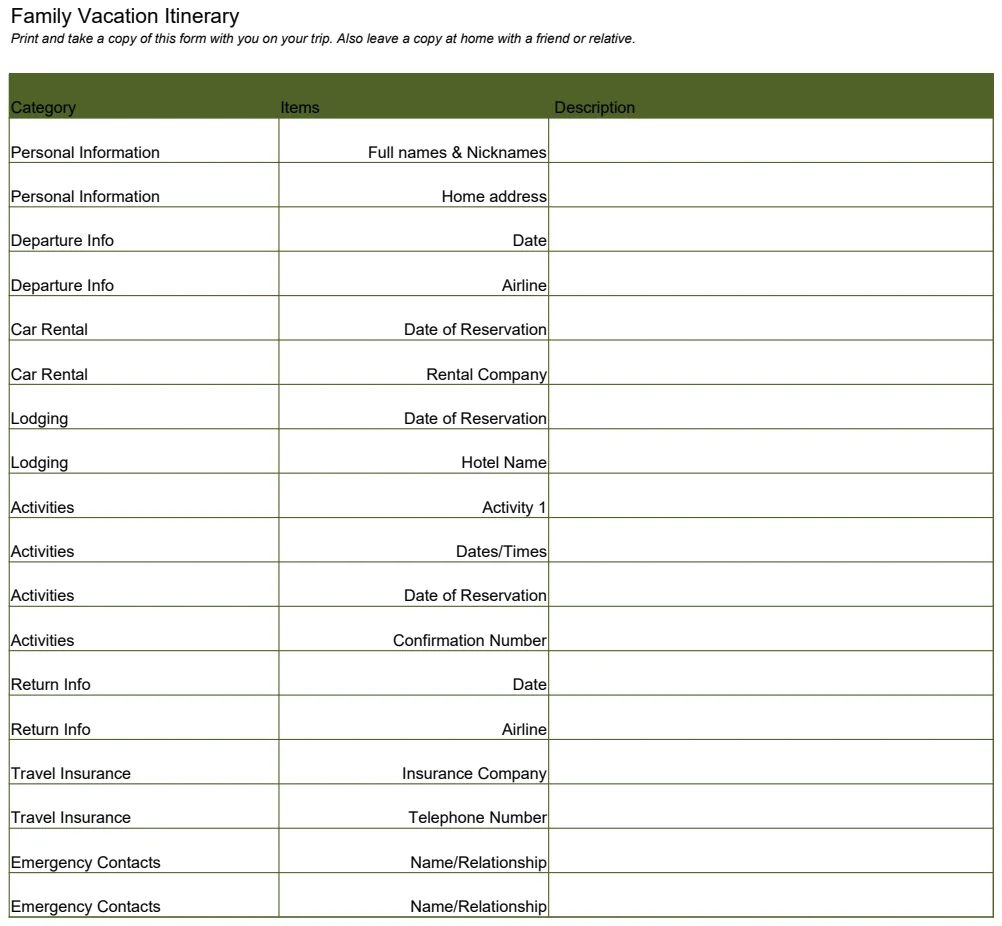
Absolutely. While we've focused on a road trip planner spreadsheet template, the core structure, Itinerary, Budget, Packing, is adaptable. For a camping-focused trip, you'd expand the packing list and add columns for campsite details. For a multi-city tour, the itinerary sheet would become even more critical for tracking flights, trains, and hotel bookings. You can find other specialized templates, such as a Trip Planner, that might offer broader functionality for various travel styles.
How do I share this with my travel companions?
If you're using Google Sheets, sharing is incredibly simple. Go to "File" > "Share" > "Share with others" and add your companions' email addresses. You can set permissions for "Viewer," "Commenter," or "Editor." For Excel, you can save the file to a cloud service like OneDrive or Dropbox and share a link, or simply email the updated version. Ensure everyone has access to the latest iteration.
Is there a cost to using these templates?
OpenWorksheet offers a library of templates, including various trip planners. Many are available for a one-time fee of $9, granting you unlimited downloads for personal use. You can explore the full collection at /templates.