OSHA Incident Rate Calculator HR Template
Calculate and track OSHA incident rates for workplace safety compliance and reporting.
Get this template
.xlsx · 4 sheets
This template
$5.95single payment
- Nothing renews
- Download it again whenever you need
- Yours to keep and edit
Monthly plan
$14.95/month
- This template plus 9 more every month
- About $1.50 a template if you use all 10
- Thousands of templates to choose from
- Cancel anytime
- Secure checkout via Creem
- Instant download after payment
- 14-day refund policy
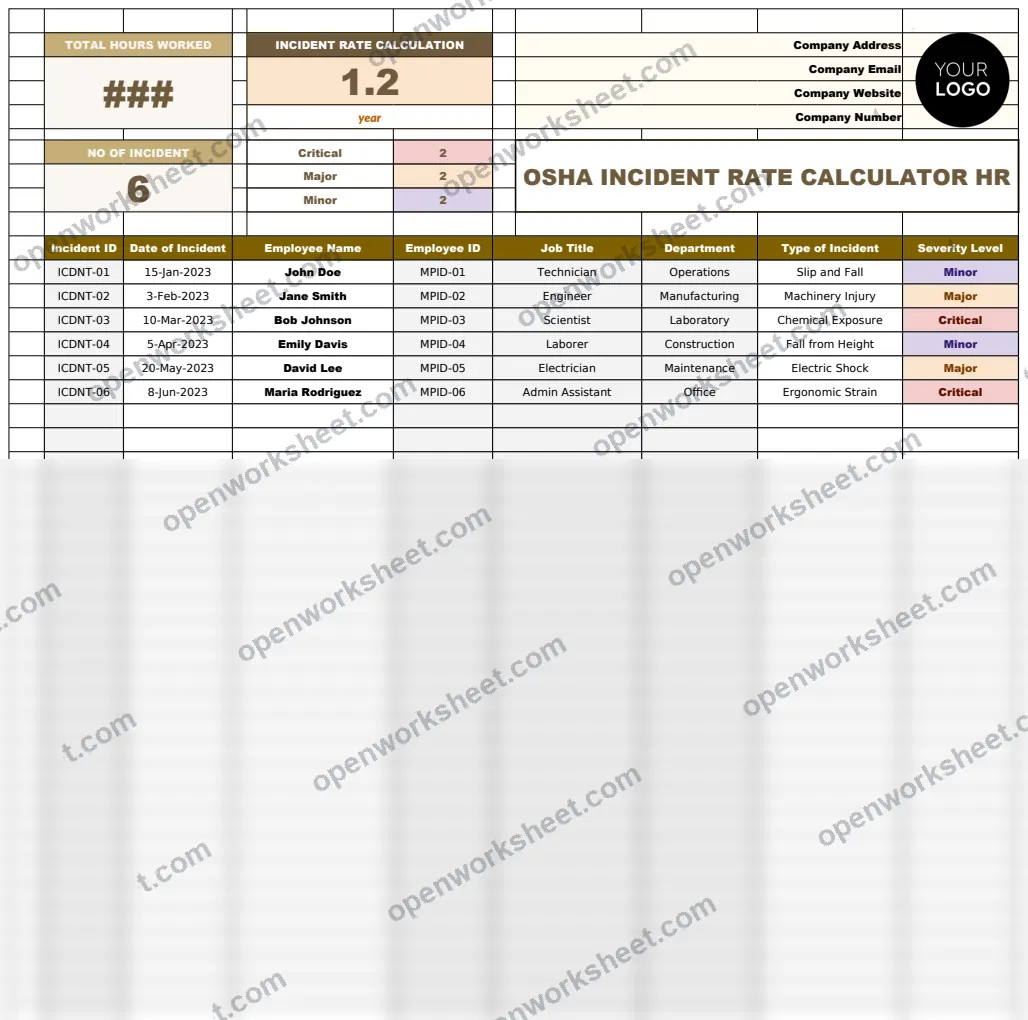
A comprehensive HR template designed to calculate OSHA (Occupational Safety and Health Administration) incident rates based on workplace incidents and total hours worked. The template includes an employee list, incident tracking with severity levels and categories, department/job title classification, and automated incident rate calculations using the standard OSHA formula (incidents per 200,000 hours worked). Features dropdown menus for consistent data entry, automated ID generation, and a reference guide for proper usage. Ideal for safety managers, HR departments, and compliance officers monitoring workplace safety metrics.
What's inside
- Automated OSHA incident rate calculation formula
- Employee list with auto-generated ID numbers
- Dropdown menus for incident type, severity, and department
- Total hours worked tracking
- Incident rate formula (incidents/total hours × 200,000)
- Department and job title classification
- Multi-sheet organization (Calculator, Employee List, Setup, Instructions)
- VLOOKUP and conditional formatting for data validation
More in Human Resources
 Human Resources
Bell Curve Excel Template: Performance Appraisal & Calibration Tool
A bell curve Excel template for performance reviews: rate employees on weighted competencies, compare forced distribution with actual ratings, calibrate by department and flow final ratings into an increment and bonus matrix. Includes printable evaluation sheets and a bell curve maker for any data.
- 12 connected tabs, from a quick-start guide to Settings
- Ratings by employee and competency with weighted scores
- Separate weight sets for staff, managers and leaders
 Human Resources
Employee Attendance Sheet in Excel with Formula: Monthly & Yearly Tracker
An attendance sheet in Excel with formulas for up to 100 employees: 12 monthly sheets, automatic weekends and holidays, attendance codes, late and early counts, leave balances, a yearly summary and payroll-ready days. A complete attendance template for companies, offices and teams.
- 21 connected tabs, from a quick-start guide to Settings
- 12 monthly attendance sheets that follow the year you set
- Automatic weekends and holidays, with editable weekly off days
 Human Resources
HR, Scheduling & Payroll Suite
Employees, shift rosters, timesheets, leave, payroll and printable payslips in one Excel workbook, all feeding a live people dashboard.
- 10 connected tabs, from a quick-start guide to Settings
- People dashboard with 10 KPIs and 2 charts
- Department breakdown, alerts panel and who is out in the next 14 days
 Human Resources
Employee Shift Schedule
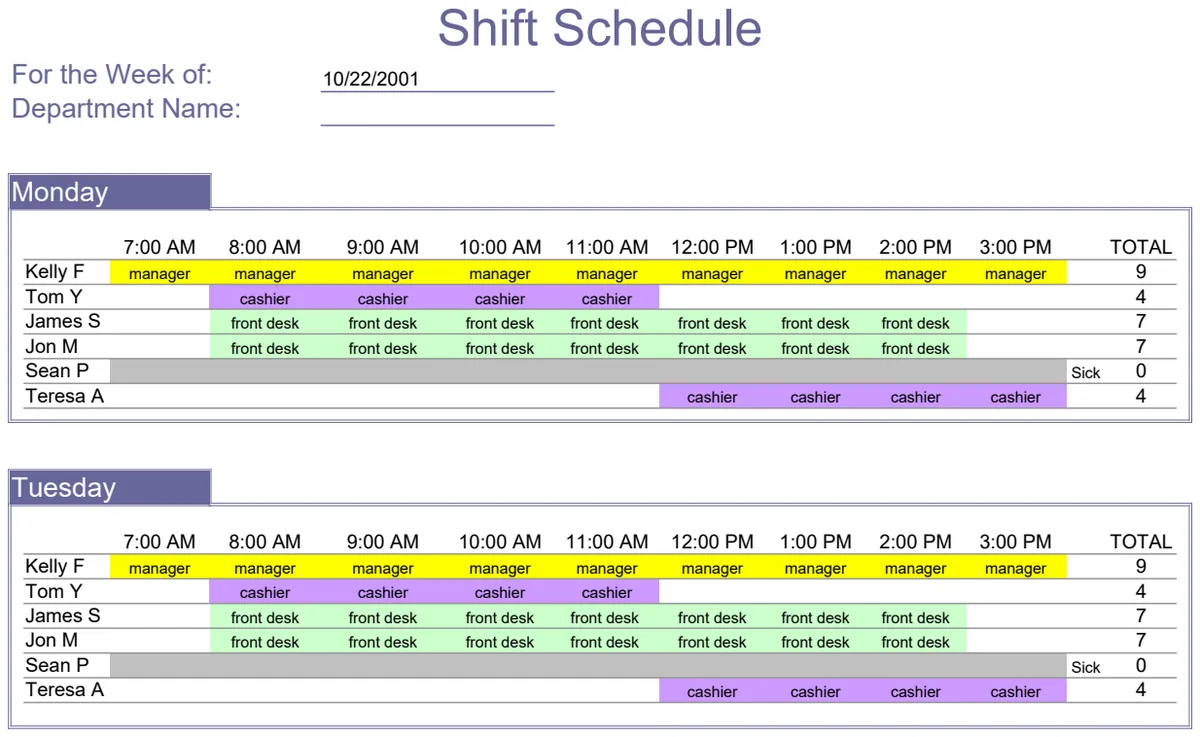
Plan weekly staff shifts by department with automatic scheduling and conflict detection.
- Weekly shift schedule grid by department
- Automatic conflict detection for overlapping assignments
- Date range selector for scheduling period