Root Cause Analysis Excel Template
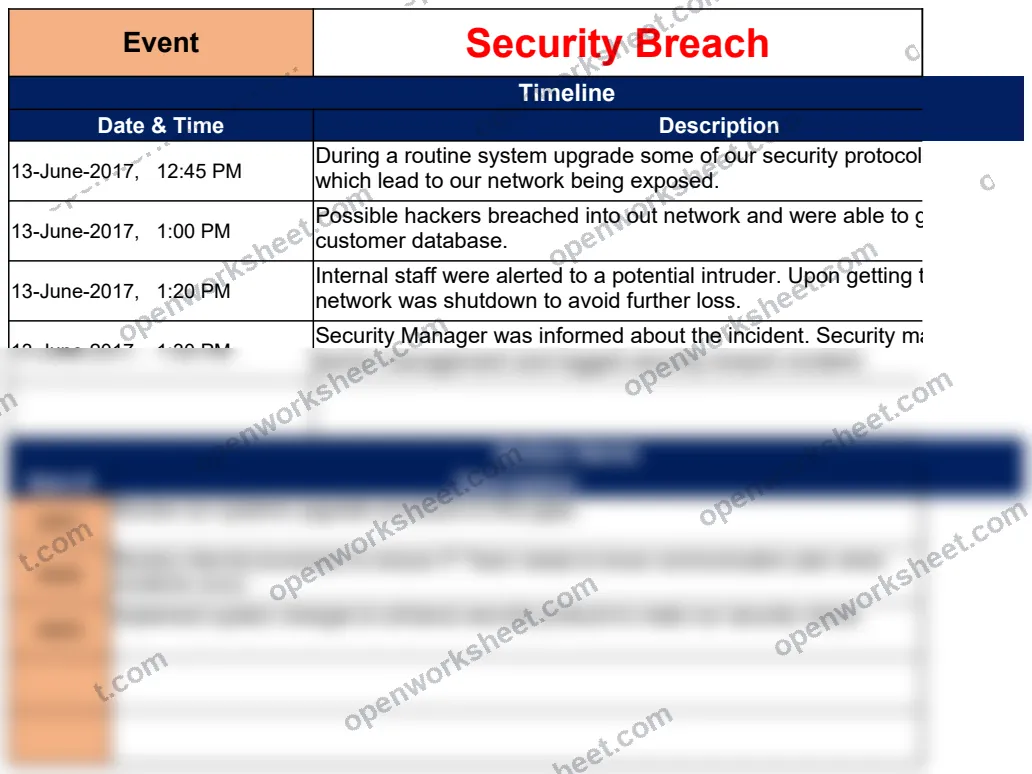
Systematically identify and document root causes of incidents with structured event logging and timeline tracking.
This template provides a structured framework for conducting root cause analysis (RCA) on critical incidents such as security breaches. It captures essential details including the event type, date, time, manager responsible, and chronological timeline to help teams systematically investigate what went wrong and why. The template eliminates guesswork and ensures thorough documentation by organizing all relevant incident information in one place, making it ideal for compliance, quality assurance, and continuous improvement initiatives.
What's inside
- Event type categorization and classification
- Date and time capture with day-of-week logging
- Manager assignment and ownership tracking
- Chronological timeline section for sequential event documentation
- Description field for detailed incident analysis
- Sample data for quick onboarding
Download this template
.xlsx · 1 sheet
$9/monthDownload up to 10 templates a month from a library of thousands. Cancel anytime.
- 10 downloads every month
- Cancel anytime
- 14-day refund policy
More in Project Management
 Project Management
Excel Timeline Template: Project Timeline, Milestones & Gantt Chart
An Excel timeline template that draws itself: list tasks, milestones and events, and get a timeline chart with labels placed above and below the axis, colours by category, zoom by week, month, quarter or year, a live Gantt chart and a project dashboard.
- 6 connected tabs, from a quick-start guide to Settings
- Timeline chart that positions milestones and events automatically
- Labels above and below the axis at three heights
 Project Management
Freelance Command Center
An all-in-one Excel workbook for freelancers. Projects, tasks, time, invoices and expenses roll up into a live dashboard with KPIs, deadlines and charts.
- 9 connected tabs, from a quick-start guide to Settings
- Dashboard with 10 KPI cards and 2 charts
- 12-month performance table and next 10 deadlines
 Project Management
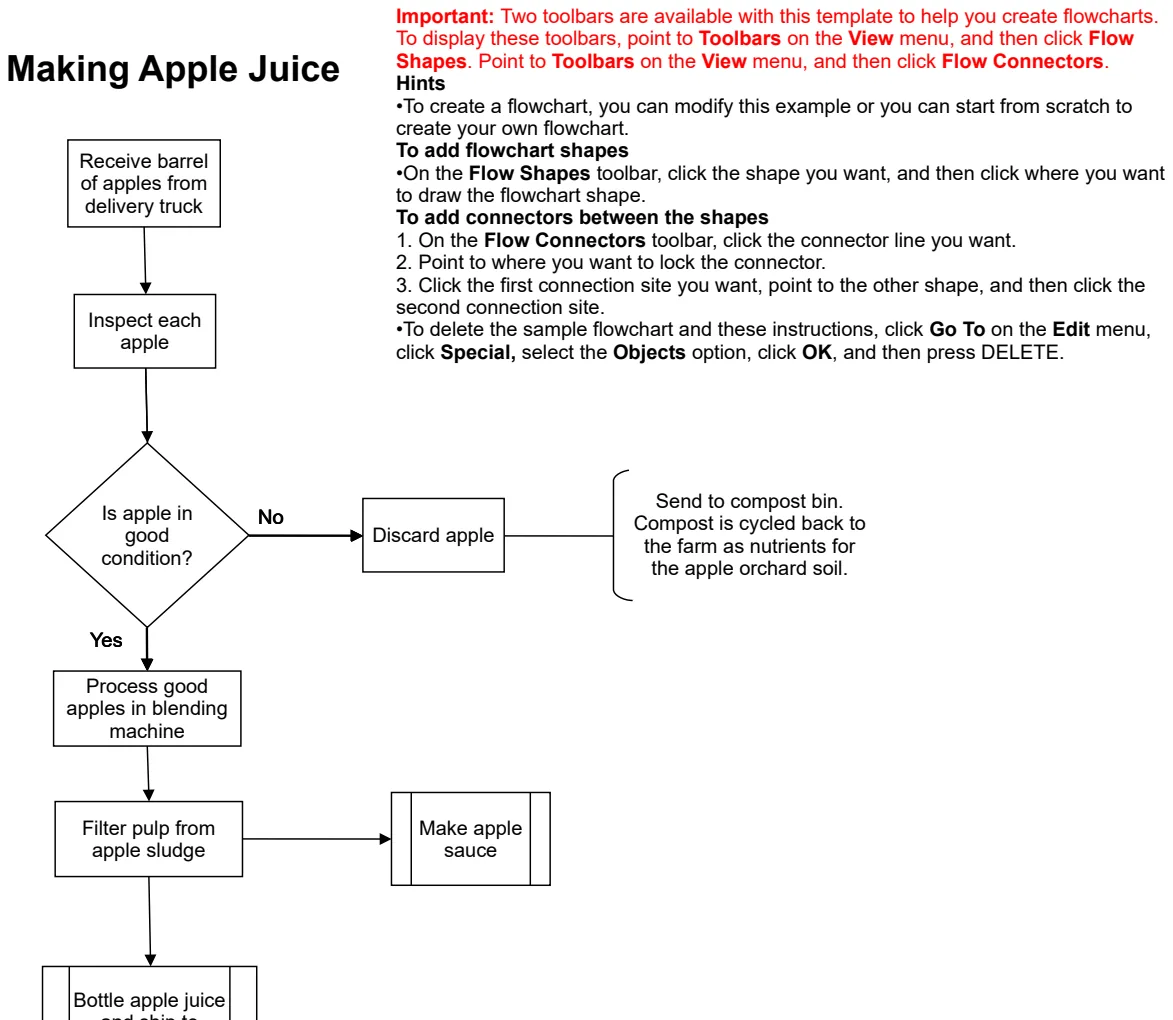
Simple Flowchart Template
Create process flows and decision diagrams visually in Excel without external design tools.
- Pre-formatted shapes for process steps
- Connector lines for flow direction
- Decision diamond shapes for conditional branches
 Project Management
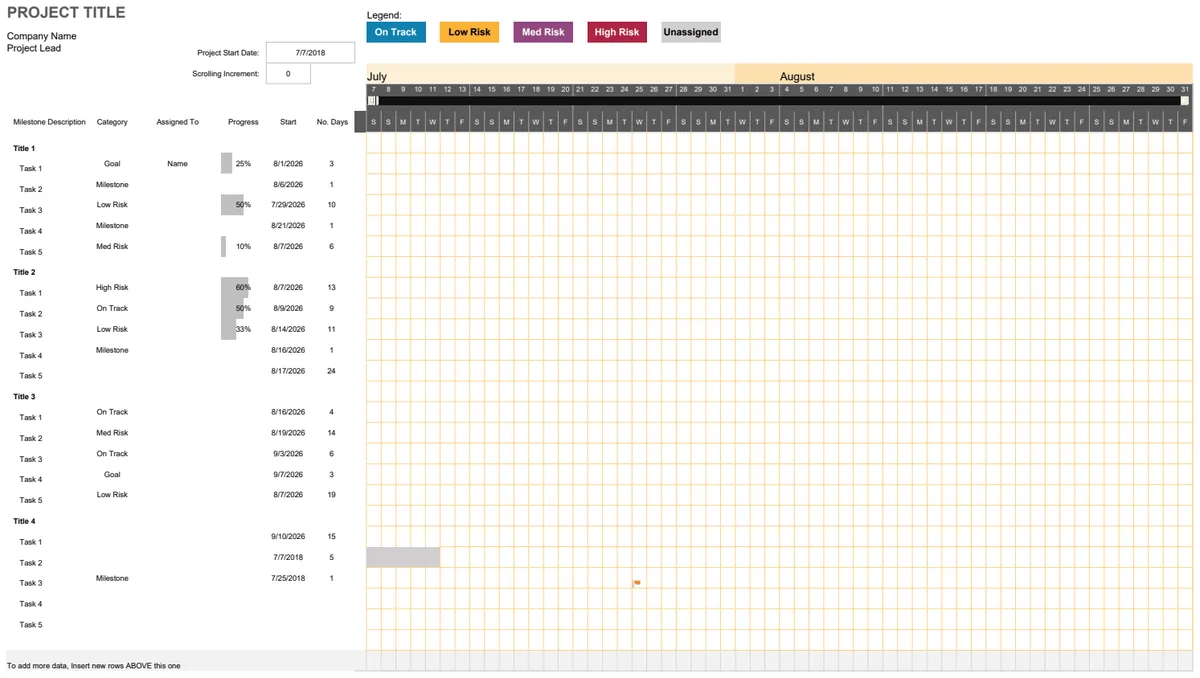
Agile Gantt Chart
Visual project timeline with milestones, tasks, and team assignments for agile project planning.
- Auto-calculated project duration and dates
- Dynamic legend with milestone color coding
- Project lead and company name fields