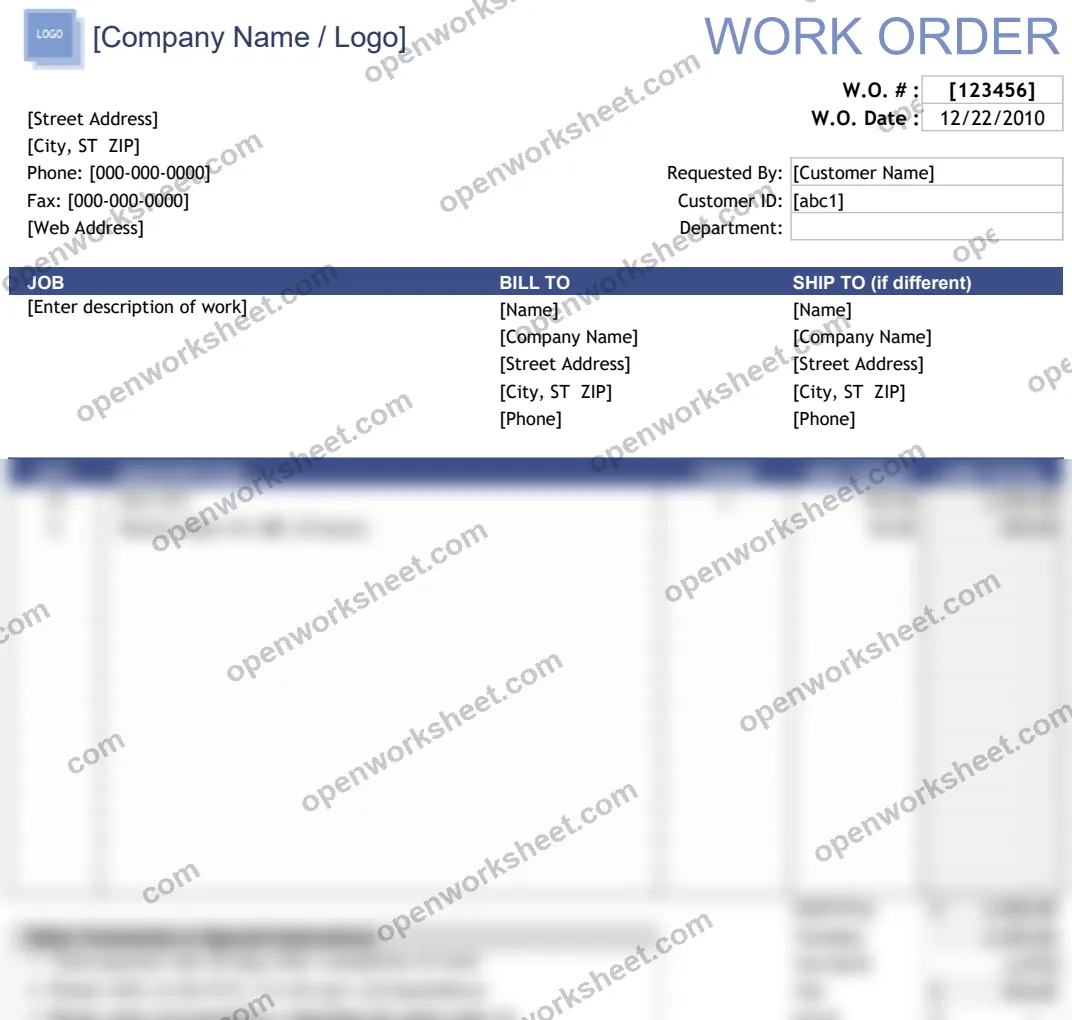
Work Order Template
Create and track work orders with job details, labor costs, and materials—streamline service delivery and client billing.
This template provides basic and advanced work order formats to document job assignments, track labor hours, material costs, and total charges. It's designed for service businesses, contractors, and field teams who need to issue professional work orders and maintain clear records of what was completed and what was charged.
The template includes editable company branding, work order numbering, date tracking, and automatic cost calculations using SUM and SUMIF functions. It removes the friction of creating work orders from scratch and ensures consistent documentation across your team.
What's inside
- Work order number and date fields
- Company branding and address sections
- Labor and materials cost tracking
- Automatic total calculations with SUM formulas
- Basic and advanced layout options
- Professional formatting for client delivery
Download this template
.xlsx · 3 sheets
$9/monthDownload up to 10 templates a month from a library of thousands. Cancel anytime.
- 10 downloads every month
- Cancel anytime
- 14-day refund policy
More in Project Management
 Project Management
Excel Timeline Template: Project Timeline, Milestones & Gantt Chart
An Excel timeline template that draws itself: list tasks, milestones and events, and get a timeline chart with labels placed above and below the axis, colours by category, zoom by week, month, quarter or year, a live Gantt chart and a project dashboard.
- 6 connected tabs, from a quick-start guide to Settings
- Timeline chart that positions milestones and events automatically
- Labels above and below the axis at three heights
 Project Management
Freelance Command Center
An all-in-one Excel workbook for freelancers. Projects, tasks, time, invoices and expenses roll up into a live dashboard with KPIs, deadlines and charts.
- 9 connected tabs, from a quick-start guide to Settings
- Dashboard with 10 KPI cards and 2 charts
- 12-month performance table and next 10 deadlines
 Project Management
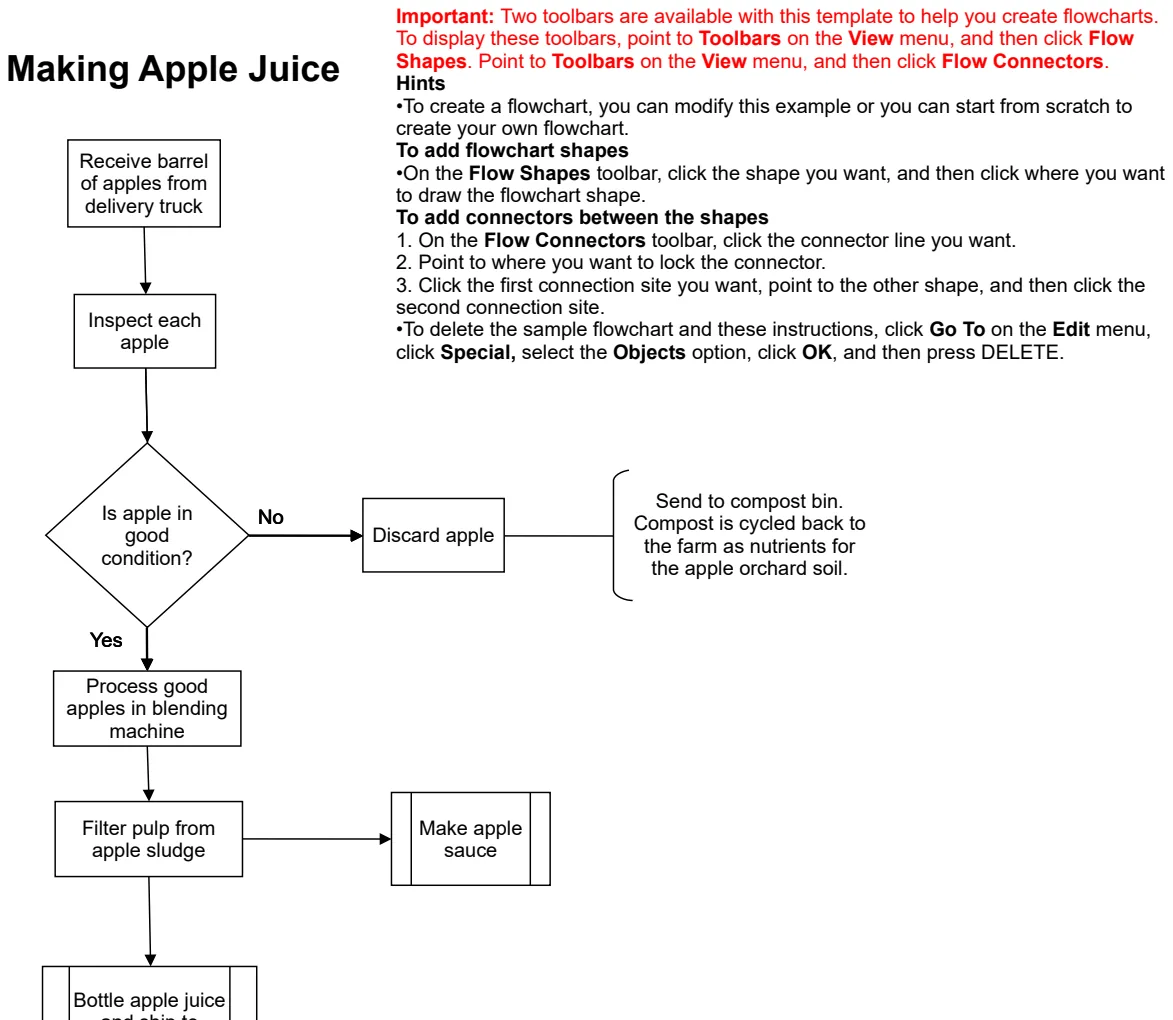
Simple Flowchart Template
Create process flows and decision diagrams visually in Excel without external design tools.
- Pre-formatted shapes for process steps
- Connector lines for flow direction
- Decision diamond shapes for conditional branches
 Project Management
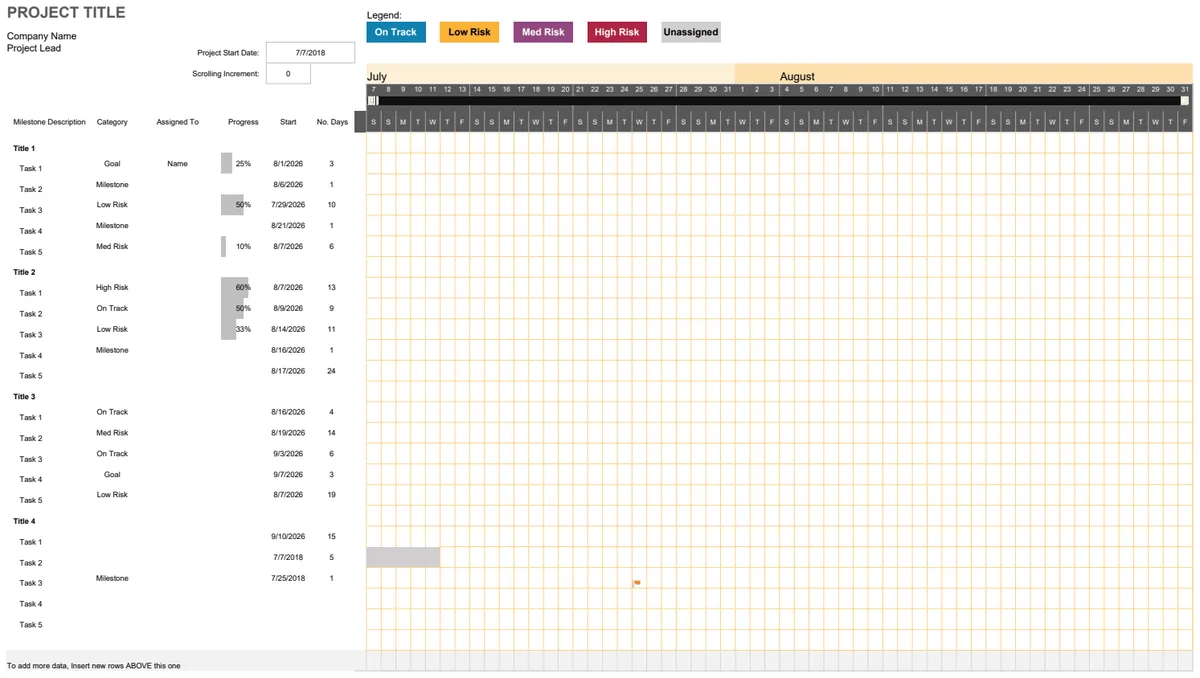
Agile Gantt Chart
Visual project timeline with milestones, tasks, and team assignments for agile project planning.
- Auto-calculated project duration and dates
- Dynamic legend with milestone color coding
- Project lead and company name fields