10+ Ultimate Small Business Bookkeeping Templates for Excel 2026
Small businesses thrive on clear financial visibility. Without a dedicated bookkeeping system, you're navigating blind, making decisions based on guesswork instead of data. In 2026, robust financial t...
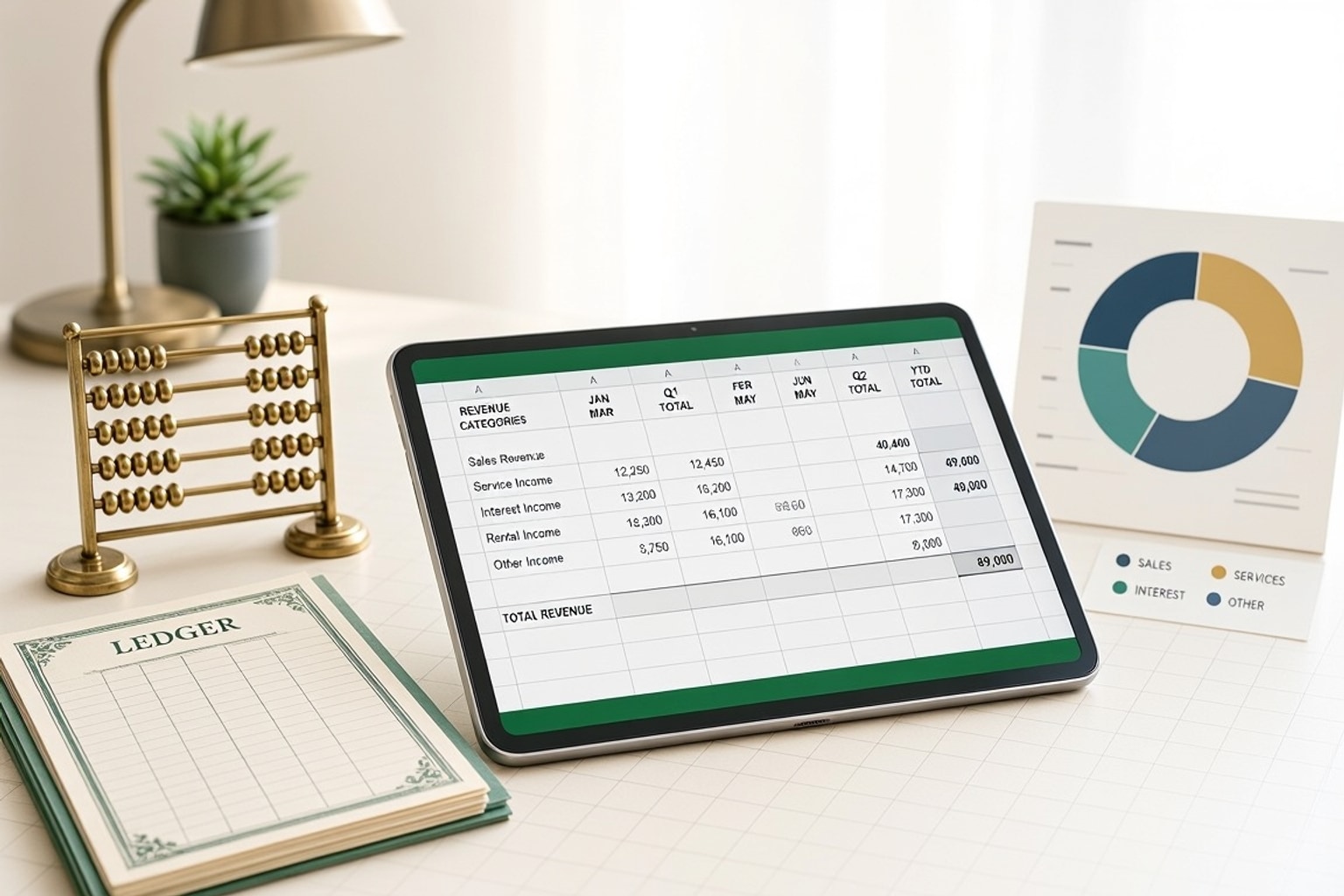
Small businesses thrive on clear financial visibility. Without a dedicated bookkeeping system, you're navigating blind, making decisions based on guesswork instead of data. In 2026, robust financial tracking isn't just good practice; it's essential for survival and growth.
Excel offers an accessible, powerful solution. Its flexibility allows you to tailor a system that fits your unique business needs, without the steep learning curve or recurring costs of complex software. Many businesses start with an Excel accounting template because it provides a structured way to organize financial information without building a spreadsheet from scratch.
The Cost of Poor Bookkeeping for Small Businesses
Ignoring proper bookkeeping leads to significant financial risks. Inconsistent data entry can skew your profit and loss statements, making it impossible to gauge true performance. You might miss critical tax deductions, leading to higher tax bills, or fail to identify cash flow shortages until it's too late.
Poor records also complicate audits and investor relations. Accurate, organized financials build trust and demonstrate your business's health. Without them, you risk penalties, lost opportunities, and even business failure.
Excel vs. Expensive Software: A 2026 Perspective
When choosing a bookkeeping tool, small businesses often weigh Excel against dedicated accounting software. In 2026, Excel continues to offer a compelling, cost-effective alternative. Free Excel templates are widely available, saving businesses money on dedicated bookkeeping software subscriptions.
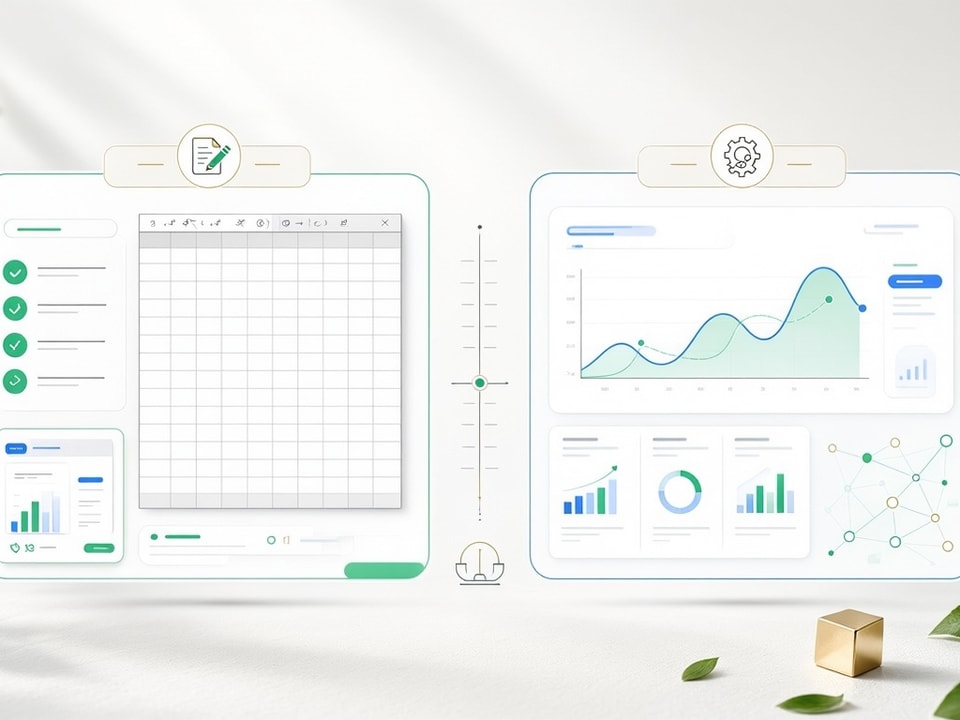
While specialized software provides advanced automation and integrations, Excel templates offer unparalleled flexibility and customization. You can adapt them to specific workflows, whether you run a service-based or product-based business. This control often outweighs the allure of pricier, more rigid solutions for many small operators.
Setting Up Your Small Business Bookkeeping in Excel: A Step-by-Step Guide
Establishing your bookkeeping system in Excel doesn't require advanced technical skills. Start with a clear plan and build your file systematically. This guide walks you through the practical steps to get your financial tracking in order.
Choosing the Right Template: Free vs. Premium Options for 2026
The first step is selecting a template that aligns with your business size and complexity. Free options provide a solid foundation for basic tracking. They often include essential worksheets for income and expenses.
Premium templates, however, offer more sophisticated features like built-in error checking, automated tax calculations, and comprehensive reporting. These can save significant time and reduce manual errors, making them a worthwhile investment for growing businesses. Templates can include 15 revenue categories and 50 expense categories.
Essential Worksheets for Comprehensive Financial Tracking
A robust Excel bookkeeping file needs several core components. Start with a transaction log to record every financial event. Include separate worksheets for categorizing income and expenses.
You'll also need a chart of accounts, a list of all your financial categories. This ensures consistency and simplifies reporting. The general ledger is the foundation of accurate bookkeeping. This template helps businesses record transactions by date, description, debit, and credit, making it easier to maintain reliable accounts and prepare downstream reports.
Structuring Your Data: Key Columns for Income and Expenses
Effective data organization is crucial for accurate reporting. For income and expense tracking, include columns for: Date, Description, Category, Amount, Payment Method, and Reference Number (e.g., invoice number). Categorize items consistently to ensure accurate reporting.
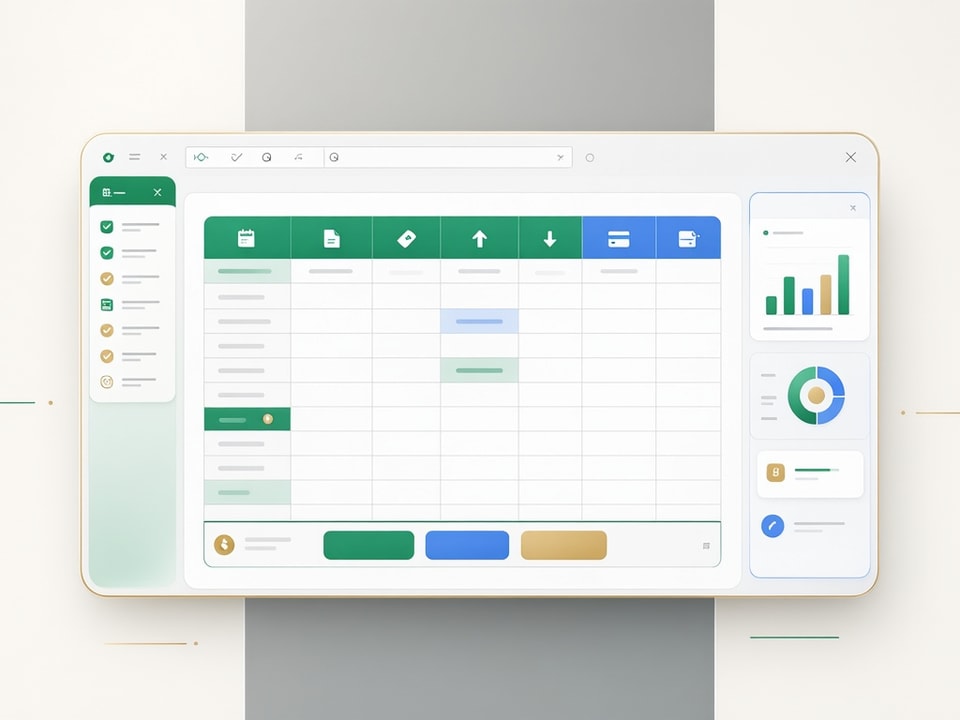
For example, all office supplies should fall under one "Office Supplies" expense category. Some templates offer up to 20,000 transaction lines for comprehensive record-keeping, allowing for detailed tracking over time.
Automating Basic Calculations: Formulas for Efficiency
Excel's formulas streamline common bookkeeping tasks. Use the SUM function to total income and expenses for specific periods. For example, =SUM(C2:C100) sums values in cells C2 through C100.
The SUMIF or SUMIFS functions allow you to sum based on criteria, like total expenses for a specific category: =SUMIF(B:B,"Rent",C:C). These simple formulas automate calculations, reducing manual effort and potential errors.
Mastering Core Financial Reports with Excel Templates
Excel isn't just for tracking transactions; it's also a powerful tool for generating essential financial reports. These reports provide critical insights into your business's health and performance. Key financial statements like the income statement, cash flow statement, and balance sheet are standard inclusions in many templates.
The Profit and Loss (P&L) Statement in Excel
A Profit and Loss (P&L) statement, also known as an Income Statement, summarizes your revenues, costs, and expenses over a specific period. In Excel, you can create a P&L by linking to your categorized income and expense data. A monthly P&L is one of the most important bookkeeping templates for tracking business performance. It helps teams organize revenue, cost of goods sold, operating expenses, and net income in a format that is easy to review and compare over time.
Use SUMIF formulas to pull totals for each revenue and expense category from your transaction log. Subtract total expenses from total revenue to calculate your net profit or loss.
Building a Balance Sheet for Your Small Business
The Balance Sheet provides a snapshot of your business's financial position at a specific point in time. It shows your assets, liabilities, and owner's equity. In Excel, you'll need separate sections for each of these.
List your assets (cash, accounts receivable, equipment), liabilities (accounts payable, loans), and equity (owner's investment, retained earnings). The fundamental accounting equation, Assets = Liabilities + Equity, should always hold true.
Tracking Cash Flow: The Lifeblood of Your Business
Cash flow is the movement of money into and out of your business. Tracking it is vital for liquidity management. An Excel cash flow statement typically divides cash activities into operating, investing, and financing sections.
Summarize your cash inflows (sales, loan proceeds) and outflows (expenses, loan payments) for a period. This reveals if you have enough cash to cover your obligations, regardless of profitability.
Advanced Excel Bookkeeping Features for Modern Businesses
Beyond basic tracking, Excel templates can incorporate advanced features that significantly enhance your bookkeeping process. These functionalities make your financial management more efficient and insightful.
Customizing Templates for Service-Based vs. Product-Based Businesses
Not all businesses operate the same, and your bookkeeping template should reflect that. Customizing templates for specific workflows, including service-based or product-based businesses, is straightforward in Excel. Product-based businesses might need inventory tracking sheets, while service-based businesses could focus on billable hours and project profitability.
Adjust category names, add specific columns (e.g., "SKU" for products, "Hours Billed" for services), and modify reporting dashboards to highlight relevant metrics for your business model.
Error Checking and Data Validation for Accuracy
Accuracy is paramount in bookkeeping. Excel offers tools to minimize errors. Many templates feature built-in error checking and automated calculations for sales tax/VAT/GST. Use data validation rules to restrict cell entries to specific formats, like numbers only or a predefined list of categories.
For example, set a rule to only allow dates in a date column. Conditional formatting can highlight duplicate entries or values outside expected ranges, immediately flagging potential issues.
Visualizing Your Finances: Creating Dashboards in Excel
Numbers tell a story, but visuals make it clearer. Build simple dashboards in Excel to get quick financial overviews. Use charts and graphs to represent key metrics like monthly revenue, expense breakdown, or cash flow trends.
Link these charts directly to your underlying data sheets. This provides an instant visual summary of your financial performance, helping you identify trends and make faster decisions.
Integrating Sales Tax, VAT, or GST Calculations
Managing sales tax, VAT, or GST can be complex, but Excel templates simplify it. Many templates integrate these calculations directly. You can set up columns to calculate the tax amount based on a rate and then sum these amounts for reporting.
For businesses operating in regions with multiple tax rates, use IF or VLOOKUP functions to apply the correct rate automatically based on product or customer location. This automation reduces calculation errors and saves time.
Recommended Resources
Skip the blank-sheet setup
These templates help you start with a structured, error-reduced financial system.
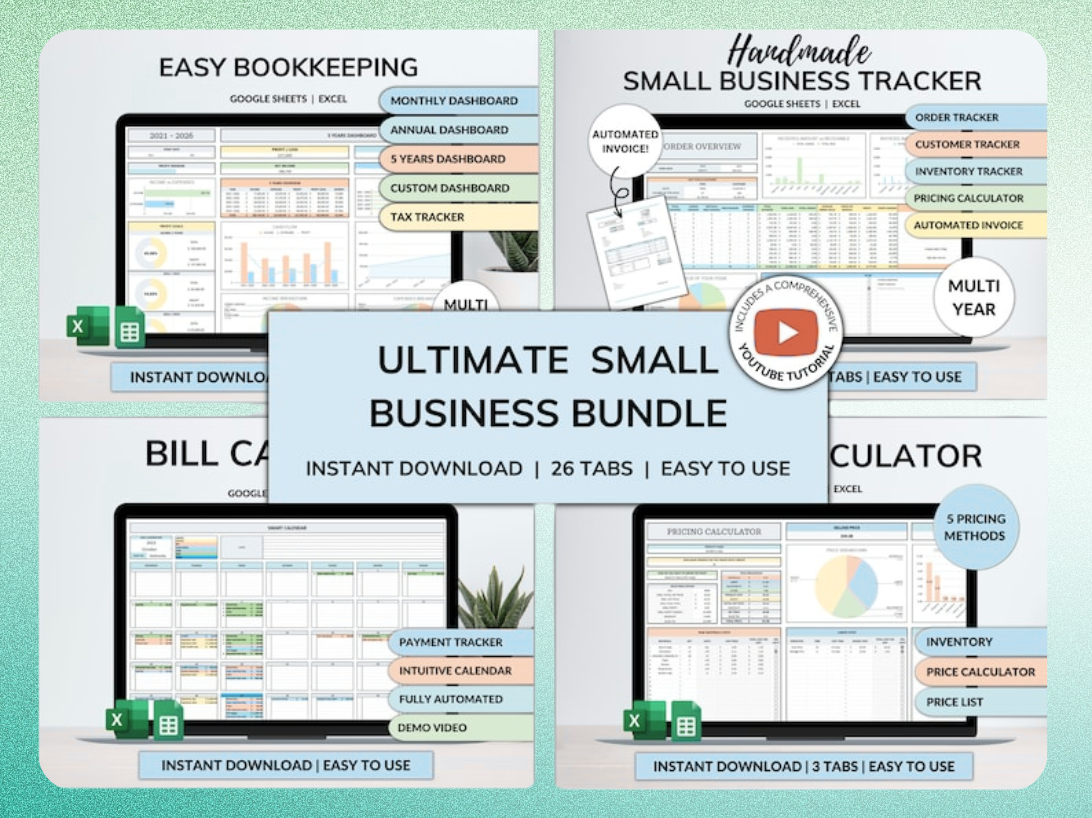
Ultimate Small Business Bundle Templates - Google Sheet + Ms Excel
All-in-One Spreadsheets for Bookkeeping, Inventory, Orders, Billing & Pricing Save Hours Every Week: Automate data entry and dashboards so you can focus on growth, not spreadsheets.
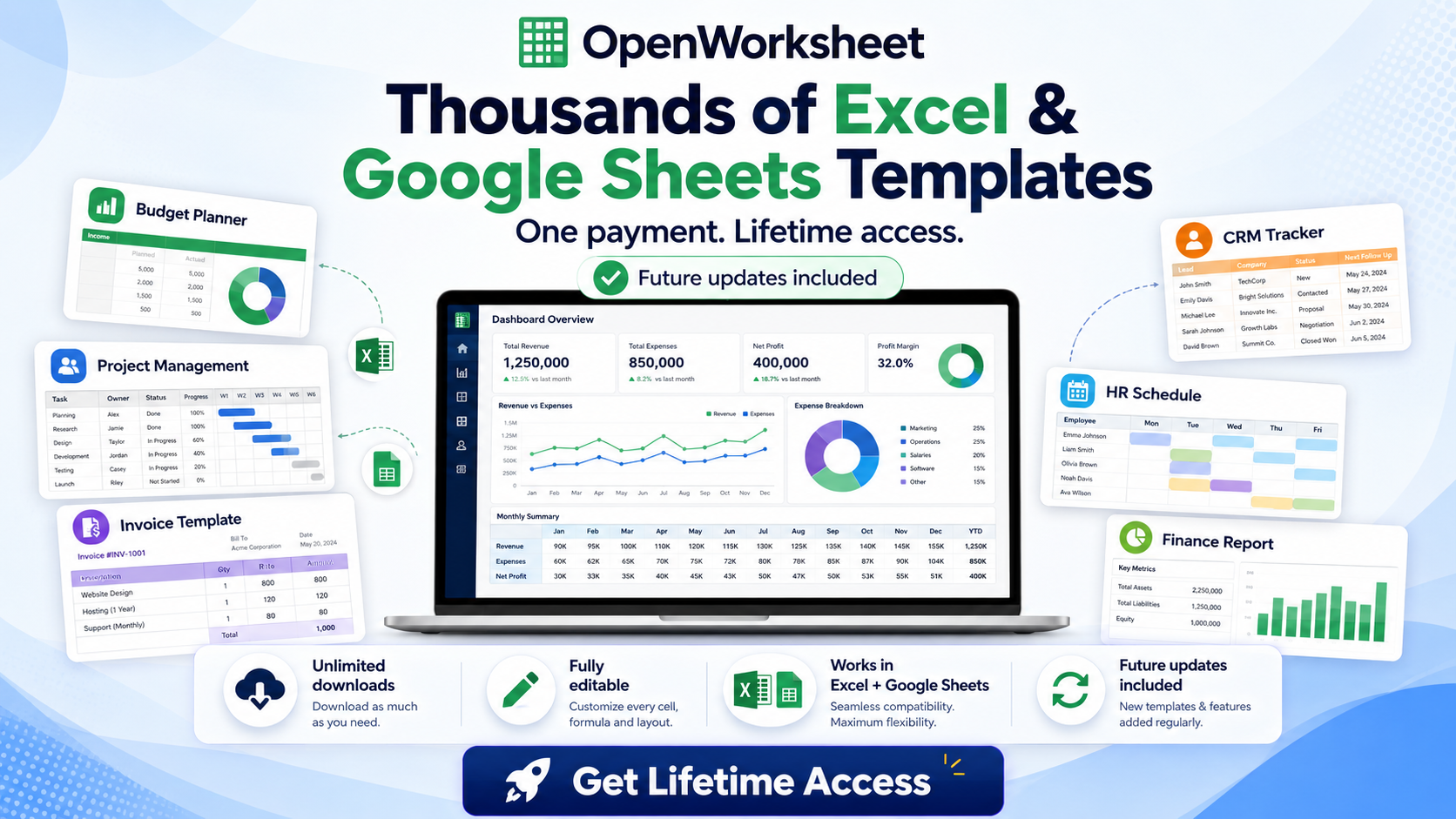
Thousands of Spreadsheet Templates Mega Library – Google Sheet Supported
Avoiding Common Bookkeeping Mistakes in Excel
Even with a well-designed template, common pitfalls can undermine your bookkeeping accuracy. Being aware of these mistakes helps you maintain reliable financial records.
Inconsistent Data Entry: The Silent Killer of Accuracy
Inconsistent data entry is a major source of errors. Using different spellings for the same category (e.g., "Office Supplies" vs. "Office supplies") will lead to fragmented reports. Standardize your input.
Utilize dropdown lists via data validation for categories and common vendors to ensure uniformity. This small effort drastically improves report accuracy and simplifies analysis.
Overlooking Regular Reconciliation
Reconciliation is the process of comparing your Excel records with external statements, like bank accounts and credit cards. Many businesses overlook regular reconciliation, leading to discrepancies that are hard to trace later.
Perform monthly reconciliations to match every transaction. This ensures all entries are accounted for and flags any unauthorized transactions or errors quickly.
Ignoring Backup and Security Protocols
Your financial data is sensitive and critical. Ignoring backup and security protocols puts your business at risk. Regularly back up your Excel bookkeeping files to a cloud service or external drive.
Consider password protecting sensitive files. While Excel offers basic protection, for highly sensitive data, ensure your cloud storage provider has robust security measures.
Streamline Your Bookkeeping: Recommended Templates and Tools for 2026
In 2026, leveraging the right tools can significantly streamline your small business bookkeeping. Ready-to-use templates and comprehensive solutions reduce setup time and enhance accuracy.
Ready-to-Use Templates for Instant Setup
Starting from a blank spreadsheet is daunting. Ready-to-use templates provide an instant framework. They come pre-populated with essential sheets, categories, and formulas, allowing you to plug in your data immediately.
Consider a resource like the Thousands of Spreadsheet Templates Mega Library. It offers a vast collection, including many bookkeeping specific options, saving you hours of initial setup.
All-in-One Solutions for Comprehensive Business Management
For businesses seeking a more integrated approach, all-in-one template bundles offer comprehensive solutions. These often combine bookkeeping with other critical functions like inventory, invoicing, and order tracking.
The Ultimate Small Business Bundle Templates provides an example of such a solution. It automates data entry and dashboards across multiple business areas, helping you focus on growth rather than manual data management. Our country-specific Small Business Bookkeeping templates come with: 15 revenue categories, 50 expense categories, 5 asset categories, 20,000 transaction lines, Sales Tax/VAT/GST calculations, Full Video and PDF instructions, Income Statement with monthly, quarterly and annual numbers, Dashboard with key numbers and charts, Summary Report for your accountant, Built-in error checking.
Automating Data Entry and Reporting for Growth
Advanced Excel templates go beyond basic tracking by automating data entry and reporting. Features like dropdowns, conditional formatting, and interconnected sheets reduce manual input and the potential for errors. This automation provides actionable insights quickly, helping you make informed decisions for business growth.
Get the newsletter
One sharp idea every Sunday.
No fluff. No sales pitches. Just the best of what we publish, hand-picked.
Continue Reading
Related Articles
Build a High-Converting Sales Pipeline Tracker in Excel: 7 Steps
A disorganized sales pipeline costs more than just lost deals. It leads directly to missed revenue opportunities and frustrated sales teams. Without a clear view of your prospects, forecasting becomes...
10+ Free Employee Attendance Tracker Excel Templates (2026)
Efficient attendance tracking saves businesses money and ensures compliance. Manual systems, prone to errors, cost companies thousands annually. A robust Excel tracker provides accurate data for payro...
10+ Free Sales Tracker Excel Templates for 2026 Growth
Every business, regardless of size, needs a clear view of its sales performance. A sales tracker provides that clarity. It moves you beyond guesswork, offering concrete data to understand what's worki...