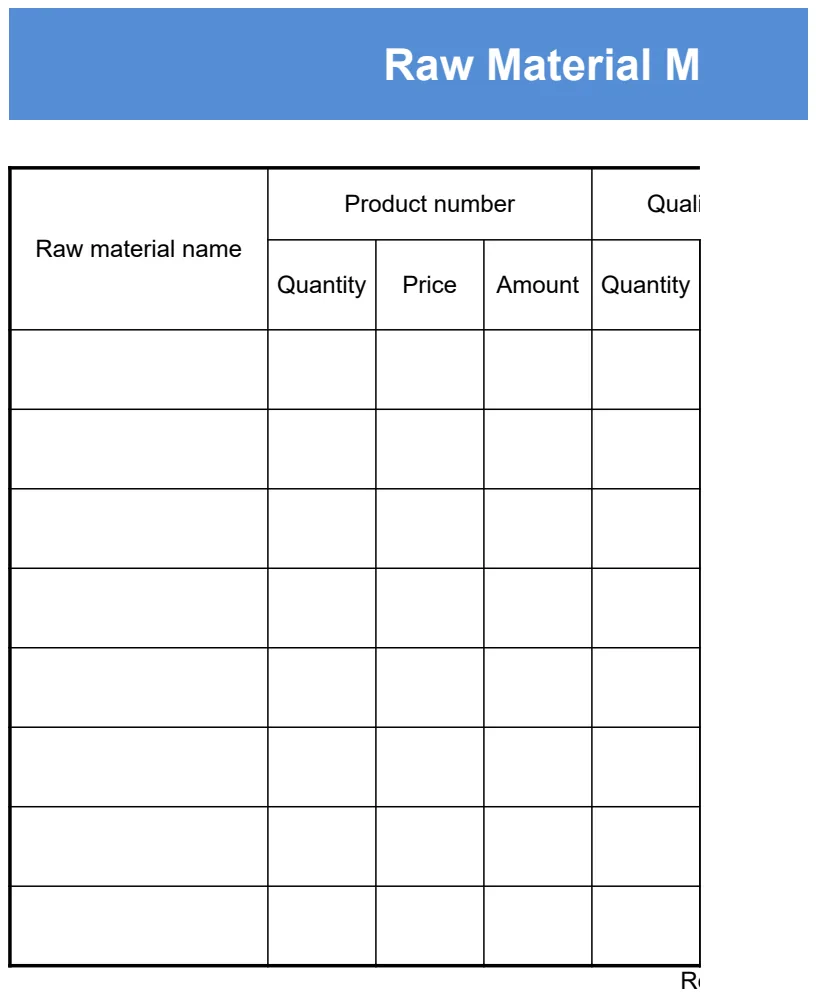
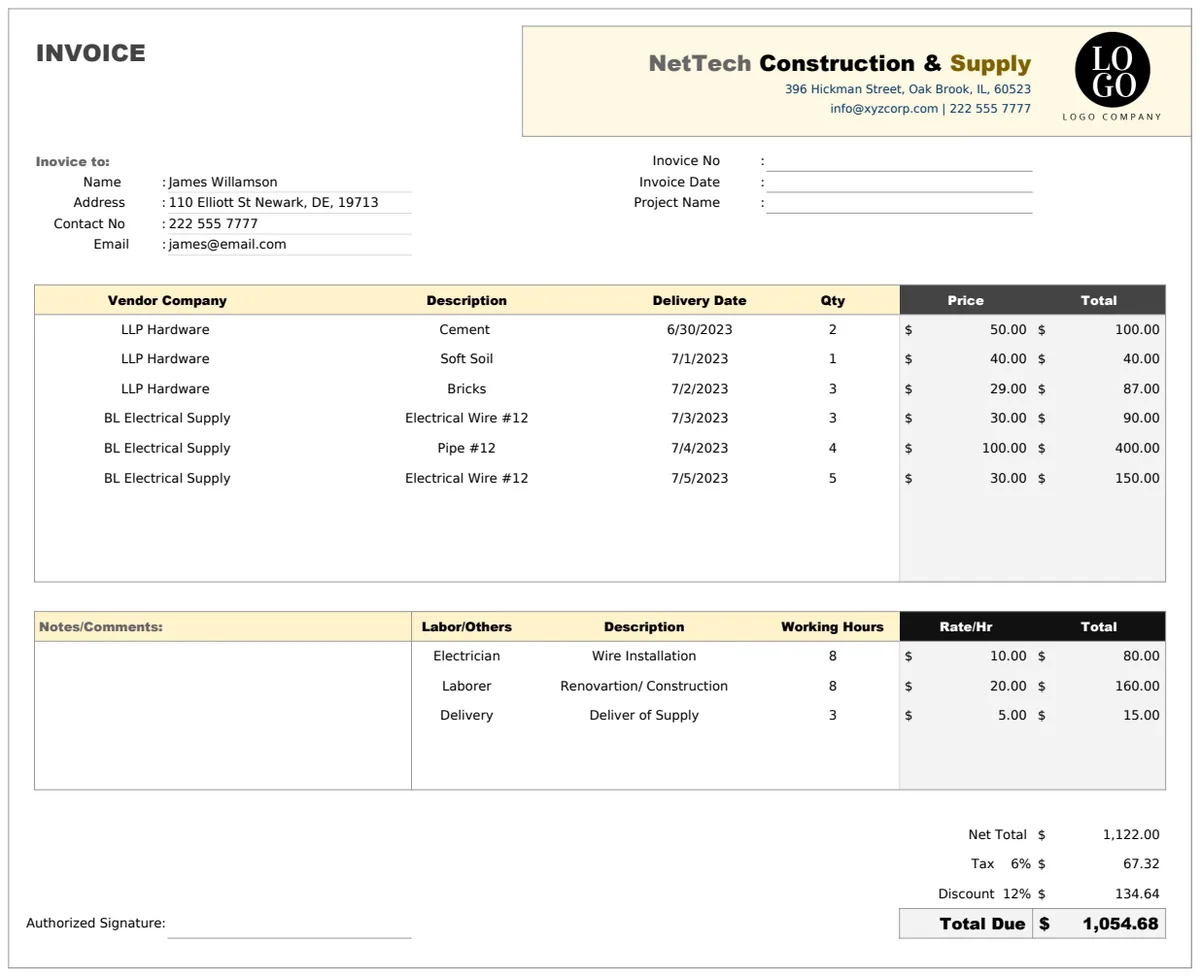
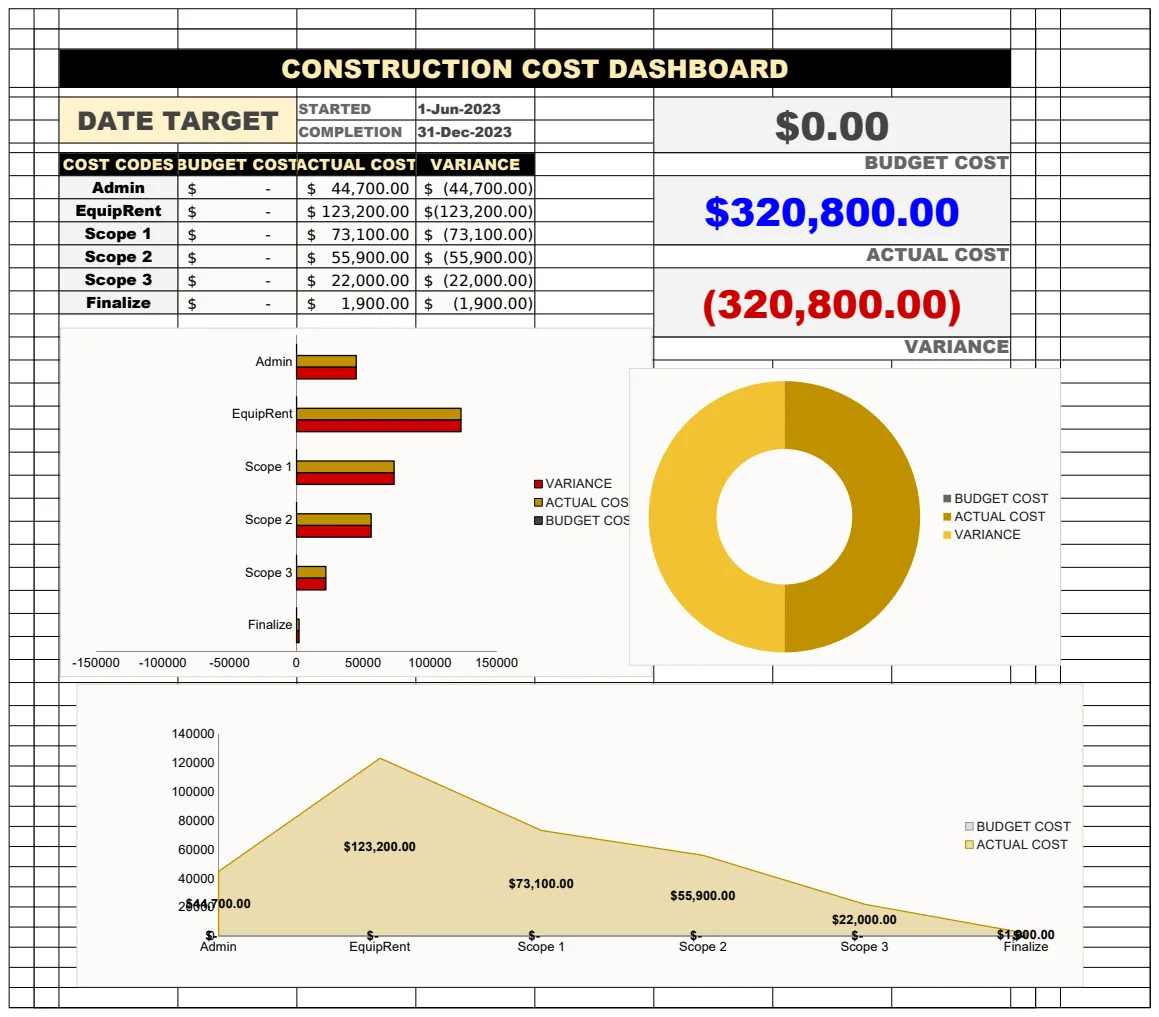
A free renovation budget spreadsheet template for Excel or Sheets
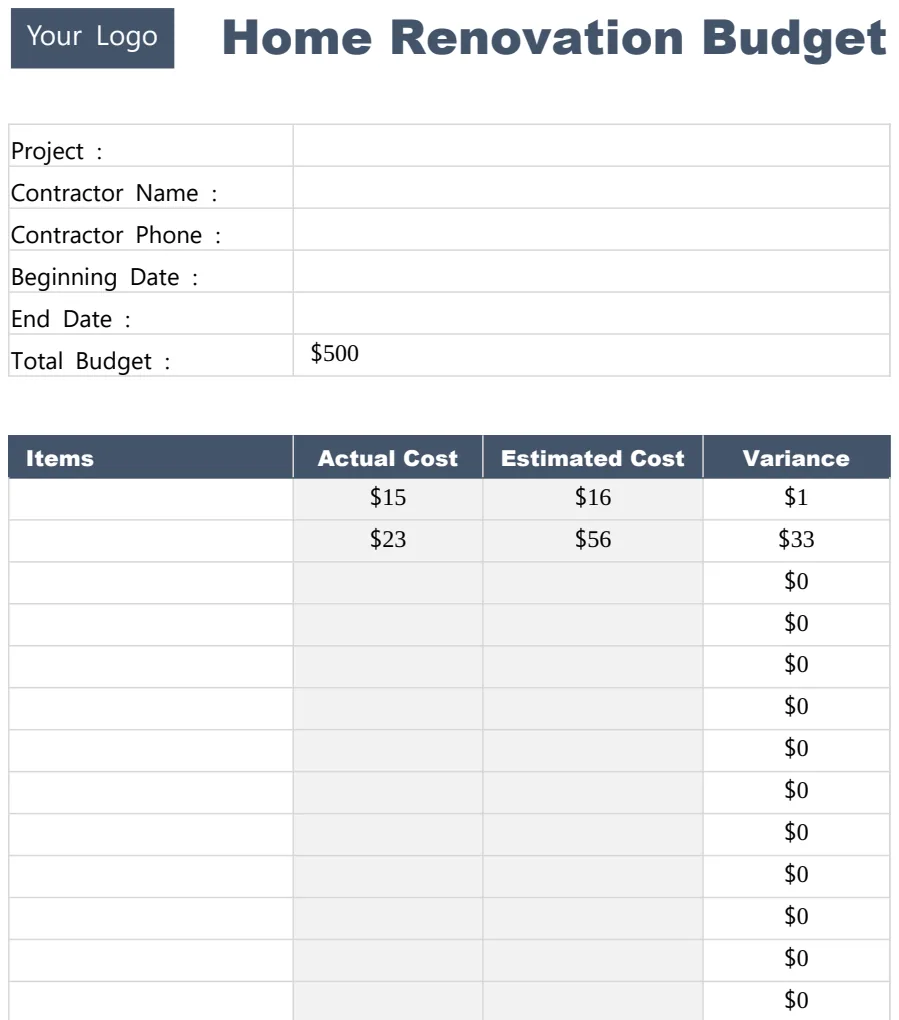
A free renovation budget spreadsheet template can help you track expenses and avoid costly surprises during your home improvement project.
The moment you realize you're over budget on your renovation often hits when the first unexpected invoice arrives. This usually happens because initial estimates don't account for the inevitable "while you're at it" additions or unforeseen structural issues that surface once walls are opened. Finding a solid renovation budget spreadsheet template free can feel like a lifeline in these situations, providing a structured way to track every dollar and prevent surprises from derailing your project.
Many people start a renovation with a vague idea of costs, perhaps based on a contractor's ballpark figure or a few online articles. However, a good template forces you to break down costs by category, materials, labor, permits, design fees, contingency, and then track actual spending against those estimates. This detailed approach is crucial for staying on track.
Why a Renovation Budget is Non-Negotiable
A renovation budget isn't just a nice-to-have; it's the financial roadmap for your project. Without one, you're essentially renovating blind, susceptible to scope creep and costly surprises. A well-maintained budget allows you to:
- Control Spending: See exactly where money is going and identify areas where you might be overspending.
- Make Informed Decisions: If you hit a snag or want to add a feature, you can quickly assess the financial impact.
- Communicate with Contractors: A clear budget provides a basis for discussion and agreement with your building team.
- Manage Expectations: Both your own and those of your family or partners involved in the project.
- Avoid Debt: Prevent the common pitfall of finishing a renovation with significant, unplanned debt.
Key Components of a Renovation Budget
When you're setting up your budget, consider these essential categories. Even with a free template, you'll want to ensure these are present or can be added.
- Design & Planning: Architect fees, interior designer costs, structural engineer reports.
- Permits & Fees: Building permits, utility connection fees, inspection costs.
- Demolition & Site Prep: Waste removal, temporary fencing, dust control.
- Materials: Lumber, drywall, flooring, paint, fixtures, appliances, cabinetry, countertops, etc. Be as granular as possible here.
- Labor: Contractor fees, plumber, electrician, painter, tile setter, general laborers. Differentiate between fixed quotes and hourly rates.
- Fixtures & Finishes: Lighting, hardware, faucets, sinks, toilets, tubs, showers.
- Appliances: Refrigerator, oven, dishwasher, microwave, washer, dryer.
- Landscaping/Exterior: If the renovation impacts the outside, include costs for grading, new plants, patio work, or new siding.
- Contingency Fund: This is critical. Aim for 10-20% of your total estimated cost to cover unexpected issues. Don't touch this unless absolutely necessary.
Setting Up Your Free Renovation Budget Template
Let's walk through how you might set up a basic renovation budget in a spreadsheet program. Many free templates provide a good starting point, but understanding the underlying structure is key.
Scenario: You're renovating your kitchen.
Spreadsheet Setup:
- 01Sheet Name: "Kitchen Renovation Budget"
- 02Columns:
- Category: (e.g., Cabinets, Countertops, Flooring, Appliances, Plumbing, Electrical, Labor - General, Labor - Contractor, Permits, Contingency)
- Sub-Category/Item: (e.g., "Base Cabinets," "Granite Countertop," "Hardwood Flooring," "Range," "Sink Installation," "New Outlet," "Demolition Crew," "General Contractor Fee," "Building Permit," "Unexpected Pipe Repair")
- Estimated Cost: Your initial best guess for each item.
- Actual Cost: What you actually spend. This is updated as you pay invoices.
- Difference: A formula to calculate
Actual Cost - Estimated Cost. This highlights over/under spending. - Payment Due Date: Helps you manage cash flow.
- Payment Date: When the invoice was settled.
- Notes: Any relevant details (e.g., "Supplier: XYZ Kitchens," "Contractor: ABC Builders," "Invoice #12345").
Formulas to Include:
- Total Estimated Cost: Use
=SUM(C:C)(assuming Estimated Cost is in Column C) to get a grand total of all estimated expenses. - Total Actual Cost: Use
=SUM(D:D)(assuming Actual Cost is in Column D) to get a grand total of all actual expenses. - Total Difference:
=SUM(E:E)(assuming Difference is in Column E). - Difference Per Item: In the "Difference" column (Column E), enter
=D2-C2in cell E2 and drag down to apply to all rows. - Contingency Tracker: You might want a separate section or cell that shows
Total Actual Cost - Total Estimated Cost (excluding contingency). This tells you how much of your contingency fund you've used.
A template like the Home Renovation Budget Template often includes these columns and pre-built formulas, saving you setup time.
Popular Free Renovation Budget Template Features
When looking for a renovation budget spreadsheet template free, keep an eye out for these helpful features:
- Itemized Breakdown: The ability to list every single material and labor cost, not just broad categories.
- Actual vs. Estimated Columns: Crucial for tracking variances.
- Contingency Tracking: A dedicated section or clear method to monitor your contingency fund usage.
- Summary Dashboard: A separate tab or section that provides an overview of total costs, variances, and spending by category.
- Conditional Formatting: Visual cues, like red for over-budget items and green for under-budget, can make tracking easier.
- Drop-down Menus: For categories or payment statuses to ensure consistency.
Common Renovation Budgeting Mistakes to Avoid
Even with a robust template, poor habits can derail your financial planning. Here are a few common mistakes:
- Forgetting the Contingency: This is the biggest mistake. Always set aside funds for the unexpected. Even a small bathroom renovation can have surprises.
- Underestimating Labor Costs: Contractors and tradespeople are skilled professionals. Their time and expertise are significant expenses.
- Not Tracking Small Expenses: Those "minor" purchases, hardware, sample pots of paint, extra screws, add up quickly. Every dollar counts.
- Failing to Update Regularly: A budget is a living document. If you don't update it weekly (or even daily during active construction), it quickly becomes useless.
- Scope Creep Without Budgetary Review: Adding "just one more thing" without checking the budget first is a fast track to overspending.
- Ignoring Permits and Fees: These can be substantial and are legally required. Don't assume they're included in a contractor's quote unless explicitly stated.
Using Your Template Effectively
Once you have your renovation budget spreadsheet template free and set up, the real work begins: diligent use.
Step-by-Step Usage:
- 01Initial Entry: Populate the "Estimated Cost" column for every line item you can foresee. Get quotes from contractors for labor and major materials. Research prices for finishes and appliances.
- 02Contingency Allocation: Determine your contingency percentage (10-20% of your total estimated cost) and add it as a line item.
- 03During Renovation - Tracking Payments: As you receive invoices, immediately enter the exact amount into the "Actual Cost" column for the corresponding item. Record the payment date.
- 04During Renovation - Updating Estimates: If a quote changes significantly or a material price increases, update the "Estimated Cost" for that item. This will affect your "Difference."
- 05Regular Review: Set aside time at least once a week to review your budget.
- Check the "Difference" column for any items that are significantly over budget.
- Assess how much of your contingency fund you've used.
- Look ahead at upcoming expenses and ensure you have the funds available.
- 06Decision Making: If you're considering a change order or an upgrade, immediately calculate its estimated cost and see how it impacts your total budget and contingency. If it pushes you over, you'll need to find savings elsewhere or adjust your scope.
Frequently Asked Questions
What if my actual costs consistently exceed my estimates?
This is a common problem, often stemming from initial underestimation or unforeseen issues. First, review your "Difference" column to see which categories are the biggest culprits. If it's labor, you might need to get more detailed quotes next time. If it's materials, explore different suppliers or alternative products. If unexpected problems are the cause, you'll need to dip into your contingency fund. If you exhaust your contingency, you'll have to make tough decisions about cutting scope elsewhere or finding additional funds.
Can I use a free template for a large commercial renovation?
While you can adapt many free templates, a large commercial renovation, like a hotel renovation, often has much more complex needs. These projects involve multiple phases, various departments, and potentially different contractors for different elements. A template like the Hotel Renovation Budget Template is designed with these specific complexities in mind, offering more granular tracking for areas like FF&E (Furniture, Fixtures, and Equipment) and specialized trades. For very large projects, consider if a more specialized or professional software solution might be warranted.
How do I handle shared costs if I'm renovating with a partner or spouse?
Clarity is key. In your budget, you can either list costs as shared and track the total, or you can create separate columns for "Your Share" and "Partner's Share" if you're splitting costs differently. Alternatively, if one person is managing payments and reimbursement, you might have a simple "Reimbursement Due" column. The most important thing is to have an explicit agreement beforehand and record it, perhaps in the "Notes" section of your budget, to avoid misunderstandings later.
Is it better to use a spreadsheet or a dedicated app for my renovation budget?
Spreadsheets, especially a well-designed renovation budget spreadsheet template free, offer immense flexibility and are often sufficient for most home projects. They are universally accessible and you have complete control over customization. Dedicated apps might offer features like photo attachments for expenses, automatic bank syncing (though less common for renovation-specific apps), or collaborative tools. For many, the simplicity and control of a spreadsheet, especially if you're already familiar with Excel or Google Sheets, make it the preferred tool. The OpenWorksheet library offers many templates, and our one-time purchase for unlimited downloads at $9 might be a consideration if you need more advanced options.