Build your construction budget spreadsheet in an hour.
Avoid common mistakes when creating your construction budget spreadsheet template and gain financial clarity.
The most common mistake people make when setting up a construction budget spreadsheet template is not creating a clear hierarchy for costs, which makes tracking and reporting a nightmare. You need to define your cost categories upfront, from broad headings like "Labor" and "Materials" down to specific line items such as "Concrete Pour" or "Electrician Wages." This structure is the backbone of any effective budget.
A well-designed construction budget spreadsheet template serves as your financial compass throughout a project. It helps you anticipate expenses, monitor spending against allocated funds, and identify potential overruns before they become major problems. Without this clarity, projects can easily spiral out of control financially.
Defining Your Cost Structure
Before you even think about formulas, map out your project's cost structure. Think in terms of phases, trades, and specific deliverables. A typical structure might look something like this:
- Project Management: Salaries for project managers, administrative staff, software licenses.
- Site Work & Preparation: Excavation, grading, utility connections, permits, temporary fencing.
- Foundations: Concrete, rebar, formwork, waterproofing.
- Framing: Lumber, steel, fasteners, labor for structural assembly.
- Exterior Finishes: Siding, roofing, windows, doors, paint.
- Interior Finishes: Drywall, flooring, cabinetry, fixtures, paint.
- MEP (Mechanical, Electrical, Plumbing): HVAC systems, wiring, plumbing fixtures, labor.
- Contingency: A buffer for unforeseen expenses, typically 5-15% of the total direct costs.
Each of these main categories should then be broken down into granular line items. For instance, under "MEP," you might have "HVAC Unit Purchase," "HVAC Installation Labor," "Electrical Panel," "Wiring," "Plumbing Fixture Supply," and "Plumbing Installation Labor."
Setting Up Your Spreadsheet Columns
Your spreadsheet needs columns that capture essential data for each line item. Here’s a breakdown of recommended columns for a robust construction budget:
- Category: (e.g., Foundations, MEP)
- Sub-Category: (e.g., Concrete, Electrical)
- Line Item: (e.g., Concrete Pour, Wiring)
- Description/Notes: Brief details about the item, supplier, or specific requirements.
- Budgeted Amount: The initial estimated cost for this line item.
- Actual Cost: The amount actually spent on this line item.
- Variance (Budget vs. Actual): Calculated as
Actual Cost - Budgeted Amount. This tells you if you are over or under budget. - Date Incurred: When the expense was paid or committed.
- Vendor/Supplier: Who you paid for the service or material.
- Status: (e.g., Planned, Ordered, In Progress, Completed, Paid)
- Invoice Number: For easy reference to supporting documentation.
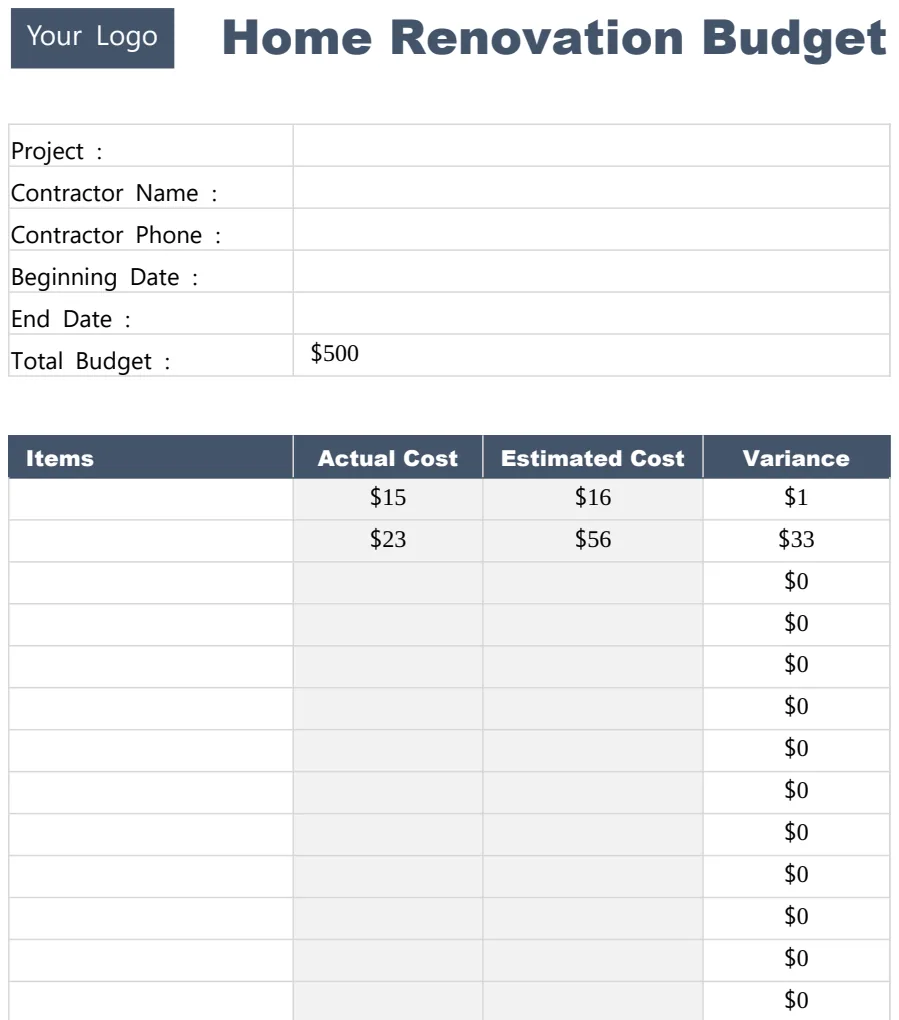
When you're starting a new project, focusing on the "Budgeted Amount" is key. A template like the Construction Budget Cost Spreadsheet Template can help you pre-populate common line items for various project types, saving you significant setup time.
Calculating Key Financial Metrics
Beyond tracking individual line items, your spreadsheet should automatically calculate crucial summary figures.
- Total Budgeted Cost: The sum of all "Budgeted Amount" entries.
- Total Actual Cost: The sum of all "Actual Cost" entries.
- Total Variance: The difference between Total Actual Cost and Total Budgeted Cost. This is a high-level indicator of project financial health.
- Budgeted Cost per Category: Summing the "Budgeted Amount" for all items within a specific category.
- Actual Cost per Category: Summing the "Actual Cost" for all items within a specific category.
- Variance per Category: The difference between Actual and Budgeted cost for each category. This helps pinpoint where issues are arising.
You can use formulas like =SUM(E2:E100) for total budgeted cost (assuming "Budgeted Amount" is in column E, rows 2 to 100) and =SUMIFS(F2:F100, A2:A100, "Foundations") to sum actual costs for items in the "Foundations" category (assuming "Actual Cost" is column F, "Category" is column A).
Tracking Actual Expenses Effectively
The "Actual Cost" column is where the rubber meets the road. To keep this accurate:
- 01Establish a Process: Decide who is responsible for entering expenses and how often. Weekly is often a good cadence for active projects.
- 02Gather Documentation: Keep all invoices, receipts, and payment confirmations organized. Make sure the amounts on these documents match what you enter into the spreadsheet.
- 03Record Promptly: Don't let expenses pile up. Enter them as soon as they are finalized or paid. This prevents forgetting details or misallocating costs.
- 04Categorize Correctly: Ensure each expense is assigned to the appropriate category and line item. A mismatch here will skew your variance calculations.
For ongoing projects that span multiple months, a template like the Monthly Construction Budget can provide a more granular view of spending patterns over time.
Implementing Variance Analysis
The "Variance" column is your early warning system. A positive variance (Actual Cost > Budgeted Amount) means you've overspent on that line item. A negative variance (Actual Cost < Budgeted Amount) means you've underspent.
- Monitor Regularly: Review your variance report daily or weekly.
- Investigate Significant Variances: Don't just note that you're over budget; understand why. Was the material cost higher than expected? Did labor hours increase due to unforeseen site conditions?
- Take Corrective Action: If a variance is significant, you need to act. This might involve finding a cheaper supplier, optimizing labor, or reallocating funds from another line item.
- Update Forecasts: Based on current spending and known future costs, update your projected total project cost.
This iterative process of tracking, analyzing, and adjusting is what makes a construction budget spreadsheet template a powerful management tool, not just a record of past spending.
Handling Contingency Funds
The contingency line item is crucial. It's not "free money" to be spent casually. It's a reserve for legitimate, unforeseen costs that arise during construction.
- Define Contingency Usage: Establish clear rules for when contingency funds can be accessed. This usually requires approval from a project manager or owner.
- Track Contingency Drawdowns: When you use contingency funds, record it clearly, noting which line item or unforeseen event it covered. This helps you understand how much of your buffer remains.
- Avoid Over-Reliance: While essential, don't assume contingency will cover all overspending. It's meant for genuine surprises, not poor planning or inefficient execution.
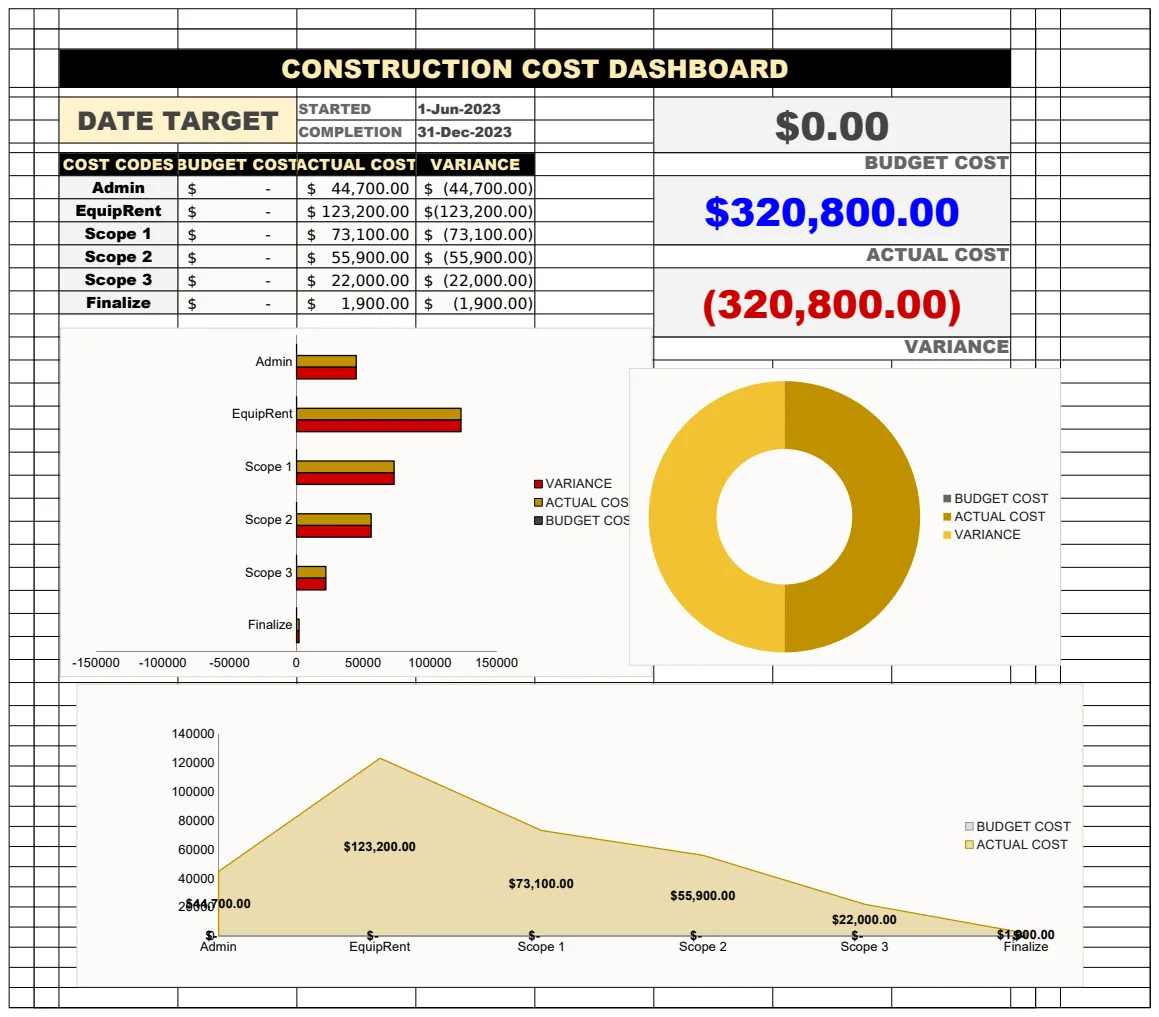
A comprehensive tool like the Construction Cost Template can help integrate contingency tracking directly into your overall project budget and cost management.
Common Mistakes to Avoid
- Inaccurate Initial Estimates: If your original budget is flawed, every subsequent calculation will be off. Do thorough research for your initial figures.
- Lack of Detail: Overly broad categories make it impossible to pinpoint specific cost drivers.
- Not Tracking All Costs: Forgetting small expenses or overhead can lead to a significant underestimation of the total project cost.
- Failing to Update: A budget that isn't regularly updated with actual costs quickly becomes irrelevant.
- Ignoring Variances: Seeing an overspend and doing nothing about it is a recipe for financial disaster.
Frequently Asked Questions
What is the best software for a construction budget spreadsheet template?
While Excel and Google Sheets are perfectly capable, the best "software" is often a template specifically designed for construction. Look for templates that pre-define categories, include common line items, and have built-in reporting features. Many of our templates, like the Construction Cost Template or the Construction Budget Cost Spreadsheet Template, are built with these needs in mind.
How do I calculate contingency in a construction budget?
A common method is to calculate a percentage of the total direct costs (labor, materials, subcontractors). This percentage typically ranges from 5% to 15%, depending on the project's complexity, predictability, and the client's risk tolerance. For a $500,000 direct cost project with a 10% contingency, you'd allocate $50,000.
Can a simple spreadsheet track construction costs effectively?
Yes, but it requires discipline. For smaller, less complex projects, a well-organized spreadsheet can be entirely sufficient. However, as projects grow in scale and complexity, dedicated construction management software might offer more advanced features for scheduling, document control, and real-time collaboration, which a basic spreadsheet cannot replicate.
How often should I update my construction budget spreadsheet?
For active projects, updating at least weekly is recommended. This ensures that you are capturing costs promptly and can react to variances quickly. For projects in earlier planning stages, monthly updates might suffice as estimates solidify. The key is consistency.