Category
Automation and AI Workflows
Step-by-step Google Sheets and Excel guides, downloadable templates, and AI productivity workflows — practical enough to use today, specific enough to actually work.
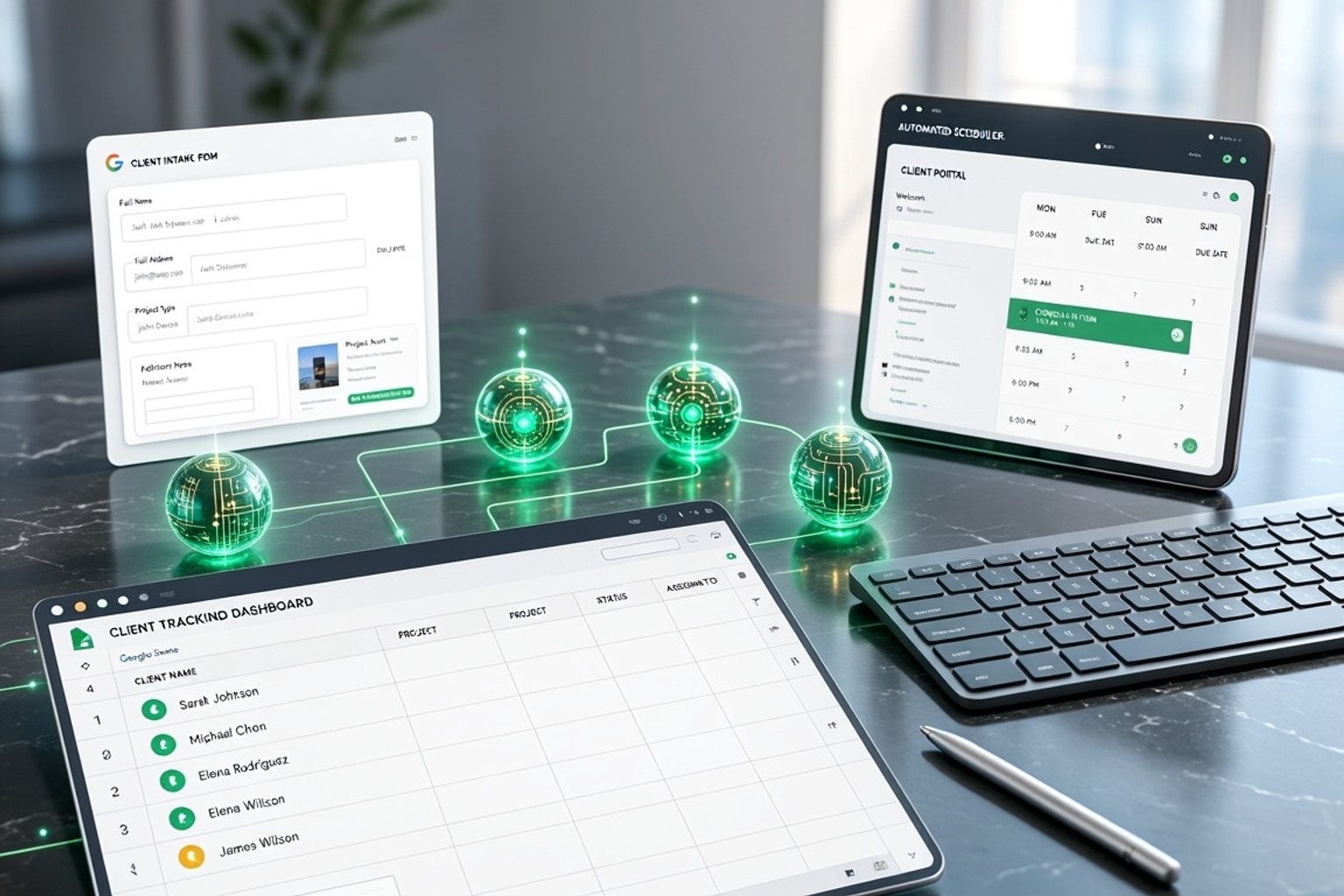
Automate Freelance Onboarding: 7 Google Sheets Strategies
Freelancers often juggle client work, marketing, and administrative tasks. Manual client onboarding adds unnecessary friction, turning what should be an exciting start into a tedious chore. This ineff...
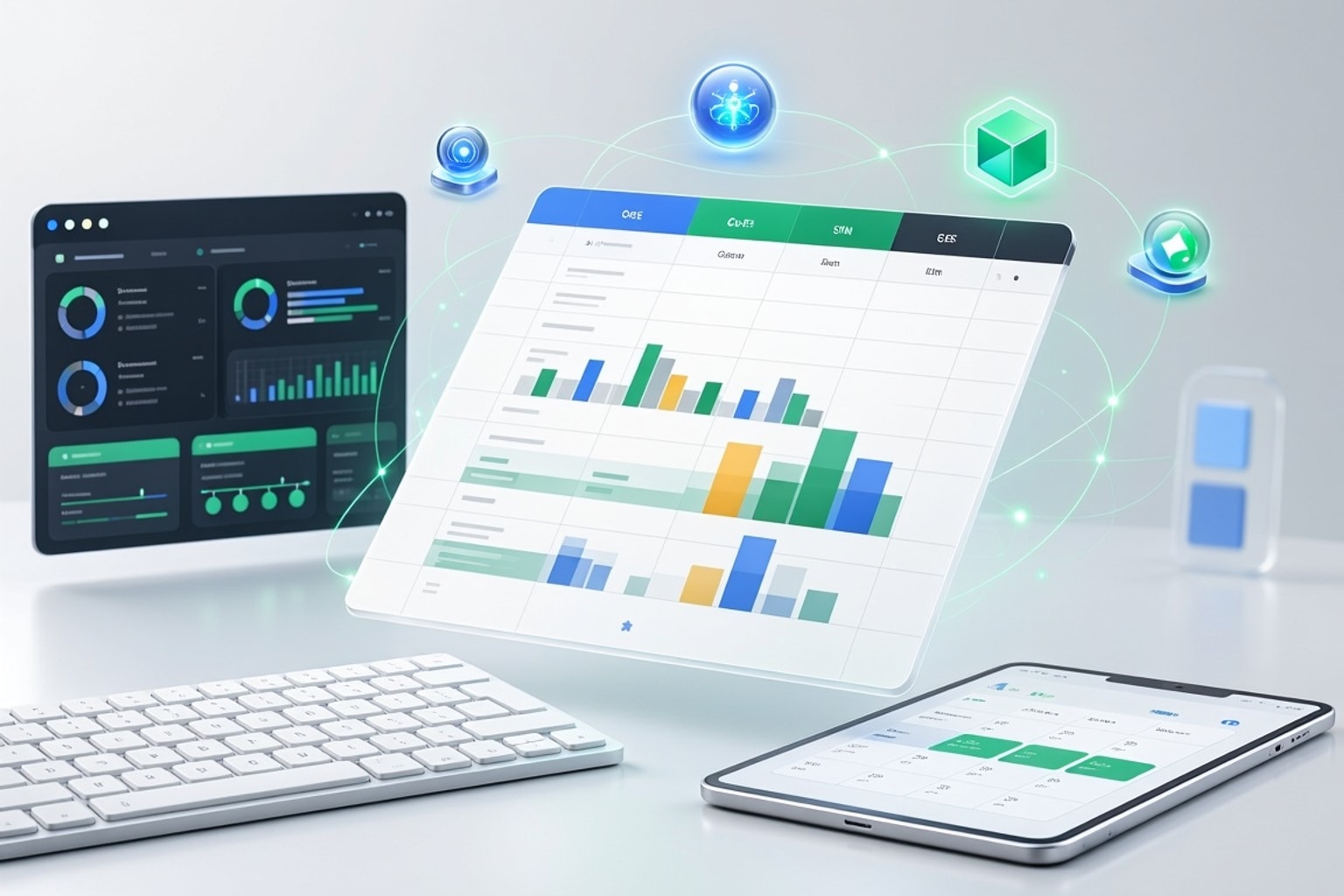
Automate Sales CRM: 5 AI Workflows for Google Sheets in 2026
Sales teams today face relentless pressure to close deals faster and more efficiently. Traditional sales processes, burdened by manual data entry and disjointed systems, simply can't keep pace. Integr...
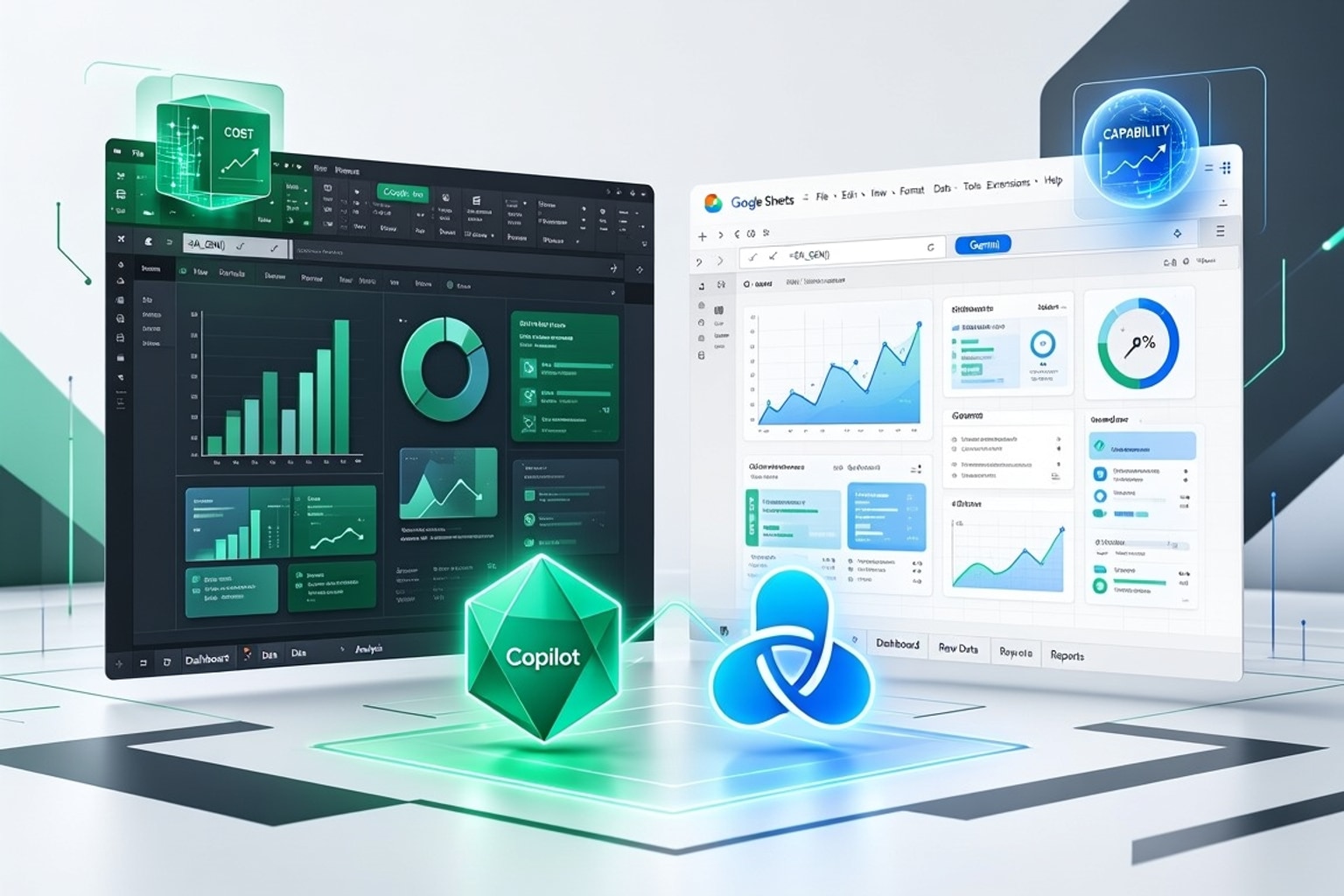
Copilot vs. Gemini: Excel & Sheets AI for SMBs in 2026
Small and medium businesses SMBs face a critical decision in 2026: which AI spreadsheet assistant best fits their operations. Microsoft's Copilot for Excel and Google's Gemini for Sheets both promise...

Master the =AI() Function in Google Sheets: 5 Pro Tips for 2026
Google Sheets now offers a powerful new tool for data analysis: the =AI function. This transformative feature brings large language model capabilities directly into your cells, streamlining tasks that...
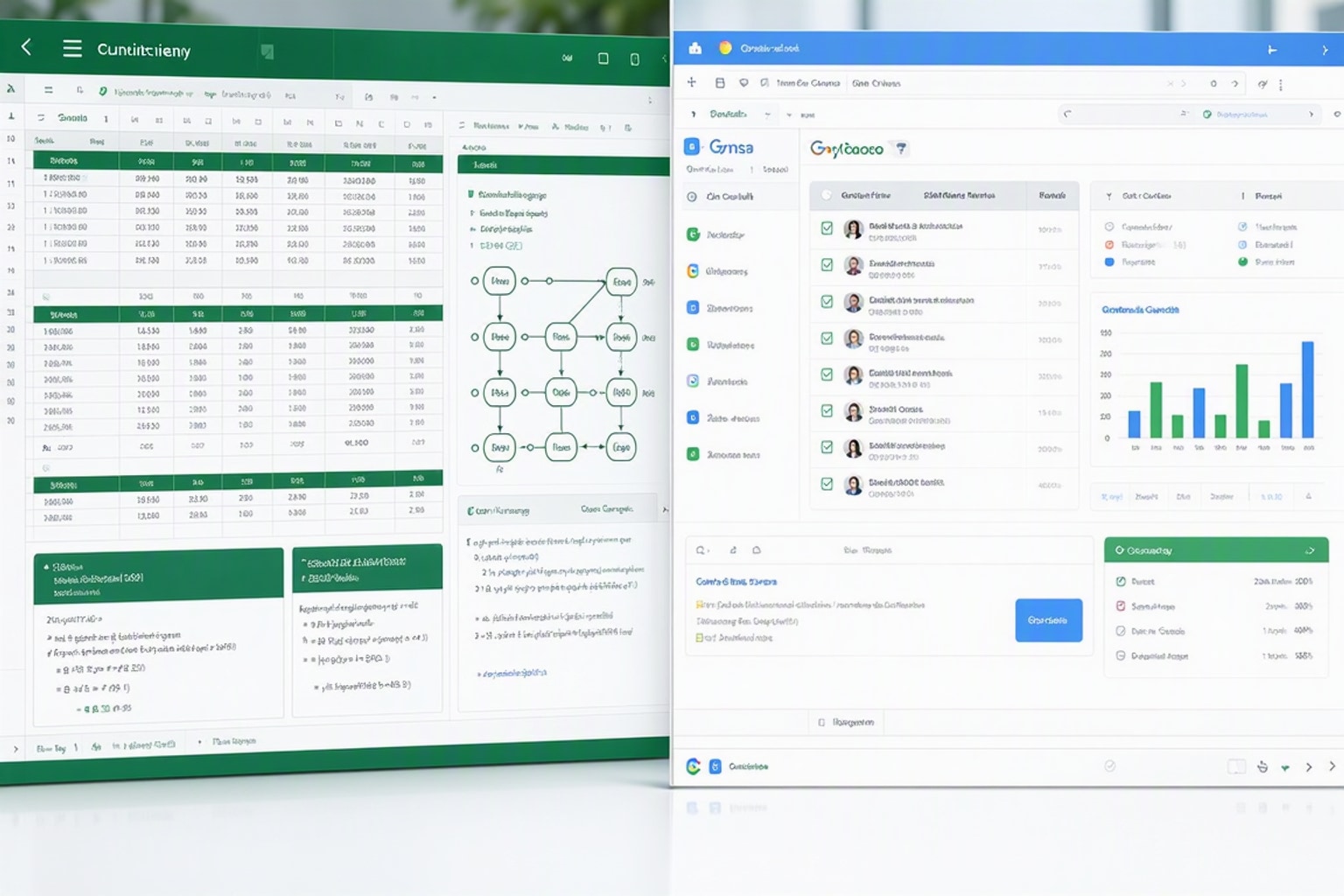
Excel vs Google Sheets 2026: 7 Key Differences & AI Features
Choosing between Excel and Google Sheets in 2026 isn't about picking the "better" tool. It's about matching the platform to your workflow, team size, and technical requirements. The gap between these...

Google Sheets AI: 7 Powerful Tools & the New =AI() Function (2026)
Google Sheets stopped being just a place to store numbers the moment AI moved in. As of June 2026, you can ask a spreadsheet to score leads, categorize customer feedback, write formulas in plain Engli...