Copilot vs. Gemini: Excel & Sheets AI for SMBs in 2026
Small and medium businesses SMBs face a critical decision in 2026: which AI spreadsheet assistant best fits their operations. Microsoft's Copilot for Excel and Google's Gemini for Sheets both promise...
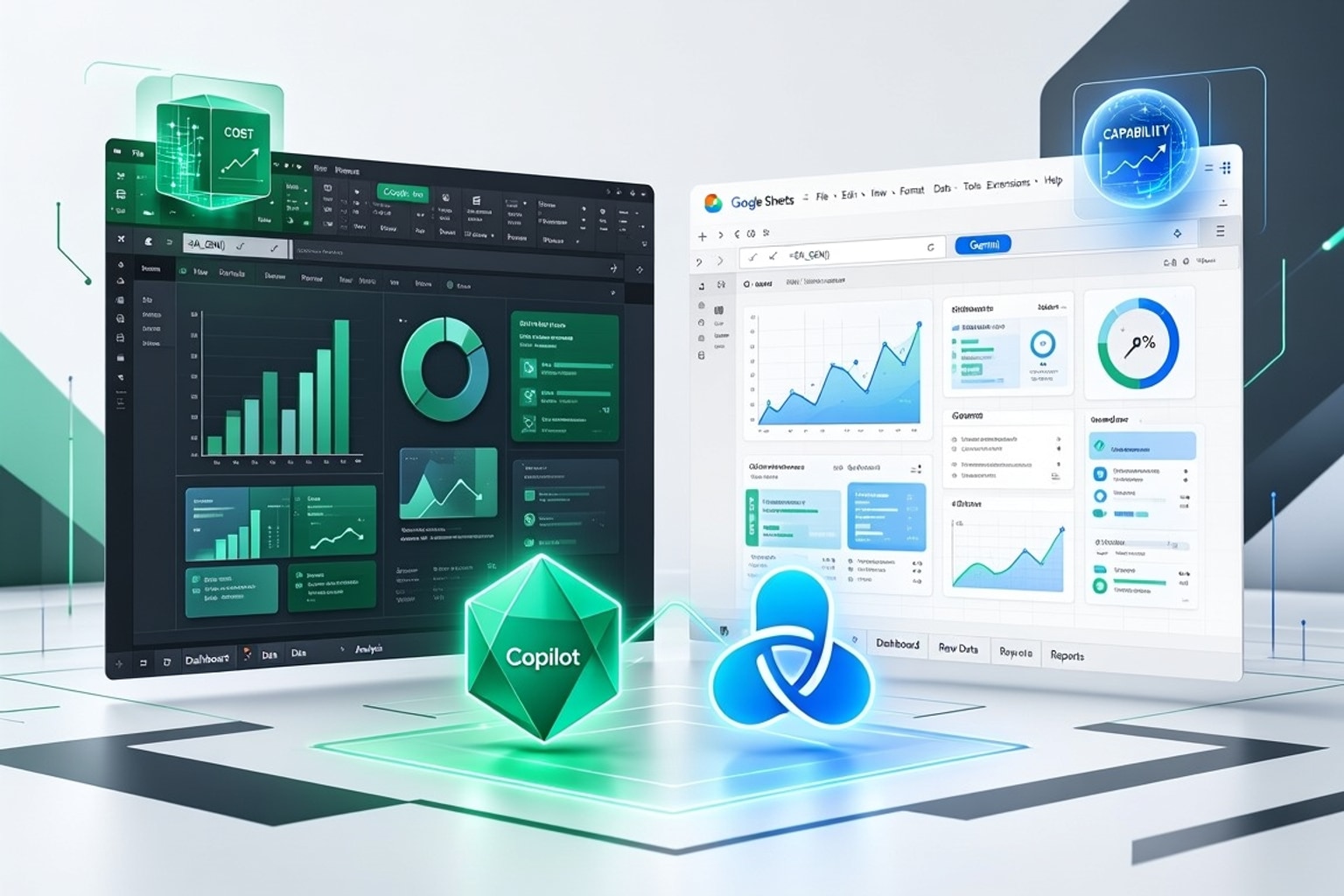
Excel Copilot vs. Google Sheets Gemini: Choosing Your AI Spreadsheet Partner in 2026
Small and medium businesses (SMBs) face a critical decision in 2026: which AI spreadsheet assistant best fits their operations. Microsoft's Copilot for Excel and Google's Gemini for Sheets both promise to transform data handling. The right choice hinges on your existing tech stack, budget, and specific workflow needs.
The AI Evolution in Spreadsheets: What's New for SMBs
AI assistants in spreadsheets are no longer futuristic concepts; they are productivity tools available today. These systems automate formula creation, analyze data patterns, and even clean messy datasets. For SMBs, this means less time on manual tasks and more time on strategic decision-making.

The core benefit is reducing the "review time" for data, allowing operators to focus on growth. These AI tools integrate directly into the spreadsheet environment, making advanced analytics accessible without specialized data science skills. This accessibility is a game-changer for businesses without dedicated analytics teams.
Cost Comparison and Total Cost of Ownership (TCO)
Understanding the financial outlay for AI tools requires looking beyond just the monthly subscription. SMBs must consider licensing, integration, and training costs to determine true total cost of ownership. The cheapest option upfront might not be the most economical long-term.
Microsoft Excel Copilot Pricing Structure
Copilot in Excel typically costs $30 per user per month as an add-on to a qualifying Microsoft 365 plan, as of May 2026. Microsoft 365 Copilot Business is available at a promotional rate of $18 per user per month through December 31, 2026. This promotional pricing offers a significant short-term saving for new adopters. However, be aware of Microsoft's announced July 2026 price increases of 13-17% across commercial plans, with AI capabilities bundled into some tiers.
Google Sheets Gemini Pricing Tiers
Google's Gemini offers tiered pricing. Gemini Business costs around $20 per user per month, while Gemini Enterprise is approximately $30 per user per month. These prices are in addition to the underlying Google Workspace plan. The choice between tiers depends on the level of advanced features and support required.
Hidden Costs and Long-Term Value for Small Businesses
Beyond subscriptions, consider integration efforts and team training. Switching productivity suites just for AI is rarely cost-effective due to high migration costs and learning curves. Investing in the AI that enhances your existing platform usually provides better long-term value. Training costs for employees to effectively use new AI features also add to the TCO.
Ecosystem Integration and Workflow Synergy
The real power of these AI assistants comes from their deep integration within their respective productivity suites. Seamless integration means less friction and more productivity in daily operations. Your existing tech stack heavily influences which AI offers better synergy.
Copilot's Deep Dive into Microsoft 365
Copilot integrates deeply across Microsoft 365 applications, not just Excel. It can pull data from Word documents, summarize Outlook emails, and create PowerPoint presentations based on your spreadsheet analysis. This unified experience streamlines workflows for businesses already entrenched in the Microsoft ecosystem. For example, Copilot can generate a sales report summary in Word directly from an Excel sales forecast.
Gemini's Collaborative Edge in Google Workspace
Gemini shines within Google Workspace, leveraging its cloud-native architecture for superior collaboration. It enhances Google Sheets, Docs, and Slides with real-time AI assistance. Its strength lies in facilitating team projects, where multiple users work simultaneously on documents and spreadsheets. Gemini can suggest improvements to a shared marketing budget in Sheets while team members are actively editing it.
Practical Workflow Checklist: Integrating AI into Your Daily Tasks
To assess fit, consider a practical checklist. Does the AI integrate with your CRM, accounting software, or project management tools? Will it automate repetitive data entry tasks you currently perform? Does it support your team's current collaboration habits, or require new ones?
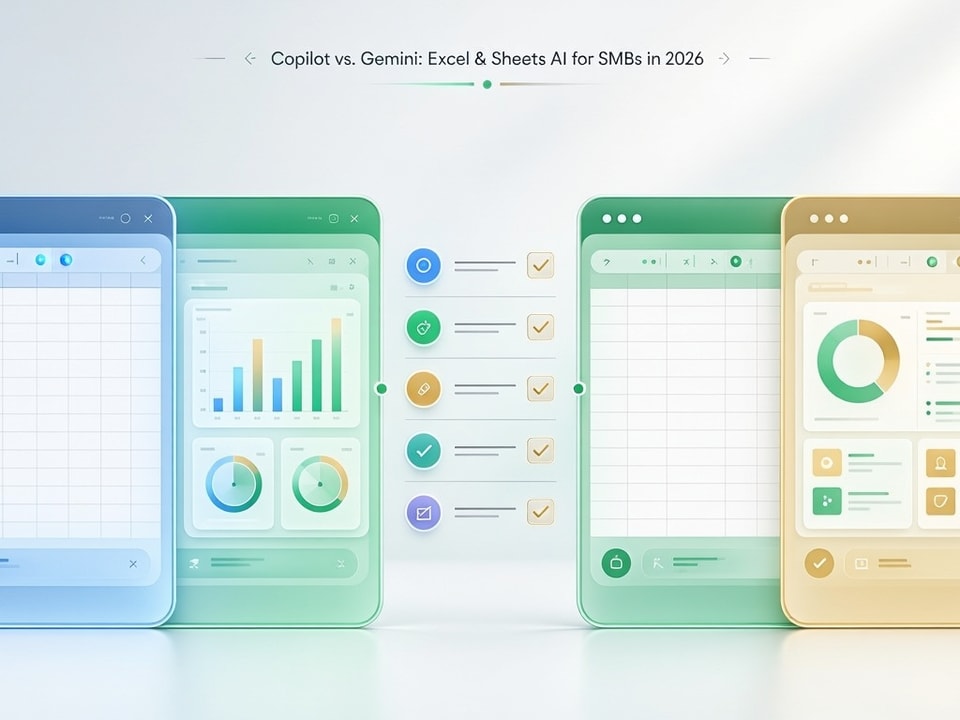
For example, if your team primarily uses Google Drive for shared documents and real-time editing, Gemini's collaborative features will be a natural extension. If your finance team relies heavily on complex Excel models linked to other Microsoft applications, Copilot offers a more integrated solution.
Performance and Capabilities: A Head-to-Head Spreadsheet Showdown
Both Copilot and Gemini offer impressive AI features, but their specific strengths cater to different needs. Understanding these nuances is key to selecting the best tool for your spreadsheet tasks.
AI-Powered Formula Generation and Data Analysis
Copilot excels in generating complex Excel formulas with high precision, especially for financial modeling. It understands Excel's vast function library and can create multi-layered formulas from natural language prompts. Gemini in Sheets is also adept at formula creation and data interpretation, offering insights from smaller, more agile datasets common in Google Sheets. The consensus across expert reviews indicates Copilot has a slight edge for intricate, Excel-specific calculations.
Advanced Data Cleaning and Transformation with AI
Data cleaning is a common pain point for spreadsheet users, and both AI tools tackle it. Copilot can identify and suggest corrections for inconsistencies in large Excel datasets. Gemini offers robust data transformation capabilities within Google Sheets, particularly useful for preparing data for dashboards and reports. Its natural language processing can parse unstructured data more effectively for cleaning.
Collaborative AI Features in Real-Time
Gemini's collaborative features are a standout. It can provide real-time suggestions and analysis in a shared Google Sheet, making it ideal for team-based data projects. Copilot also supports collaboration within Microsoft 365, but Gemini's cloud-native design gives it an advantage in simultaneous, real-time co-editing scenarios.
Context Window and Model Performance Benchmarks
Google Gemini's 2 million token context window is a significant advantage, five times larger than Copilot's 400,000 tokens. A larger context window means the AI can process and understand more information in a single query, leading to more nuanced and accurate responses. Gemini 3.1 Pro scores 94.3% on the GPQA Diamond benchmark, a leading measure of general problem-solving ability, while Copilot is not listed among top performers on this specific benchmark. This indicates Gemini's underlying model may have a broader understanding for complex tasks.
Strategic Decision-Making for SMBs: Which AI is Right for You?
Choosing between Copilot and Gemini isn't about which is inherently "smarter," but which reduces review time and improves workflows within your existing tools. Most SMBs should enhance their current productivity suite rather than switch ecosystems.
Assessing Your Current Tech Stack and Future Needs
Start by auditing your current software. Do you primarily use Microsoft 365 or Google Workspace? How deeply integrated are your existing documents, emails, and calendars with either platform? Consider your growth projections; will your data processing needs scale more effectively with one platform over the other?
Use Case Specialization: When Copilot Excels
Copilot is the superior choice for SMBs heavily reliant on complex Excel spreadsheets for financial modeling, detailed budgeting, and in-depth data analysis. If your business uses intricate pivot tables, VBA macros, or extensive external data connections within Excel, Copilot's deep integration will accelerate your work. It's particularly strong for finance, accounting, and operations teams using Microsoft's ecosystem.
Use Case Specialization: When Gemini Shines
Gemini excels for SMBs that prioritize real-time collaboration, cloud-based workflows, and a flexible, interconnected Google Workspace environment. Marketing teams, project managers, and educational institutions often find Gemini's collaborative features and broader context window more beneficial. It's ideal for businesses that value agility and shared document editing in the cloud.
When to Leverage Pre-Built Templates for Faster Setup
Regardless of your AI choice, pre-built templates can dramatically shorten setup time and reduce errors. Instead of building complex spreadsheets from scratch, a template provides a robust, pre-formatted structure. This allows you to immediately apply AI features to your data, accelerating insight generation.
Recommended Resources
Start with the dashboard structure already built
These templates help you bypass the blank sheet and jump straight to analysis.
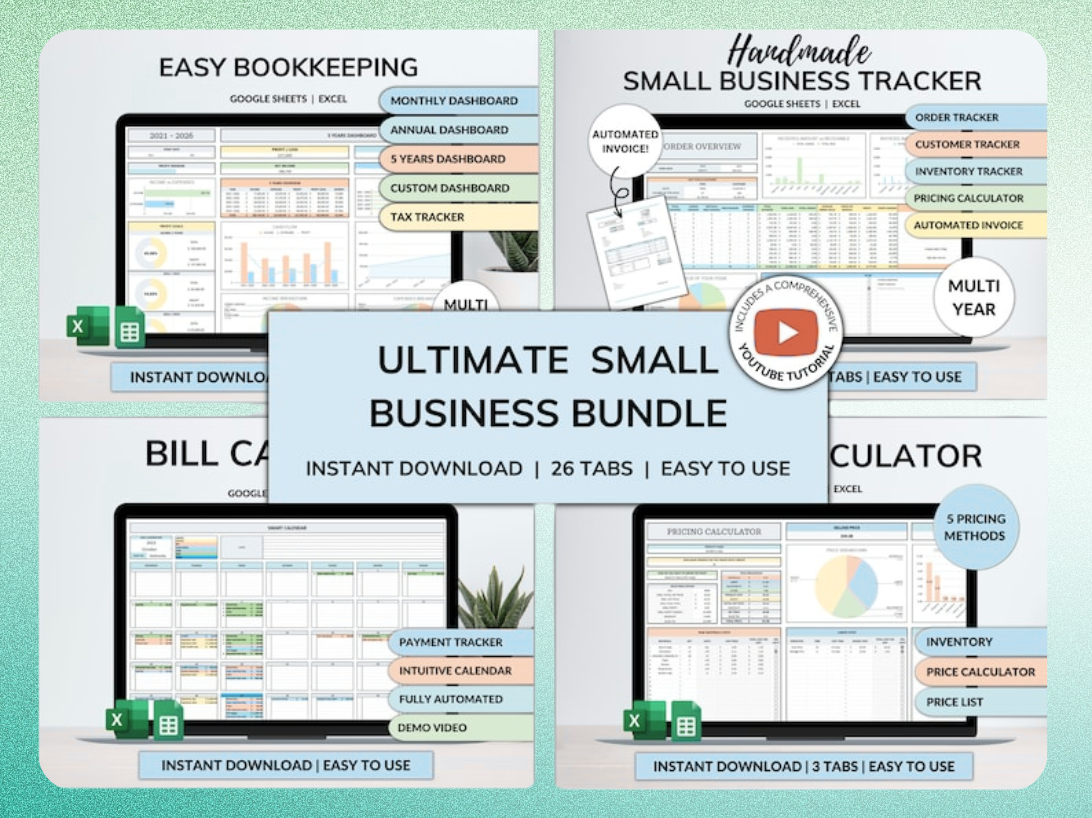
Ultimate Small Business Bundle Templates - Google Sheet + Ms Excel
All-in-One Spreadsheets for Bookkeeping, Inventory, Orders, Billing & Pricing Save Hours Every Week: Automate data entry and dashboards so you can focus on growth, not spreadsheets.
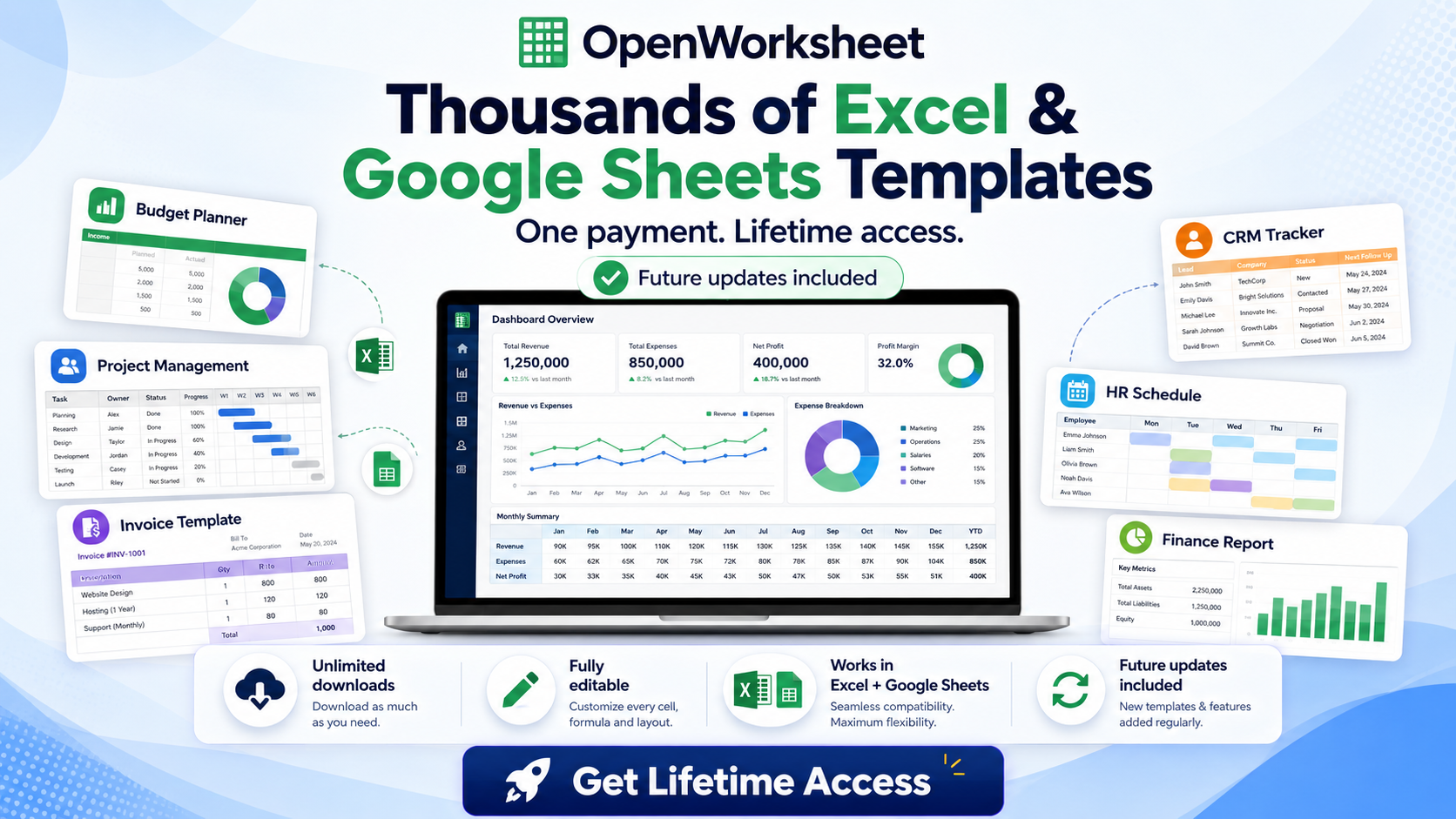
Thousands of Spreadsheet Templates Mega Library – Google Sheet Supported
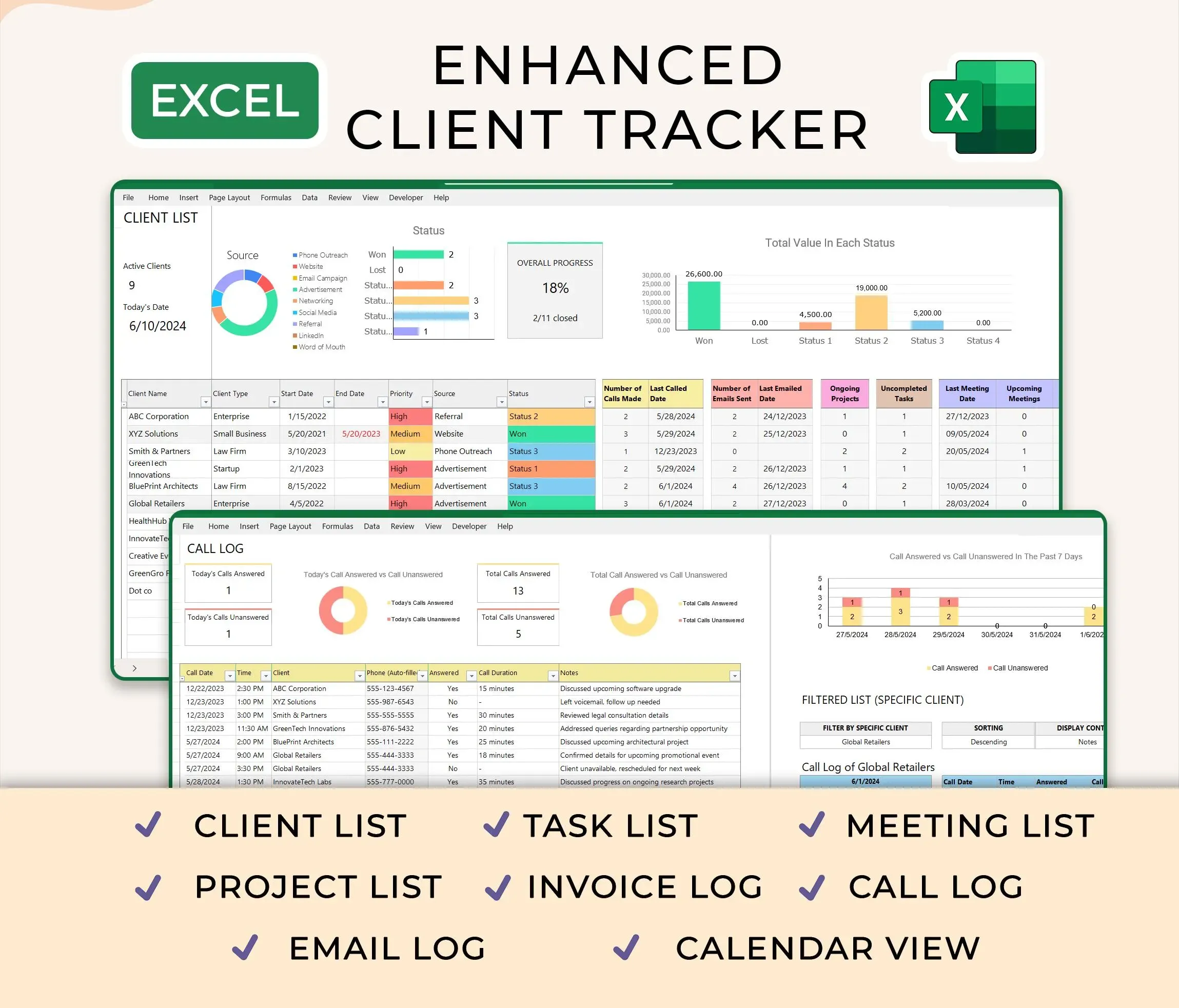
Ultimate Client Tracker CRM Template – Google Sheet & Ms Excel Versions
For example, using an Ultimate Small Business Bundle Template means you have a ready-made structure for bookkeeping, inventory, and orders. You can then use Copilot or Gemini to analyze this data instantly, without spending hours on initial setup. These templates are available for both Google Sheets and Excel, ensuring compatibility with your chosen AI.
Avoiding Common Pitfalls: Maximizing Your AI Spreadsheet Investment
Implementing AI in your spreadsheets requires more than just subscribing to a service. Strategic planning helps you avoid common pitfalls and maximize your return on investment.
Overcoming Data Privacy and Security Concerns
Both Microsoft and Google have robust security protocols, but SMBs must still exercise caution. Understand how your data is processed and stored by the AI. Implement strict internal data governance policies. For highly sensitive data, consider anonymization or limiting AI access to specific, less critical datasets. Always review AI-generated content for accuracy and potential data leaks.
Training Your Team for AI Adoption
Successful AI adoption hinges on effective team training. Provide clear tutorials and practical examples of how to use Copilot or Gemini in daily tasks. Encourage experimentation and establish a feedback loop for continuous improvement. A well-trained team will leverage AI effectively, leading to higher productivity and job satisfaction.
Automation Options and Future-Proofing Your Spreadsheets
Consider how your chosen AI integrates with other automation tools. Can it trigger actions in other applications based on spreadsheet data? Explore ways to combine AI capabilities with Zapier, Make, or Google Apps Script/VBA for end-to-end workflow automation. This approach future-proofs your spreadsheets, making them more dynamic and responsive to evolving business needs.
Get the newsletter
One sharp idea every Sunday.
No fluff. No sales pitches. Just the best of what we publish, hand-picked.
Continue Reading
Related Articles

Automate Freelance Onboarding: 7 Google Sheets Strategies
Freelancers often juggle client work, marketing, and administrative tasks. Manual client onboarding adds unnecessary friction, turning what should be an exciting start into a tedious chore. This ineff...

Automate Sales CRM: 5 AI Workflows for Google Sheets in 2026
Sales teams today face relentless pressure to close deals faster and more efficiently. Traditional sales processes, burdened by manual data entry and disjointed systems, simply can't keep pace. Integr...

Master the =AI() Function in Google Sheets: 5 Pro Tips for 2026
Google Sheets now offers a powerful new tool for data analysis: the =AI function. This transformative feature brings large language model capabilities directly into your cells, streamlining tasks that...